Texture packsBedrock
Onscreen Compass & Clock UI Textures
Bedrock texture pack listed for Minecraft 1.16. File opened and checked on 3 Oct 2026; installs from the MC Bedrock Mods app on Android.
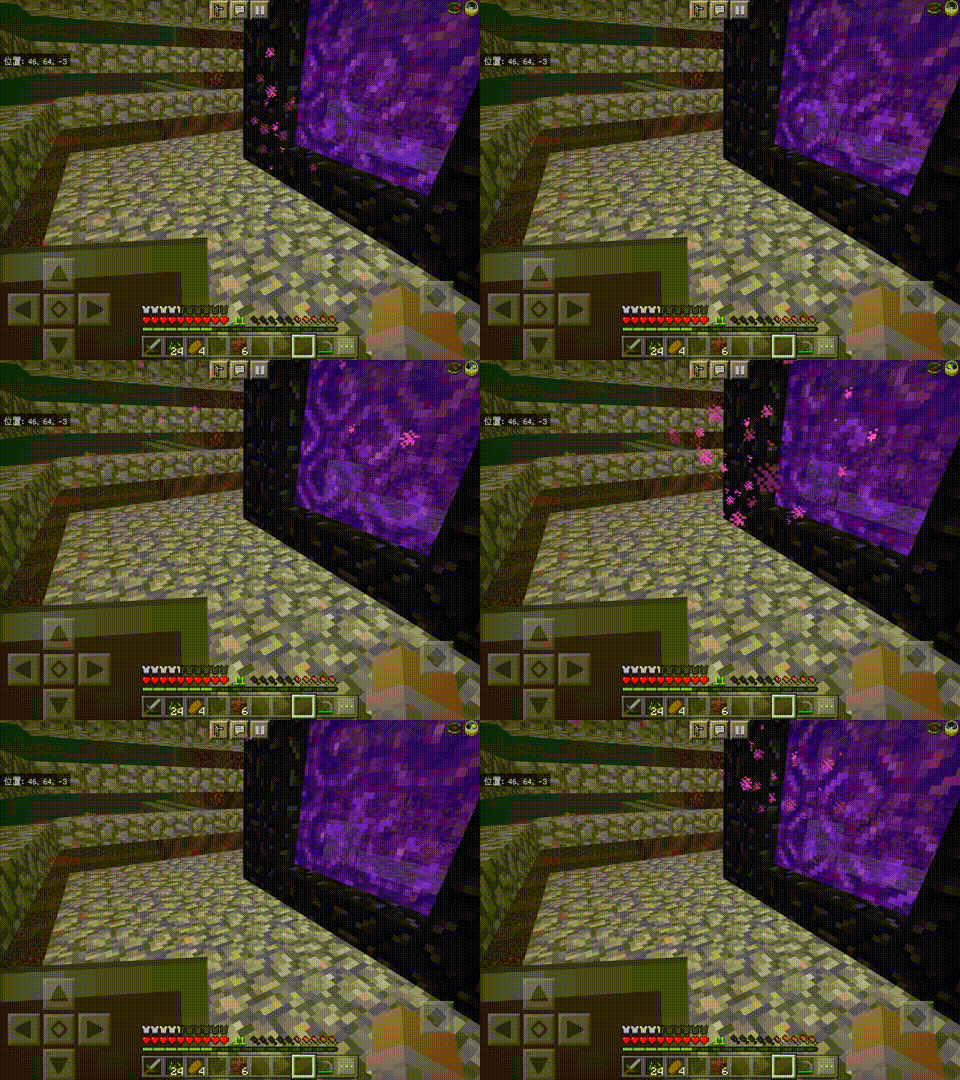
Why waste gold and iron on creating a compass or clock in Minecraft? You don't need to do this if a compass and clock are always visible on your screen…
⬇ Download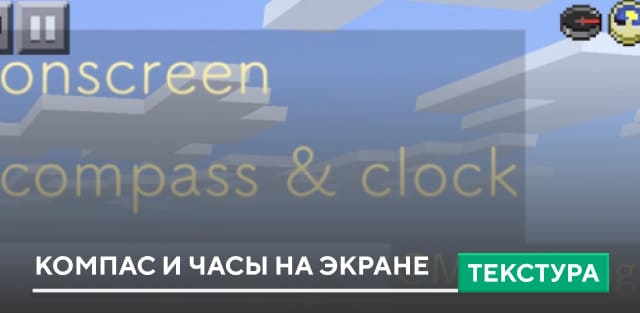
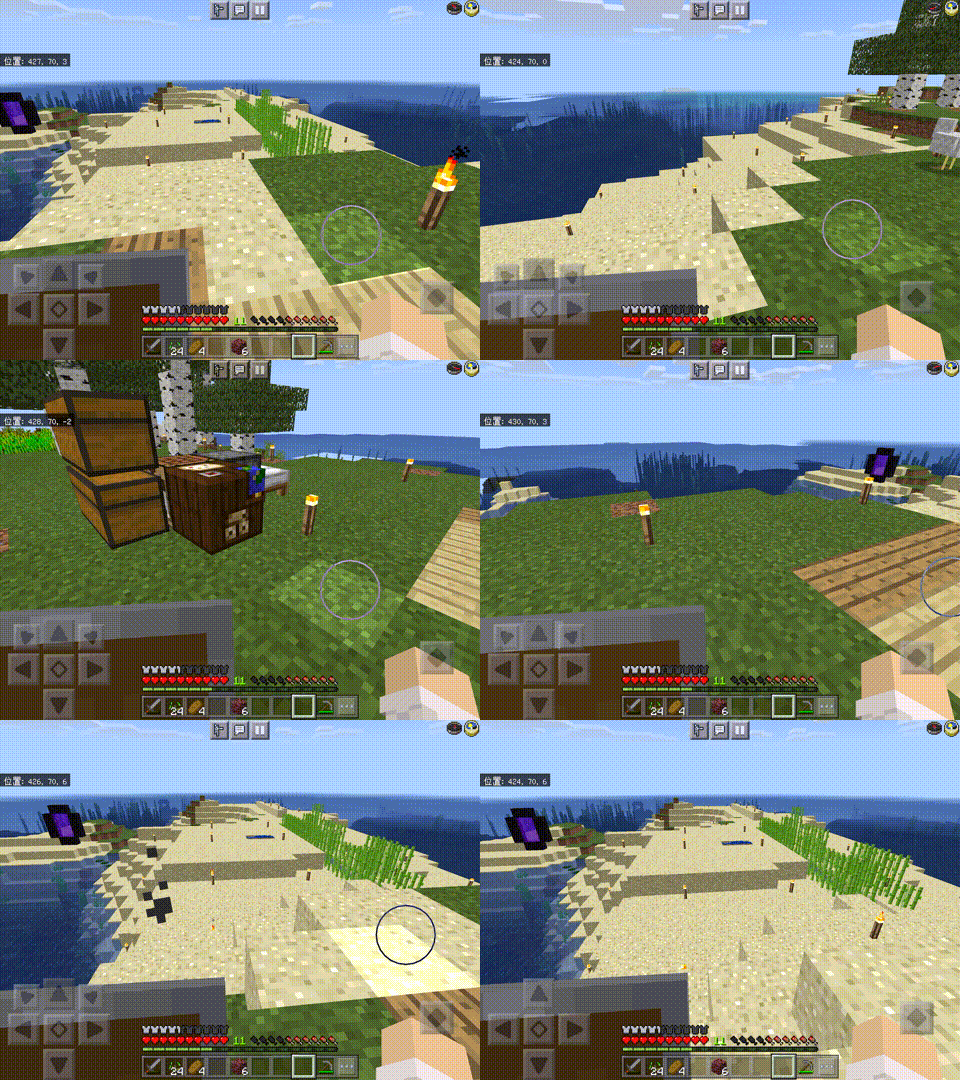
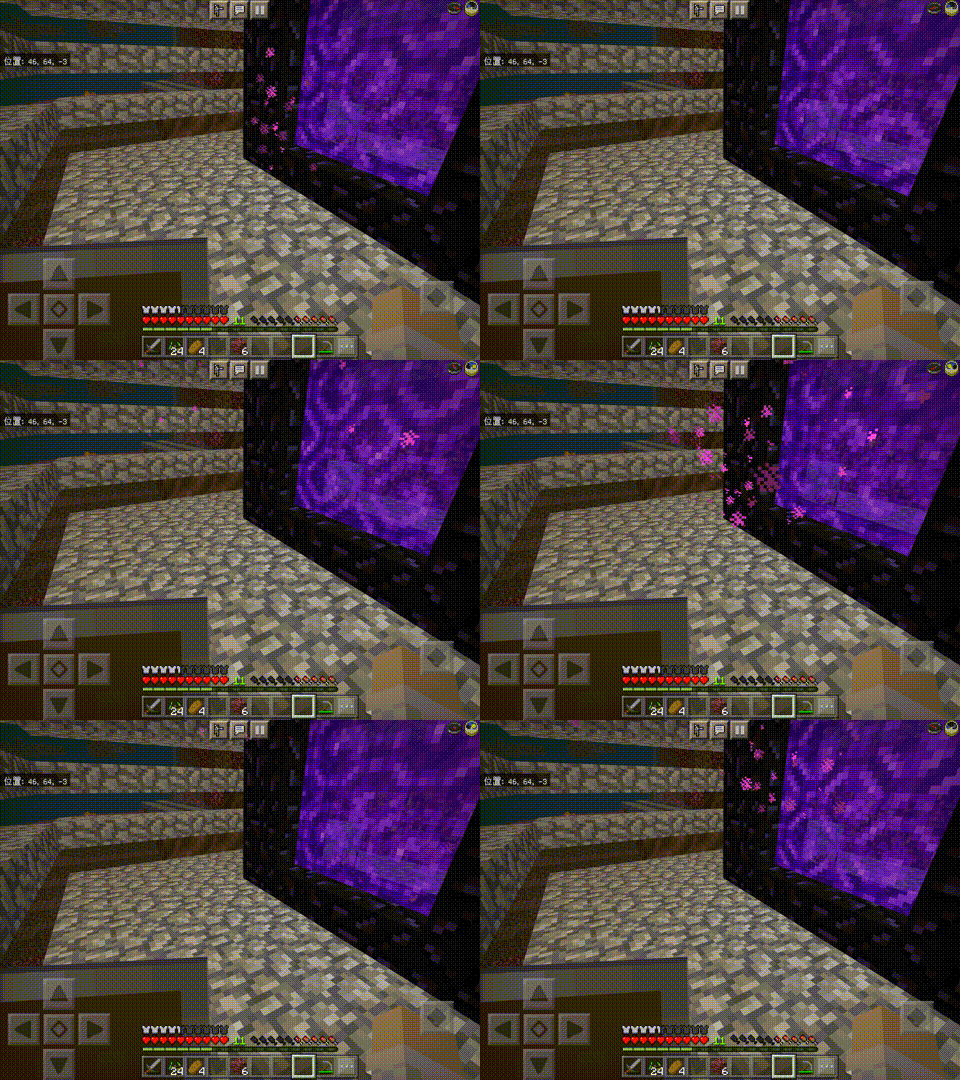

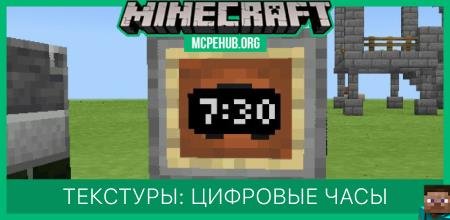
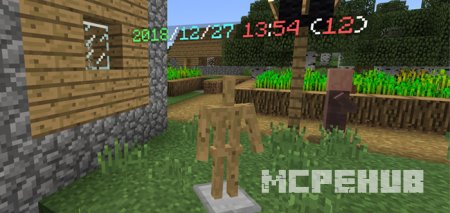

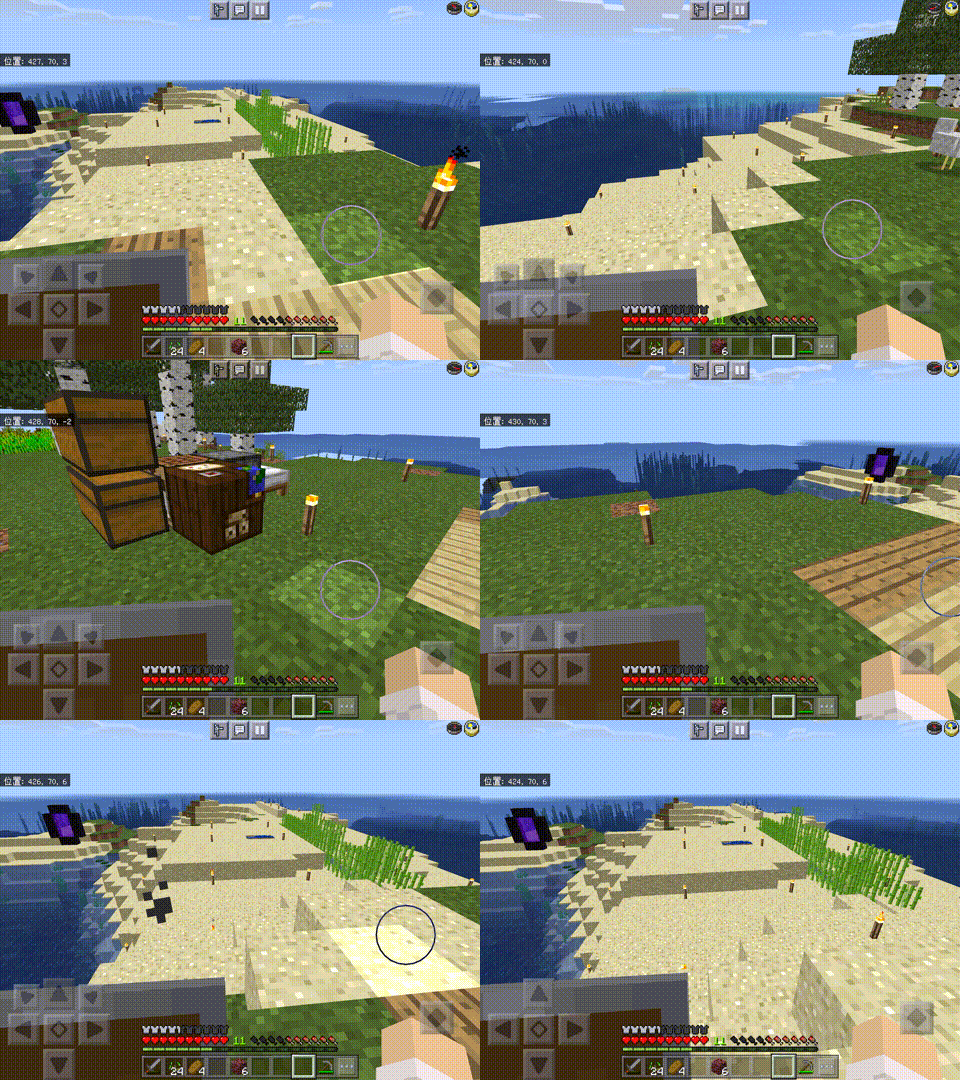
Зачем тратить золото и железо на создание компаса или часов в Minecraft? Этого вовсе не нужно делать, если на твоем экране всегда будут видны компас и часы: все крайне просто и понятно. Текстуры Onscreen Compass & Clock UI добавляют на экран пользователя постоянно работающие часы и компас, чтобы игрок мог ориентироваться в пространстве. Они будут представлены в верхнем правом углу. Удобное и полезное дополнения для всех.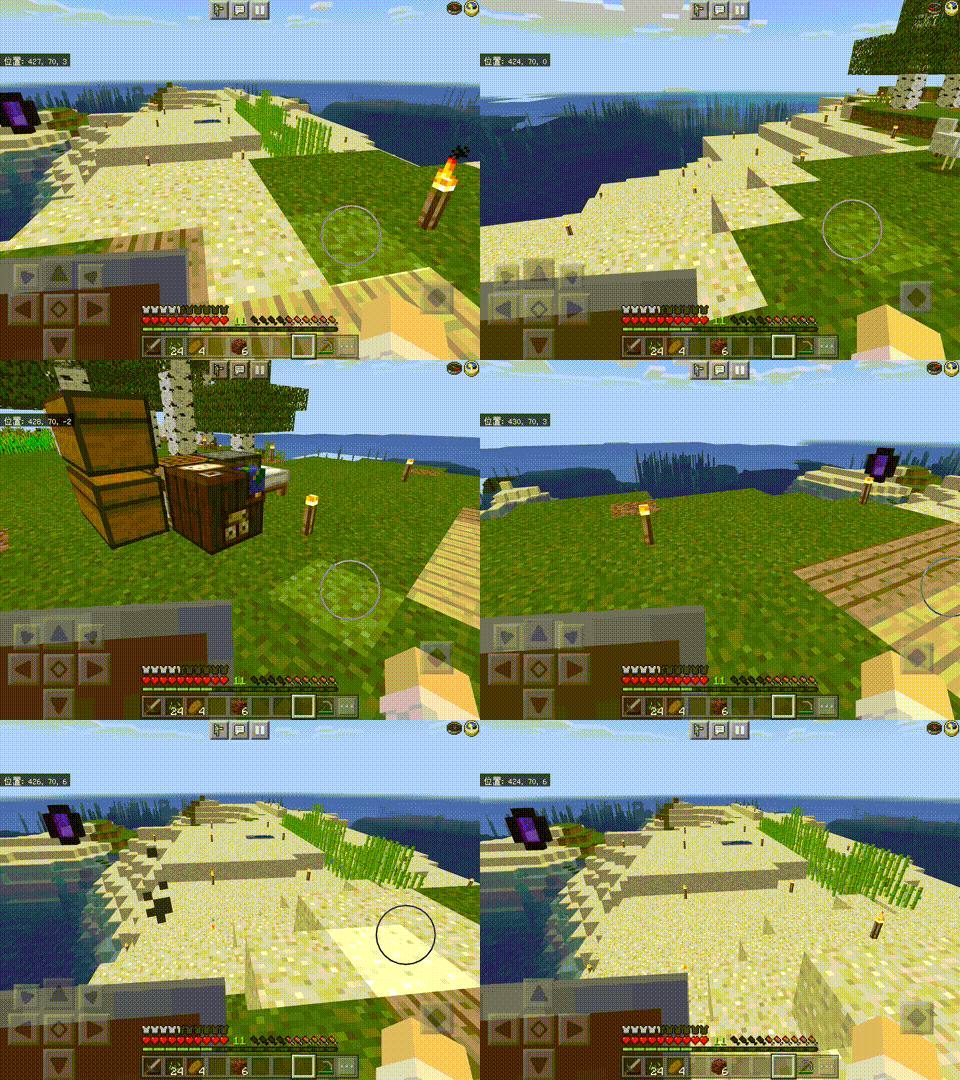
Quick facts
- Edition: Minecraft Bedrock
- File type: .mcpack
- Minecraft versions listed: 1.16.210, 1.16.201, 1.16.200
- How to install: Download the .mcpack. → Open it — Minecraft imports it under Resource Packs. → Activate it in Global Resources, or for one world under Resource Packs → Available.
- Where to get it: In MCModsHub, or directly above on this page.
Install steps are the general flow for this file type — How to install Minecraft Bedrock texture packs walks through it step by step.
File checked by MCModsHub
- Save it as 187022.mcaddon before opening — it downloads as .mcpack, but it is a .mcaddon pack
- Manifest requires Minecraft 1.16.100 or newer
- Complete pack — everything it depends on is inside the file
- Download size: 1 KB
- Download link checked 6 Jul 2026 — working
- Mirrored on our own servers — the download does not depend on the original host
These come from our own check of the pack file, not from the source page.