Texture packsBedrock
Custom Redstone Colors Textures
Bedrock texture pack listed for Minecraft 1.13. File opened and checked on 29 Sep 2026; installs from the MC Bedrock Mods app on Android.
Of course, redstone was named redstone because of its red tint and material. It would seem that changing the redstone color is a stupid idea that…
⬇ Download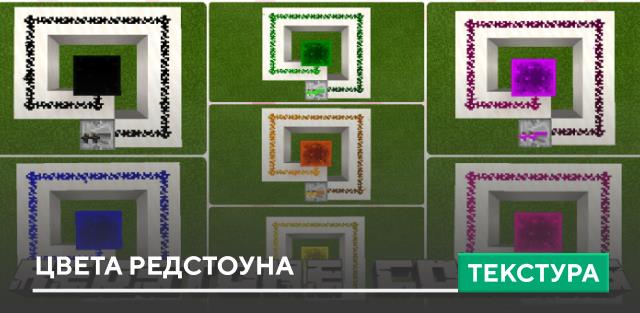
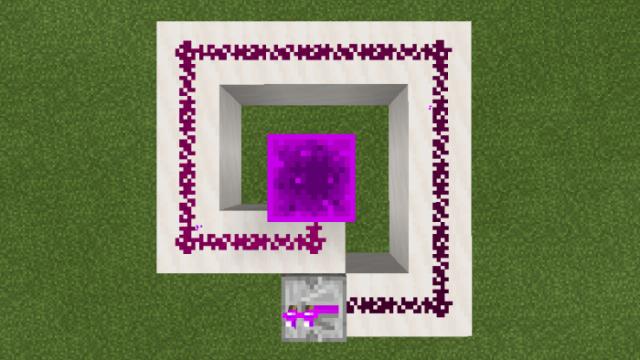
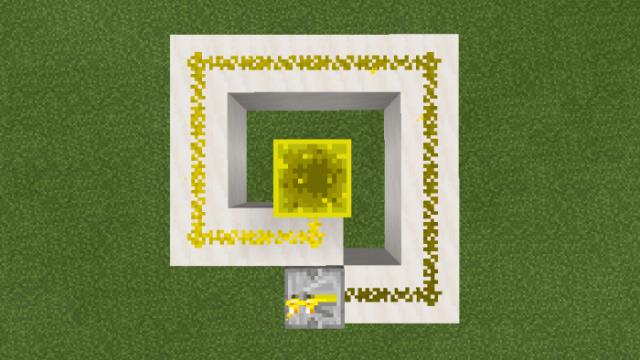
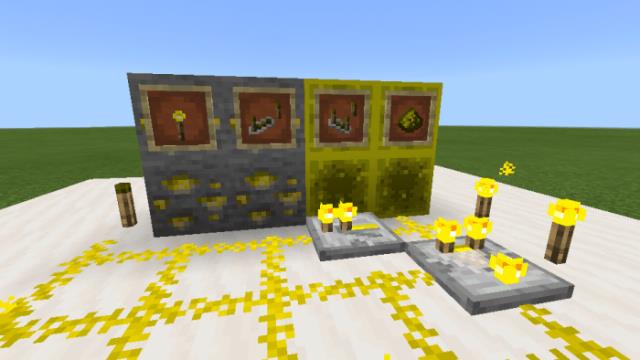
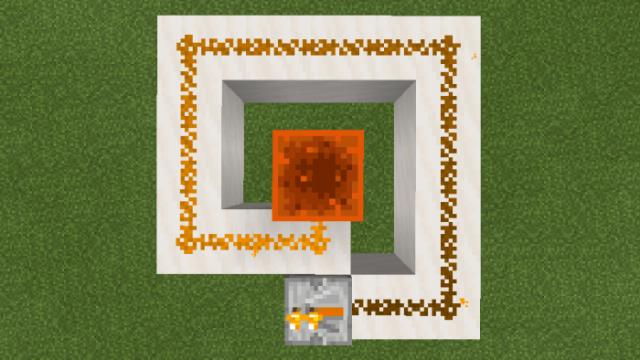
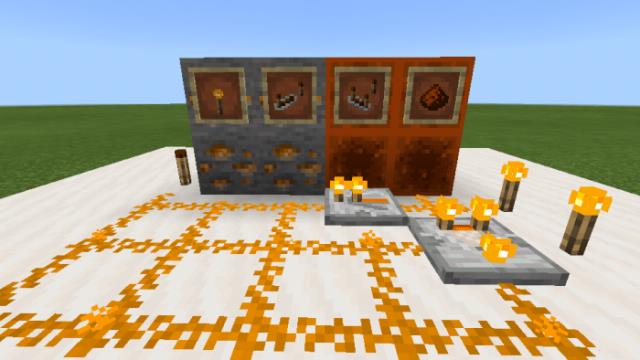
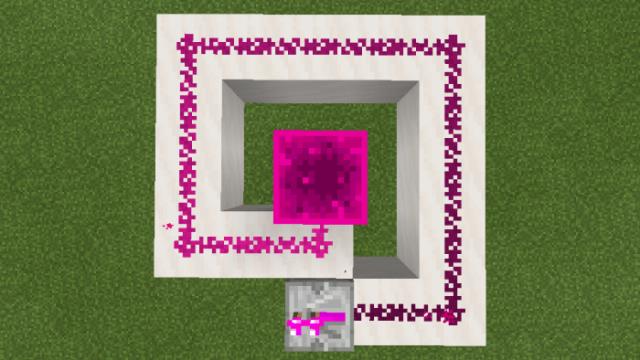
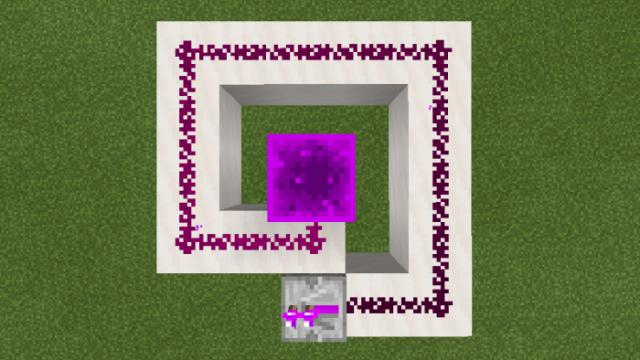
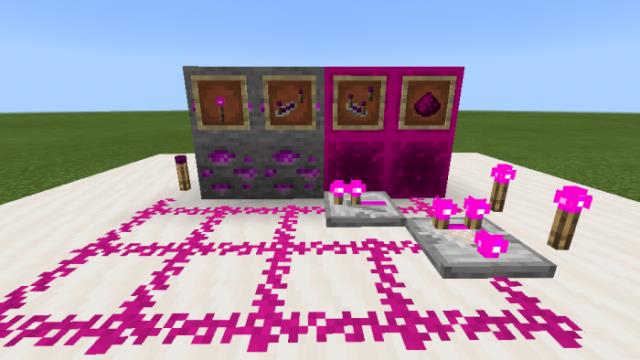
Конечно, редстоун назвали редстоуном из-за его красного оттенка и материала. Казалось бы, поменять цвет редстоуна - глупая идея, которую не стоит осуществлять, но разработчики сборок решили иначе. Поэтому представляем текстуры Custom Redstone Colors, которые поменяют цвет красной пыли. Такая функция может помочь в различных ситуациях, но главное - это различаемость редстоуна посреди других блоков. Именно с этой целью и была создана сборка. Доступно множество оттенков для Minecraft.
Фиолетовый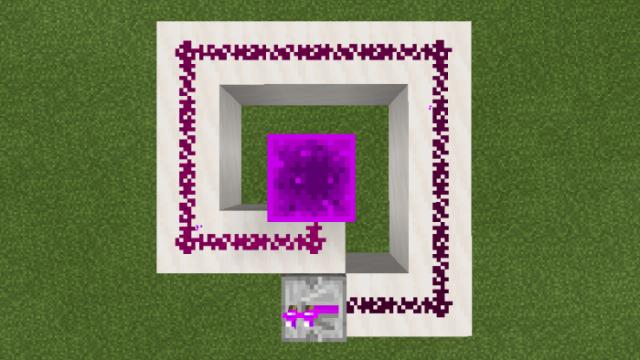
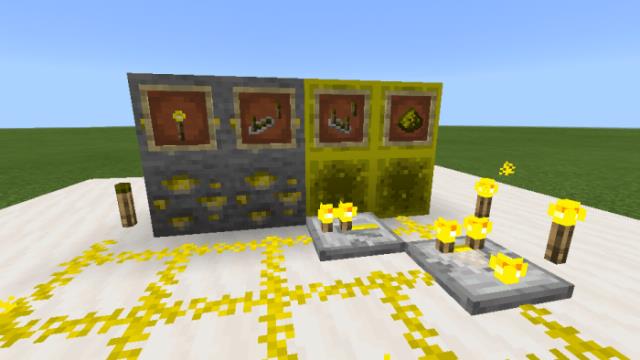
 Желтый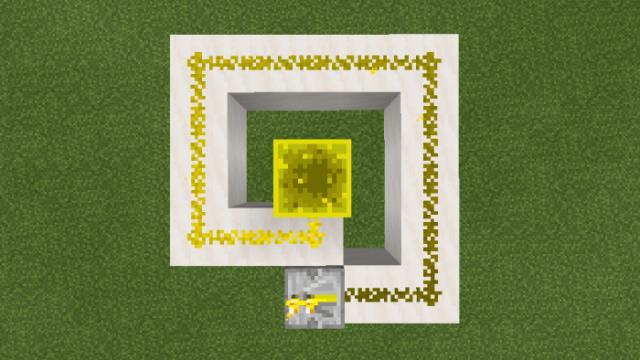
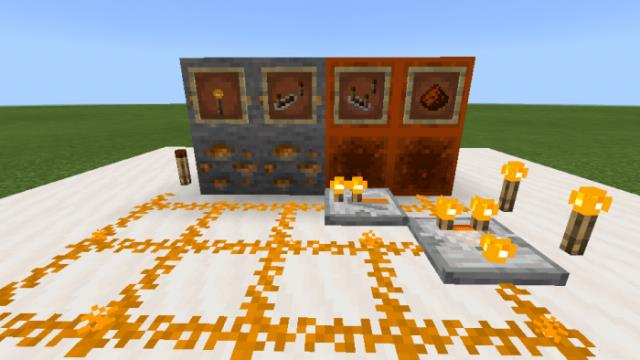
 Оранжевый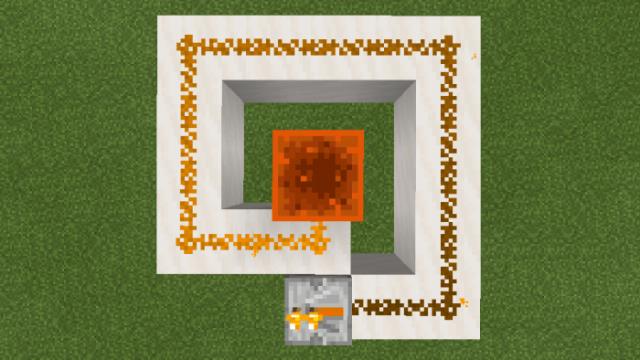
 Розовый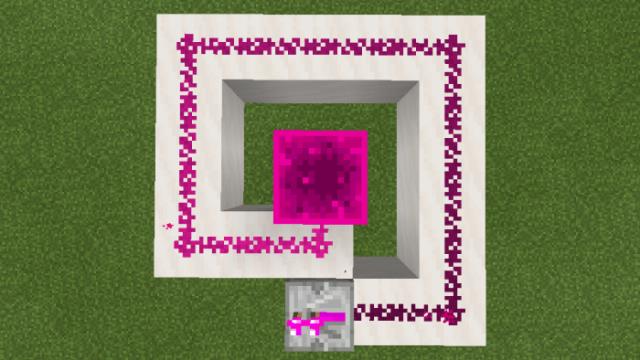
 Зеленый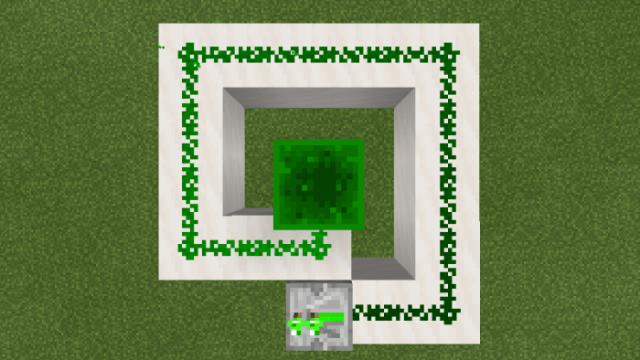
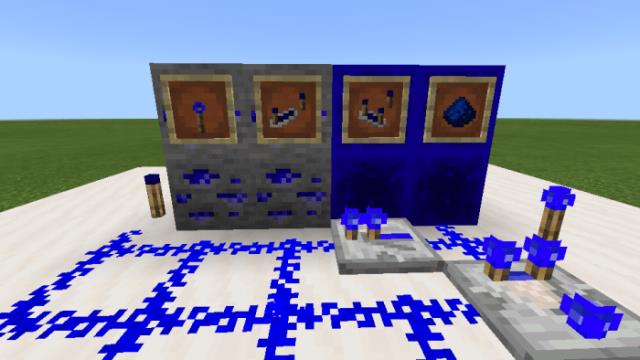
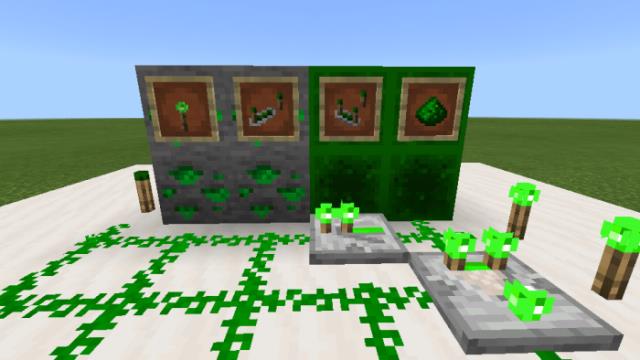 Синий
Синий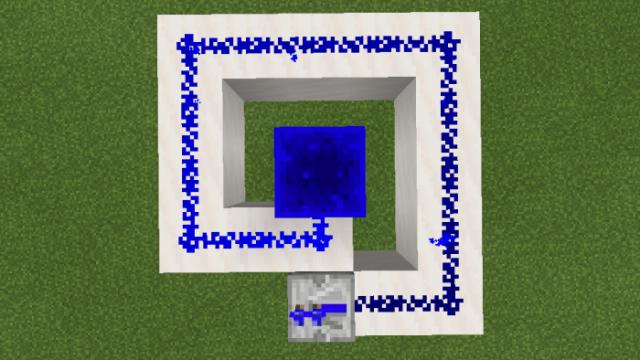
 Черный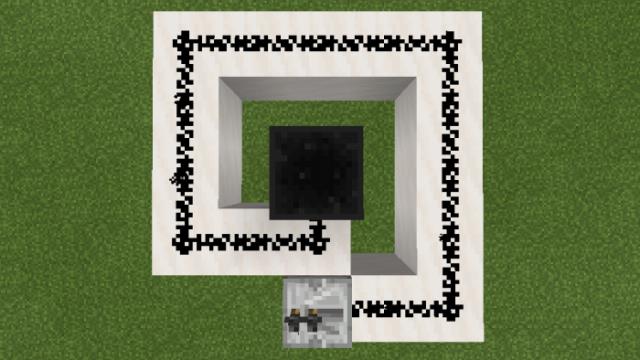
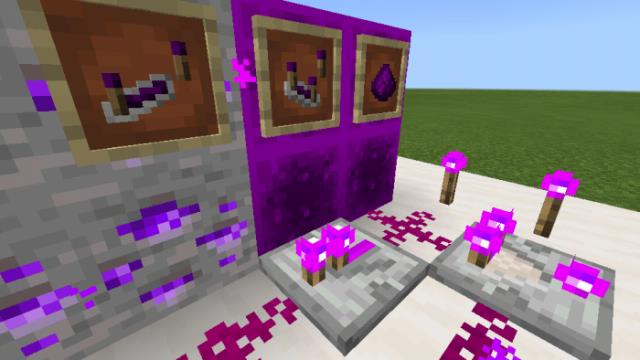
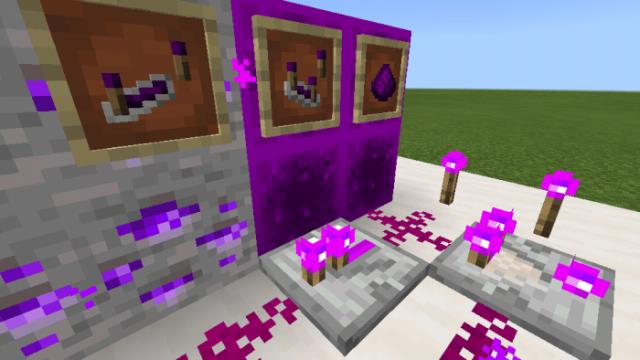
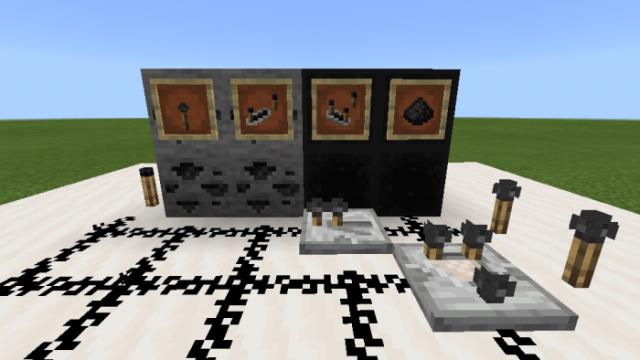 Блоки, которые изменят цвет
Фиолетовый
- Компаратор
- Повторитель
- Редстоун факел
- Наблюдатель
- Блок редстоуна
- Руда редстоуна
- Редстоун
- Редстоун частицы
- Схемы из редстоуна
Quick facts
- Edition: Minecraft Bedrock
- File type: .mcpack
- How to install: Download the .mcpack. → Open it — Minecraft imports it under Resource Packs. → Activate it in Global Resources, or for one world under Resource Packs → Available.
- Where to get it: In MCModsHub, or directly above on this page.
Install steps are the general flow for this file type — How to install Minecraft Bedrock texture packs walks through it step by step.
File checked by MCModsHub
- Save it as 187025.mcaddon before opening — it downloads as .mcpack, but it is a .mcaddon pack
- Manifest requires Minecraft 1.13.0 or newer
- Complete pack — everything it depends on is inside the file
- Download size: 91 KB
- Download link checked 10 Jul 2026 — working
- Mirrored on our own servers — the download does not depend on the original host
These come from our own check of the pack file, not from the source page.