Texture packsBedrock
Colored Hover Textures
Bedrock texture pack listed for Minecraft 1.16. File opened and checked on 4 Oct 2026; installs from the MC Bedrock Mods app on Android.
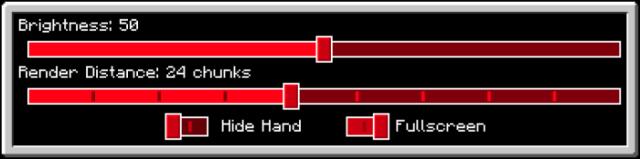
Tired of seeing the same color when selecting worlds, changing settings, switching slots, or choosing emotes? Then try Colored Hover textures, which allow…
⬇ Download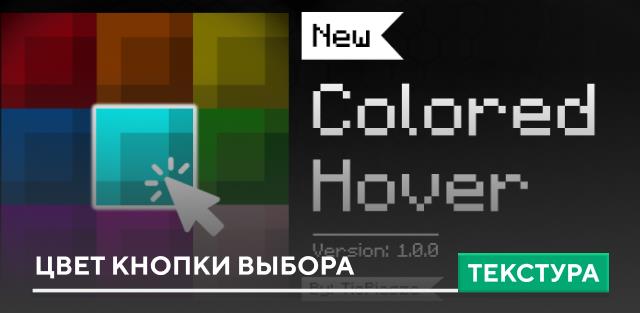
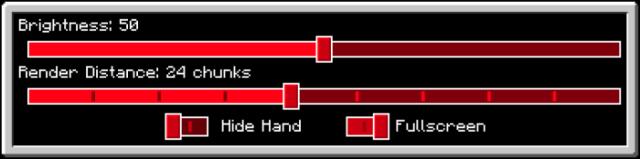
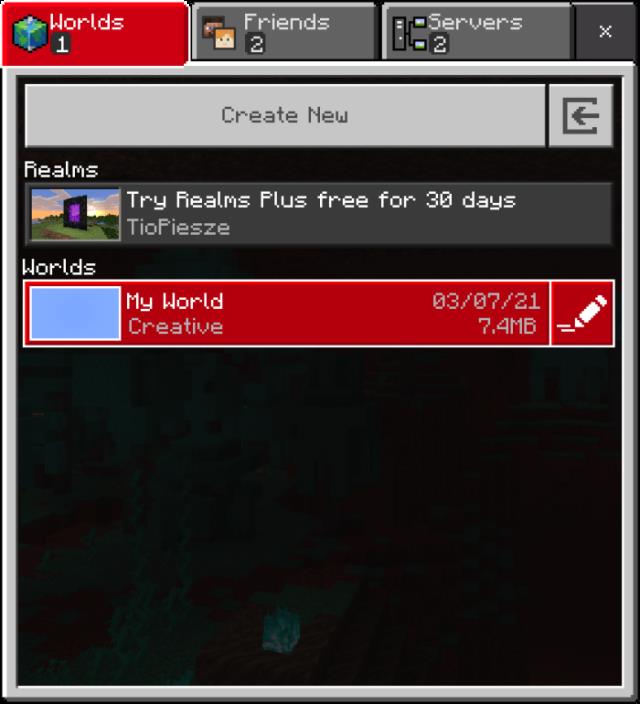
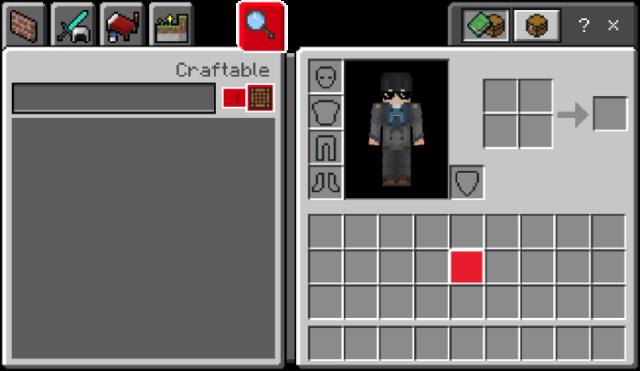
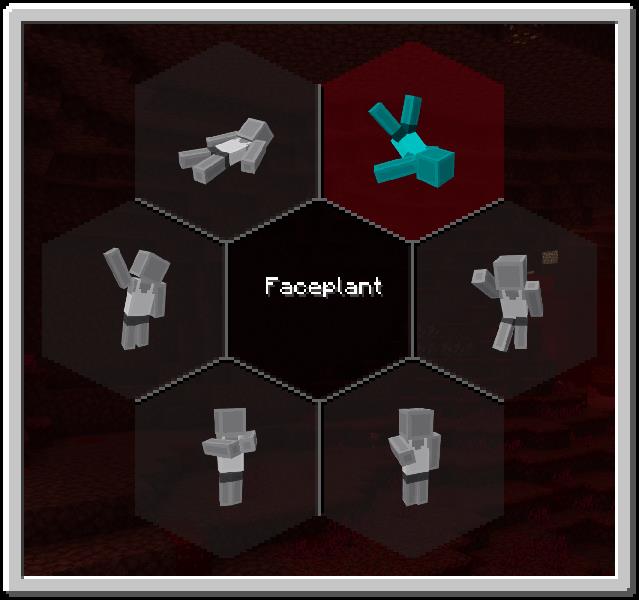

Надоело видеть один и тот же цвет при выборе миров, установке настроек, смене слотов или выборе эмоций? Тогда попробуй текстуры Colored Hover, который позволяют поменять цвет кнопок выбора. По стандартным настройкам всегда установлен лаймовый или светло-зеленый оттенок для кнопок, но с этим дополнением их можно поменять. Всего доступно 14 видов оттенков для Minecraft.
Цвета
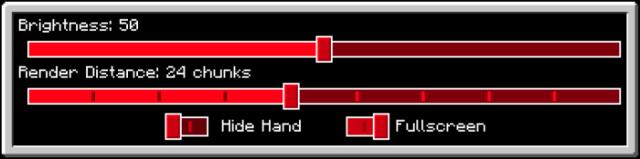
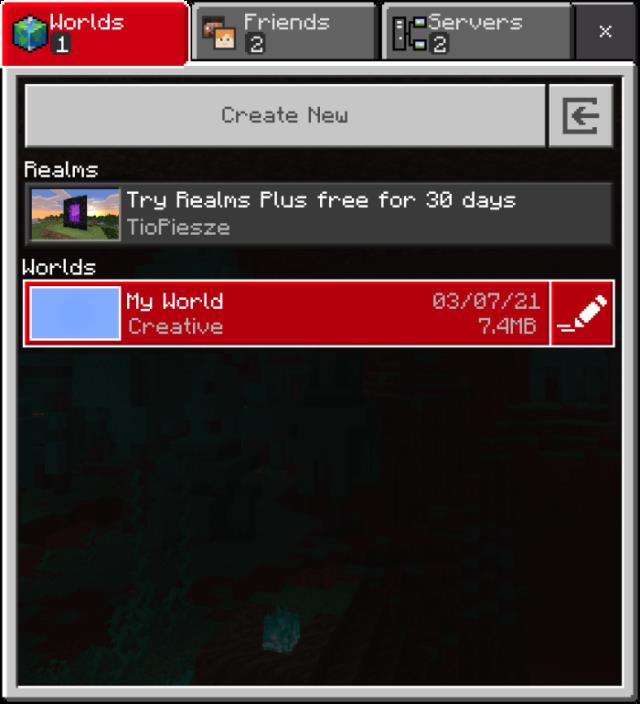
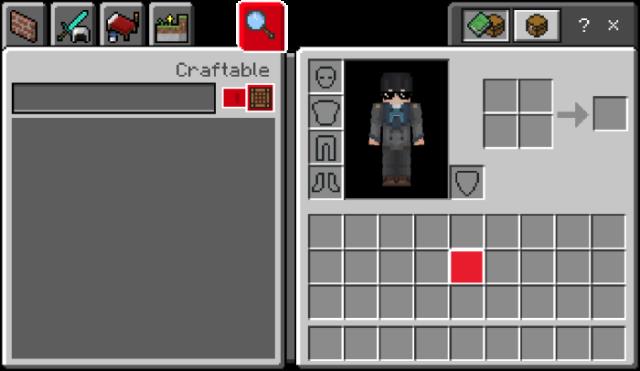
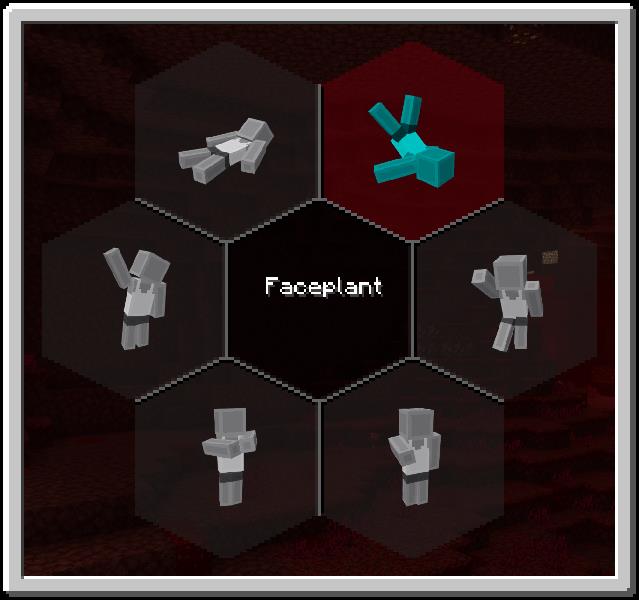
Цвета
- Черный
- Серый
- Красный
- Оранжевый
- Желтый
- Лаймовый
- Зеленый
- Голубой
- Светло-синий
- Синий
- Фиолетовый
- Пурпурный
- Розовый
- Радужный горизональный
- Радужный вертикальный
Quick facts
- Edition: Minecraft Bedrock
- File type: .mcpack
- Minecraft versions listed: 1.16.210, 1.16.201, 1.16.200
- How to install: Download the .mcpack. → Open it — Minecraft imports it under Resource Packs. → Activate it in Global Resources, or for one world under Resource Packs → Available.
- Where to get it: In MCModsHub, or directly above on this page.
Install steps are the general flow for this file type — How to install Minecraft Bedrock texture packs walks through it step by step.
File checked by MCModsHub
- Save it as 187026.mcaddon before opening — it downloads as .mcpack, but it is a .mcaddon pack
- Manifest requires Minecraft 1.16.0 or newer
- Complete pack — everything it depends on is inside the file
- Download size: 954 KB
- Download link checked 6 Jul 2026 — working
- Mirrored on our own servers — the download does not depend on the original host
These come from our own check of the pack file, not from the source page.