Texture packsBedrock
Invisible Item Frame
Bedrock texture pack listed for Minecraft 1.16. File opened and checked on 22 Sep 2026; installs from the MC Bedrock Mods app on Android.
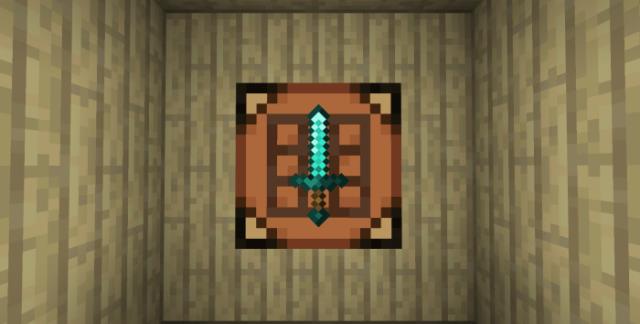
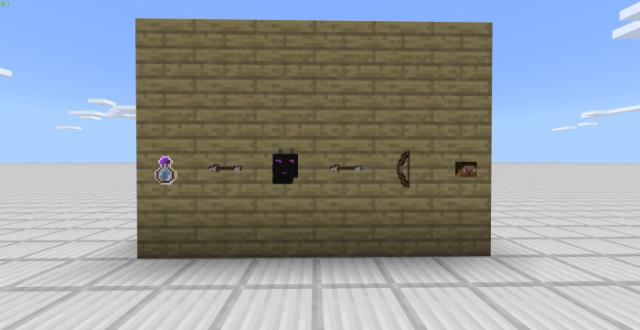
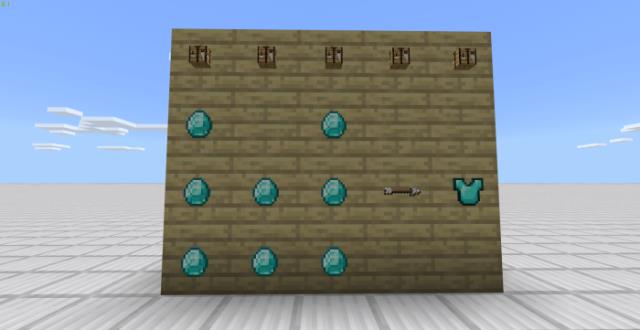
With Invisible Item Frame textures, item frames not only become transparent but disappear entirely. This means you can place any items in Minecraft as if…
⬇ Download
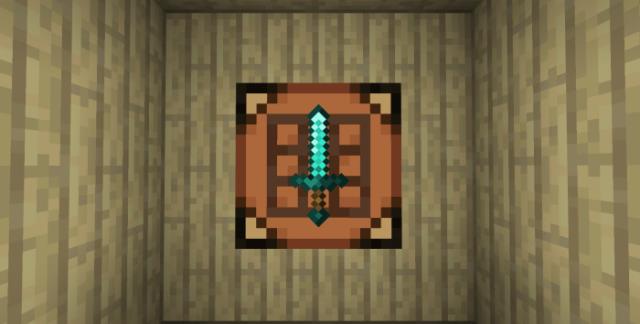
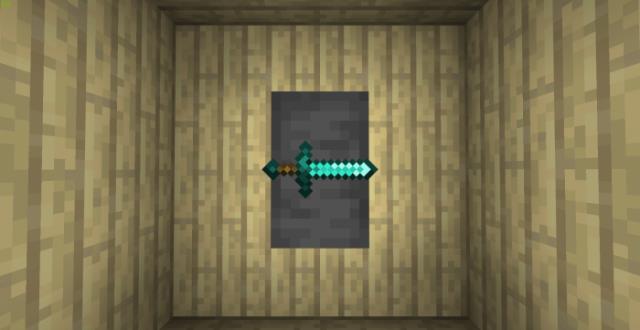
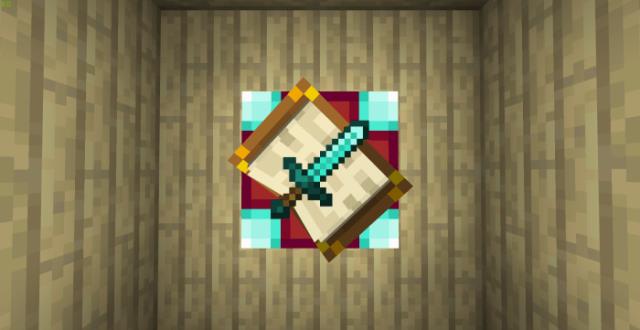
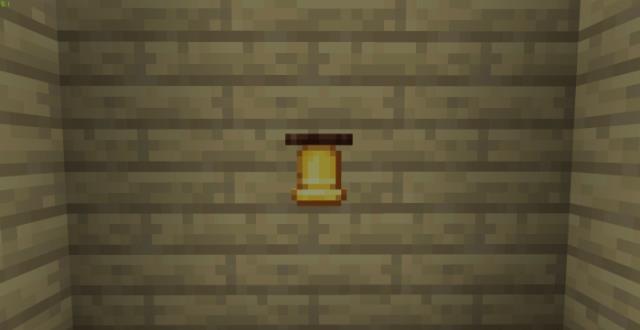
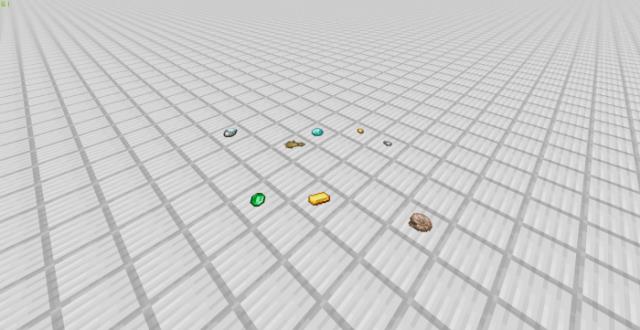
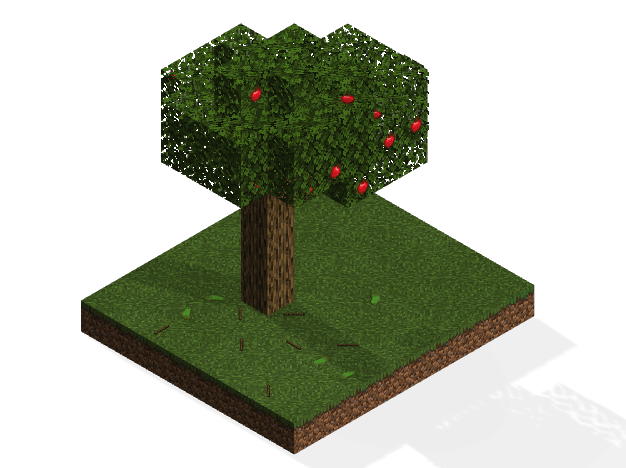
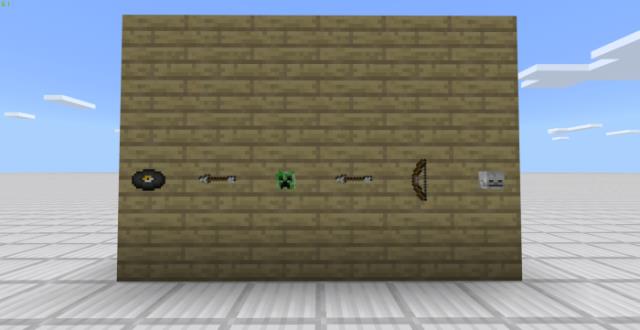
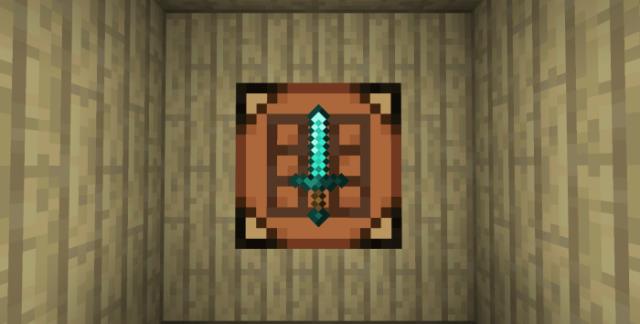
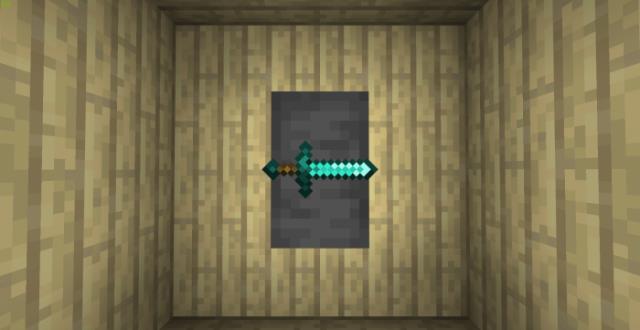
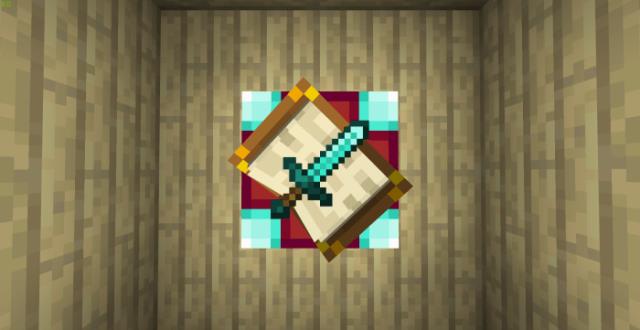
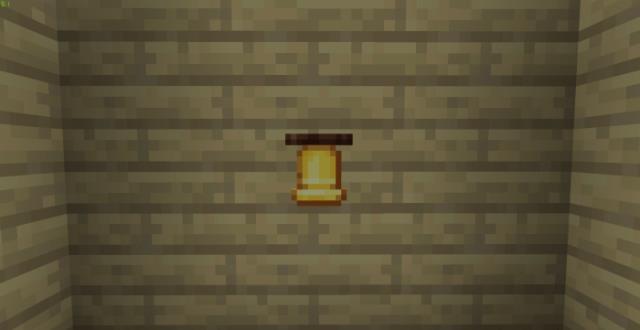
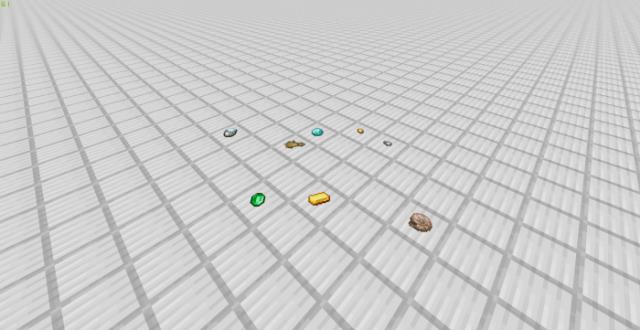
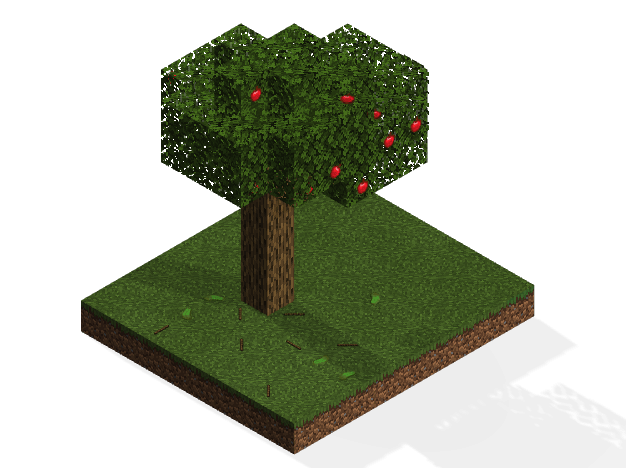
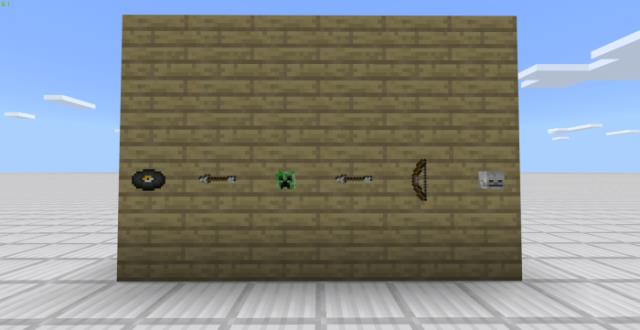
С текстурами Invisible Item Frame рамки для предметов не только станут прозрачными, но и вовсе исчезнут. Это значит, что можно размещать любые предметы в Майнкрафт, как будто они висят сами по себе. Такая функция позволит использовать любые элементы блочного мира в качестве декорации. Кроме этого, доступна возможность создавать схемы, инструкции и даже рецепты крафта прямо на стенках. Ниже представлены скриншоты с примерами того, как применять эту сборку.
Quick facts
- Edition: Minecraft Bedrock
- File type: .mcpack
- Minecraft versions listed: 1.16.210, 1.16.201
- How to install: Download the .mcpack. → Open it — Minecraft imports it under Resource Packs. → Activate it in Global Resources, or for one world under Resource Packs → Available.
- Where to get it: In MCModsHub, or directly above on this page.
Install steps are the general flow for this file type — How to install Minecraft Bedrock texture packs walks through it step by step.
File checked by MCModsHub
- Pack type: .mcpack — a single pack
- Manifest requires Minecraft 1.16.0 or newer
- Complete pack — everything it depends on is inside the file
- Download size: 3 KB
- Download link checked 6 Jul 2026 — working
- Mirrored on our own servers — the download does not depend on the original host
These come from our own check of the pack file, not from the source page.