Texture packsBedrock
Windows 95 UI
Bedrock texture pack listed for Minecraft 1.2–1.16. File opened and checked on 5 Oct 2026; installs from the MC Bedrock Mods app on Android.
Many of us have never heard of Windows 95, which, as one can judge, came out back in 1995. Most of us weren't even born then. However, it's quite possible…
⬇ Download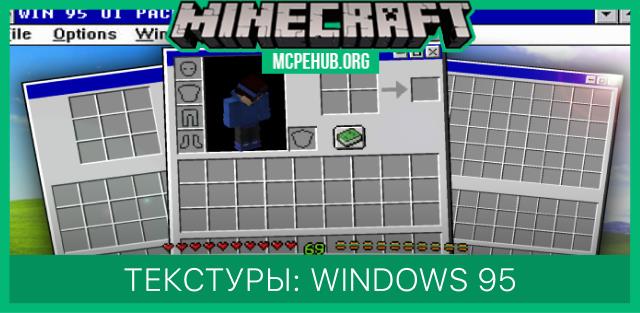
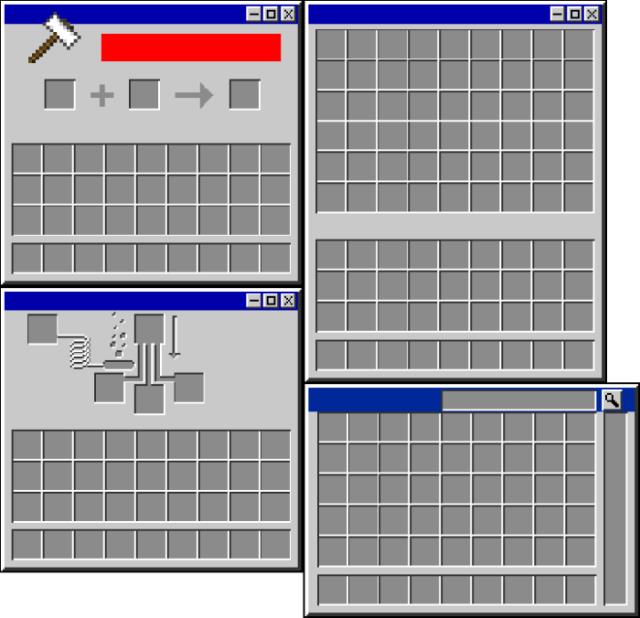
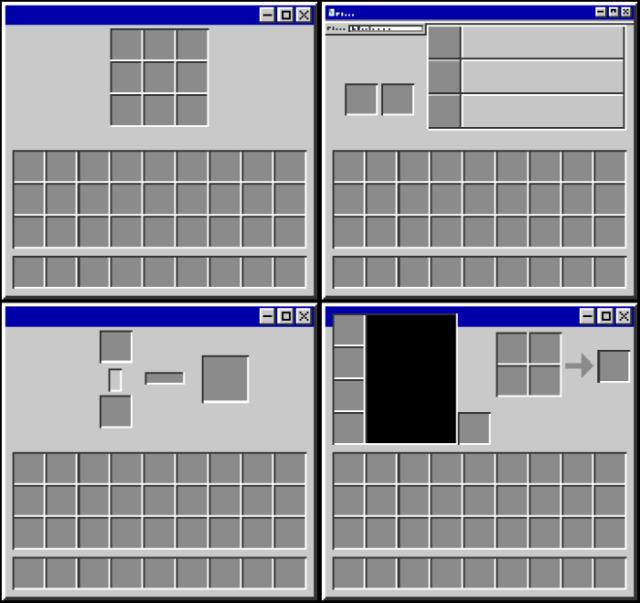
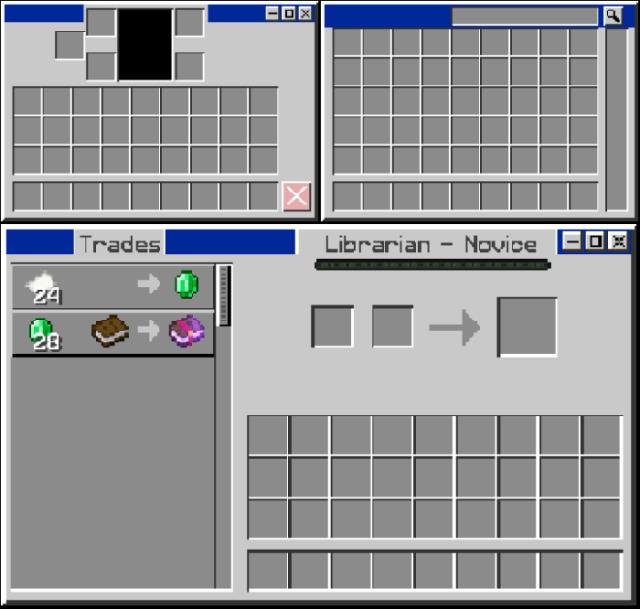

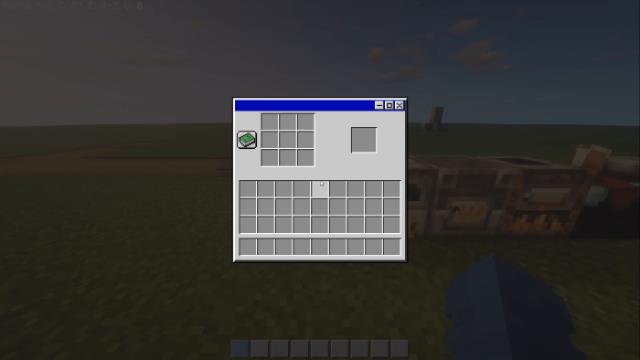
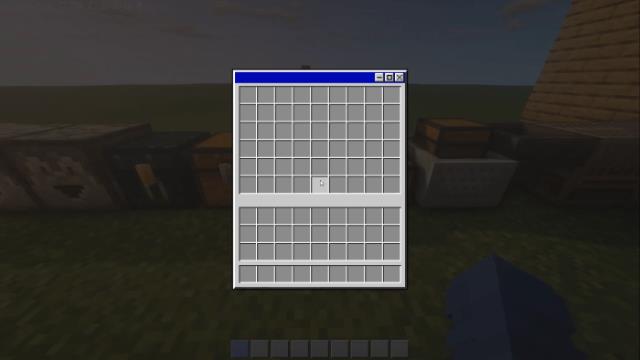
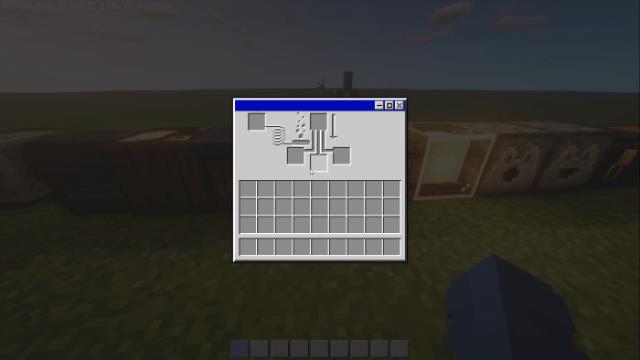
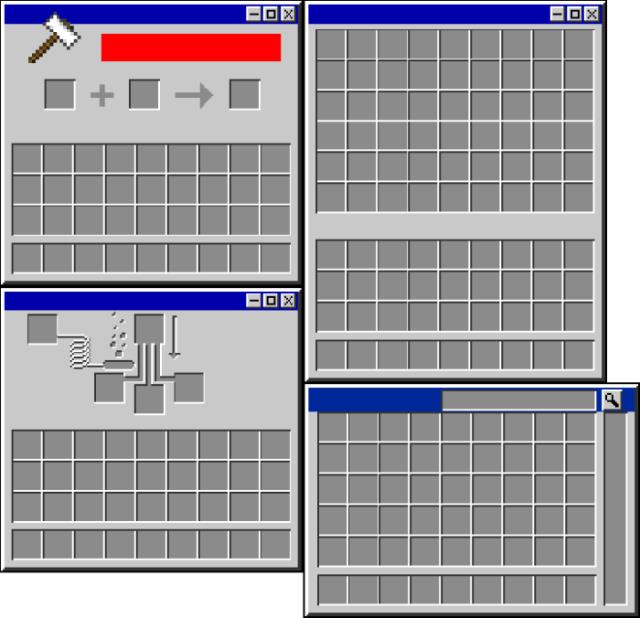
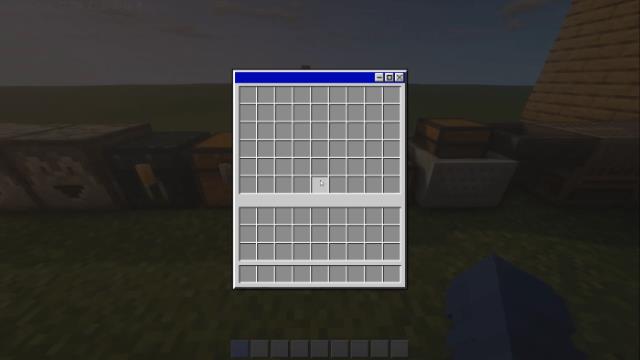
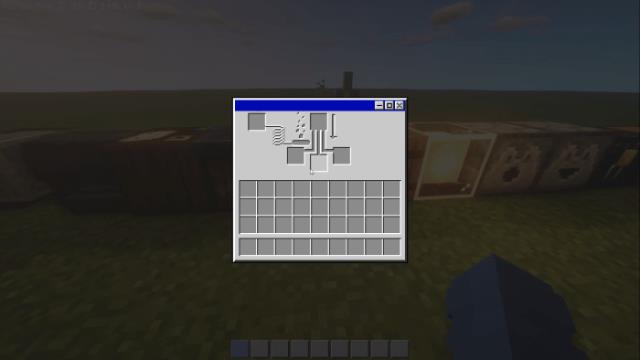
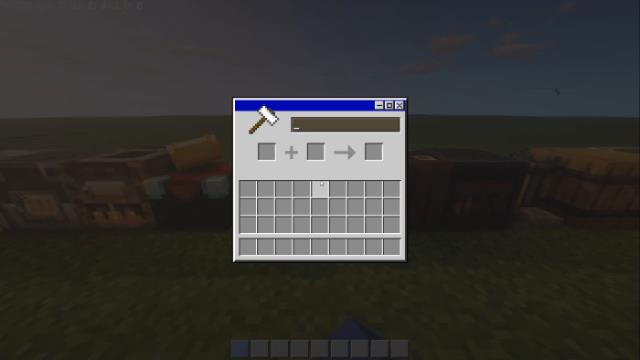
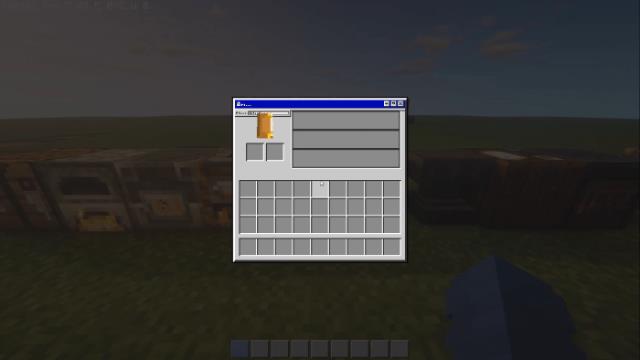
Многие из нас никогда не слышали про операционную систему Windows 95, которая, как можно судить, вышла в далеком 1995 году. Большинство из нас даже не родились. Правда, вполне возможно, что часть из нас все же успела воспользоваться этой системой на старых компьютерах. Автор текстур Windows 95 UI решил вспомнить былые времена и добавил такое же оформление для Minecraft, что и в операционной системе. Все виды меню и окон в игре заменятся дизайном из старых компьютеров.
Превью
Превью
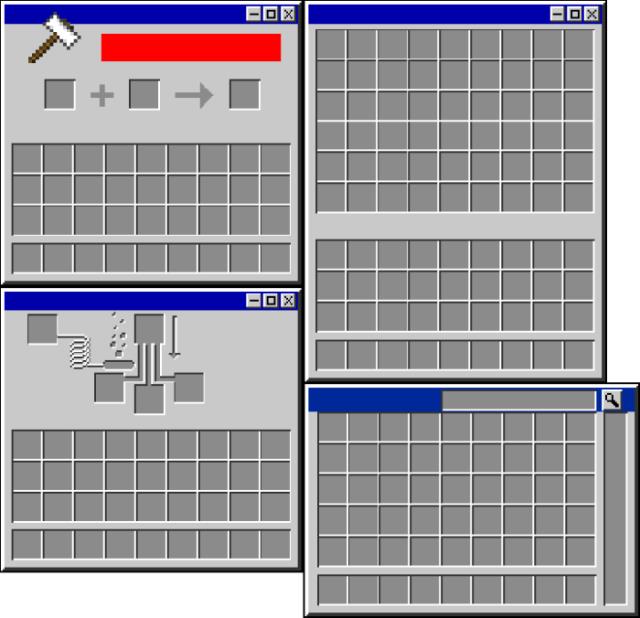
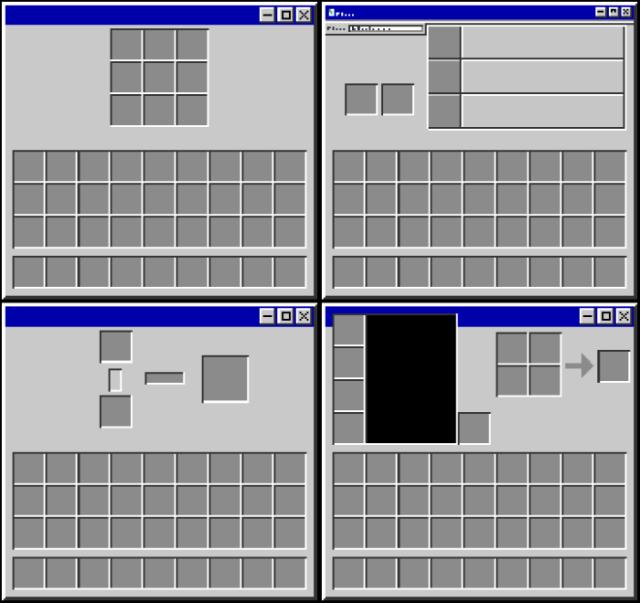
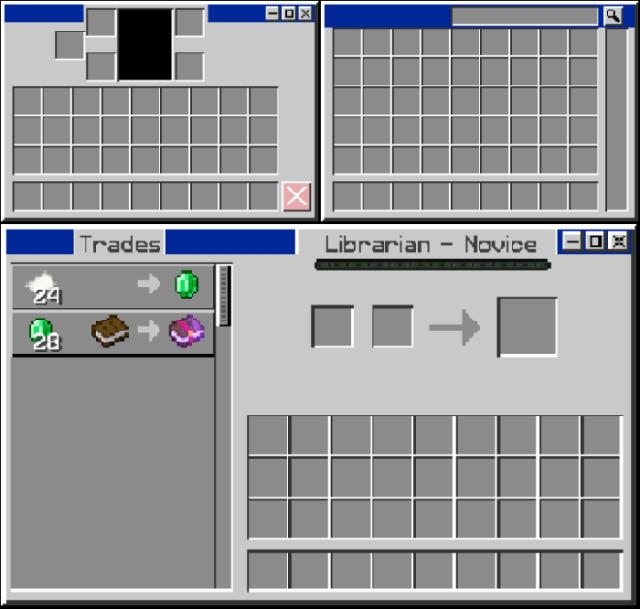

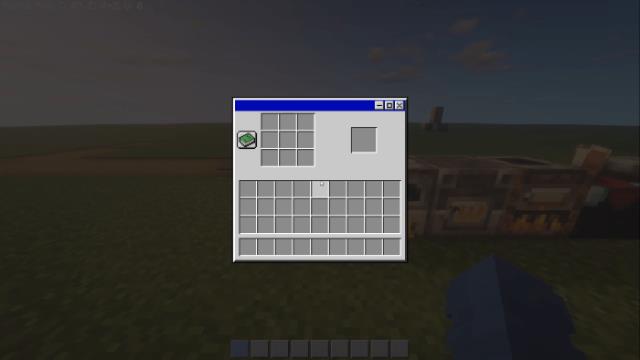
Quick facts
- Edition: Minecraft Bedrock
- File type: .mcpack
- Minecraft versions listed: 1.16.200, 1.16.101, 1.16.100
- How to install: Download the .mcpack. → Open it — Minecraft imports it under Resource Packs. → Activate it in Global Resources, or for one world under Resource Packs → Available.
- Where to get it: In MCModsHub, or directly above on this page.
Install steps are the general flow for this file type — How to install Minecraft Bedrock texture packs walks through it step by step.
File checked by MCModsHub
- Pack type: .mcpack — a single pack
- Manifest requires Minecraft 1.2.6 or newer
- Complete pack — everything it depends on is inside the file
- Download size: 11.0 MB
- Download link checked 6 Jul 2026 — working
- Mirrored on our own servers — the download does not depend on the original host
These come from our own check of the pack file, not from the source page.