Texture packsBedrock
Vanilla RTX Textures
Bedrock texture pack listed for Minecraft 1.16–1.17. File opened and checked on 1 Oct 2026; installs from the MC Bedrock Mods app on Android.
Many complain that RTX is created only for ultra-powerful computers, which ordinary Minecraft users can't afford. It turns out that only those with money…
⬇ Download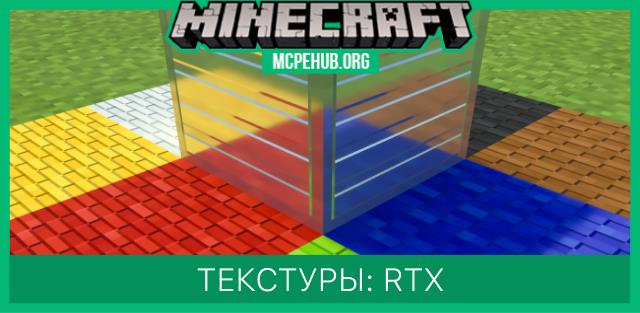
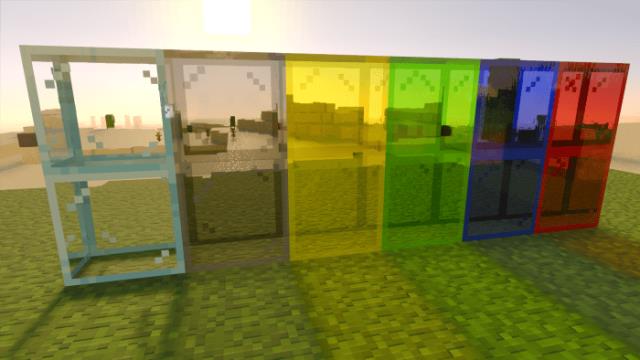
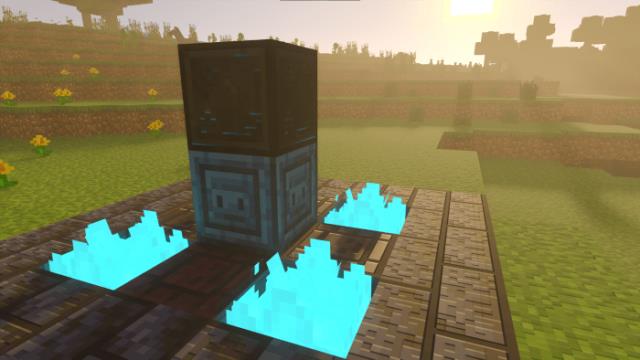
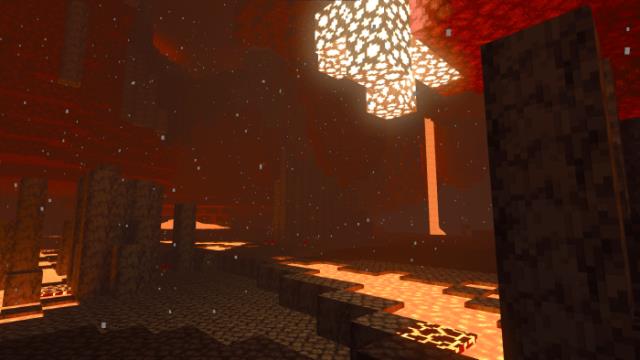
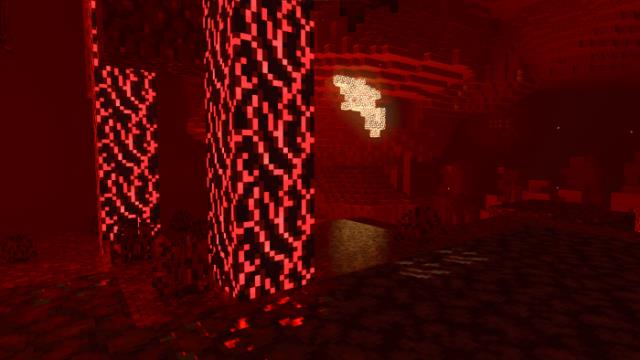
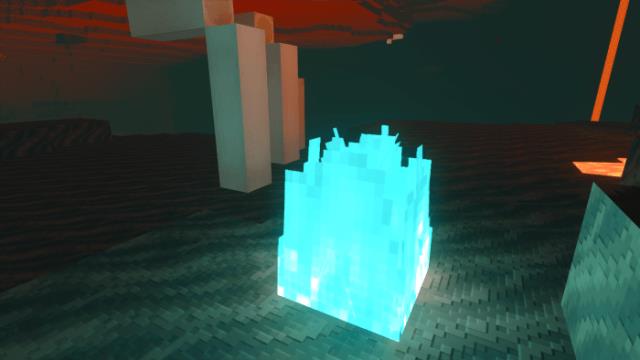
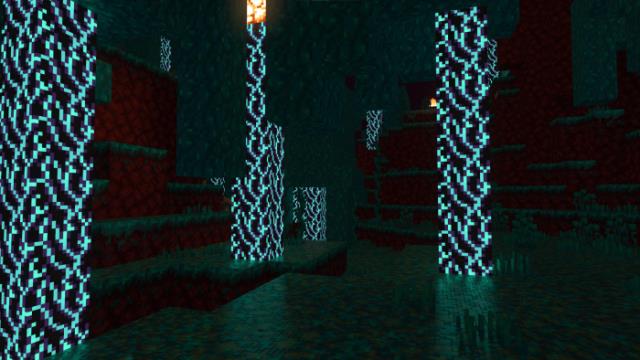
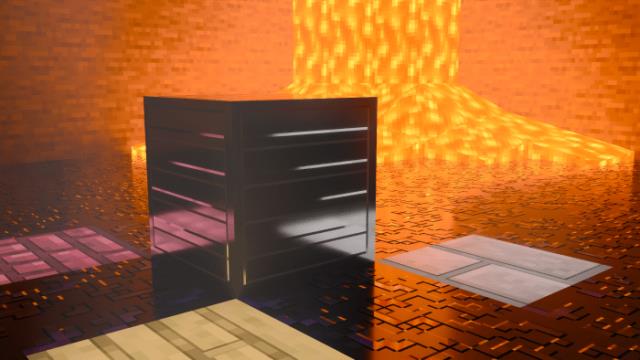
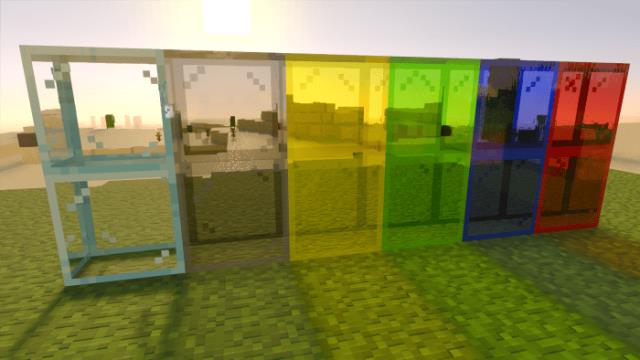
Многие жалуются на то, что RTX создан только для сверхмощных компьютеров, на которые у обычных пользователей Майнкрафт нет денег. Получается, что насладиться новыми возможностями и дизайном могут только те, у кого есть деньги. Мы мириться с этим не будем: текстуры Vanilla RTX разработаны для более бюджетных устройств. Правда, дополнение будет поддерживаться только на Windows 10. Здесь так же потребуется определенная мощность устройства, но не такая, как для оригинального RTX.
Проект находится в стадии разработки, но Вы уже можете применить эффект в своих мирах. Текстуры будут обновляться.
Изменения в новой версии
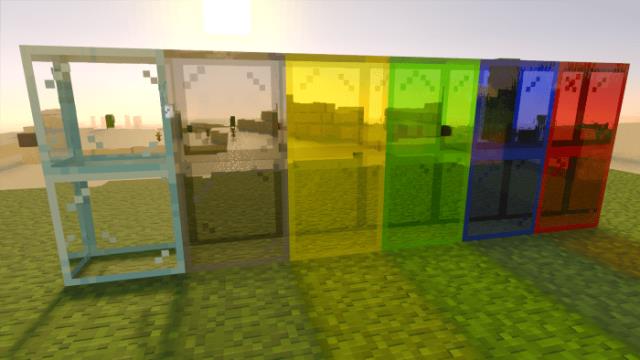
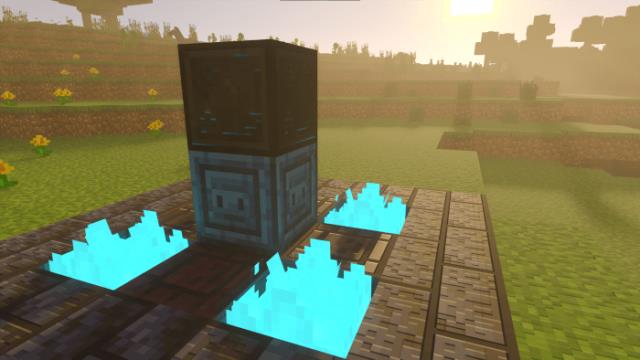
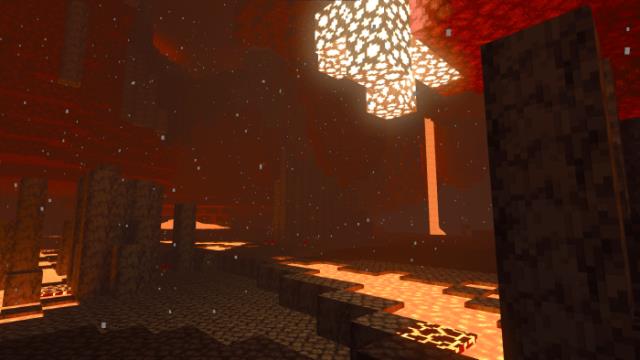
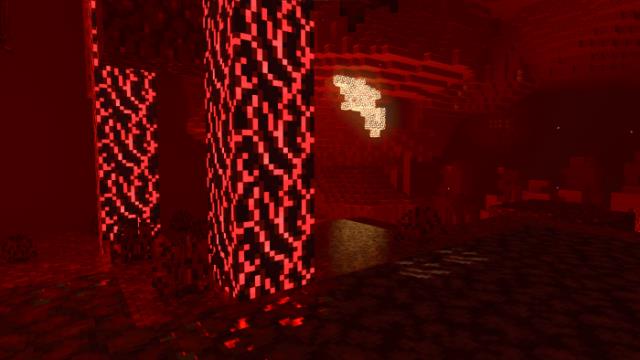
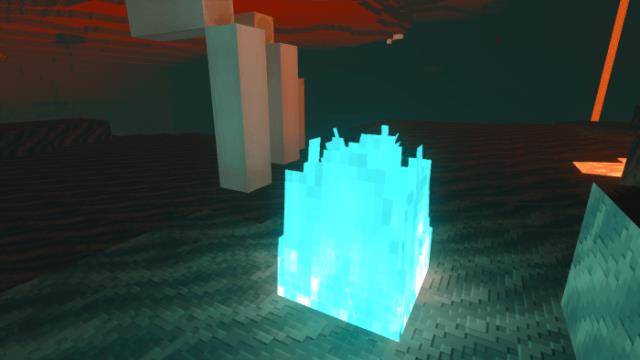
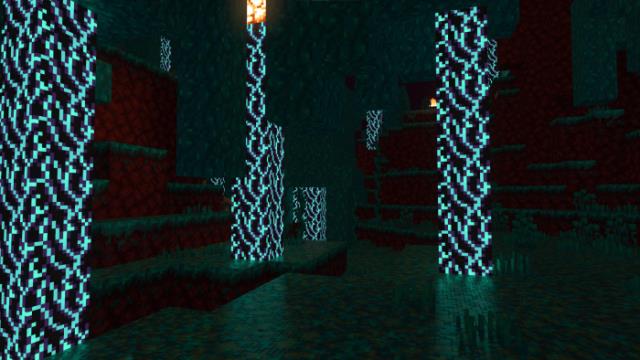
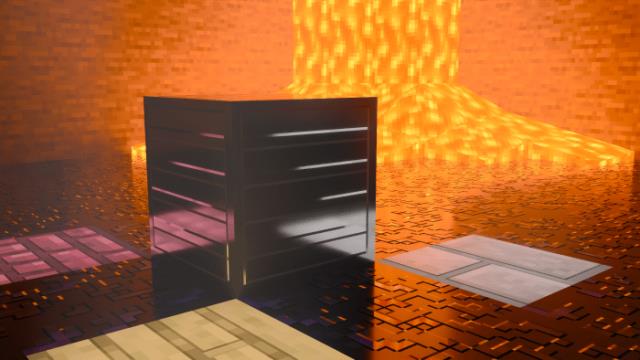
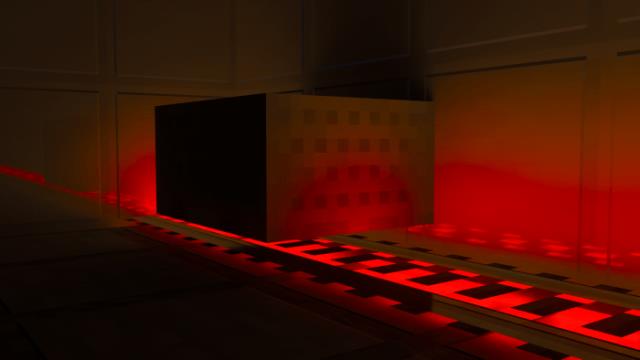
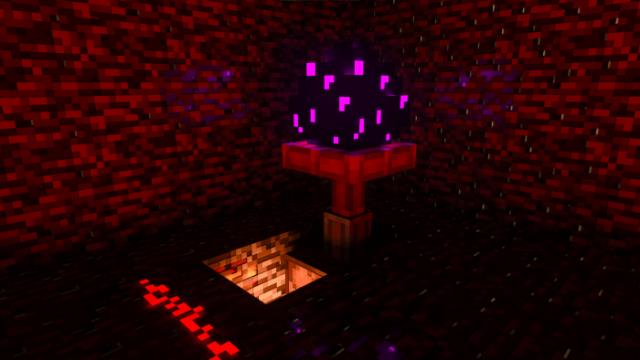
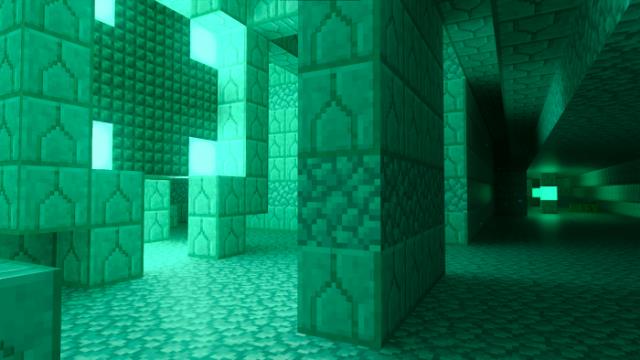
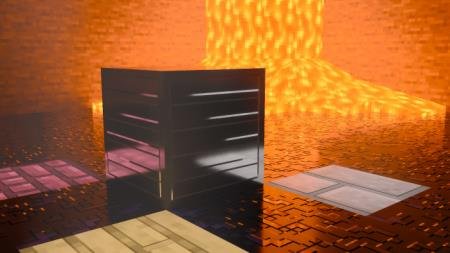
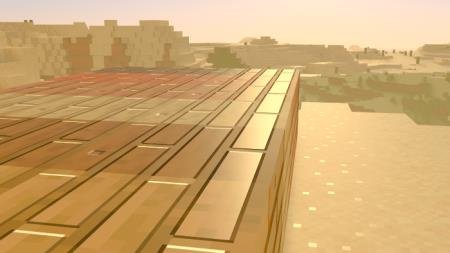

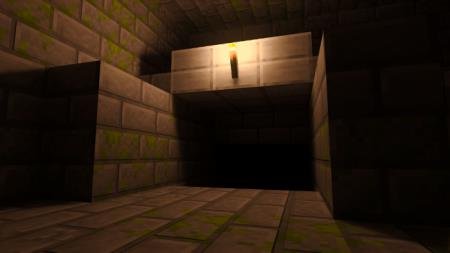

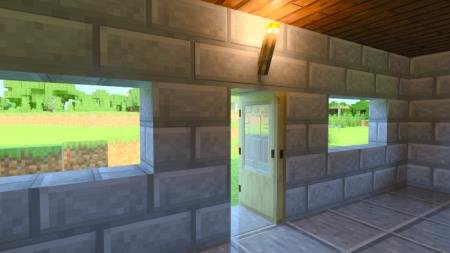
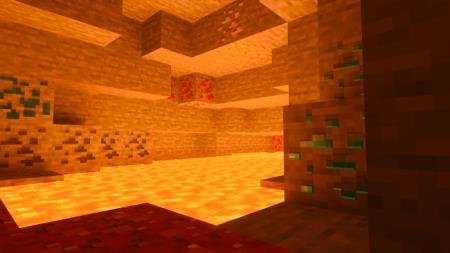
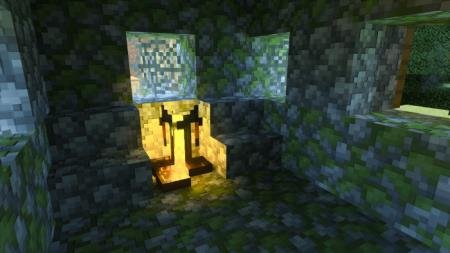

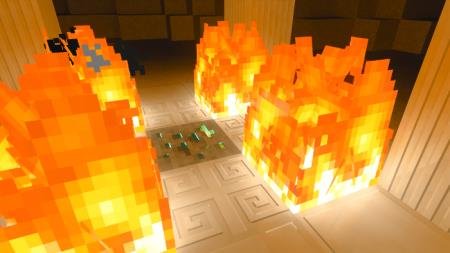
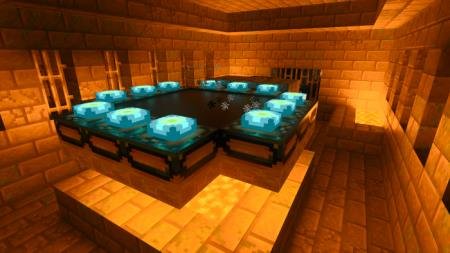
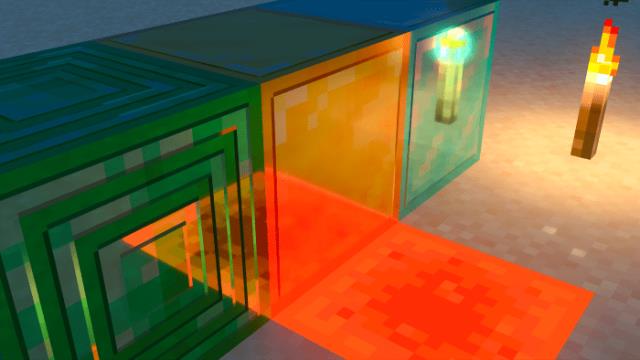

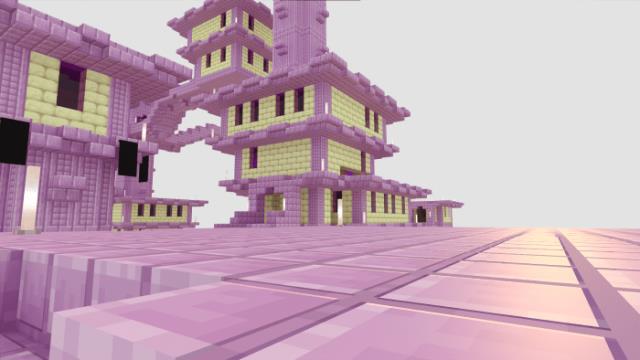
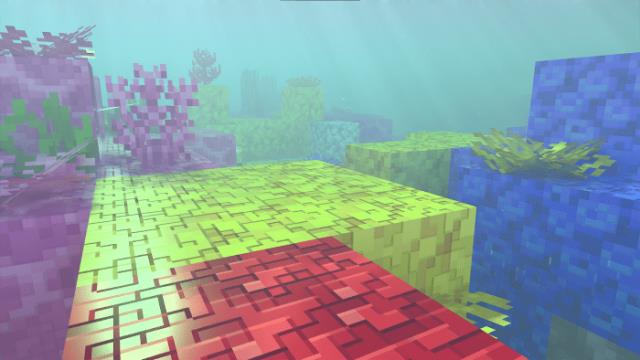
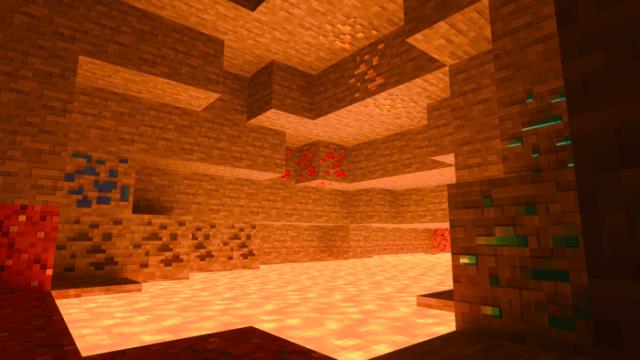
Проект находится в стадии разработки, но Вы уже можете применить эффект в своих мирах. Текстуры будут обновляться.
Изменения в новой версии
- Стекло теперь лучше видно
- Уменьшено освещение для светящегося камня и факела
Quick facts
- Edition: Minecraft Bedrock
- File type: .mcpack
- Minecraft versions listed: 1.17, 1.16
- How to install: Download the .mcpack. → Open it — Minecraft imports it under Resource Packs. → Activate it in Global Resources, or for one world under Resource Packs → Available.
- Where to get it: In MCModsHub, or directly above on this page.
Install steps are the general flow for this file type — How to install Minecraft Bedrock texture packs walks through it step by step.
File checked by MCModsHub
- Save it as 187064.mcaddon before opening — it downloads as .mcpack, but it is a .mcaddon pack
- Manifest requires Minecraft 1.16.200 or newer
- Complete pack — everything it depends on is inside the file
- Download size: 2.6 MB
- Download link checked 6 Jul 2026 — working
- Mirrored on our own servers — the download does not depend on the original host
These come from our own check of the pack file, not from the source page.