Texture packsBedrock
F1 Button Textures
Bedrock texture pack listed for Minecraft 1.13–1.16. File opened and checked on 30 Sep 2026; installs from the MC Bedrock Mods app on Android.
Many Minecraft Bedrock fans started survival in the block world from the computer version, and for convenience switched to the mobile version. As you may…
⬇ Download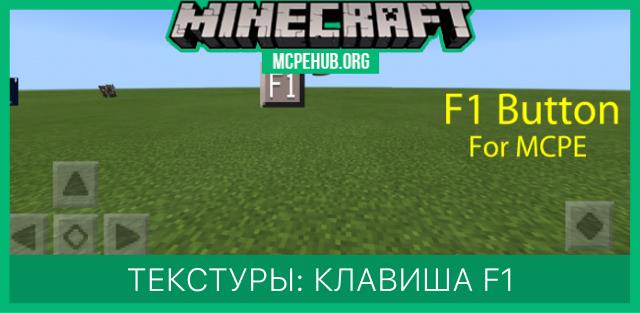
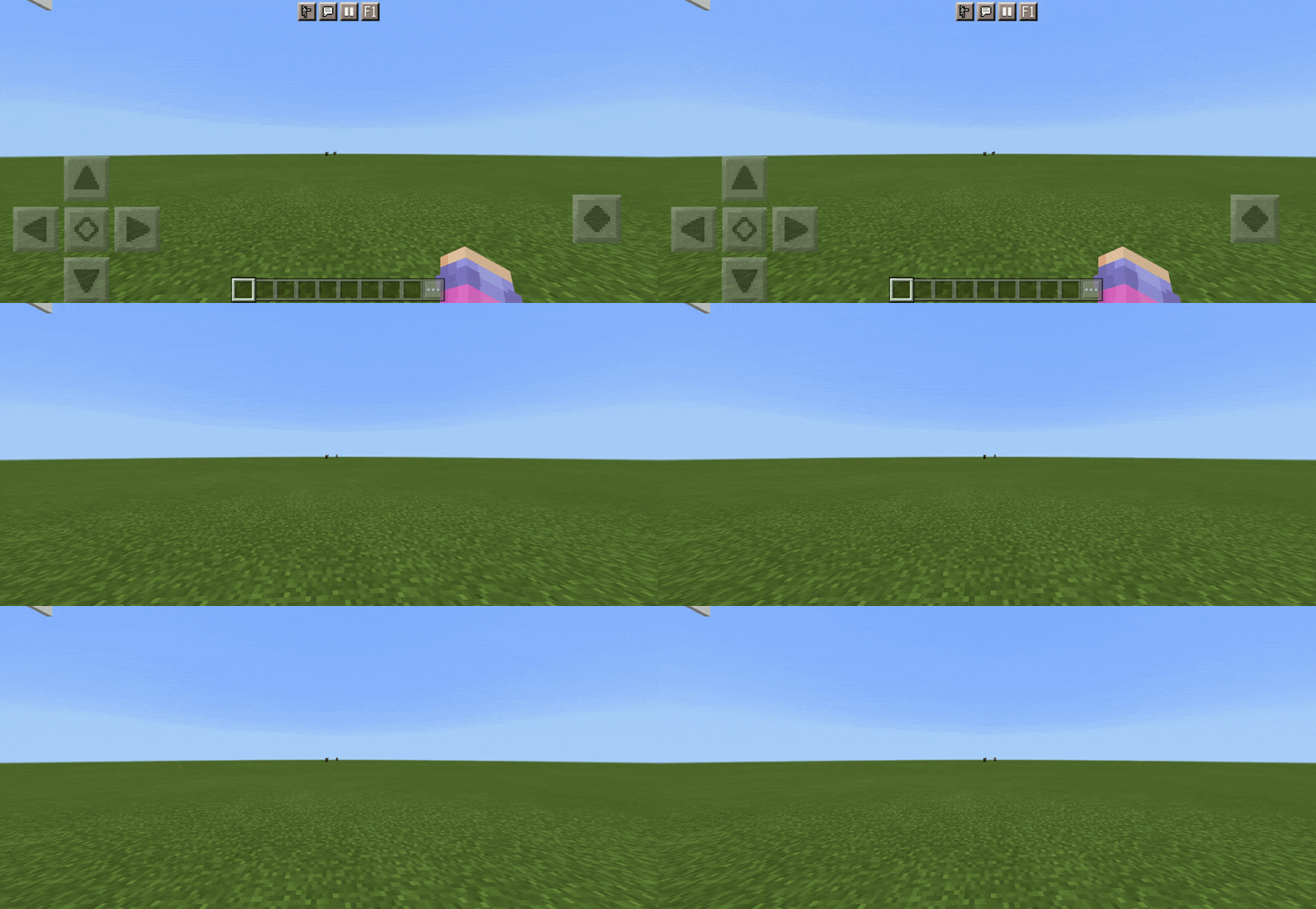

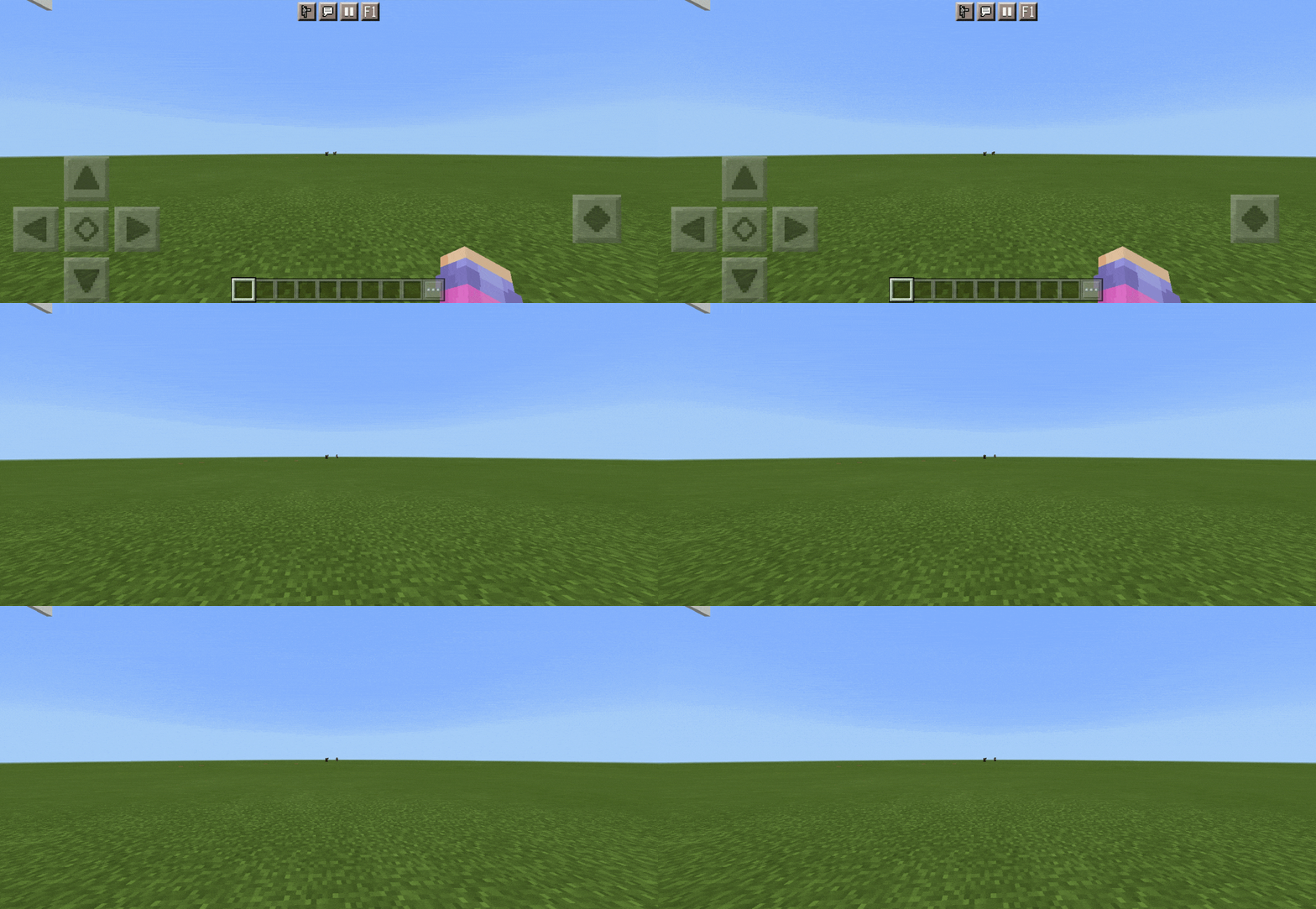
Многие поклонники Майнкрафт Бедрок начинали выживание в блочном мире именно с компьютерной версии, а для удобства перешли уже на карманную версию. Как Вы можете знать, в ПК-версии доступна клавиша F1, которая убирает с экрана все элементы интерфейса, оставляя чистую картинку. Такая функция полезна для создания скриншотов. Теперь Вы сможете использовать ее в карманной версии с текстурами F1 Button.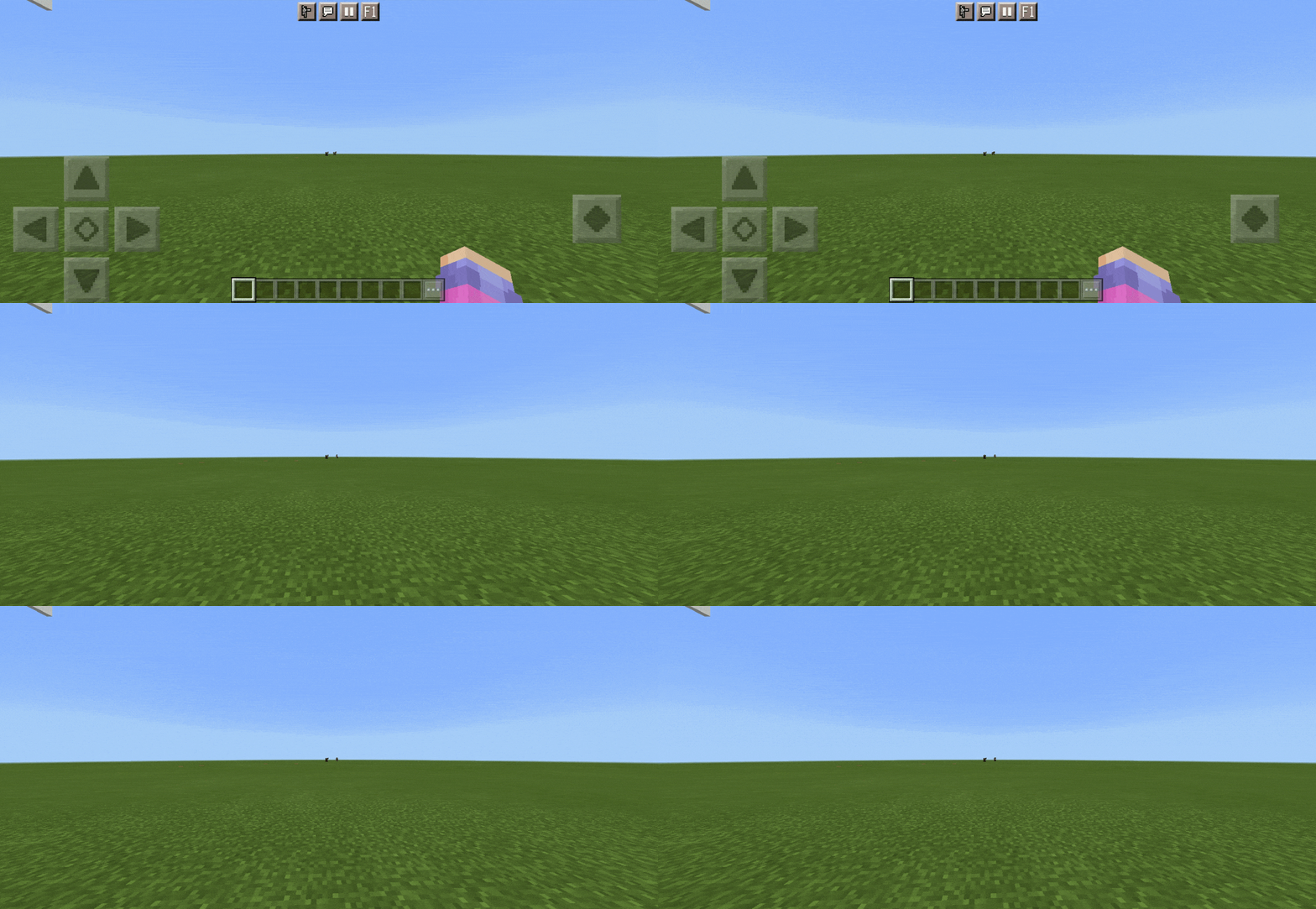
Quick facts
- Edition: Minecraft Bedrock
- File type: .mcpack
- Minecraft versions listed: 1.16, 1.16.100, 1.16.0
- How to install: Download the .mcpack. → Open it — Minecraft imports it under Resource Packs. → Activate it in Global Resources, or for one world under Resource Packs → Available.
- Where to get it: In MCModsHub, or directly above on this page.
Install steps are the general flow for this file type — How to install Minecraft Bedrock texture packs walks through it step by step.
File checked by MCModsHub
- Save it as 187070.mcaddon before opening — it downloads as .mcpack, but it is a .mcaddon pack
- Manifest requires Minecraft 1.13.0 or newer
- Complete pack — everything it depends on is inside the file
- Download size: 6 KB
- Download link checked 6 Jul 2026 — working
- Mirrored on our own servers — the download does not depend on the original host
These come from our own check of the pack file, not from the source page.