Texture packsBedrock
Seasonal Foliage Textures
Bedrock texture pack listed for Minecraft 1.13–1.16. File opened and checked on 3 Oct 2026; installs from the MC Bedrock Mods app on Android.
Biomes in Minecraft Bedrock don't correspond to seasons. Each biome looks the same in any season. The author of Seasonal Foliage textures didn't like…
⬇ Download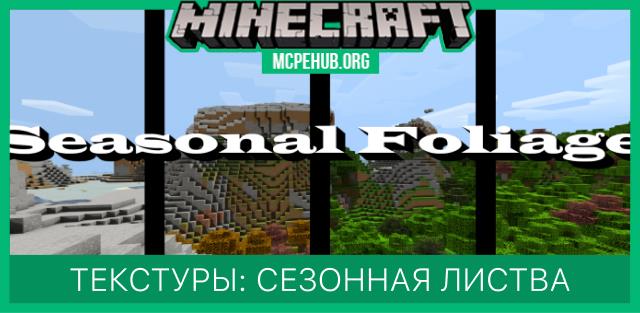
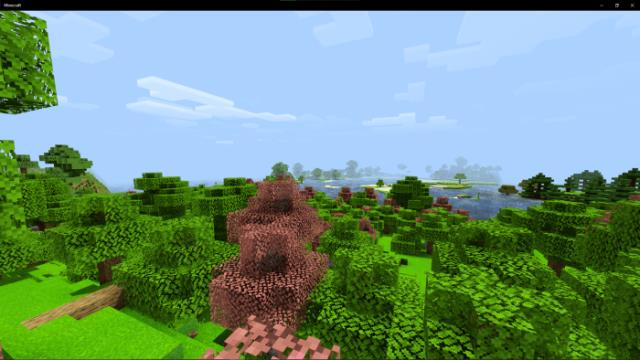
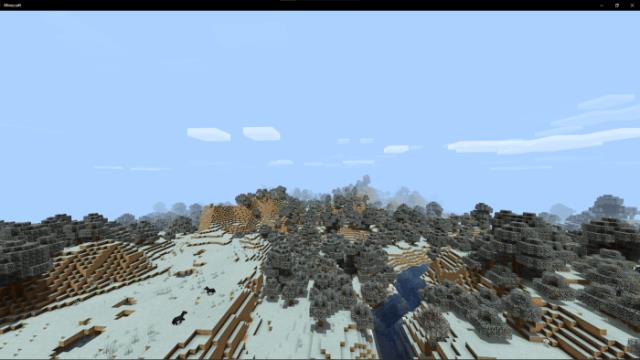
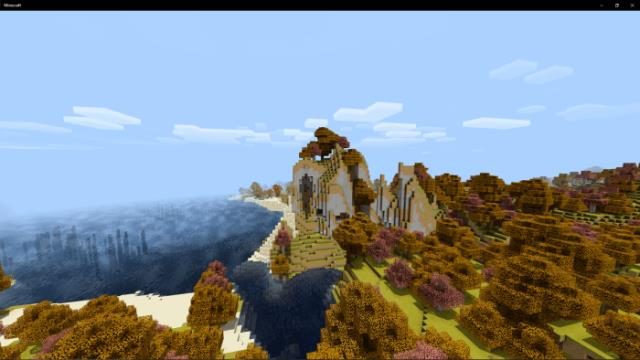
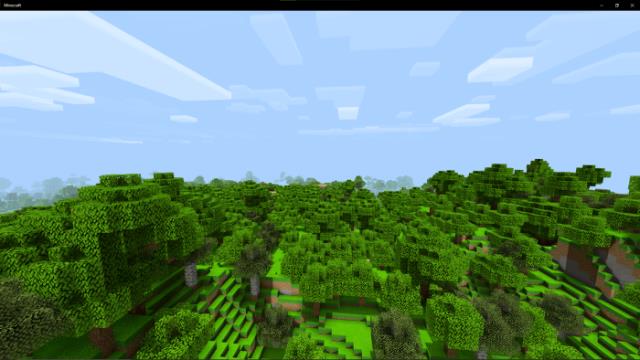

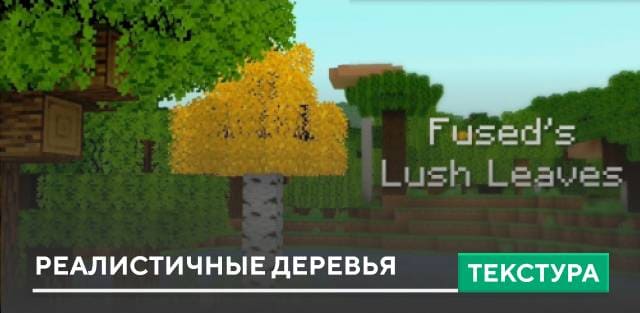
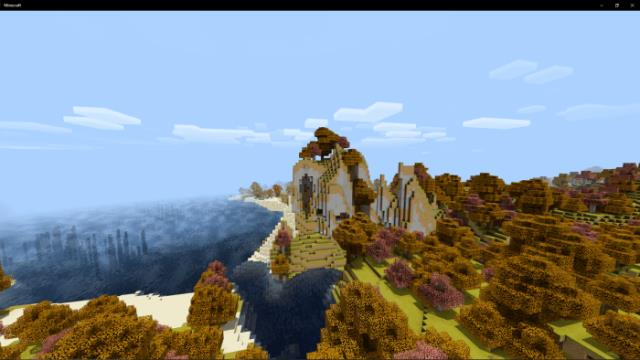
Биомы в Майнкрафт Бедрок не соответствуют временам года. Каждый биом выглядит одинаково в любое время года. Автору текстур Seasonal Foliage это не понравилось, поэтому он решил изменить внешний вид деревьев, чтобы они всегда соответствовали выбранному времени года. Если на дворе лето, то и деревья будут зелеными и красивыми, а если зима, то листья получат тусклый внешний вид.
Игрок сможет выбирать желаемое время года в настройках. Обратите внимание, что после каждой перемены нужно перезаходить в игру.
Весенняя листва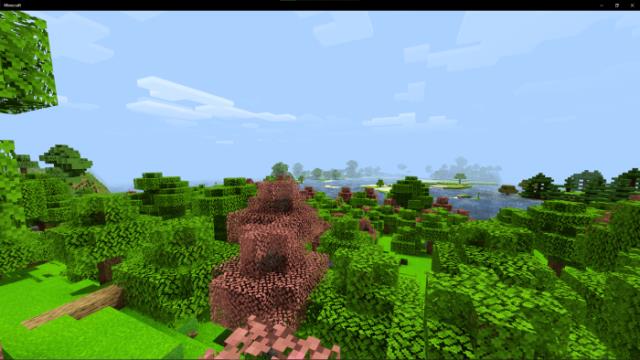 Зимняя листва
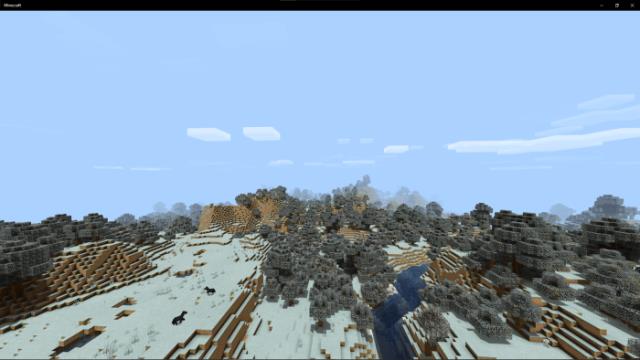 Осенняя листва
 Летняя листва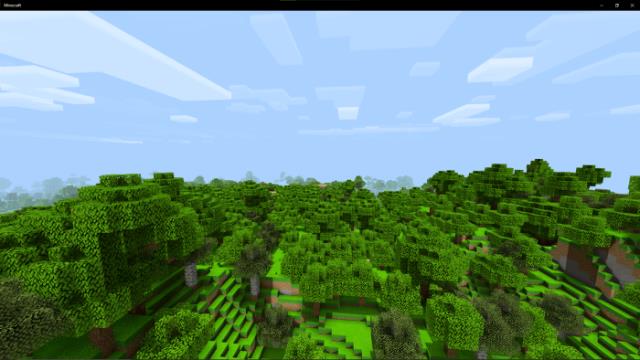
Игрок сможет выбирать желаемое время года в настройках. Обратите внимание, что после каждой перемены нужно перезаходить в игру.
Весенняя листва
Quick facts
- Edition: Minecraft Bedrock
- File type: .mcpack
- Minecraft version listed: 1.16
- How to install: Download the .mcpack. → Open it — Minecraft imports it under Resource Packs. → Activate it in Global Resources, or for one world under Resource Packs → Available.
- Where to get it: In MCModsHub, or directly above on this page.
Install steps are the general flow for this file type — How to install Minecraft Bedrock texture packs walks through it step by step.
File checked by MCModsHub
- Save it as 187080.mcaddon before opening — it downloads as .mcpack, but it is a .mcaddon pack
- Manifest requires Minecraft 1.13.0 or newer
- Complete pack — everything it depends on is inside the file
- Download size: 1.4 MB
- Download link checked 6 Jul 2026 — working
- Mirrored on our own servers — the download does not depend on the original host
These come from our own check of the pack file, not from the source page.