Texture packsBedrock
EZ Hotbar Controller Textures
Bedrock texture pack listed for Minecraft 1.13–1.16. File opened and checked on 1 Oct 2026; installs from the MC Bedrock Mods app on Android.
If you have problems selecting items when playing Minecraft, use EZ Hotbar Controller textures. They add buttons to switch between active items in the…
⬇ Download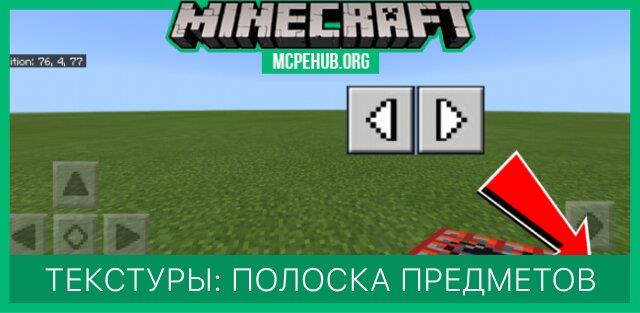
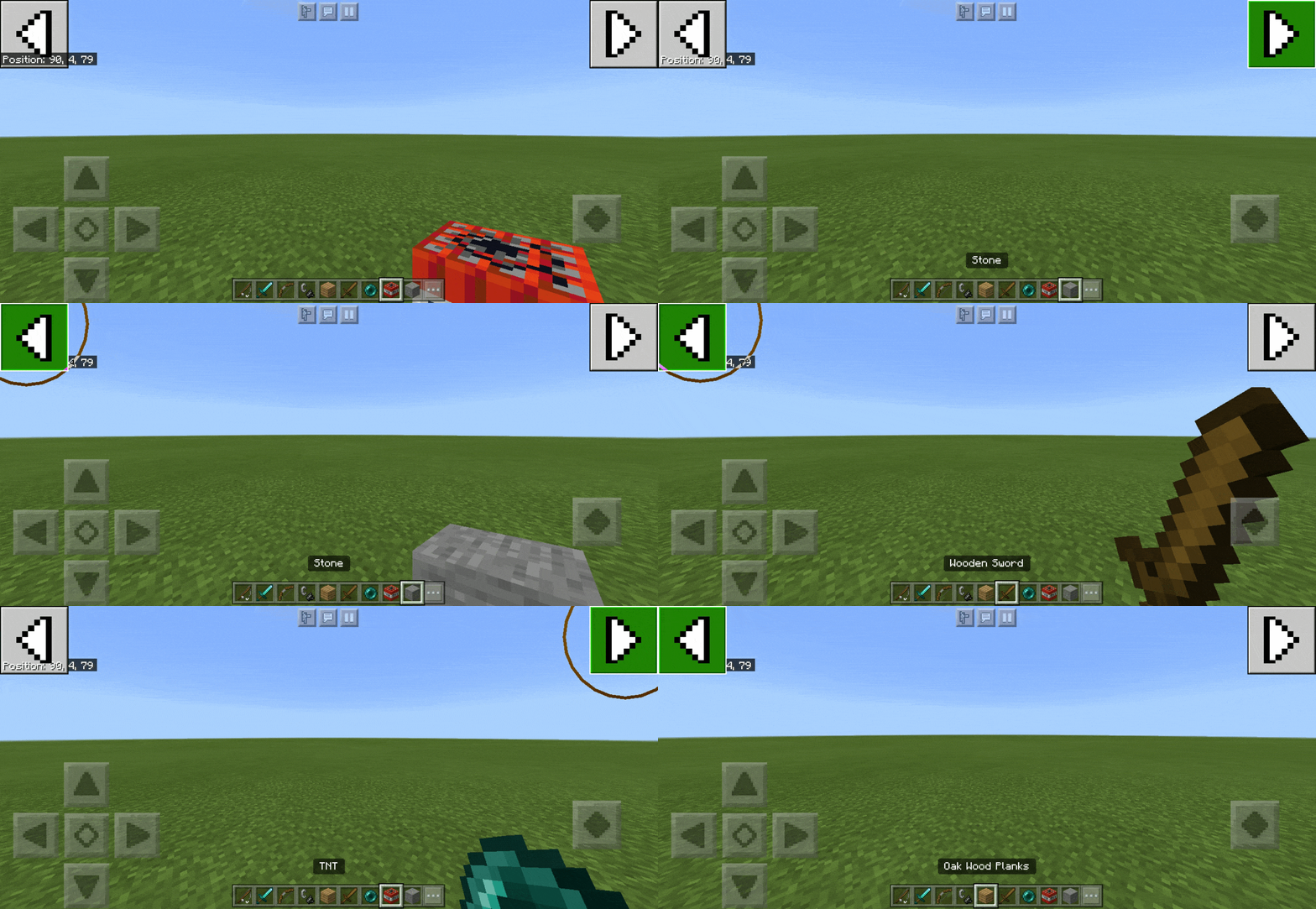
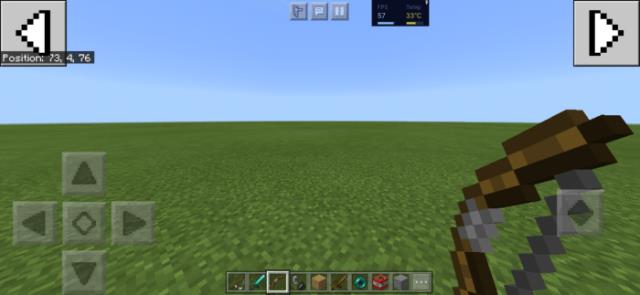
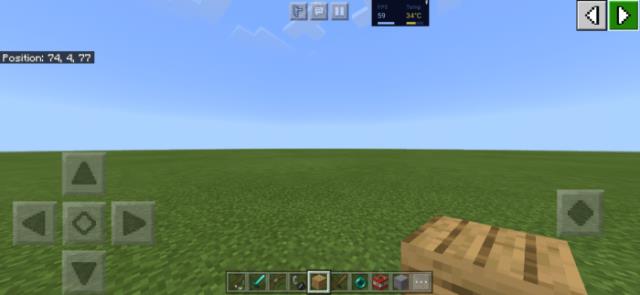
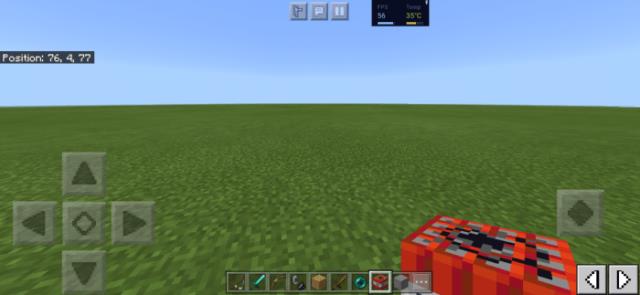
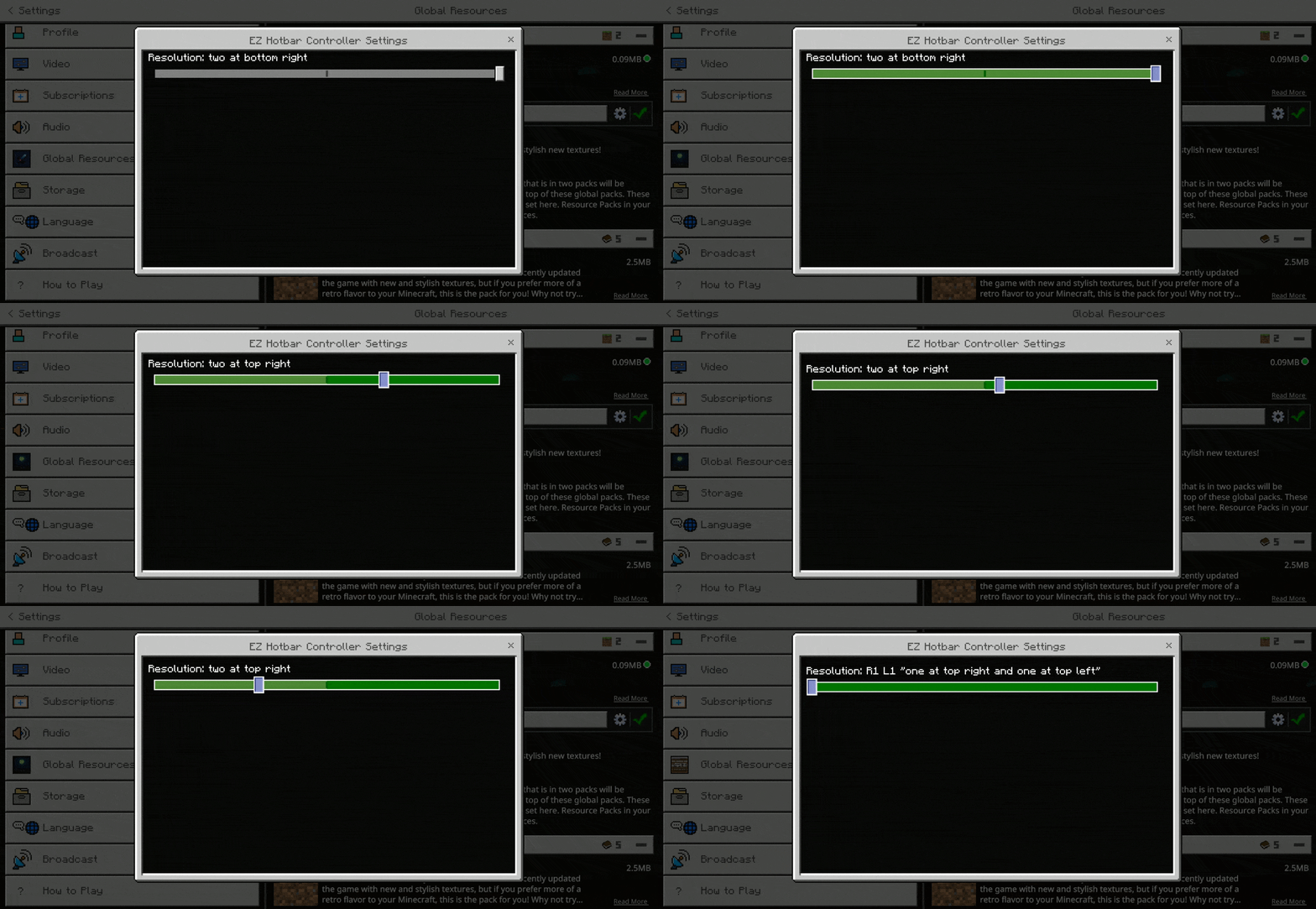

Если у Вас есть проблемы с выбором предметов при игре в Minecraft, то используйте текстуры EZ Hotbar Controller. Они добавляют кнопки для переключения между активными предметами в меню. Это позволяет пользователям на мобильных устройствах быть такими же быстрыми, как и игроки на компьютерах. На выбор доступно три варианта расположения кнопок, которые представлены ниже.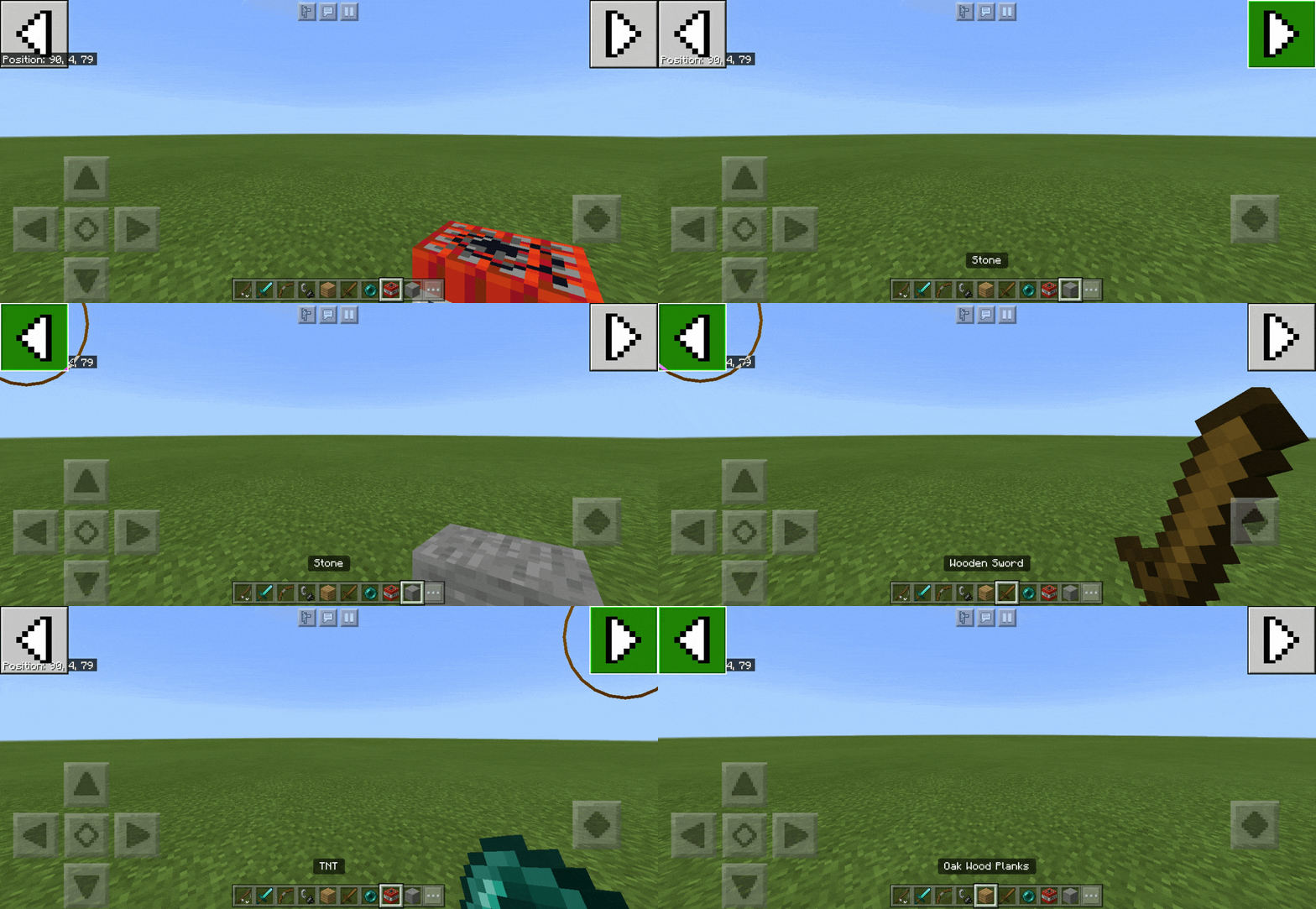 Кнопки по бокам
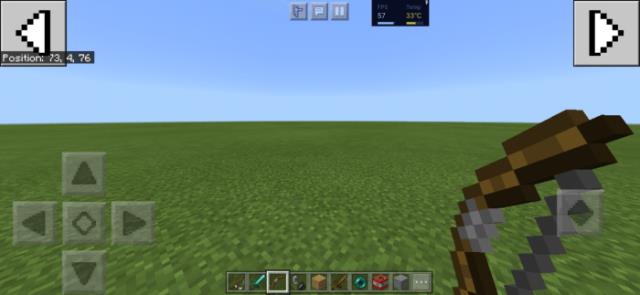 Кнопки в правом верхнем углу
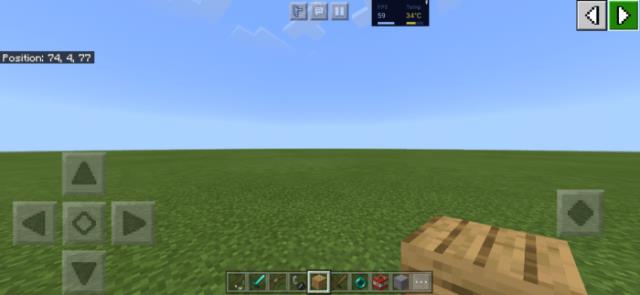 Кнопки в правом нижнем углу
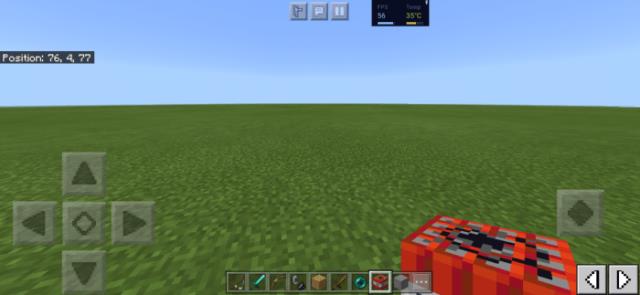 Выбор настроек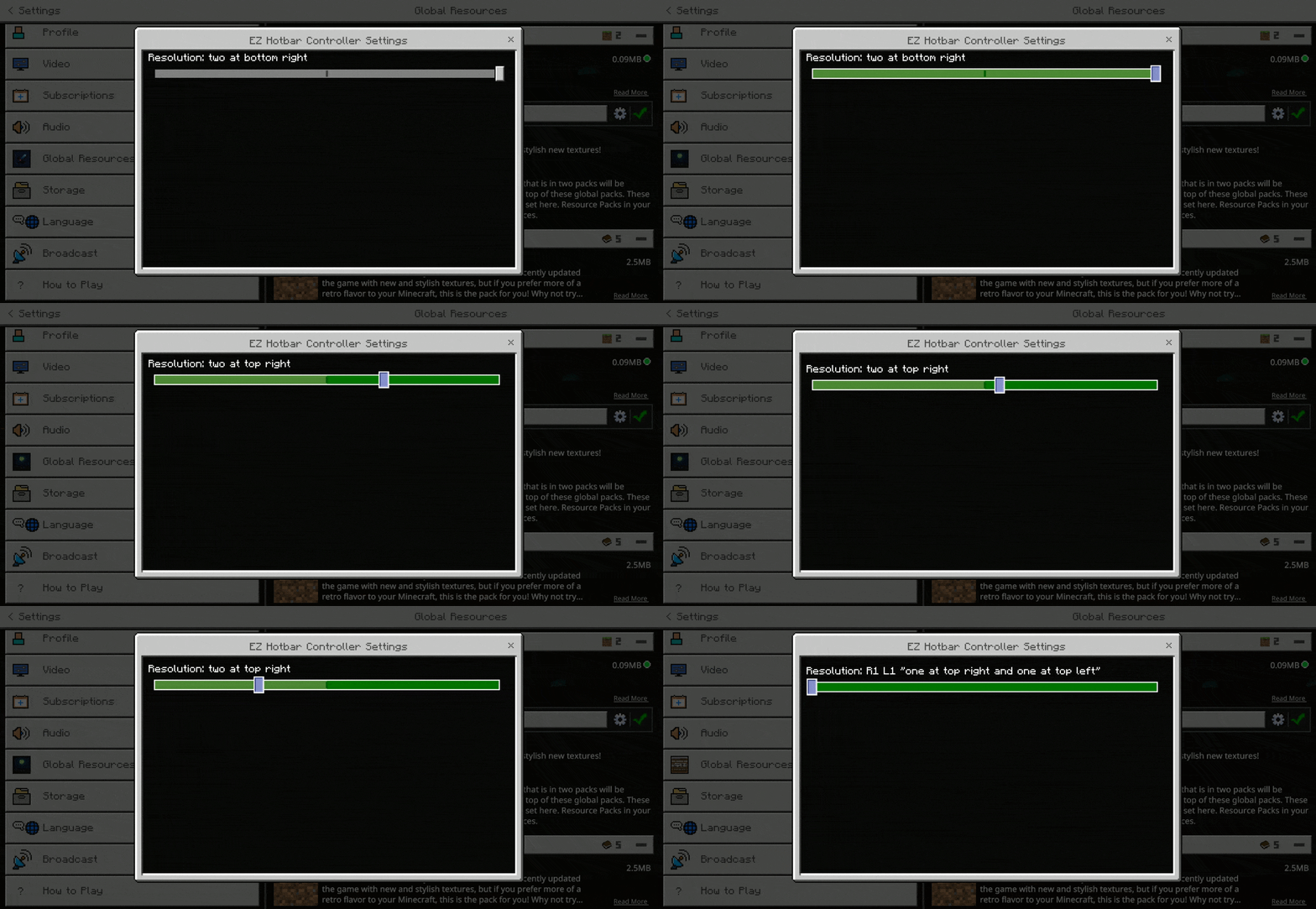
Quick facts
- Edition: Minecraft Bedrock
- File type: .mcpack
- Minecraft versions listed: 1.16, 1.16.20
- How to install: Download the .mcpack. → Open it — Minecraft imports it under Resource Packs. → Activate it in Global Resources, or for one world under Resource Packs → Available.
- Where to get it: In MCModsHub, or directly above on this page.
Install steps are the general flow for this file type — How to install Minecraft Bedrock texture packs walks through it step by step.
File checked by MCModsHub
- Save it as 187114.mcaddon before opening — it downloads as .mcpack, but it is a .mcaddon pack
- Manifest requires Minecraft 1.13.0 or newer
- Complete pack — everything it depends on is inside the file
- Download size: 70 KB
- Download link checked 6 Jul 2026 — working
- Mirrored on our own servers — the download does not depend on the original host
These come from our own check of the pack file, not from the source page.