Texture packsBedrock
MCC Textures
Bedrock texture pack listed for Minecraft 1.16. File opened and checked on 10 Oct 2026; installs from the MC Bedrock Mods app on Android.
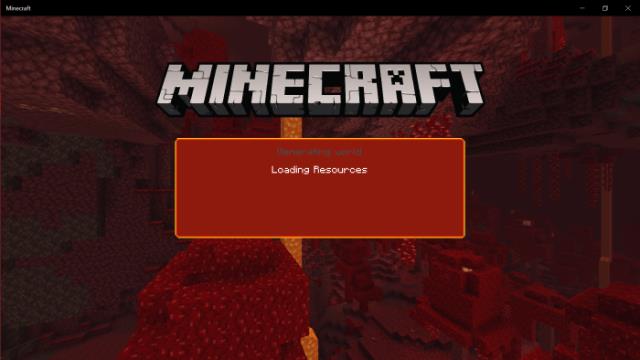
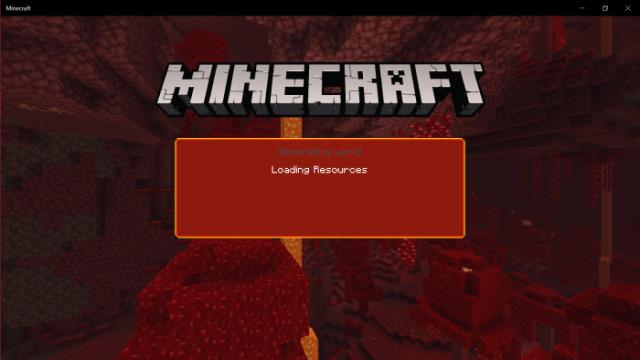
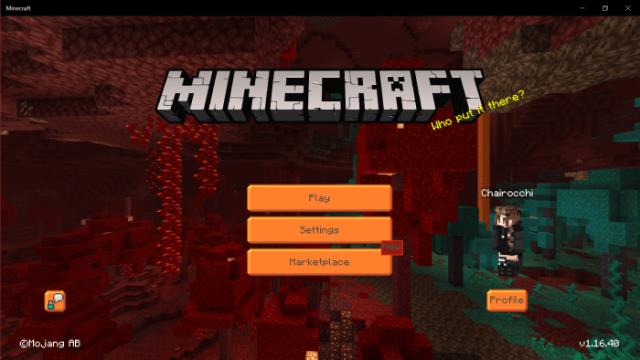
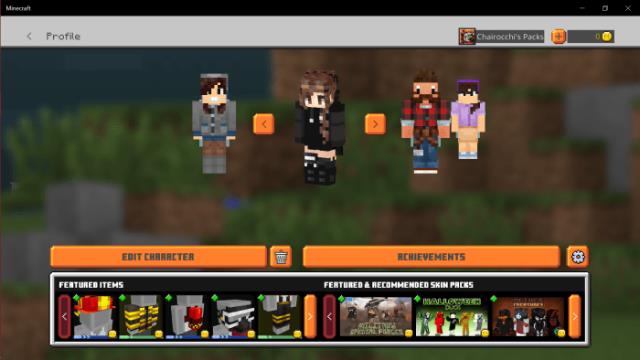
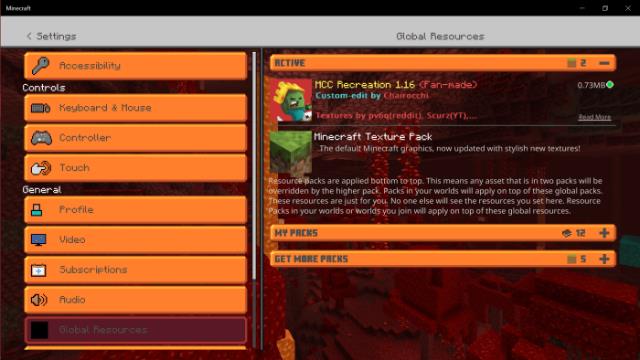
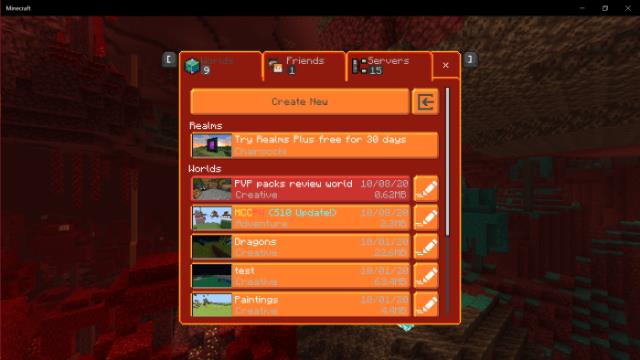
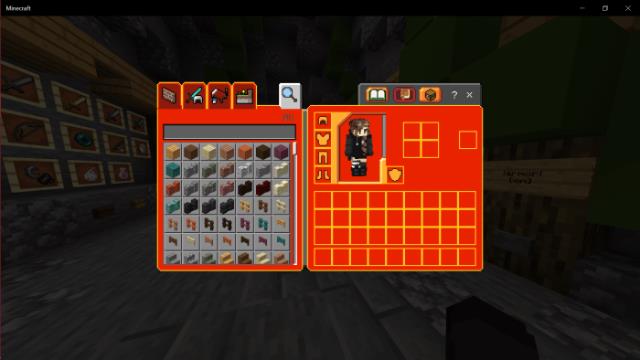
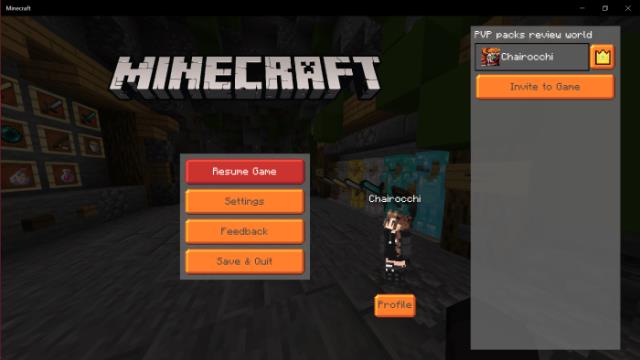
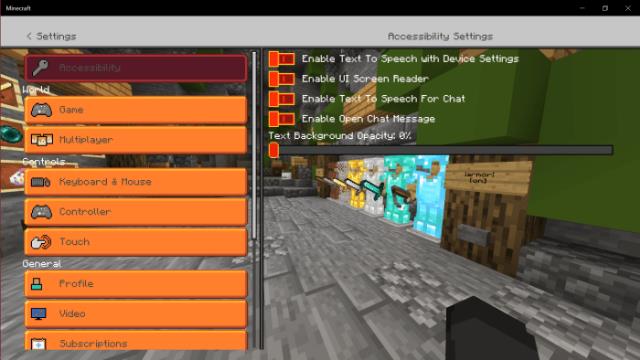
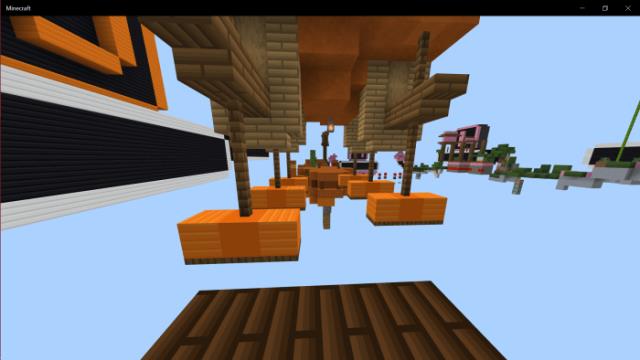
If you want to add more vibrant colors to the Minecraft Bedrock world, use MCC textures. The menu and other interface elements will receive a saturated…
⬇ Download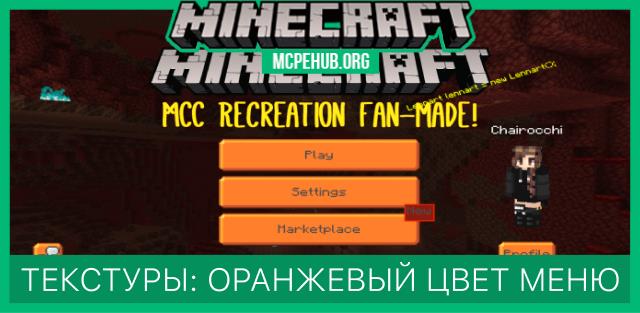
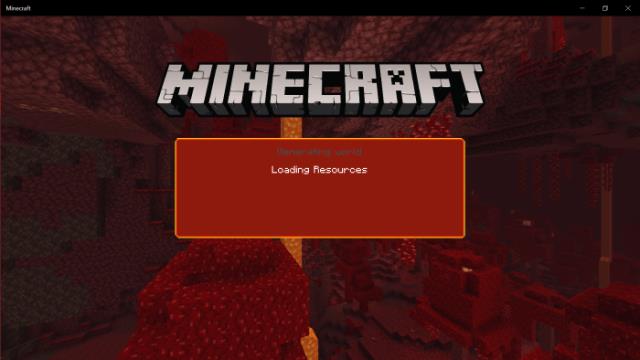
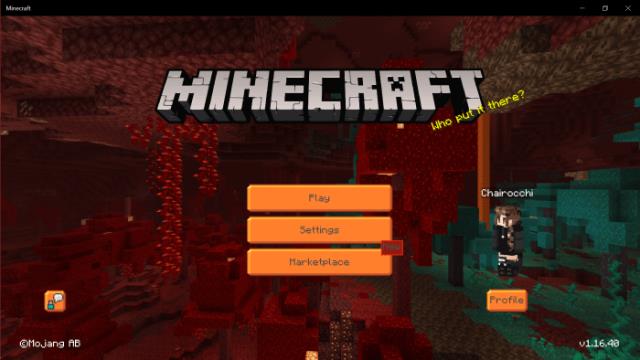
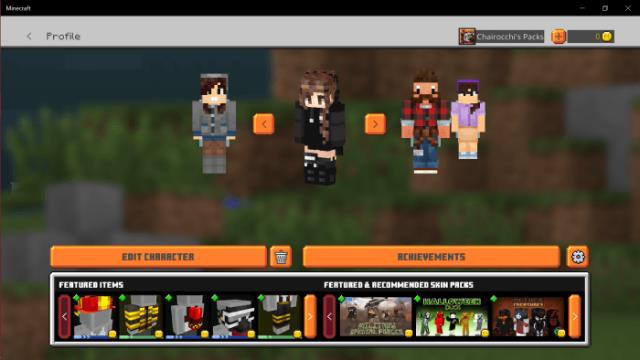
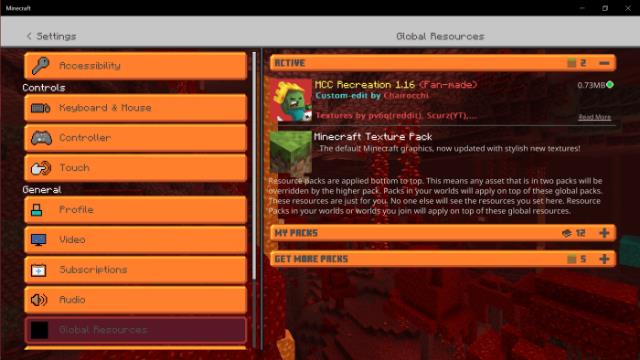
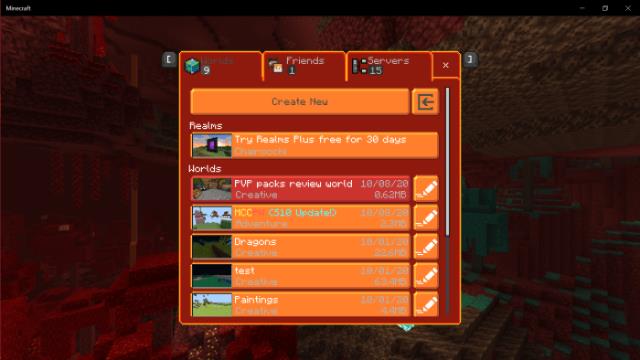
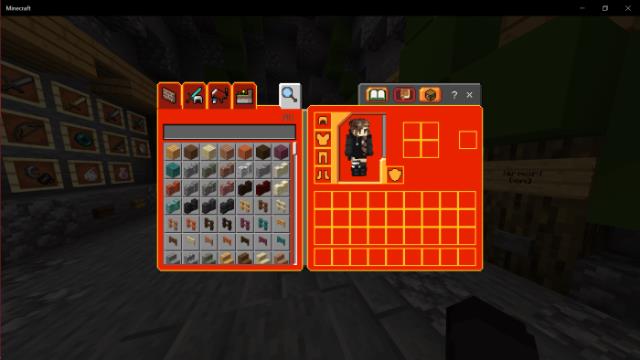
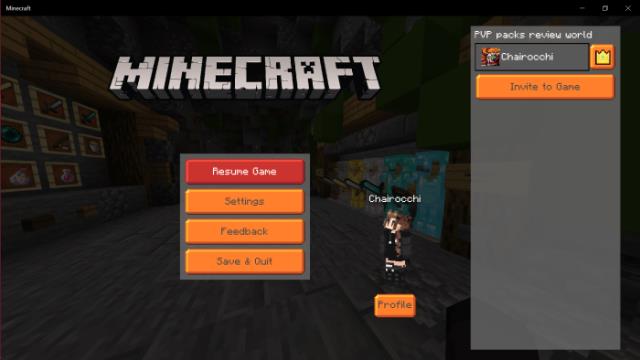
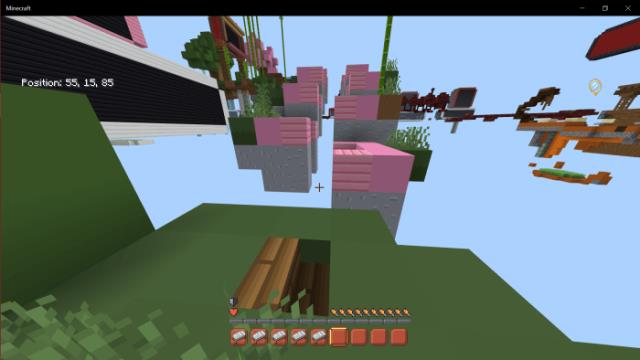
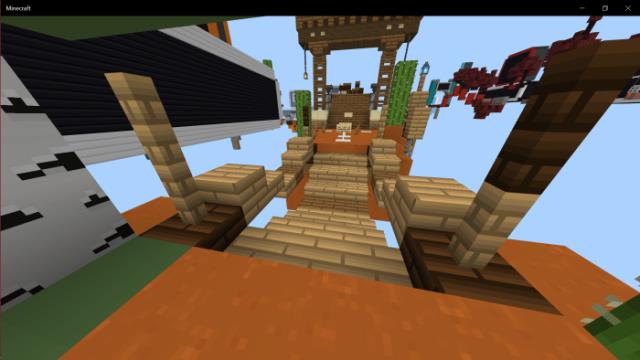
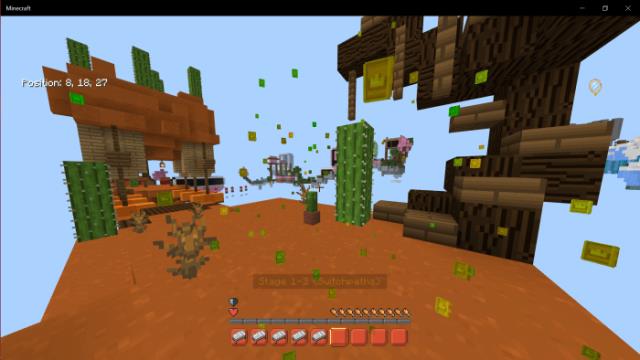
Если Вы хотите придать больше ярких красок в мир Майнкрафт Бедрок, то используйте текстуры MCC. Меню и прочие элементы интерфейса получат насыщенный оранжевый цвет. Даже при первом взгляде на новый дизайн сразу же поднимается настроение: геймплей станет в разы лучше. Помимо элементов меню, улучшится и внешний вид множества других вещей в игре: ниже представлены скриншоты, а все остальное можно узнать в самой игре.
Quick facts
- Edition: Minecraft Bedrock
- File type: .mcpack
- Minecraft version listed: 1.16
- How to install: Download the .mcpack. → Open it — Minecraft imports it under Resource Packs. → Activate it in Global Resources, or for one world under Resource Packs → Available.
- Where to get it: In MCModsHub, or directly above on this page.
Install steps are the general flow for this file type — How to install Minecraft Bedrock texture packs walks through it step by step.
File checked by MCModsHub
- Pack type: .mcpack — a single pack
- Complete pack — everything it depends on is inside the file
- Download size: 214 KB
- Download link checked 6 Jul 2026 — working
- Mirrored on our own servers — the download does not depend on the original host
These come from our own check of the pack file, not from the source page.