Texture packsBedrock
Ligard's NetherStar Artifacts Textures
Bedrock texture pack listed for Minecraft 1.16. File opened and checked on 5 Oct 2026; installs from the MC Bedrock Mods app on Android.
Netherite is a durable material that provides good protection in armor and high damage in weapons. However, many Minecraft community users disliked…
⬇ Download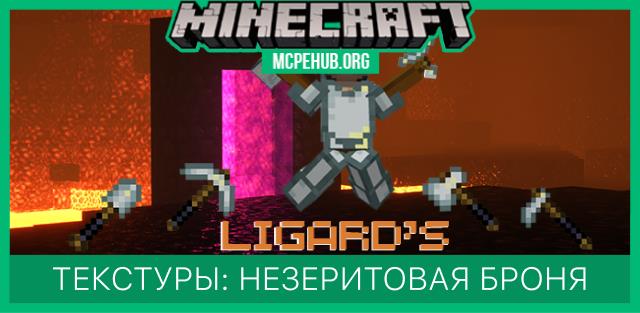
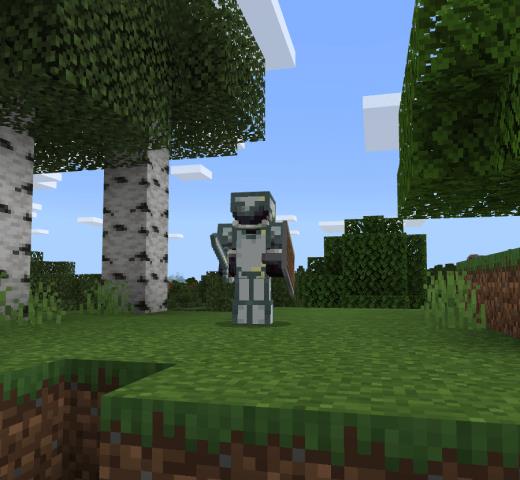
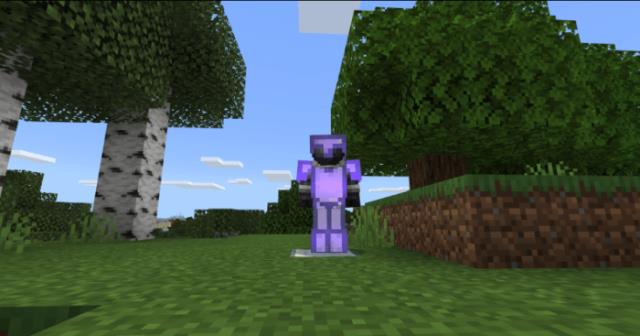
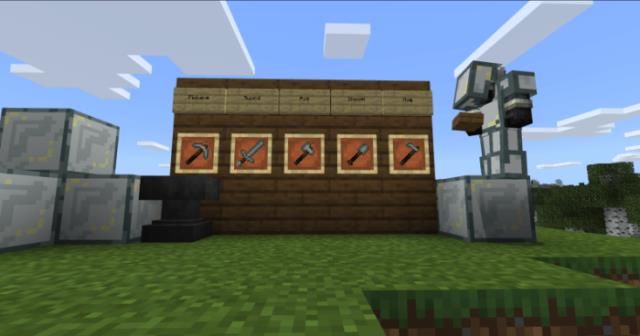
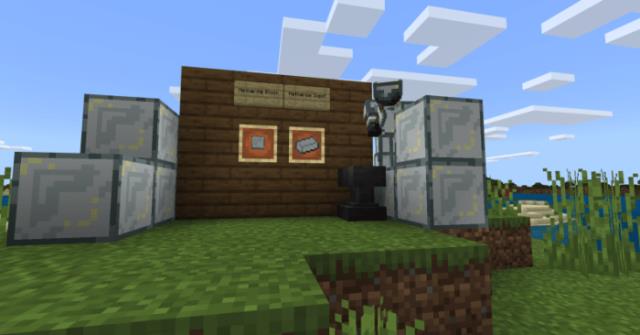
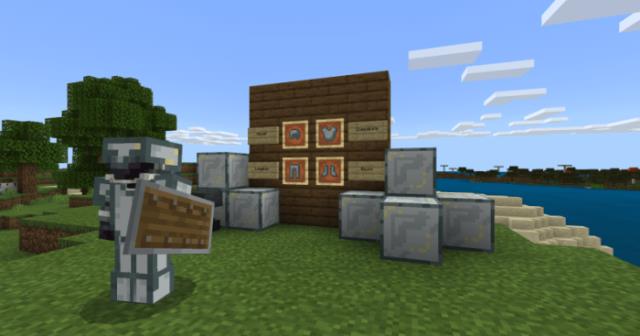
Незерит - прочный материал, который обеспечивает хорошую защиту в доспехах и большой урон в оружии. Но многим пользователям сообщества Minecraft не понравились текстуры незерита. Они выглядят слишком тускло, а темный цвет не добавляет красоты. Сборка Ligard’s NetherStar Artifacts призвана решить проблему: все незеритовые предметы получат текстуру звезды Нижнего Мира.
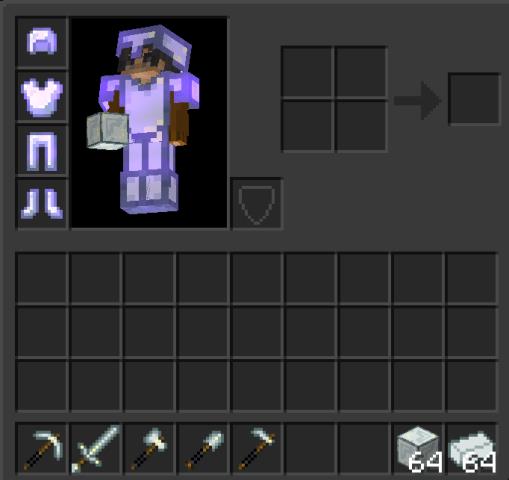
Оружие, инструменты и броня получат яркий, фиолетово-белый цвет - это выглядит просто великолепно. Инвентарь
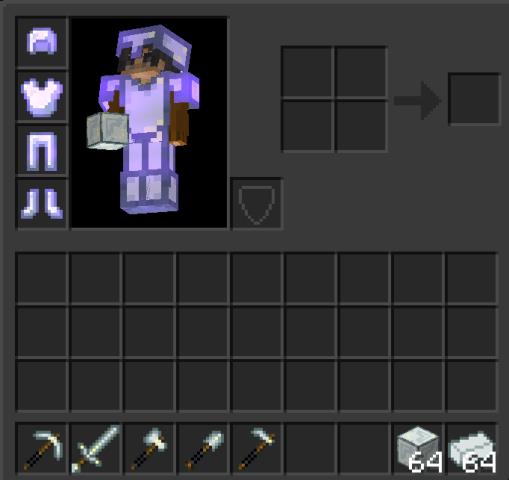 Броня без блеска
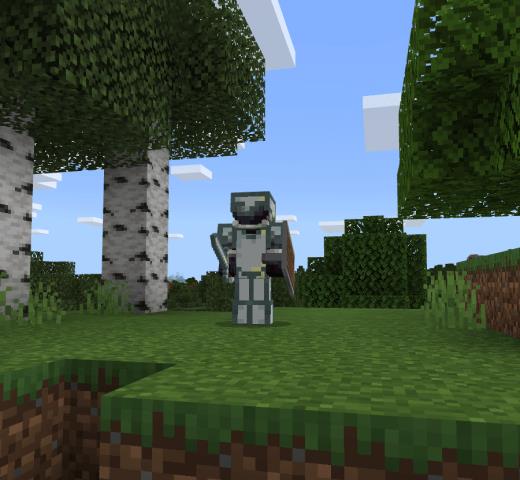 Броня с блеском
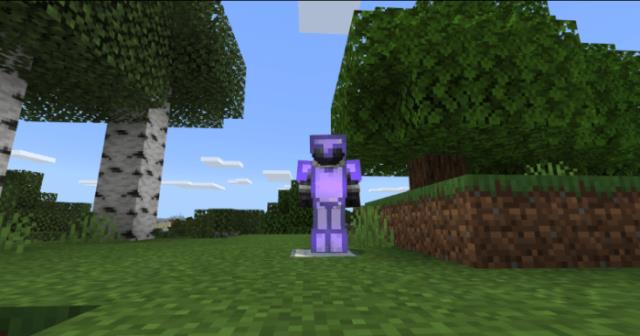 Инструменты и оружие
Обращаем внимание, что сборку необходимо поставить выше всех остальных дополнений в настройках.
Оружие, инструменты и броня получат яркий, фиолетово-белый цвет - это выглядит просто великолепно.
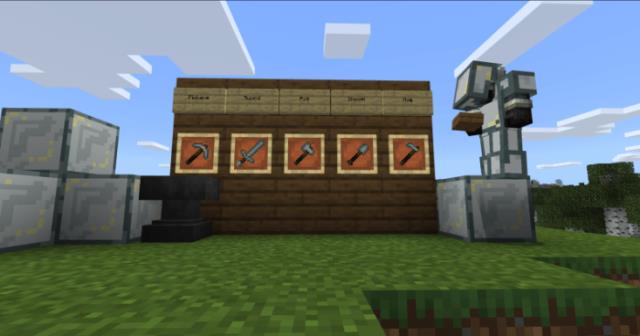
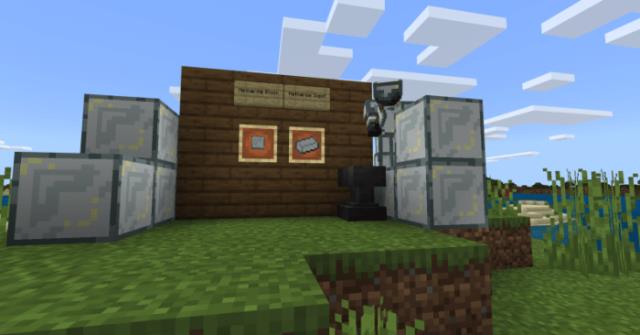
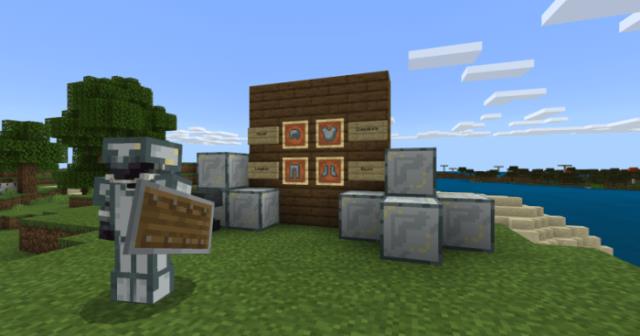
Обращаем внимание, что сборку необходимо поставить выше всех остальных дополнений в настройках.
Quick facts
- Edition: Minecraft Bedrock
- File type: .mcpack
- Minecraft version listed: 1.16
- How to install: Download the .mcpack. → Open it — Minecraft imports it under Resource Packs. → Activate it in Global Resources, or for one world under Resource Packs → Available.
- Where to get it: In MCModsHub, or directly above on this page.
Install steps are the general flow for this file type — How to install Minecraft Bedrock texture packs walks through it step by step.
File checked by MCModsHub
- Save it as 187124.mcaddon before opening — it downloads as .mcpack, but it is a .mcaddon pack
- Manifest requires Minecraft 1.16.0 or newer
- Complete pack — everything it depends on is inside the file
- Download size: 27 KB
- Download link checked 6 Jul 2026 — working
- Mirrored on our own servers — the download does not depend on the original host
These come from our own check of the pack file, not from the source page.