Texture packsBedrock
Ore Hider Textures
Bedrock texture pack listed for Minecraft 1.14–1.16. File opened and checked on 24 Sep 2026; installs from the MC Bedrock Mods app on Android.
Love pranking your friends in the game and can't think of new ways? Then we offer you another option - Ore Hider textures. With this addition, you can…
⬇ Download
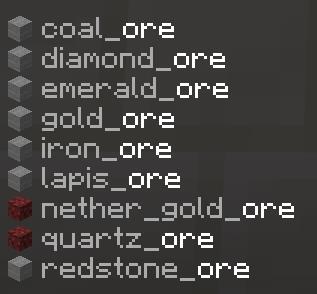
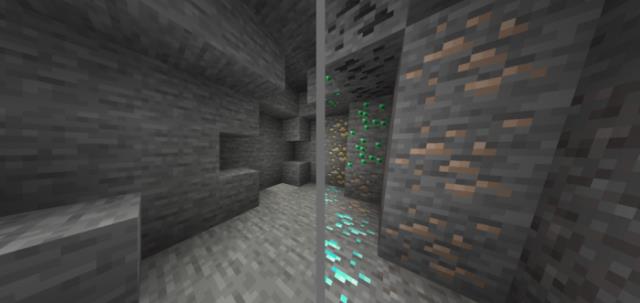
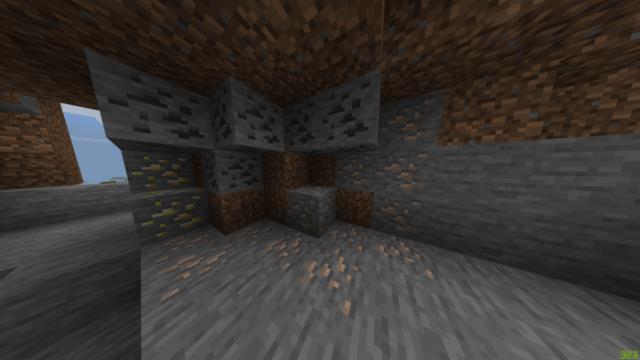
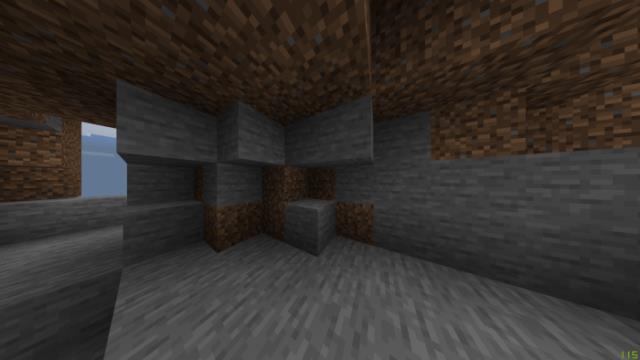
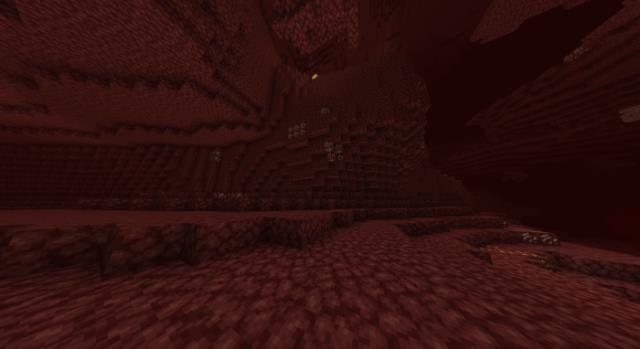
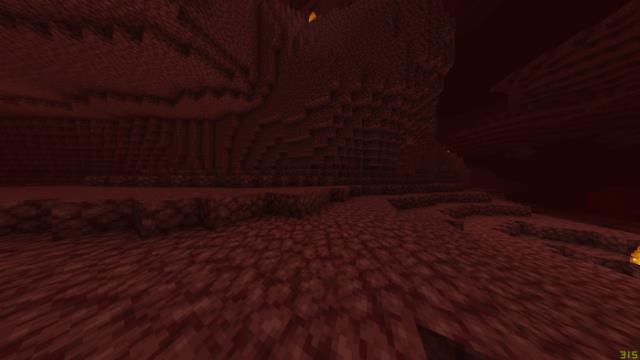

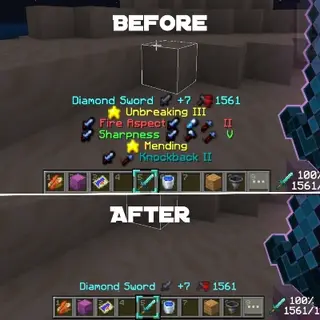
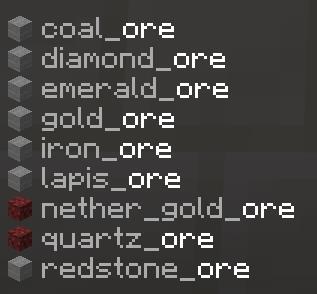
Любите поиздеваться над друзьями в игре и не можете придумать новых способов? Тогда мы предлагаем Вам еще один вариант - текстуры Ore Hider. При помощи этого дополнения можно за пару мгновений скрыть всю руду в пещерах. Вся руда превратится в обычный камень. Вернее, руда получит текстуру камня и ее не будет видно. Если же добыть блоки, то руда появится в инвентаре. Игрокам придется добывать все блоки подряд, а Вы будете наблюдать за этим и смеяться.
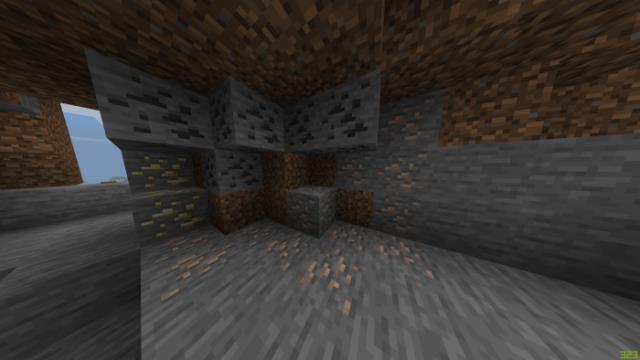
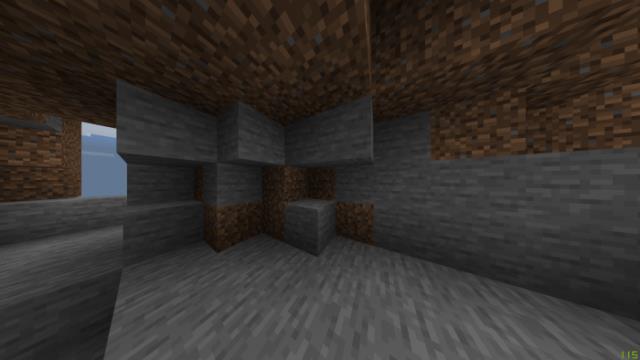
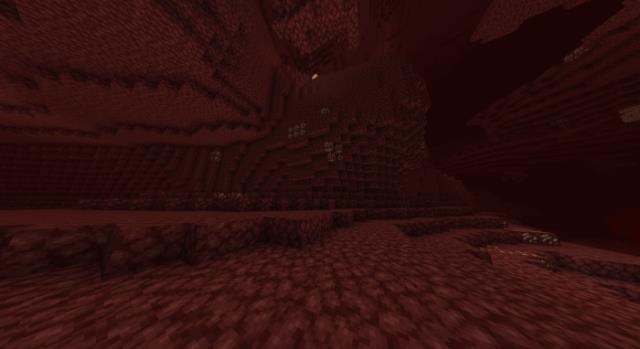
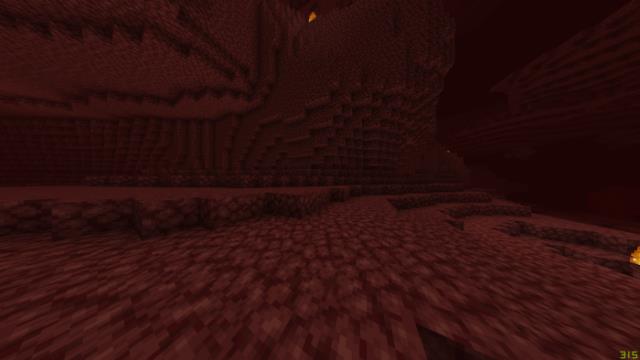
Все руды получат внешний вид камней, а руда Нижнего Мира - вид адского камня.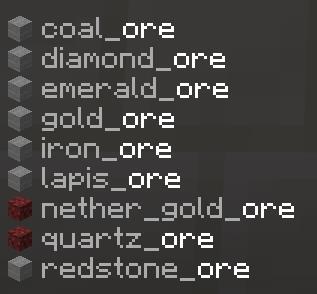 Сравнение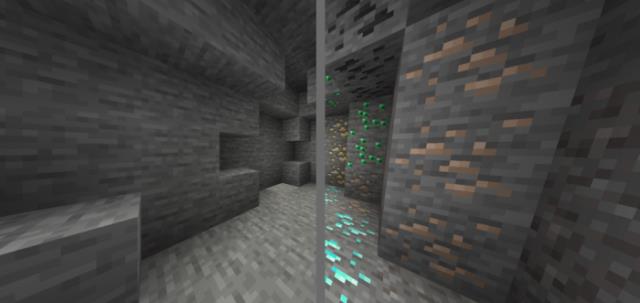
Все руды получат внешний вид камней, а руда Нижнего Мира - вид адского камня.
Quick facts
- Edition: Minecraft Bedrock
- File type: .mcpack
- Minecraft version listed: 1.16
- How to install: Download the .mcpack. → Open it — Minecraft imports it under Resource Packs. → Activate it in Global Resources, or for one world under Resource Packs → Available.
- Where to get it: In MCModsHub, or directly above on this page.
Install steps are the general flow for this file type — How to install Minecraft Bedrock texture packs walks through it step by step.
File checked by MCModsHub
- Pack type: .mcpack — a single pack
- Manifest requires Minecraft 1.14.0 or newer
- Complete pack — everything it depends on is inside the file
- Download size: 6 KB
- Download link checked 6 Jul 2026 — working
- Mirrored on our own servers — the download does not depend on the original host
These come from our own check of the pack file, not from the source page.