Texture packsBedrock
Highlighted+ Textures
Bedrock texture pack listed for Minecraft 1.16. File opened and checked on 10 Oct 2026; installs from the MC Bedrock Mods app on Android.
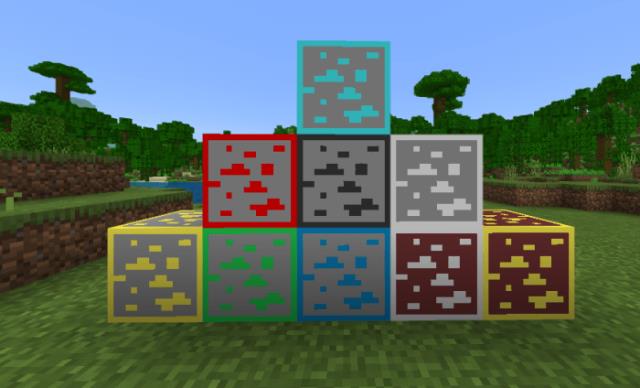
If you often miss ore in caves, we recommend using Highlighted+ textures for Minecraft PE. Every type of ore, starting with coal and ending with diamonds…
⬇ Download
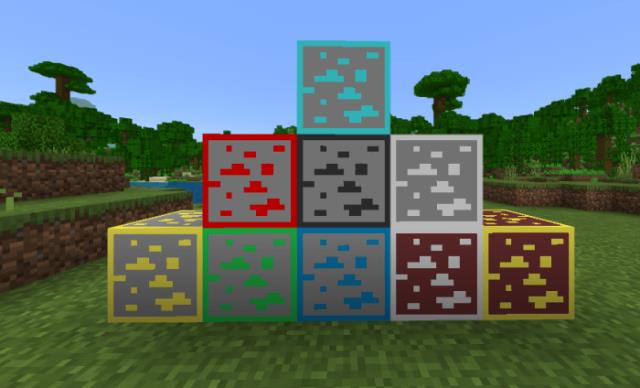
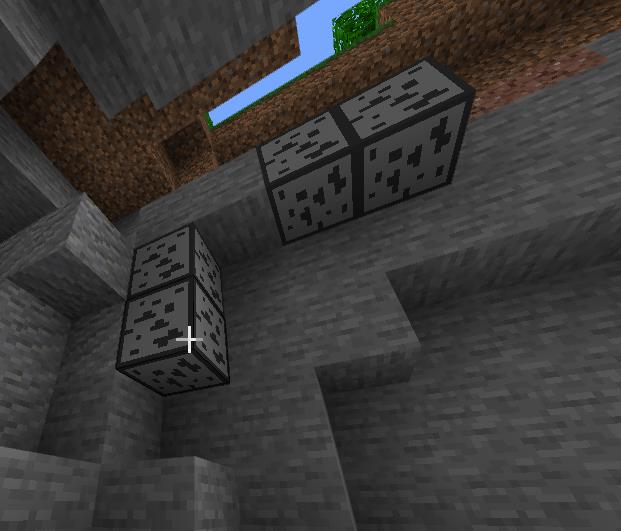
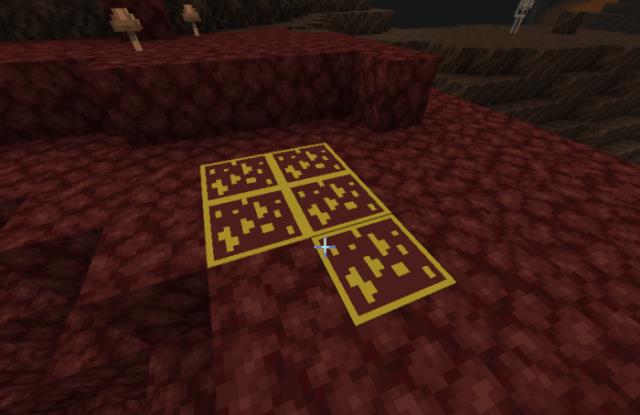
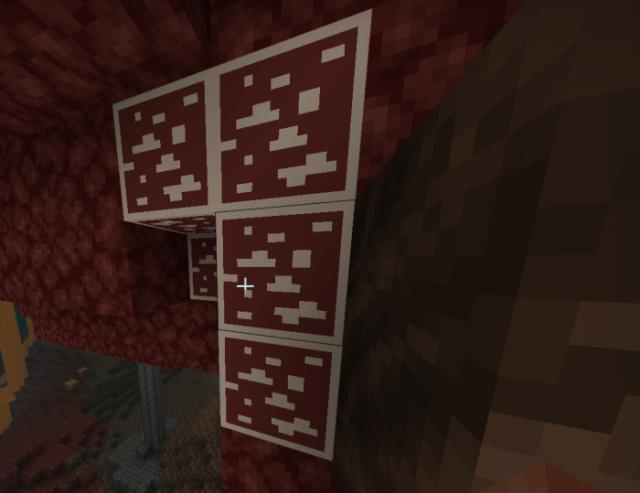
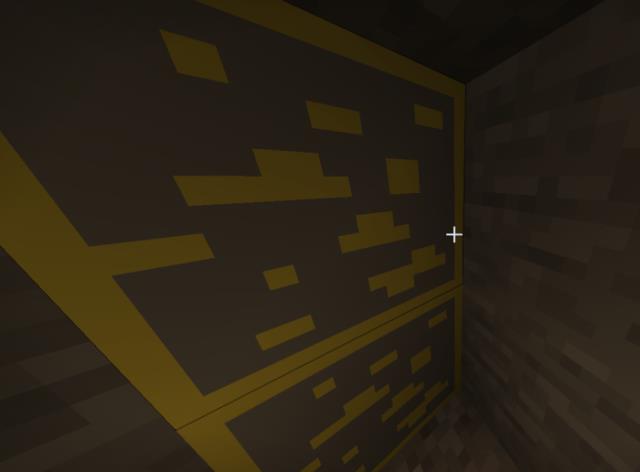
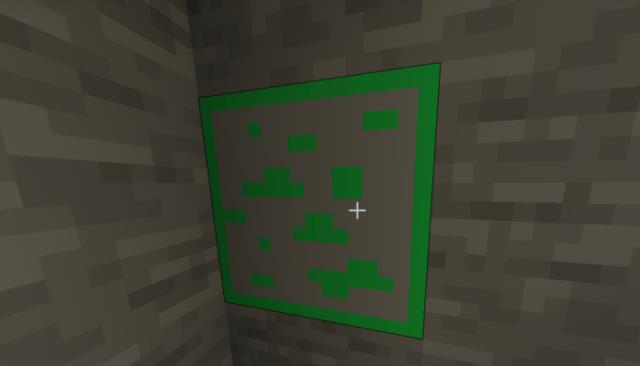
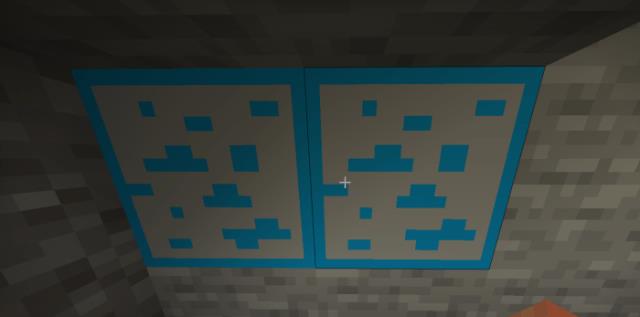
Если Вы часто пропускаете руду в пещерах, то рекомендуем использовать текстуры Highlighted+ для Майнкрафт ПЕ. Каждый вид руды, начиная с угля и заканчивая алмазом, получит особый контур вокруг блока. Вы больше не сможете не заметить блоки руды в пещерах, поскольку они будут ярко выделяться среди камней, песка или земли.
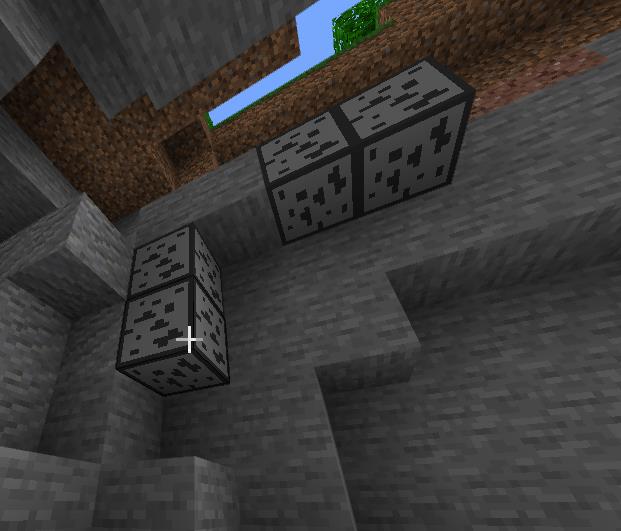
Ниже представлены все виды руды, которые получат новый внешний вид.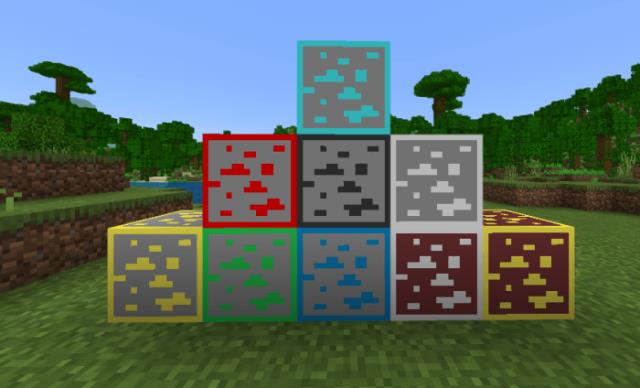 Угольная руда
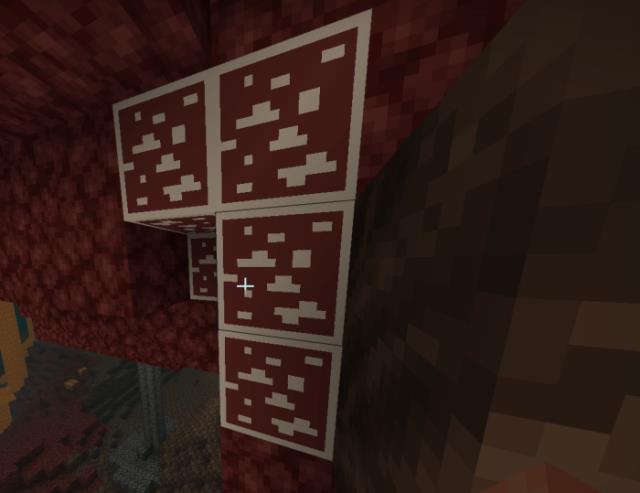
 Золото Нижнего Мира
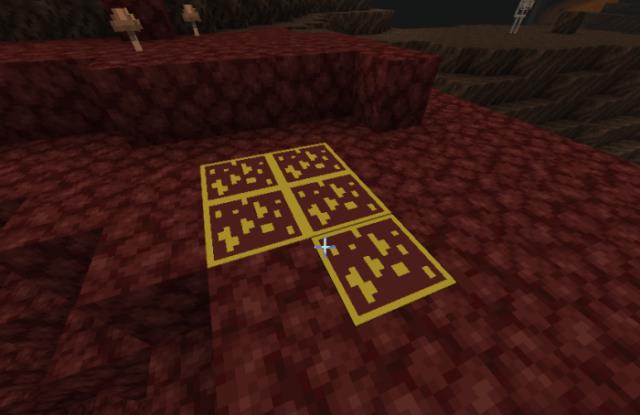 Кварцевая руда
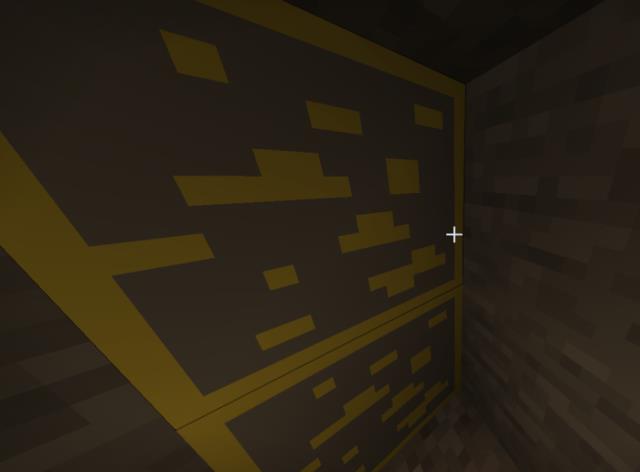
 Золотая руда
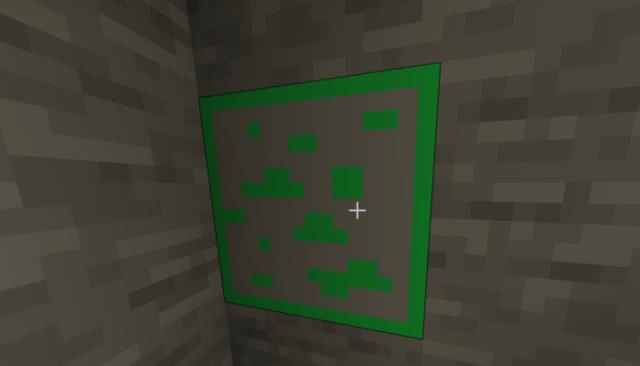
 Изумрудная руда
 Лазуритовая руда
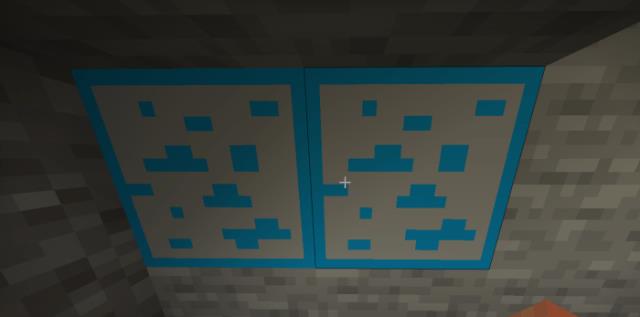 Алмазная руда
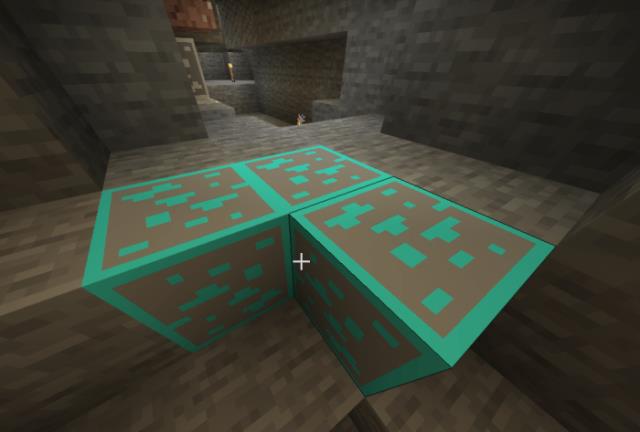 Редстоун руда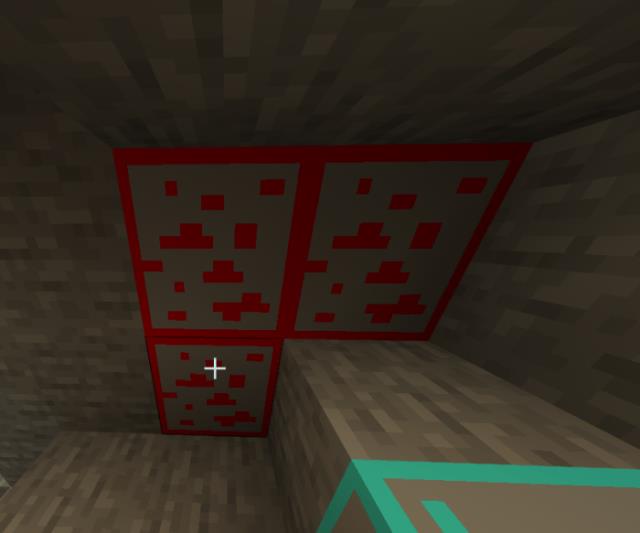
Ниже представлены все виды руды, которые получат новый внешний вид.
Quick facts
- Edition: Minecraft Bedrock
- File type: .mcpack
- Minecraft version listed: 1.16
- How to install: Download the .mcpack. → Open it — Minecraft imports it under Resource Packs. → Activate it in Global Resources, or for one world under Resource Packs → Available.
- Where to get it: In MCModsHub, or directly above on this page.
Install steps are the general flow for this file type — How to install Minecraft Bedrock texture packs walks through it step by step.
File checked by MCModsHub
- Save it as 187133.mcaddon before opening — it downloads as .mcpack, but it is a .mcaddon pack
- Manifest requires Minecraft 1.16.0 or newer
- Complete pack — everything it depends on is inside the file
- Download size: 5 KB
- Download link checked 6 Jul 2026 — working
- Mirrored on our own servers — the download does not depend on the original host
These come from our own check of the pack file, not from the source page.