Texture packsBedrock
The Nether Armor Upgrade Textures
Bedrock texture pack listed for Minecraft 1.16. File opened and checked on 25 Sep 2026; installs from the MC Bedrock Mods app on Android.
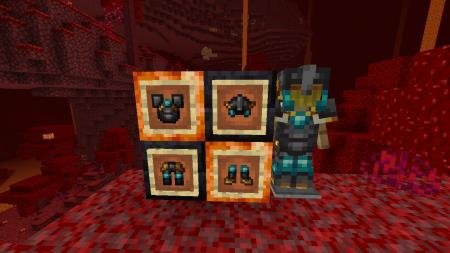
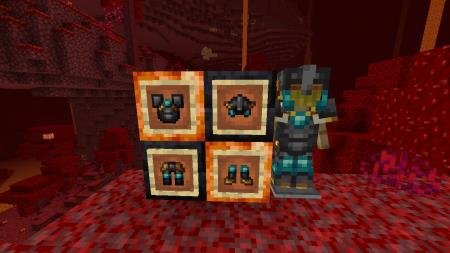
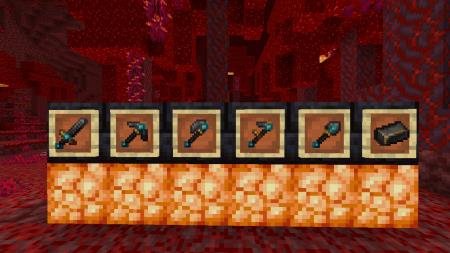
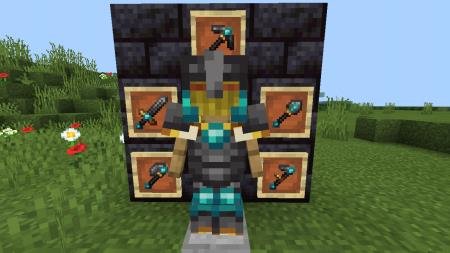
The Nether Armor Upgrade textures improve the design of netherite tools, weapons, armor, and the netherite ingot itself. The new ingot will have gold…
⬇ Download
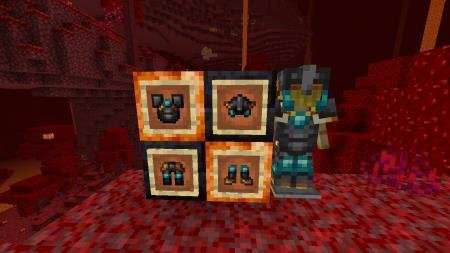
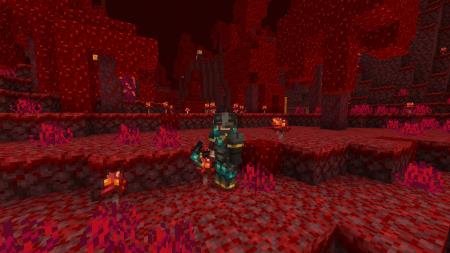
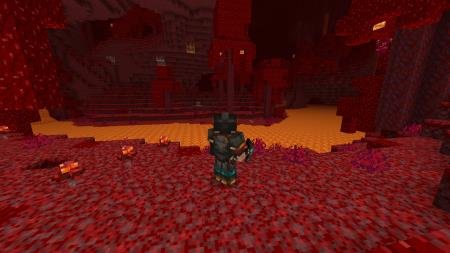
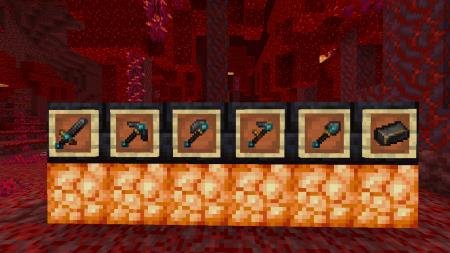
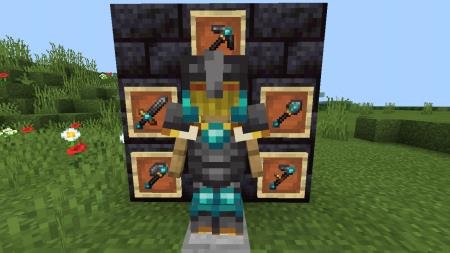

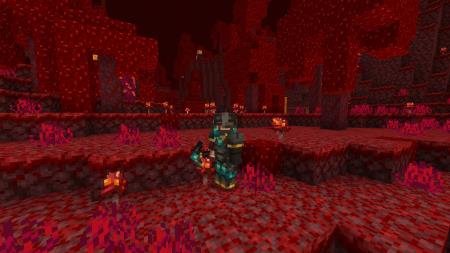
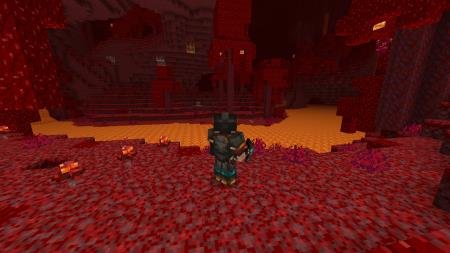
Текстуры The Upgrade Netger Armor улучшают дизайн незеритовых инструментов, оружия, брони, а также самого слитка незерита. Новый слиток получит частички золота. На инструментах и броне, помимо самого незерита, будут использоваться алмазы и золото. При помощи этого дополнения для Майнкрафт, моделька игрока в броне или с инструментами в руках будет выглядеть в разы лучше. Чтобы убедиться в этом, достаточно взглянуть на скриншоты ниже, где представлены комплекты брони и инструменты в рамке.
Разработчик - Sasha Nrj (ссылка).
Разработчик - Sasha Nrj (ссылка).
Quick facts
- Edition: Minecraft Bedrock
- File type: .mcpack
- Minecraft version listed: 1.16
- How to install: Download the .mcpack. → Open it — Minecraft imports it under Resource Packs. → Activate it in Global Resources, or for one world under Resource Packs → Available.
- Where to get it: In MCModsHub, or directly above on this page.
Install steps are the general flow for this file type — How to install Minecraft Bedrock texture packs walks through it step by step.
File checked by MCModsHub
- Save it as 187147.mcaddon before opening — it downloads as .mcpack, but it is a .mcaddon pack
- Complete pack — everything it depends on is inside the file
- Download size: 95 KB
- Download link checked 6 Jul 2026 — working
- Mirrored on our own servers — the download does not depend on the original host
These come from our own check of the pack file, not from the source page.