Texture packsBedrock
Vatonage Client Textures
Bedrock texture pack listed for Minecraft 1.14–1.16. File opened and checked on 30 Sep 2026; installs from the MC Bedrock Mods app on Android.
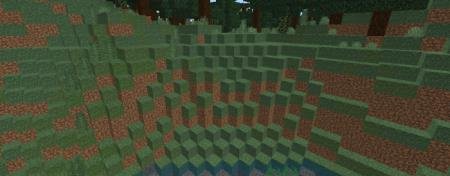
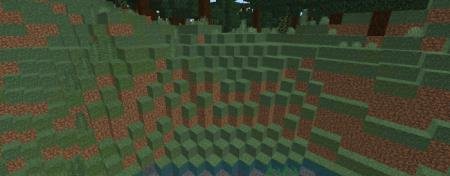
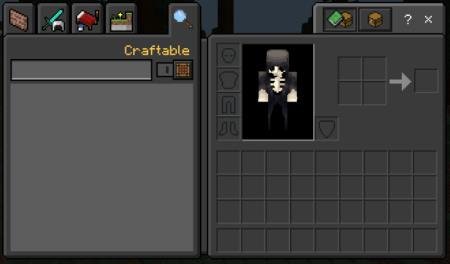
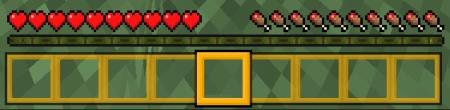
Vatonage Client textures provide a unique perspective on the user interface in Minecraft. Every inventory element, quick access panels, health bars, and…
⬇ Download
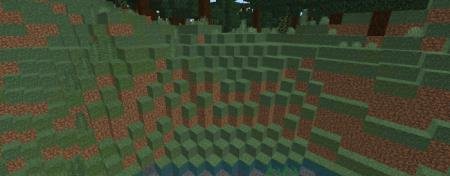
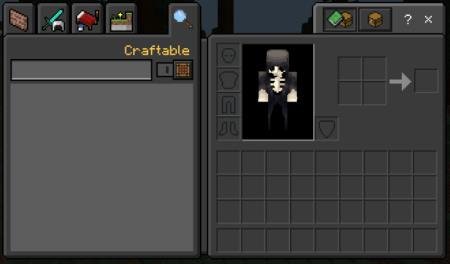
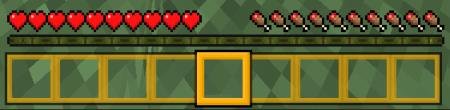

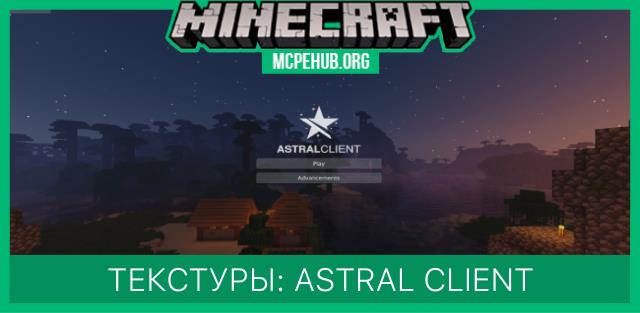
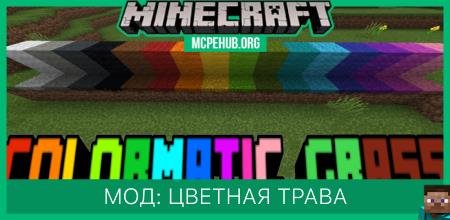
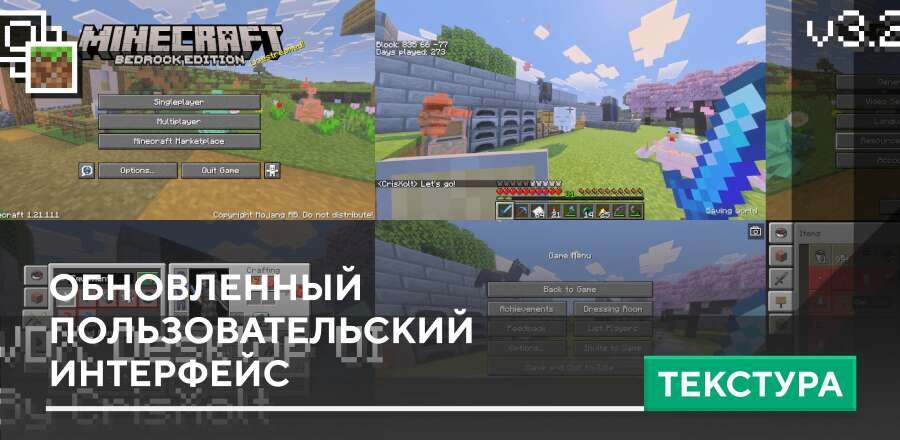
Текстуры Vatonage Client предоставляют собственный взгляд на пользовательский интерфейс в Minecraft. Каждый элемент инвентаря, панели быстро доступа, полосок здоровья, меню пользователя получат собственные цветовые решения и уникальный дизайн. Помимо технической части, сборка включает и другие функции: низкий огонь, соединенную траву, темный режим и многое другое.
Функции
Функции
- Темный режим интерфейса
- Золотая панель быстрого доступа
- Низкий огонь
- Нет границ текста панели быстрого доступа
- Соединенная трава
Quick facts
- Edition: Minecraft Bedrock
- File type: .mcpack
- Minecraft version listed: 1.16
- How to install: Download the .mcpack. → Open it — Minecraft imports it under Resource Packs. → Activate it in Global Resources, or for one world under Resource Packs → Available.
- Where to get it: In MCModsHub, or directly above on this page.
Install steps are the general flow for this file type — How to install Minecraft Bedrock texture packs walks through it step by step.
File checked by MCModsHub
- Pack type: .mcpack — a single pack
- Manifest requires Minecraft 1.14.0 or newer
- Complete pack — everything it depends on is inside the file
- Download size: 577 KB
- Download link checked 6 Jul 2026 — working
- Mirrored on our own servers — the download does not depend on the original host
These come from our own check of the pack file, not from the source page.