Texture packsBedrock
Java Edition Title Textures
Bedrock texture pack listed for Minecraft 1.13–1.16. File opened and checked on 19 Sep 2026; installs from the MC Bedrock Mods app on Android.
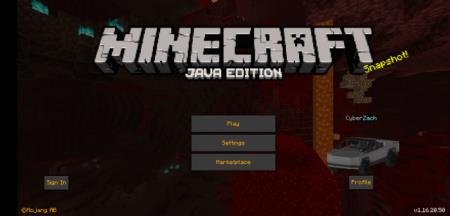
Java Edition Title textures change one element in Minecraft - the main menu screen. The replaced menu will be completely taken from Java Edition. If you…
⬇ Download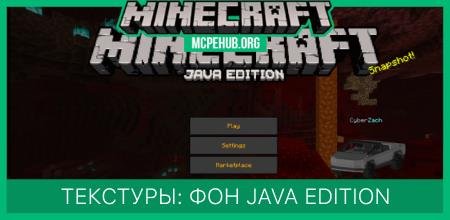
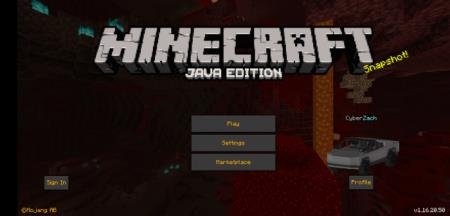
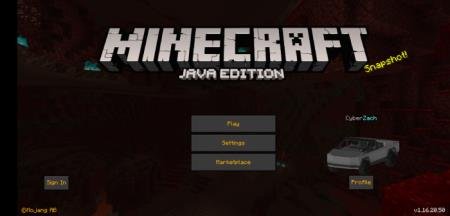
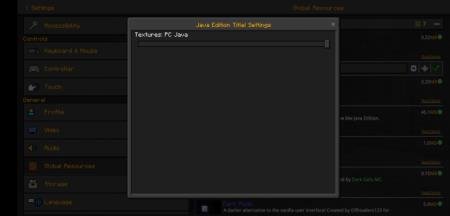
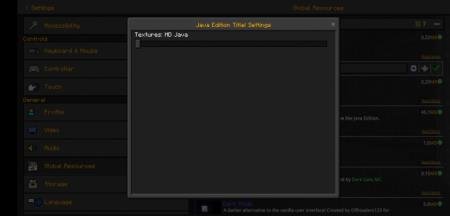

Текстуры Java Edition Title изменяют один элемент в Minecraft - экран главного меню. Замененное меню будет полностью взято из Java Edition. Если среди Вас есть любители компьютерной версии, то это дополнение поможет изменить главный фон и меню карманной версии на Java версию. Дополнение не самое полезное, но уверен, найдутся те, кому оно пригодится.
Исследуйте блочный мир и наслаждайтесь игрой!
Меню компьютерной версииHD меню компьютерной версииВыбор меню
Исследуйте блочный мир и наслаждайтесь игрой!
Меню компьютерной версии
Quick facts
- Edition: Minecraft Bedrock
- File type: .mcpack
- Minecraft version listed: 1.16
- How to install: Download the .mcpack. → Open it — Minecraft imports it under Resource Packs. → Activate it in Global Resources, or for one world under Resource Packs → Available.
- Where to get it: In MCModsHub, or directly above on this page.
Install steps are the general flow for this file type — How to install Minecraft Bedrock texture packs walks through it step by step.
File checked by MCModsHub
- Save it as 187155.mcaddon before opening — it downloads as .mcpack, but it is a .mcaddon pack
- Manifest requires Minecraft 1.13.0 or newer
- Complete pack — everything it depends on is inside the file
- Download size: 207 KB
- Download link checked 6 Jul 2026 — working
- Mirrored on our own servers — the download does not depend on the original host
These come from our own check of the pack file, not from the source page.