Texture packsBedrock
Screenshot Textures
Bedrock texture pack listed for Minecraft 1.10–1.16. File opened and checked on 10 Oct 2026; installs from the MC Bedrock Mods app on Android.
Anyone who has taken screenshots in Minecraft Bedrock knows it's difficult: you need to pause, go to settings, hide hands, and only then take a…
⬇ Download
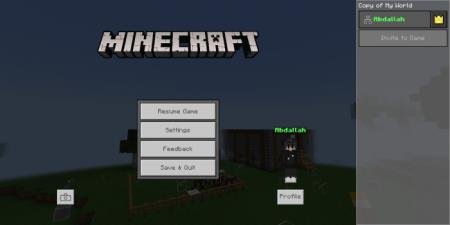
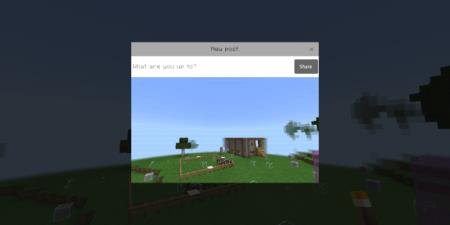

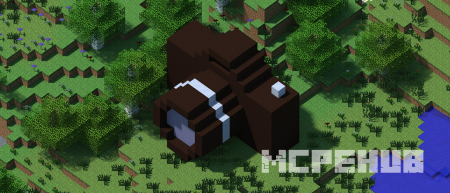
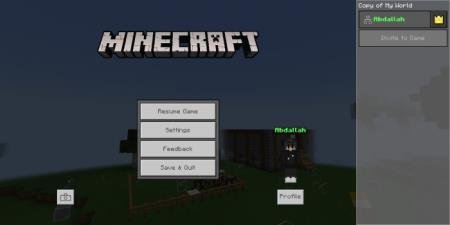
Каждый, кто хотя бы раз делал скриншоты в Minecraft Bedrock, знает, что это непросто: необходимо нажать паузу, зайти в настройки, убрать видимость рук и только после этого сделать снимок экрана. Текстуры Screenshot позволят упростить процесс - Вам будет достаточно нажать кнопку скриншота, чтобы получить желаемую картинку прямиком из игры. Кнопка представлена на картинке ниже: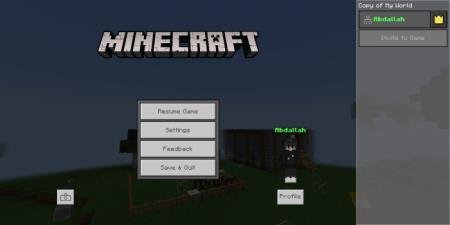 Как только Вы нажмете на картинку, тут же появится скриншот:
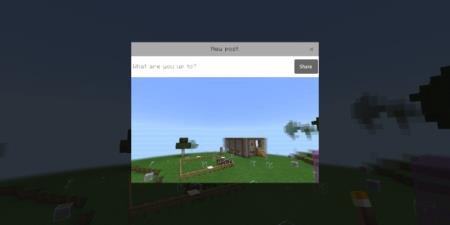 Если нажать Share, то скриншот сохранится в папке com.mojang>games>Screenshots.
Quick facts
- Edition: Minecraft Bedrock
- File type: .mcpack
- Minecraft version listed: 1.16
- How to install: Download the .mcpack. → Open it — Minecraft imports it under Resource Packs. → Activate it in Global Resources, or for one world under Resource Packs → Available.
- Where to get it: In MCModsHub, or directly above on this page.
Install steps are the general flow for this file type — How to install Minecraft Bedrock texture packs walks through it step by step.
File checked by MCModsHub
- Pack type: .mcpack — a single pack
- Manifest requires Minecraft 1.10.0 or newer
- Complete pack — everything it depends on is inside the file
- Download size: 3 KB
- Download link checked 6 Jul 2026 — working
- Mirrored on our own servers — the download does not depend on the original host
These come from our own check of the pack file, not from the source page.