Texture packsBedrock
Purple Diamonds Textures
Bedrock texture pack listed for Minecraft 1.14–1.16. File opened and checked on 30 Sep 2026; installs from the MC Bedrock Mods app on Android.
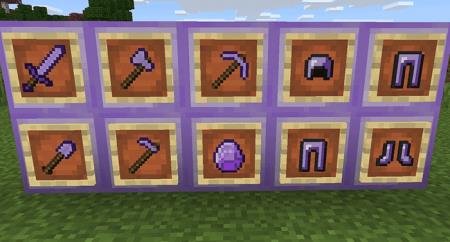
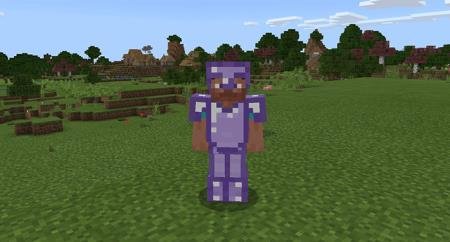
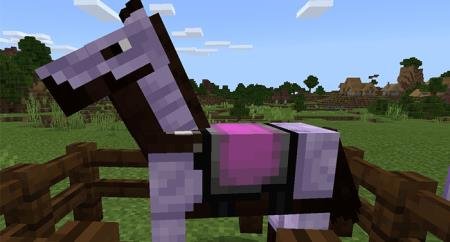
Purple Diamonds textures replace only one thing - they change the diamond color from blue to purple. But this change cannot go unnoticed: following the…
⬇ Download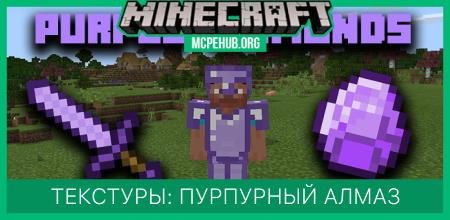
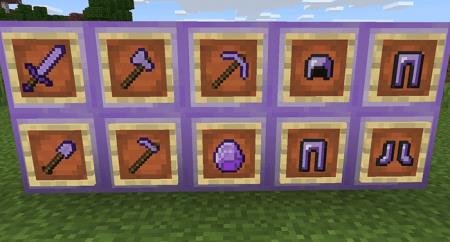
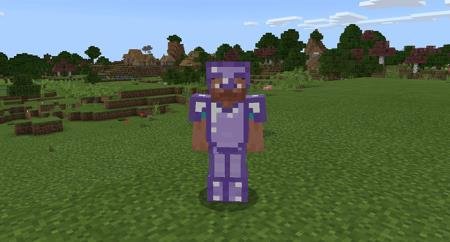
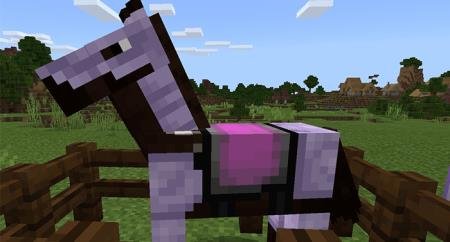
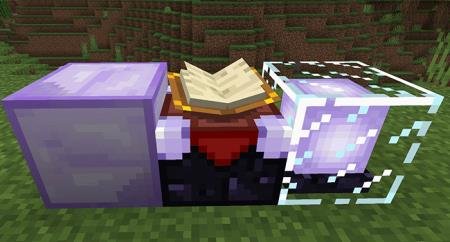

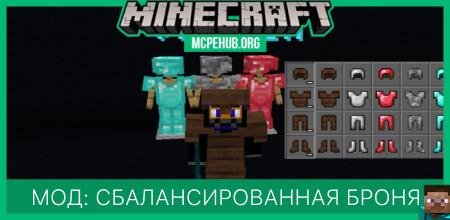
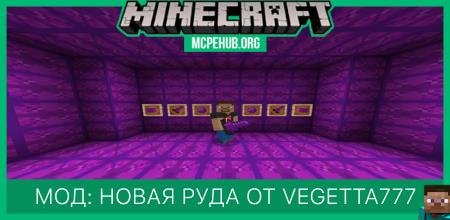
Текстуры Purple Diamonds заменяют всего лишь одну вещь - изменяют цвет алмаза с голубого на пурпурный. Но это изменение не может остаться бесследным: следом за алмазом поменяется цвет всех предметов в Minecraft, которые созданы из этого материала. Конная броня, оружие, инструменты, блоки - все станет пурпурным. Сборка разработана исключительно для тех, кто любит пурпурный цвет и хотел бы добавить такой оттенок в большинство предметов.
Пурпурные инструменты и оружие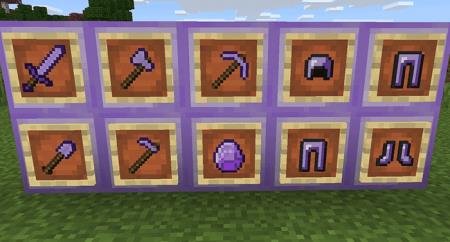 Пурпурная броня
 Пурпурная конная броня
 Пурпурные блоки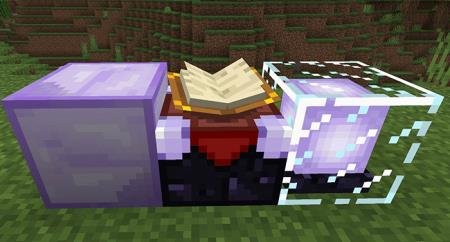
Пурпурные инструменты и оружие
Quick facts
- Edition: Minecraft Bedrock
- File type: .mcpack
- Minecraft version listed: 1.16
- How to install: Download the .mcpack. → Open it — Minecraft imports it under Resource Packs. → Activate it in Global Resources, or for one world under Resource Packs → Available.
- Where to get it: In MCModsHub, or directly above on this page.
Install steps are the general flow for this file type — How to install Minecraft Bedrock texture packs walks through it step by step.
File checked by MCModsHub
- Pack type: .mcpack — a single pack
- Manifest requires Minecraft 1.14.0 or newer
- Complete pack — everything it depends on is inside the file
- Download size: 47 KB
- Download link checked 6 Jul 2026 — working
- Mirrored on our own servers — the download does not depend on the original host
These come from our own check of the pack file, not from the source page.