Texture packsBedrock
Colored Selection Box Textures
Bedrock texture pack listed for Minecraft 1.2. File opened and checked on 24 Sep 2026; installs from the MC Bedrock Mods app on Android.
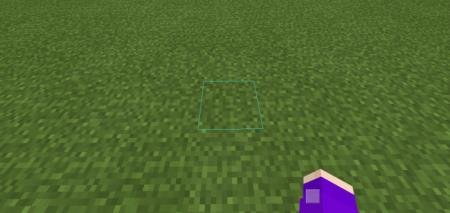
Colored Selection Box textures offer an unusual change to the beloved game: after installing the mod, the outline color of blocks when hovered will…
⬇ Download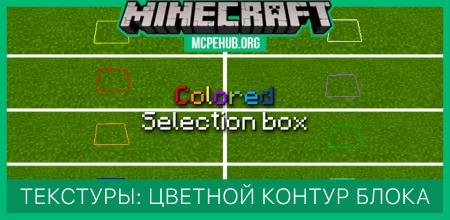
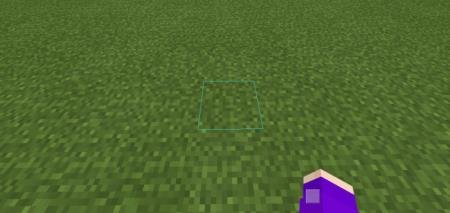
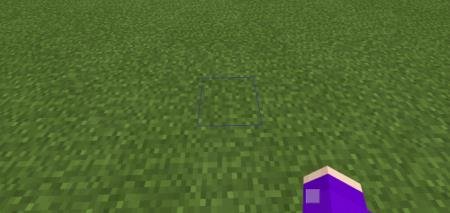
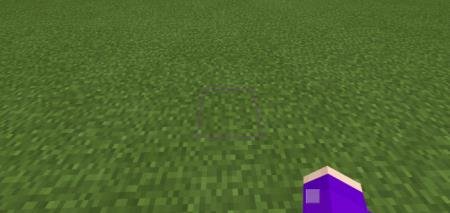
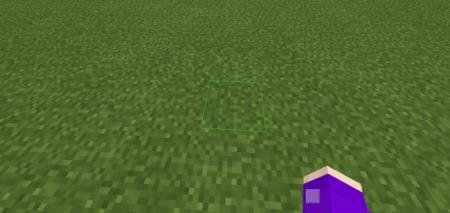
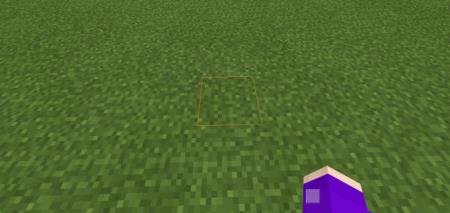
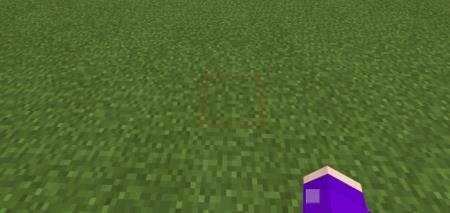
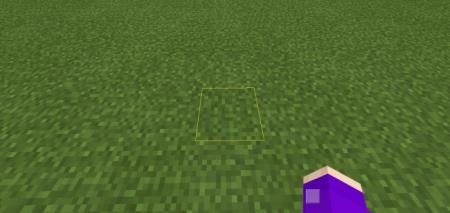
Текстуры Colored Selection Box предлагают необычное изменение в любимой игре: после установки дополнения цвет контура блока при наведении поменяется. Игроки смогут выбрать один из восьми цветов на выбор. Ничего особенного нет: небольшое обновление дизайна, которое никак не облегчит геймплей, зато добавит красоту и приятные цвета для глаз в кубическом мире.
Цвета
Сборка протестирована на Win 10 и Android: насчет iOS автор не уверен.
Аква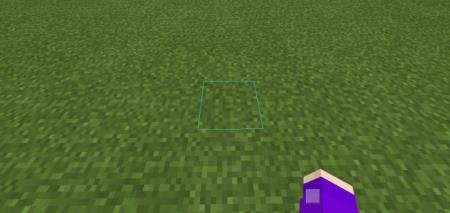 Голубой
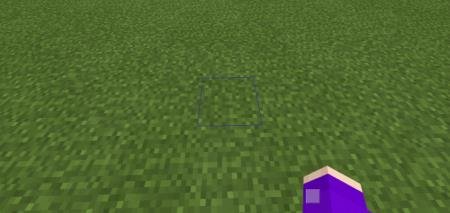 Пурпурный
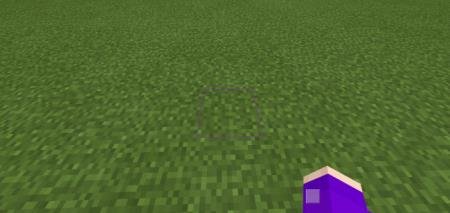 Зеленый
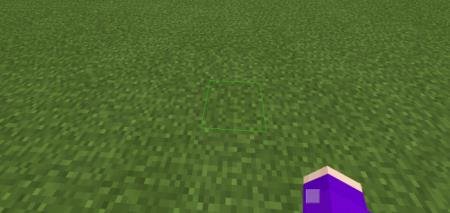 Оранжевый
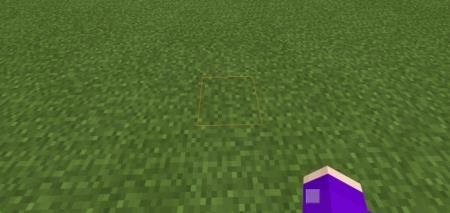 Красный
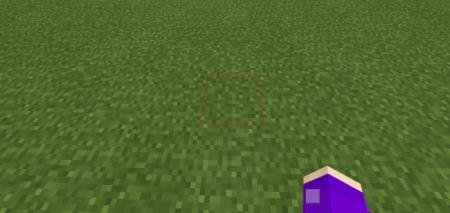 Желтый
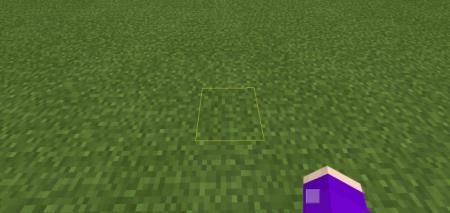 Белый
Белый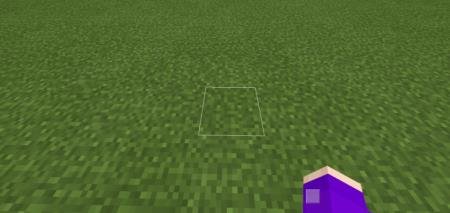
Цвета
- Аква
- Голубой
- Пурпурный
- Зеленый
- Оранжевый
- Красный
- Желтый
- Белый
Сборка протестирована на Win 10 и Android: насчет iOS автор не уверен.
Скриншоты
Аква
Quick facts
- Edition: Minecraft Bedrock
- File type: .mcpack
- How to install: Download the .mcpack. → Open it — Minecraft imports it under Resource Packs. → Activate it in Global Resources, or for one world under Resource Packs → Available.
- Where to get it: In MCModsHub, or directly above on this page.
Install steps are the general flow for this file type — How to install Minecraft Bedrock texture packs walks through it step by step.
File checked by MCModsHub
- Save it as 187180.mcaddon before opening — it downloads as .mcpack, but it is a .mcaddon pack
- Manifest requires Minecraft 1.2.6 or newer
- Complete pack — everything it depends on is inside the file
- Download size: 567 KB
- Download link checked 10 Jul 2026 — working
- Mirrored on our own servers — the download does not depend on the original host
These come from our own check of the pack file, not from the source page.