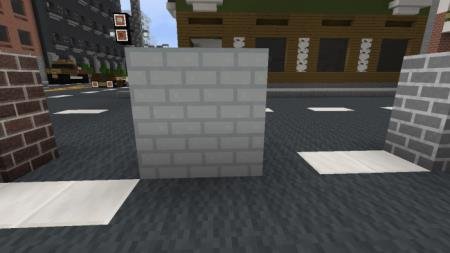
Texture packsBedrock
Craftin City Textures
Bedrock texture pack listed for Minecraft 1.16. File opened and checked on 30 Sep 2026; installs from the MC Bedrock Mods app on Android.
If you build huge cities, you've probably faced the problem where many blocks don't match the look you want. This happens everywhere, not just when…
⬇ Download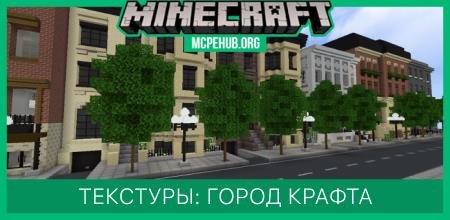
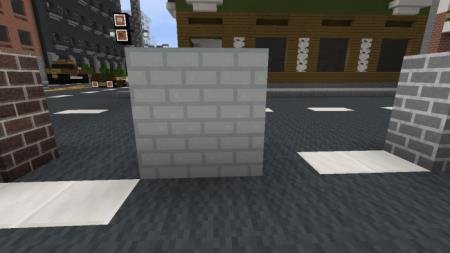
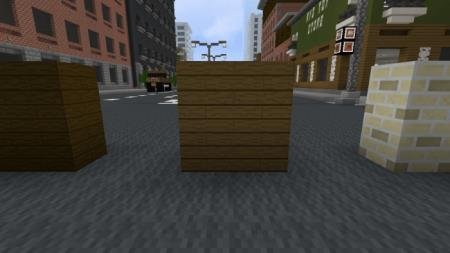
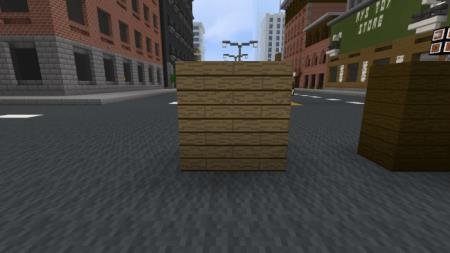
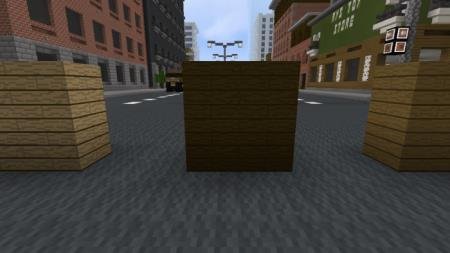
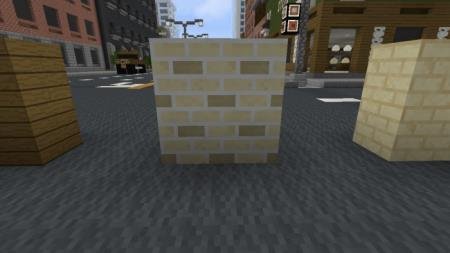
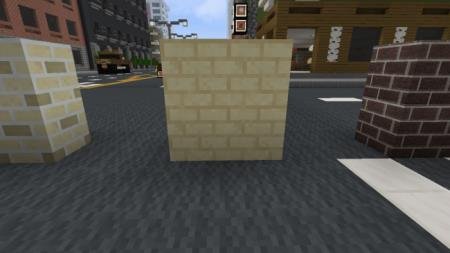
Если Вы занимаетесь строительством огромных городов, то наверняка сталкивались с проблемой, когда многие блоки не соответствовали тому виду, который бы хотели. Такое случается везде: не только при создании больших поселений. Текстуры Craftin City попытаются хотя бы отчасти решить эту проблему и добавить новый вид для множества строительных блоков в игре. При помощи нового дизайна города станут реалистичнее и лучше.
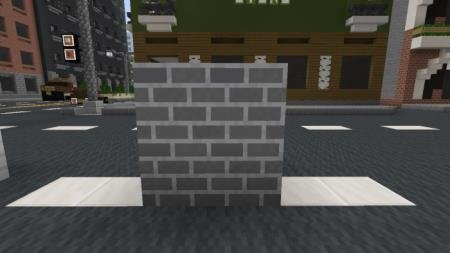
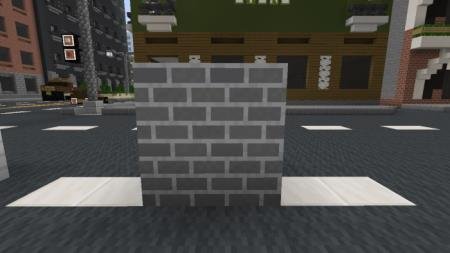
Белый кирпич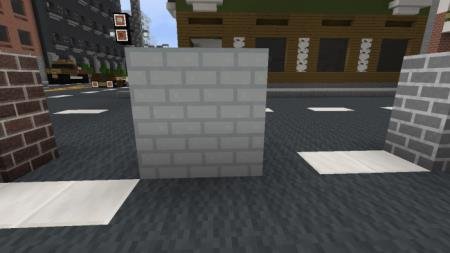 Серый кирпич вместо коренной породы
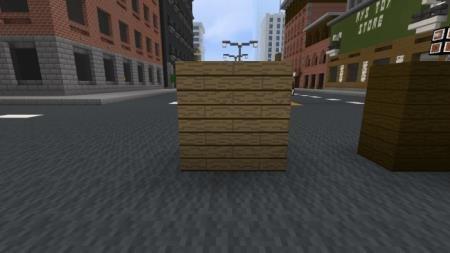
 Дубовая древесина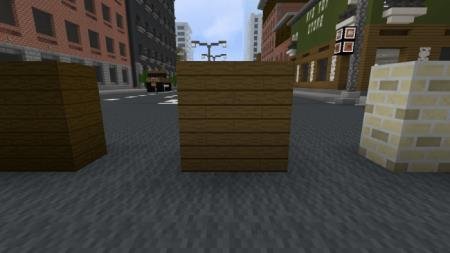
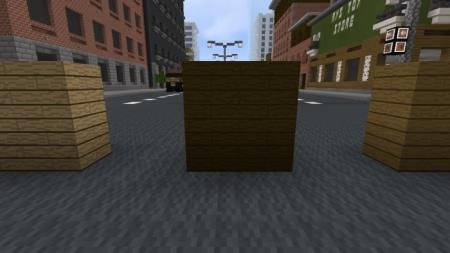
 Темная древесина
 Камень Края
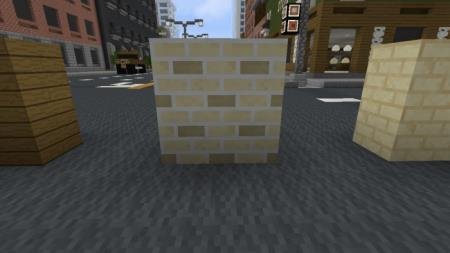 Песчаник
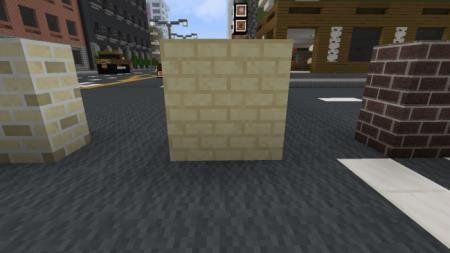 Адский кирпич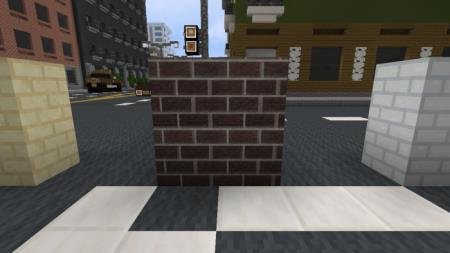
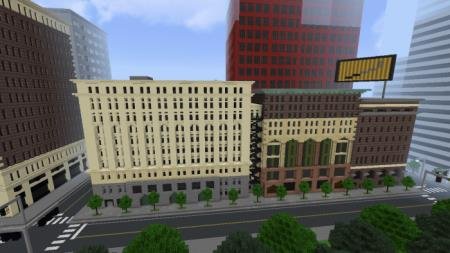
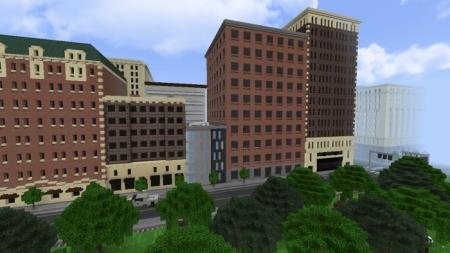
Белый кирпич
Quick facts
- Edition: Minecraft Bedrock
- File type: .mcpack
- Minecraft version listed: 1.16
- How to install: Download the .mcpack. → Open it — Minecraft imports it under Resource Packs. → Activate it in Global Resources, or for one world under Resource Packs → Available.
- Where to get it: In MCModsHub, or directly above on this page.
Install steps are the general flow for this file type — How to install Minecraft Bedrock texture packs walks through it step by step.
File checked by MCModsHub
- Save it as 187189.mcaddon before opening — it downloads as .mcpack, but it is a .mcaddon pack
- Complete pack — everything it depends on is inside the file
- Download size: 44 KB
- Download link checked 6 Jul 2026 — working
- Mirrored on our own servers — the download does not depend on the original host
These come from our own check of the pack file, not from the source page.