Texture packsBedrock
SuprecuraCraft Textures
Bedrock texture pack listed for Minecraft 1.15. File opened and checked on 3 Oct 2026; installs from the MC Bedrock Mods app on Android.
Few can afford the RTX version of their favorite game, as it requires high-powered devices. So we offer an alternative in SuprecuraCraft textures. The…
⬇ Download
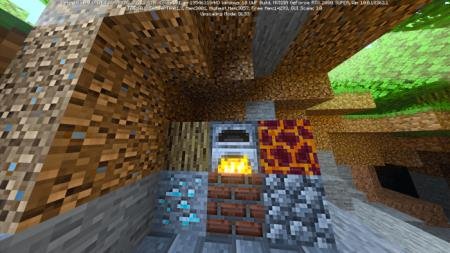
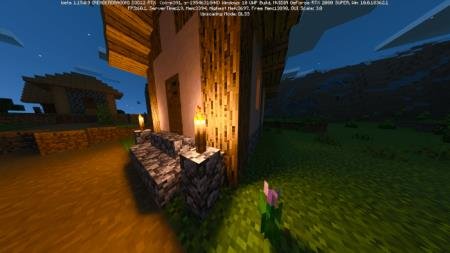
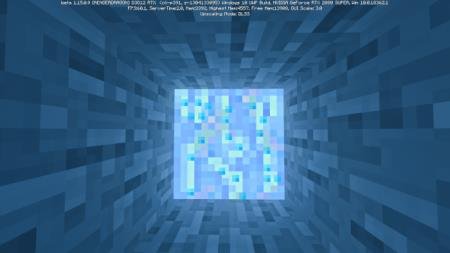
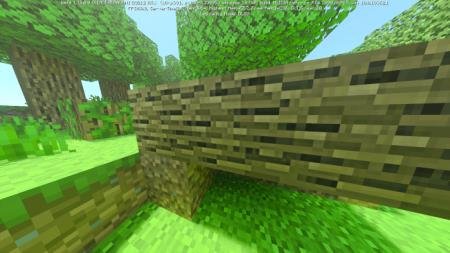
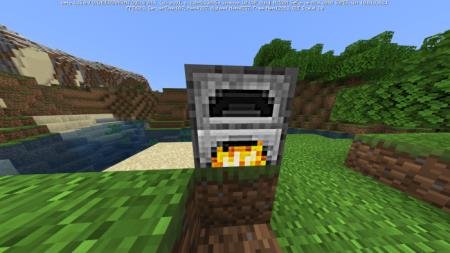

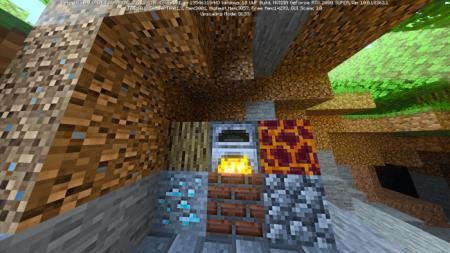
Немногие могут позволить себе RTX версию любимой игры, поскольку для ее работы требуется устройство повышенных мощностей. Поэтому предлагаем аналог в виде текстур SuprecuraCraft. Дополнение не так сильно улучшает дизайн, как метод трассировки лучей, но тем не менее, разрешение в 32 пикселя на блок даст о себе знать. Детализация и четкость картинки значительно повысится, что придаст геймплею больше шарма и станет усладой для глаз.
К сожалению, грязь и боковые стороны травы не отображают высокое разрешение, с чем автор не смог разобраться.
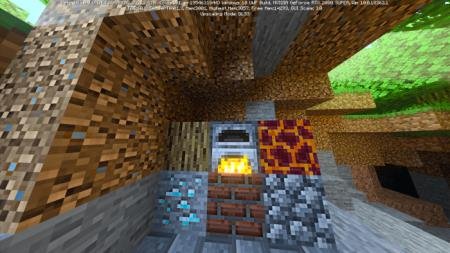
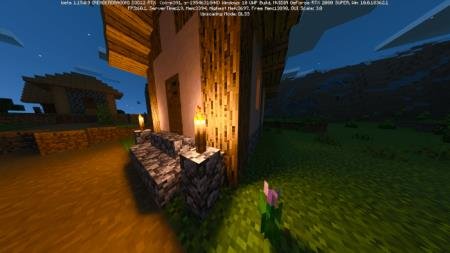
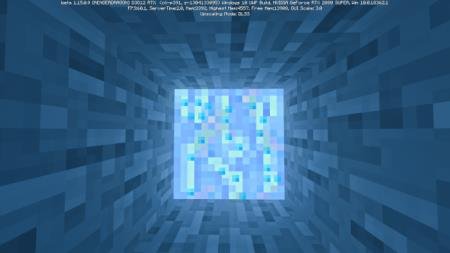
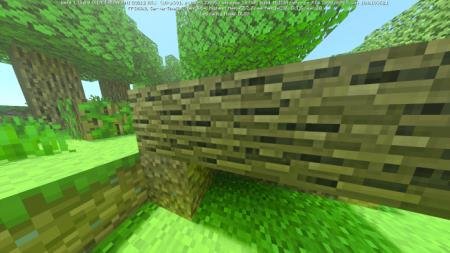
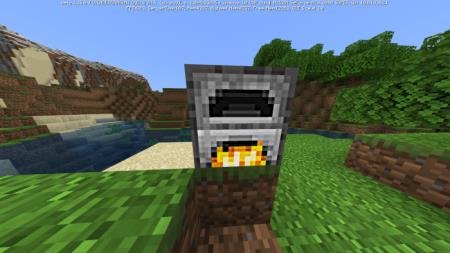
К сожалению, грязь и боковые стороны травы не отображают высокое разрешение, с чем автор не смог разобраться.
Работает только на RTX
Quick facts
- Edition: Minecraft Bedrock
- File type: .mcpack
- How to install: Download the .mcpack. → Open it — Minecraft imports it under Resource Packs. → Activate it in Global Resources, or for one world under Resource Packs → Available.
- Where to get it: In MCModsHub, or directly above on this page.
Install steps are the general flow for this file type — How to install Minecraft Bedrock texture packs walks through it step by step.
File checked by MCModsHub
- Save it as 187194.mcaddon before opening — it downloads as .mcpack, but it is a .mcaddon pack
- Manifest requires Minecraft 1.15.0 or newer
- Complete pack — everything it depends on is inside the file
- Download size: 1.7 MB
- Download link checked 6 Jul 2026 — working
- Mirrored on our own servers — the download does not depend on the original host
These come from our own check of the pack file, not from the source page.