Texture packsBedrock
Minecraft's 64×64 Textures
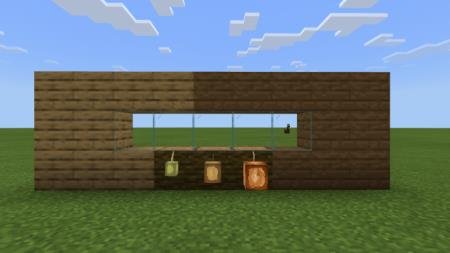
Minecraft's 64×64 textures are designed to improve detail in your favorite game. If you like the familiar design but want higher texture resolution, this…
⬇ Download
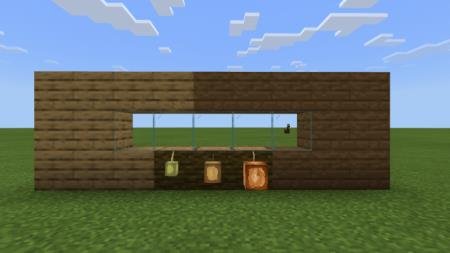
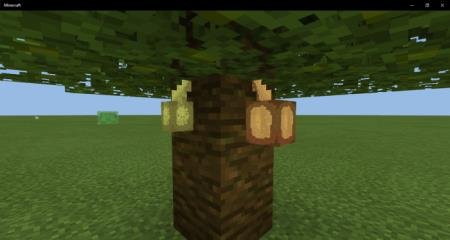
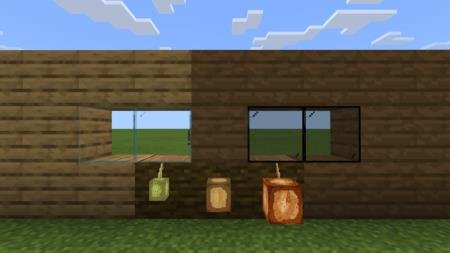


Текстуры Minecraft’s 64×64 призваны улучшить детализацию в любимой игре. Если Вам нравится привычный дизайн, но хочется увеличить разрешение текстур, то данная сборка идеально подойдет для Вас. Дополнение придает разрешение 64х64 большинству блоков, предметов и мобов. При этом, некоторые из блоков подверглись улучшению, например, доски, которые выглядят крайне нереалистично. Поэтому автор решил добавить свое видение на некоторые элементы Minecraft Bedrock.
Quick facts
- Edition: Minecraft Bedrock
- File type: .mcpack
- Minecraft versions listed: 1.16, 1.16.100, 1.16.101
- How to install: Download the .mcpack. → Open it — Minecraft imports it under Resource Packs. → Activate it in Global Resources, or for one world under Resource Packs → Available.
- Where to get it: In MCModsHub, or directly above on this page.
Install steps are the general flow for this file type — How to install Minecraft Bedrock texture packs walks through it step by step.
Verified by MCModsHub
- Pack type: .mcpack — a single pack
- Manifest requires Minecraft 1.14.0 or newer
- Complete pack — everything it depends on is inside the file
- Download size: 165 KB
- Download link checked 6 Jul 2026 — working
- Mirrored on our own servers — the download does not depend on the original host
These come from our own check of the pack file, not from the source page.