Texture packsBedrock
Optimizer+ PE Textures
Optimize Minecraft PE on low-end smartphones. Features include old water graphics for increased FPS, fast 2D clouds, and removed night stars to improve…
⬇ Download
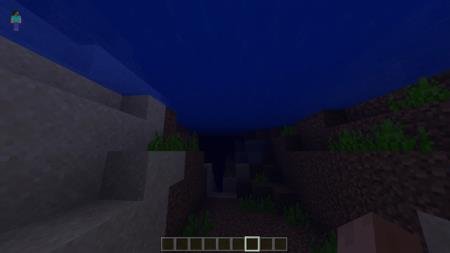
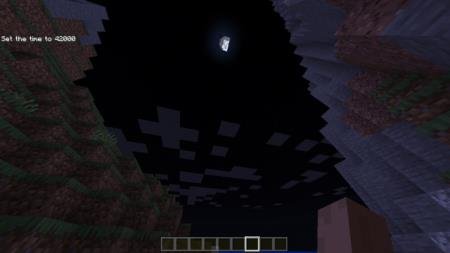
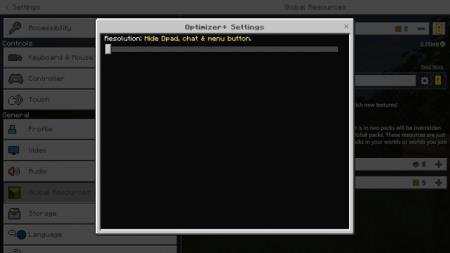
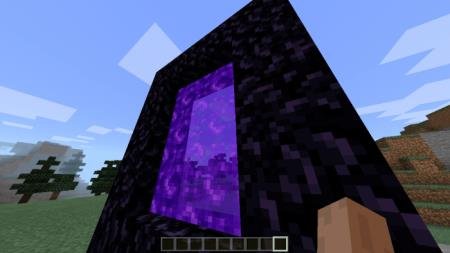

Если Ваш смартфон с трудом поддерживает Майнкрафт ПЕ, то необходимо оптимизировать игру и убрать лишние вещи, которые уменьшают количество кадров и снижают производительность. С этим помогут текстуры Optimizer+ PE.
Функции
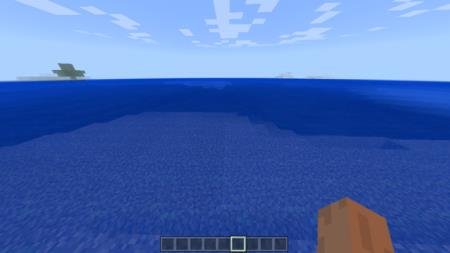
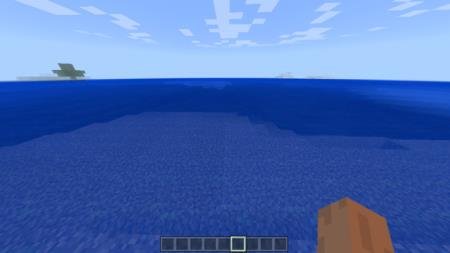
Старый вид водыОбновление листьевСтарый подводный мир (до обновления Aquatic)Небо без звездИзменение настроекУдаление частицТрейлер
Функции
- Старый вид воды (увеличение FPS)
- Быстрые облака (2D)
- Удалены звезды (Ночью)
- Отключены анимации для многих вещей
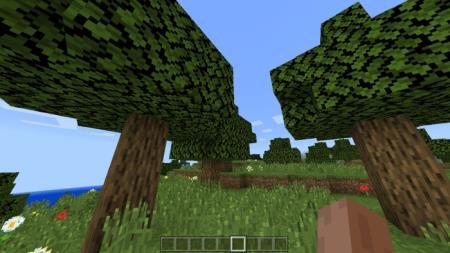
- Непрозрачные листья, непропускающие свет
- Отключены частицы
- Старые текстуры травы
- Кнопка «Скрыть» (только MCPE)
Старый вид воды
[media=https://youtu.be/-5Ue7UhkAf4]
Quick facts
- Edition: Minecraft Bedrock
- File type: .mcpack
- How to install: Download the .mcpack. → Open it — Minecraft imports it under Resource Packs. → Activate it in Global Resources, or for one world under Resource Packs → Available.
- Where to get it: In MCModsHub, or directly above on this page.
Install steps are the general flow for this file type — How to install Minecraft Bedrock texture packs walks through it step by step.
Verified by MCModsHub
- Save it as 187218.mcaddon before opening — it downloads as .mcpack, but it is a .mcaddon pack
- Complete pack — everything it depends on is inside the file
- Download size: 174 KB
- Download link checked 6 Jul 2026 — working
- Mirrored on our own servers — the download does not depend on the original host
These come from our own check of the pack file, not from the source page.