Texture packsBedrock
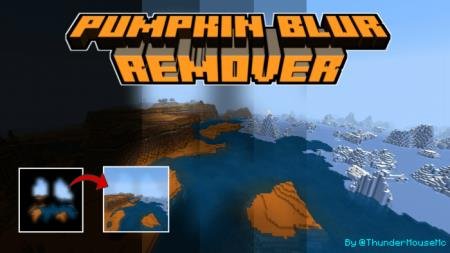
Pumpkin Blur Remover Texture Pack
Bedrock texture pack listed for Minecraft 1.2. File opened and checked on 21 Jul 2026; installs from the MC Bedrock Mods app on Android.
I think pumpkins are extremely underrated in the Minecraft community. Besides the fact that pumpkin is an incredibly cool look, the vegetable also has…
⬇ Download
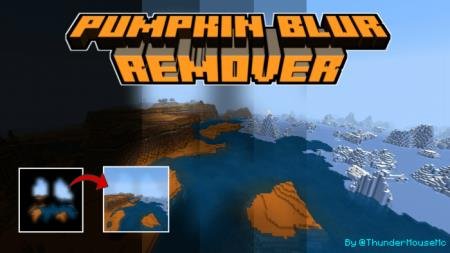
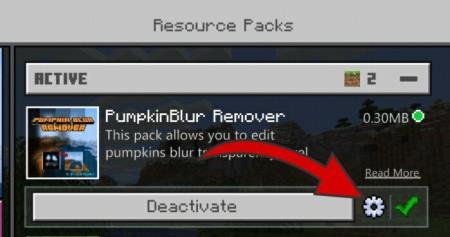
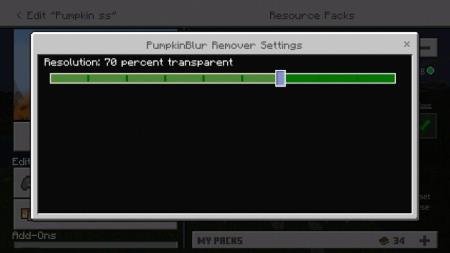
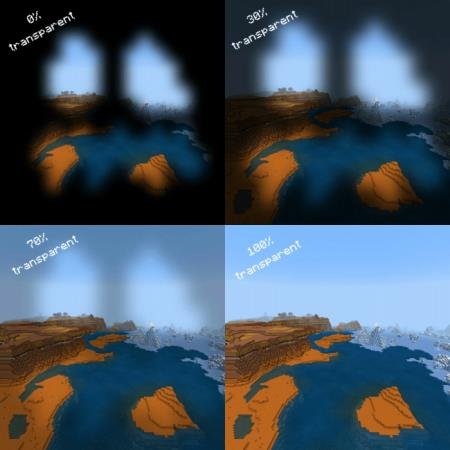

Думаю, тыквы крайне недооценены в сообществе Minecraft. Помимо того, что тыква - это нереально крутой вид, овощ еще и обладает полезными свойствами. Например, эндермены не будут атаковать игрока, который посмотрит на мобов через тыкву. У такого ценного предмета, естественно, должны быть и минусы: затемнение усложняет геймплей. Текстуры Pumpkin Blur Remover разберутся с проблемой и сделают затемнение прозрачным.Дополнение позволяет выбрать степень прозрачности затемнения. Для изменения необходимо нажать шестеренку.Перемещаем ползунок так, как посчитаем нужным.Вид прозрачности в игре.
Quick facts
- Edition: Minecraft Bedrock
- File type: .mcpack
- How to install: Download the .mcpack. → Open it — Minecraft imports it under Resource Packs. → Activate it in Global Resources, or for one world under Resource Packs → Available.
- Where to get it: In MCModsHub, or directly above on this page.
Install steps are the general flow for this file type — How to install Minecraft Bedrock texture packs walks through it step by step.
File checked by MCModsHub
- Save it as 187240.mcaddon before opening — it downloads as .mcpack, but it is a .mcaddon pack
- Manifest requires Minecraft 1.2.6 or newer
- Complete pack — everything it depends on is inside the file
- Download size: 310 KB
- Download link checked 6 Jul 2026 — working
- Mirrored on our own servers — the download does not depend on the original host
These come from our own check of the pack file, not from the source page.