Texture packsBedrock
Molten Gold Textures
Bedrock texture pack listed for Minecraft 1.14. File opened and checked on 10 Oct 2026; installs from the MC Bedrock Mods app on Android.
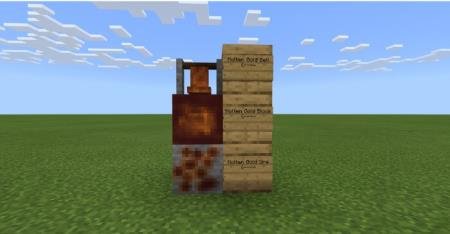
The developer of Molten Gold textures decided that melted gold doesn't look the way the game's creators presented it. Real molten gold looks darker and…
⬇ Download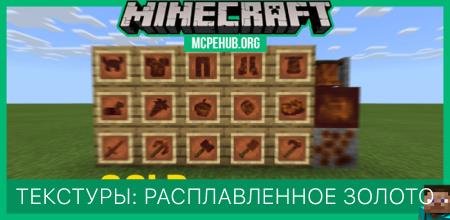
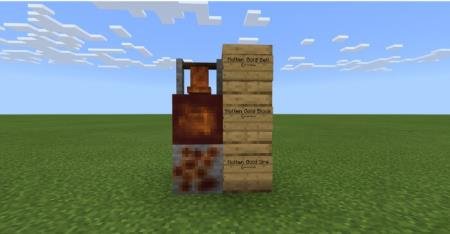
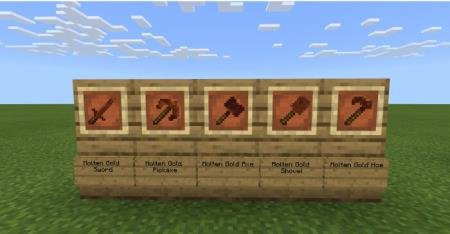
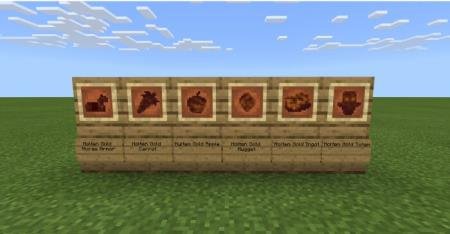
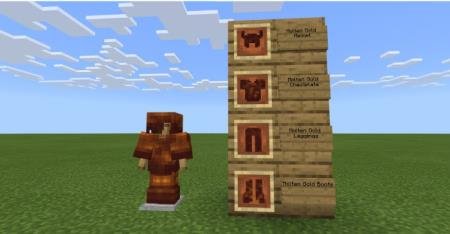
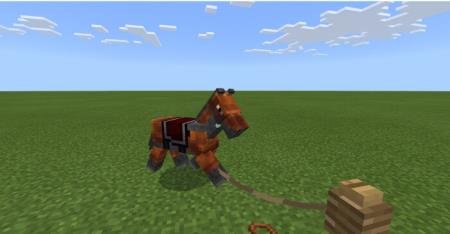

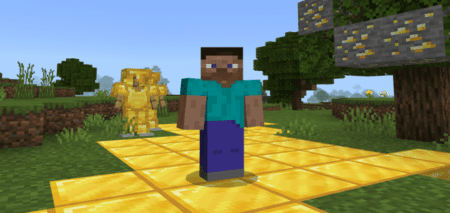
Разработчик текстур Molten Gold решил, что плавленое золото выглядит вовсе не так, как нам представили авторы любимой игры. Настоящее расплавленное золото выглядит темнее и не блестит. Поэтому вид золотых предметов, брони и оружия были переработаны, чтобы соответствовать реальному виду.
Ниже представлен список предметов, которые изменятся после установки текстур: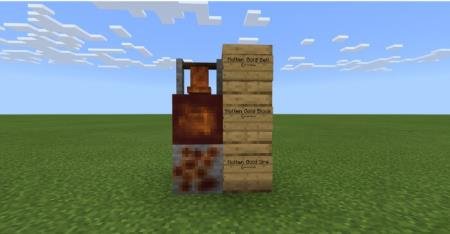
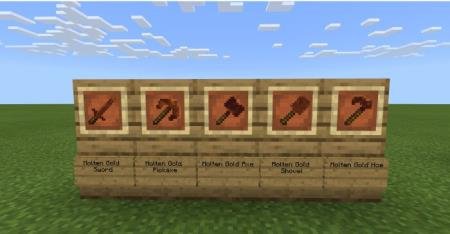
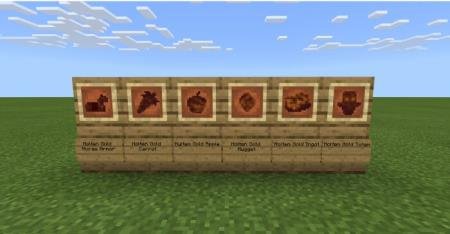
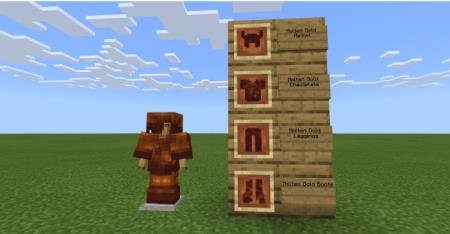
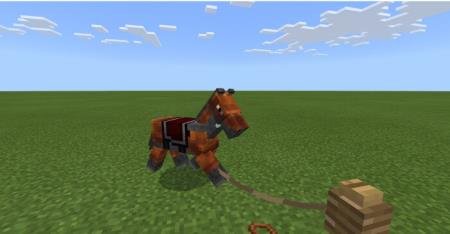
Ниже представлен список предметов, которые изменятся после установки текстур:
- Золотой шлем
- Золотой нагрудник
- Золотые штаны
- Золотые сапоги
- Золотой меч
- Золотая кирка
- Золотой топор
- Золотая лопата
- Золотая мотыга
- Тотем
- Колокол
- Золотые конные доспехи
- Золотой слиток
- Золотой самородок
- Золотое яблоко
- Золотая морковь
- Блок золота
- Золотая руда
Quick facts
- Edition: Minecraft Bedrock
- File type: .mcpack
- How to install: Download the .mcpack. → Open it — Minecraft imports it under Resource Packs. → Activate it in Global Resources, or for one world under Resource Packs → Available.
- Where to get it: In MCModsHub, or directly above on this page.
Install steps are the general flow for this file type — How to install Minecraft Bedrock texture packs walks through it step by step.
File checked by MCModsHub
- Save it as 187249.mcaddon before opening — it downloads as .mcpack, but it is a .mcaddon pack
- Manifest requires Minecraft 1.14.0 or newer
- Complete pack — everything it depends on is inside the file
- Download size: 52 KB
- Download link checked 6 Jul 2026 — working
- Mirrored on our own servers — the download does not depend on the original host
These come from our own check of the pack file, not from the source page.