Texture packsBedrock
Not Java Edition Subtitle
Minecraft Bedrock texture pack. File opened and checked on 12 Oct 2026; installs from the MC Bedrock Mods app on Android.
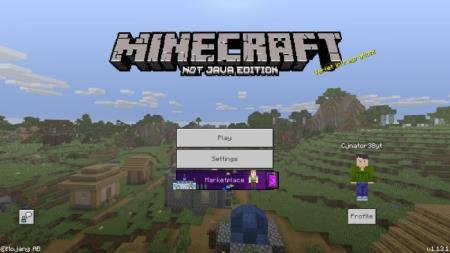
Do you like the Java logo but want to keep other elements as they are in Bedrock? No problem - Not Java Edition Subtitle textures are developed…
⬇ Download
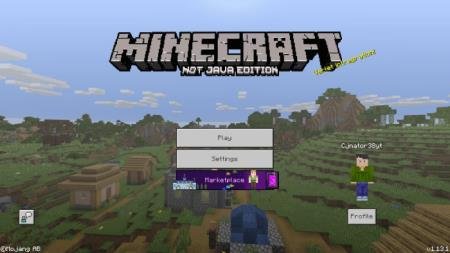
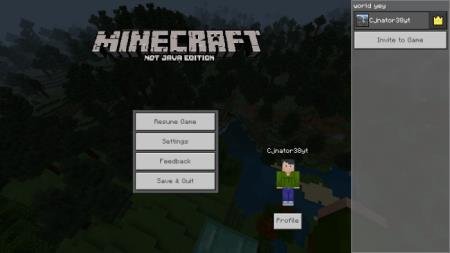
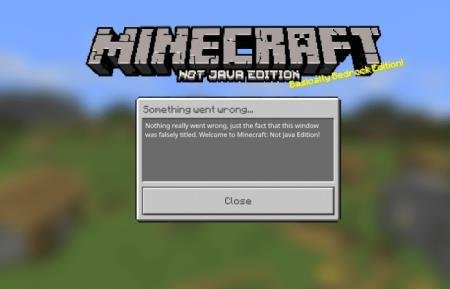

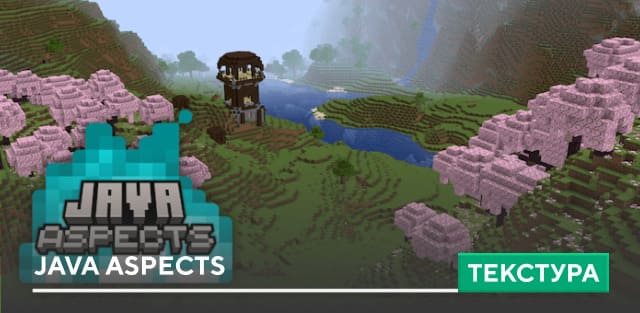
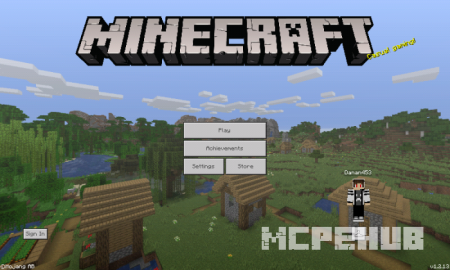
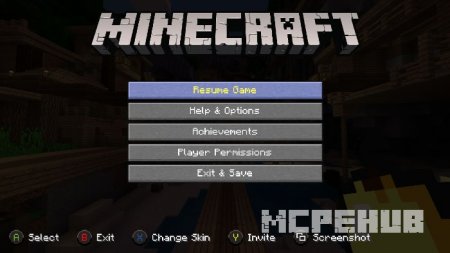
Вам нравится лого Java, но остальные элементы хотите оставить так же, как и в Bedrock? Не проблема - текстуры Not Java Edition Subtitle разработаны специально для того, чтобы игрок мог насладиться добавлением элементов из ПК версии игры, при этом оставив полюбившиеся части карманной. Несмотря на шуточный характер дополнения, многие игроки могут найти для себя действительно полезные вещи для добавления в свои миры Майнкрафт.
Превью из Java 1.14.Крошечное дополнение, которое никак не повлияет на геймплей.
Превью из Java 1.14.
Quick facts
- Edition: Minecraft Bedrock
- File type: .mcpack
- How to install: Download the .mcpack. → Open it — Minecraft imports it under Resource Packs. → Activate it in Global Resources, or for one world under Resource Packs → Available.
- Where to get it: In MCModsHub, or directly above on this page.
Install steps are the general flow for this file type — How to install Minecraft Bedrock texture packs walks through it step by step.
File checked by MCModsHub
- Pack type: .mcpack — a single pack
- Complete pack — everything it depends on is inside the file
- Download size: 194 KB
- Download link checked 10 Jul 2026 — working
- Mirrored on our own servers — the download does not depend on the original host
These come from our own check of the pack file, not from the source page.