Texture packsBedrock
Bedrock Panoramas Selector
Bedrock texture pack listed for Minecraft 1.13. File opened and checked on 5 Oct 2026; installs from the MC Bedrock Mods app on Android.
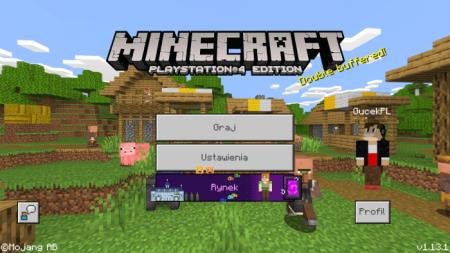
A texture pack designed to add variety to your Minecraft world by increasing the number of panoramas available to users. Players can select the desired…
⬇ Download
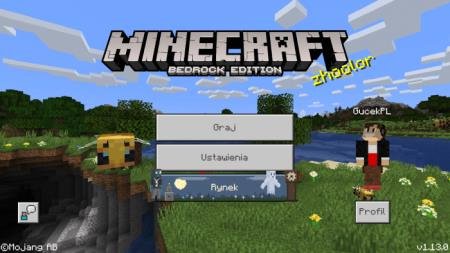
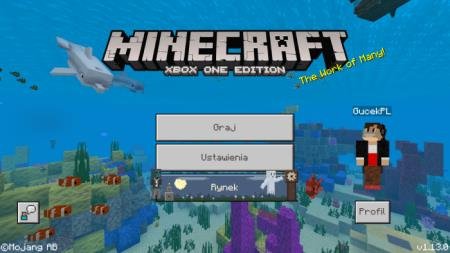
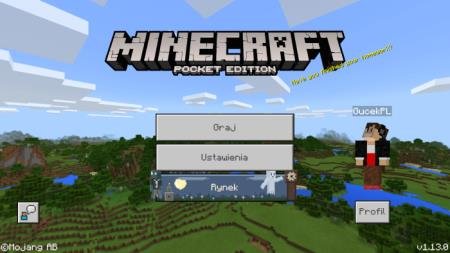
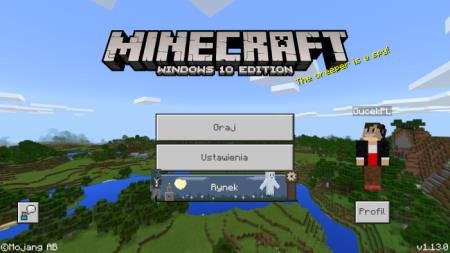
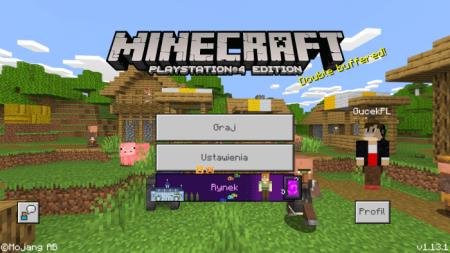

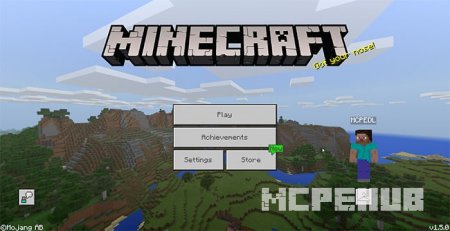
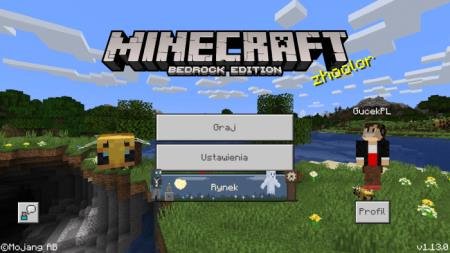
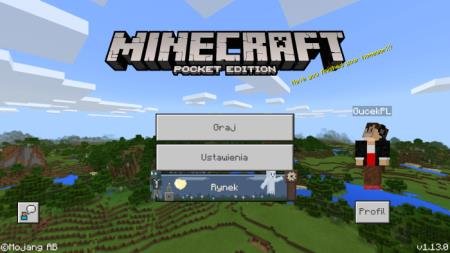
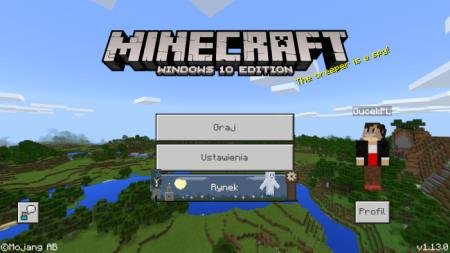
Пакет текстур Bedrock Panoramas Selector призван добавить разнообразие в мир Майнкрафт путем увеличения количества панорам для пользователей. Игроки могут выбрать необходимое превью из представленных ниже и изменить основную картинку в своей игре. Кроме этого, поменяются значки и логотипы, в зависимости от выбранной версии. Дополнение включает: Bedrock Edition, Pocket Edition, Windows 10 Edition, Xbox One Edition и PlayStation 4 Edition. Также можно выбрать панораму без каких-либо изменений в логотипе (Vanilla).
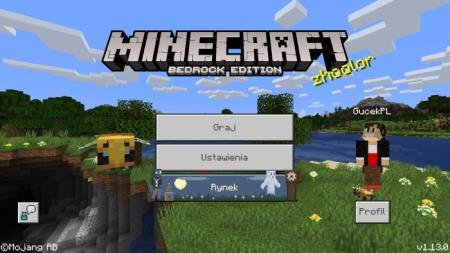 После установки дополнения, нельзя поменять настройки: для этого придется отключить текстуры, а затем менять что-либо.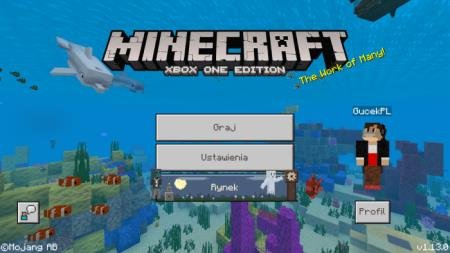
Quick facts
- Edition: Minecraft Bedrock
- File type: .mcpack
- How to install: Download the .mcpack. → Open it — Minecraft imports it under Resource Packs. → Activate it in Global Resources, or for one world under Resource Packs → Available.
- Where to get it: In MCModsHub, or directly above on this page.
Install steps are the general flow for this file type — How to install Minecraft Bedrock texture packs walks through it step by step.
File checked by MCModsHub
- Pack type: .mcpack — a single pack
- Manifest requires Minecraft 1.13.0 or newer
- Complete pack — everything it depends on is inside the file
- Download size: 26.2 MB
- Download link checked 6 Jul 2026 — working
- Mirrored on our own servers — the download does not depend on the original host
These come from our own check of the pack file, not from the source page.