Texture packsBedrock
Brewing Recipes Painting Textures
Minecraft Bedrock texture pack. File opened and checked on 3 Oct 2026; installs from the MC Bedrock Mods app on Android.
Users often face the problem of forgetting a crafting recipe or brewing stand recipe. Then you have to open a browser or type on your phone to remember a…
⬇ Download
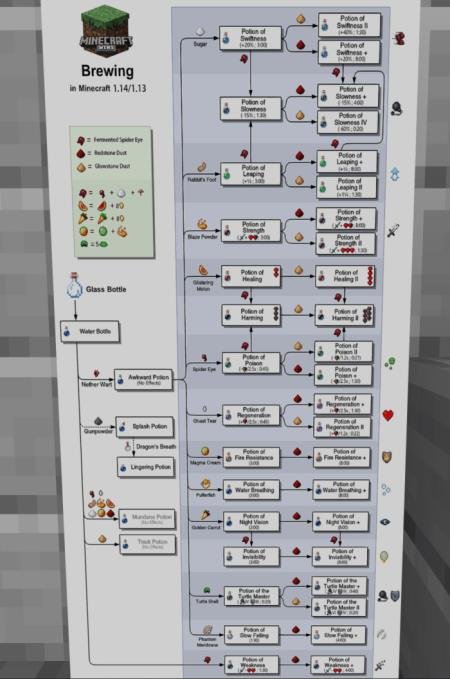
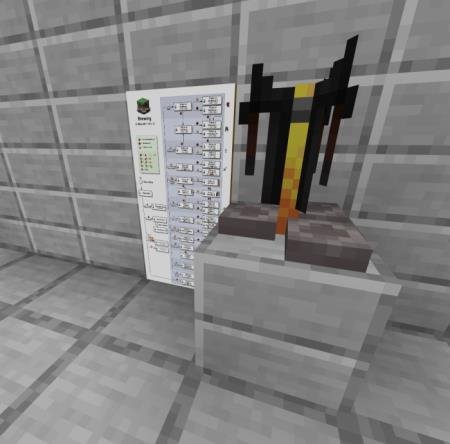

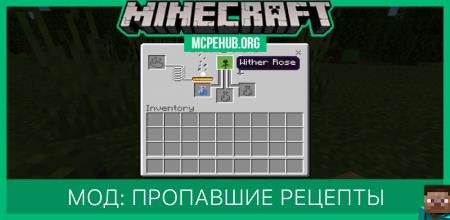
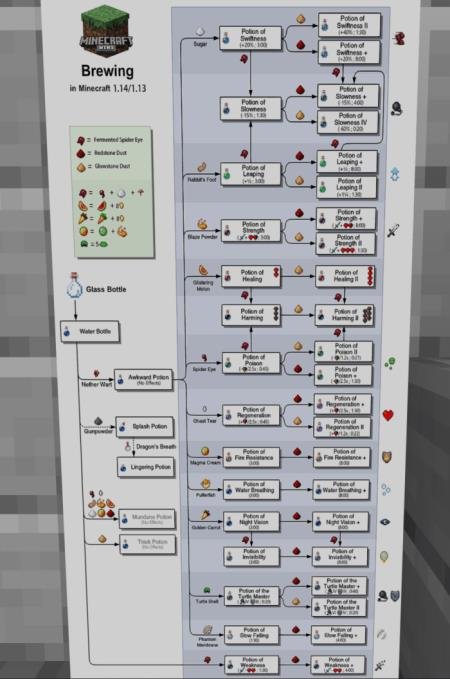
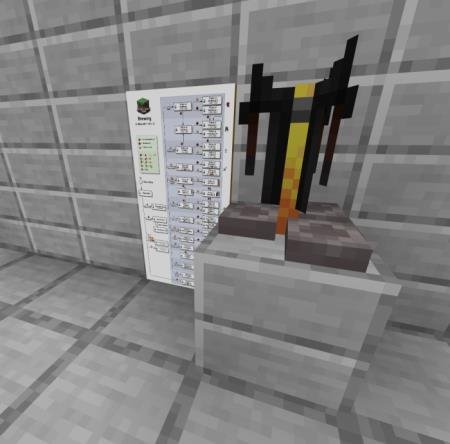
Частенько пользователи сталкиваются с проблемой, когда рецепт крафта или варочной стойки попросту вылетает из головы. Тогда приходится открывать браузер или набирать текст на телефоне, чтобы вспомнить тот или иной рецепт. Разработчики дополнений сделали все, чтобы каждый игрок получил картину с рецептами прямо рядом с варочной стойкой. Текстуры называются Brewing Recipes Painting и добавляют картину, на которой отображены все рецепты варочной стойки. Игрокам больше не придется ничего искать - все будет под рукой в MCPE.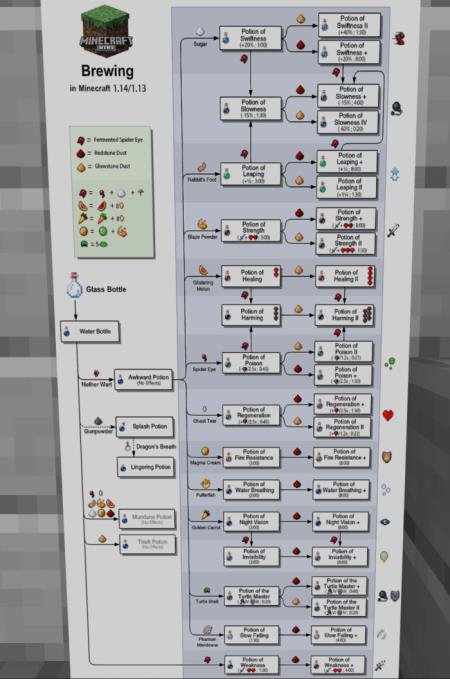
Quick facts
- Edition: Minecraft Bedrock
- File type: .mcpack
- How to install: Download the .mcpack. → Open it — Minecraft imports it under Resource Packs. → Activate it in Global Resources, or for one world under Resource Packs → Available.
- Where to get it: In MCModsHub, or directly above on this page.
Install steps are the general flow for this file type — How to install Minecraft Bedrock texture packs walks through it step by step.
File checked by MCModsHub
- Save it as 187292.mcaddon before opening — it downloads as .mcpack, but it is a .mcaddon pack
- Complete pack — everything it depends on is inside the file
- Download size: 2.4 MB
- Download link checked 6 Jul 2026 — working
- Mirrored on our own servers — the download does not depend on the original host
These come from our own check of the pack file, not from the source page.