Texture packsBedrock
BluJay Games Textures
Minecraft Bedrock texture pack. File opened and checked on 9 Oct 2026; installs from the MC Bedrock Mods app on Android.
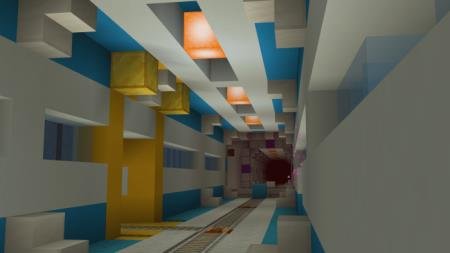
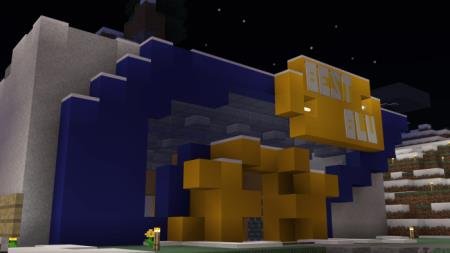
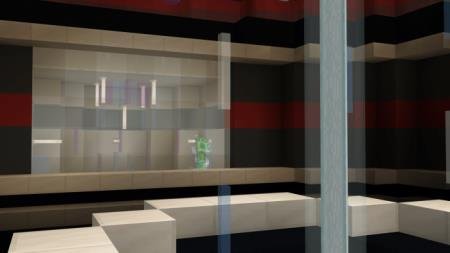
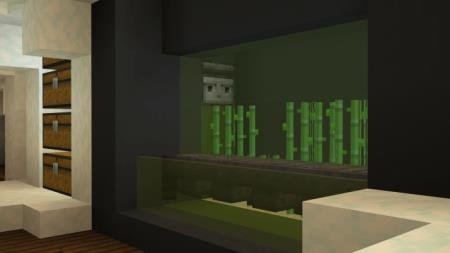
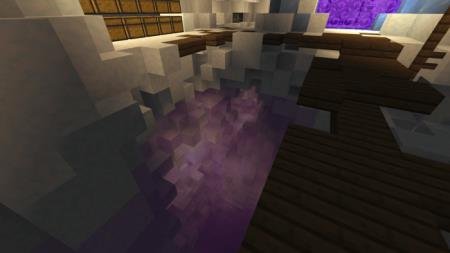
Custom textures created by author BluJay Games, who is a popular Minecraft YouTuber. The main changes in this add-on will affect glass blocks - glass…
⬇ Download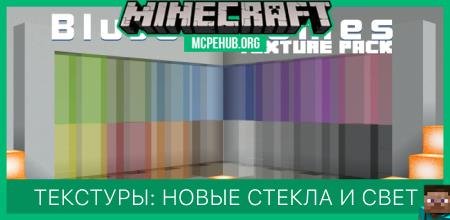
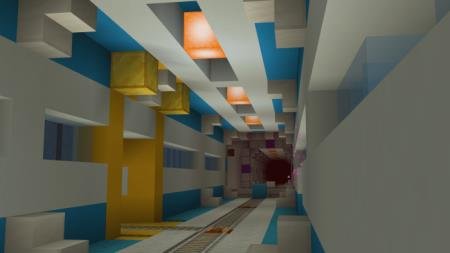
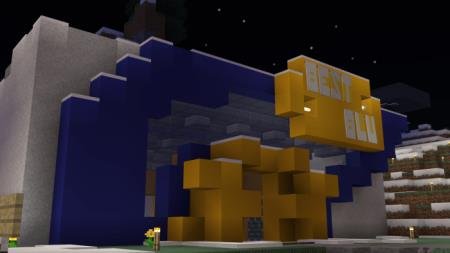
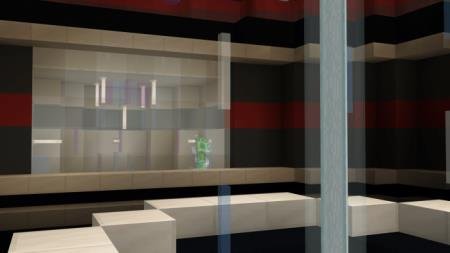
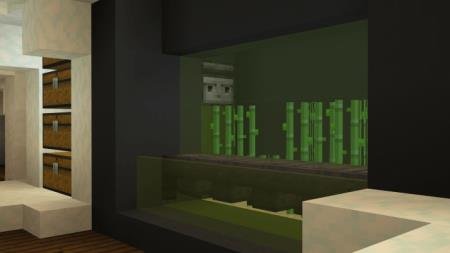
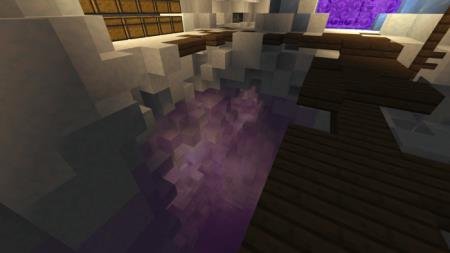

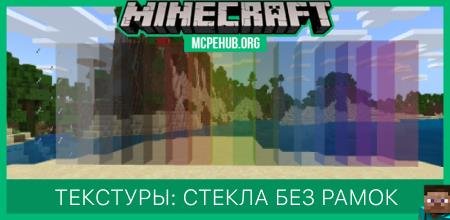
Пользовательские текстуры, созданные автором BluJay Games, который является популярным ютубером в сфере Майнкрафт. Основным изменениям в этом дополнении подвергнутся стекла - блоки стекла, а так же блоки панельного стекла потеряют рамки. Такое изменение выглядит круто и улучшает интерьер и экстерьер каждого дома в игре. Еще одним изменением станут светящиеся камни: блоки получат обновленный вид, напоминающий морской фонарь, но с лавовыми текстурами. Небольшие перемены, которые подарят великолепную графику и дизайн.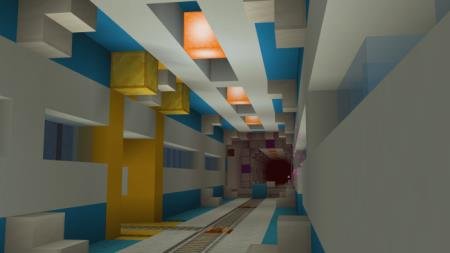
Quick facts
- Edition: Minecraft Bedrock
- File type: .mcpack
- How to install: Download the .mcpack. → Open it — Minecraft imports it under Resource Packs. → Activate it in Global Resources, or for one world under Resource Packs → Available.
- Where to get it: In MCModsHub, or directly above on this page.
Install steps are the general flow for this file type — How to install Minecraft Bedrock texture packs walks through it step by step.
File checked by MCModsHub
- Pack type: .mcpack — a single pack
- Complete pack — everything it depends on is inside the file
- Download size: 45 KB
- Download link checked 6 Jul 2026 — working
- Mirrored on our own servers — the download does not depend on the original host
These come from our own check of the pack file, not from the source page.