
Texture packsBedrock
More Wool Colours Textures
Bedrock texture pack listed for Minecraft 1.11. File opened and checked on 5 Oct 2026; installs from the MC Bedrock Mods app on Android.
Builders who love creating magnificent creations from diverse blocks will enjoy more wool colors in Minecraft PE. Each masterpiece requires careful color…
⬇ Download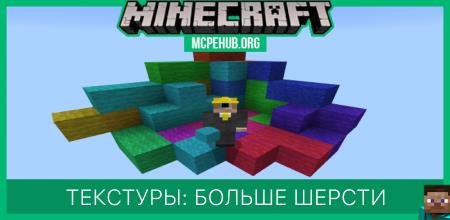

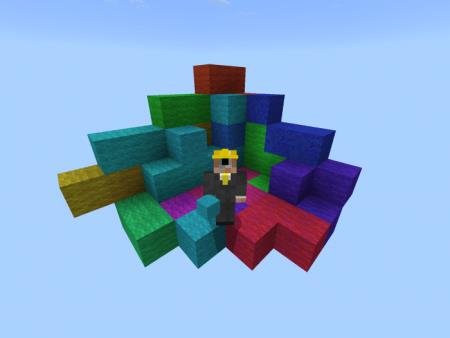

Строители, которые любят создавать великолепные творения из кучи разнообразных блоков, будут рады увидеть еще больше цветов в мире Minecraft PE. Для каждого нового шедевра необходимо тщательно подбирать цвета и виды блоков - текстуры More Wool Colours добавляют еще больше оттенков для шерсти, а значит игрокам не будет необходимости подбирать блоки. В игре появится больше 50 новых оттенков для самых грандиозных и ярких сооружений.
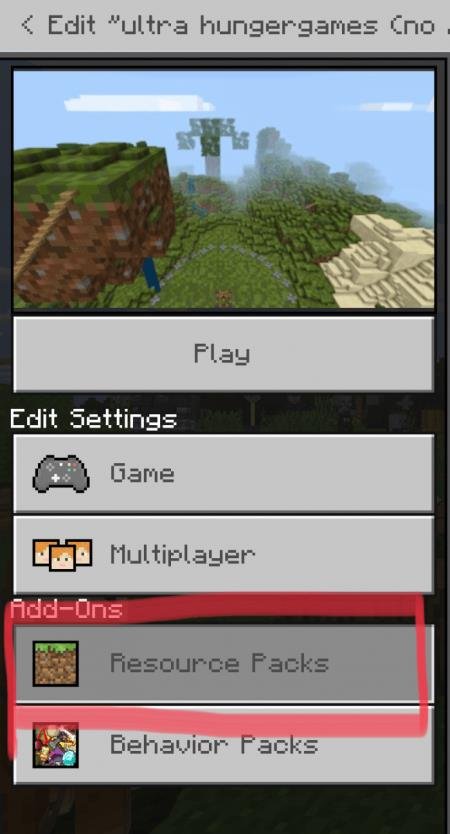
Создайте новый мир или используйте старый: Далее идем в пакеты ресурсов:
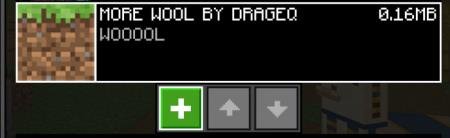
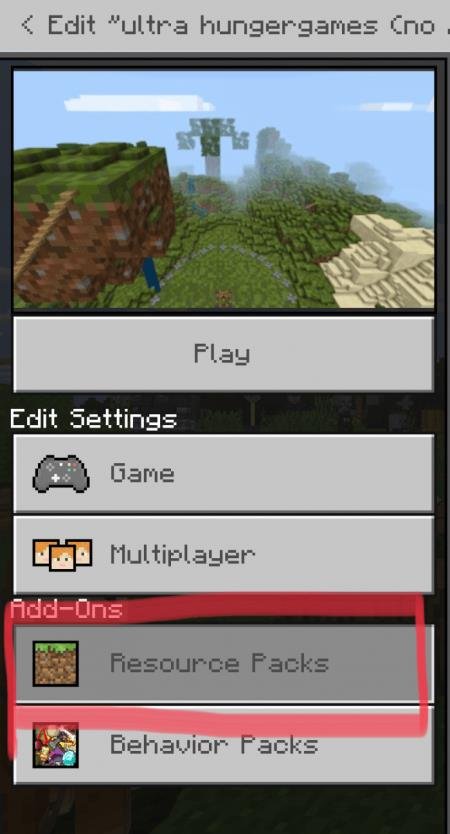 Выберите текстуры:
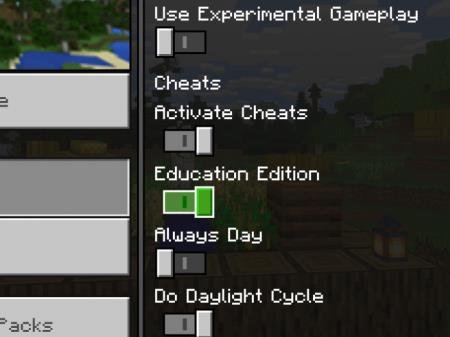
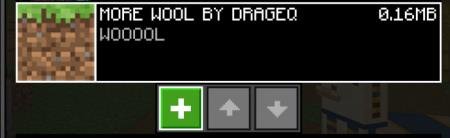 Включите образовательный режим игры:
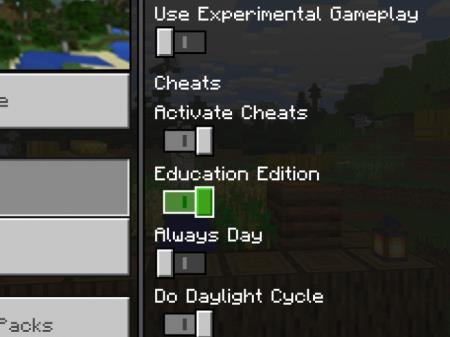 Играйте и получайте удовольствие:
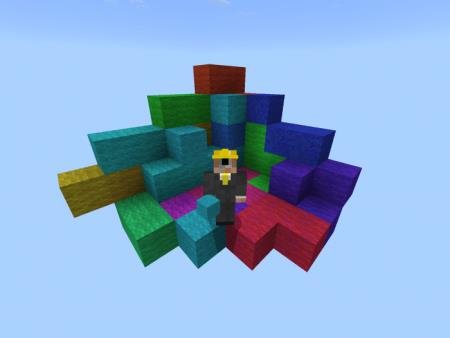 В будущем разработчик планирует расширить объем цветов до 100 оттенков.
Как активировать текстуры?
Создайте новый мир или используйте старый:
Quick facts
- Edition: Minecraft Bedrock
- File type: .mcpack
- How to install: Download the .mcpack. → Open it — Minecraft imports it under Resource Packs. → Activate it in Global Resources, or for one world under Resource Packs → Available.
- Where to get it: In MCModsHub, or directly above on this page.
Install steps are the general flow for this file type — How to install Minecraft Bedrock texture packs walks through it step by step.
File checked by MCModsHub
- Pack type: .mcpack — a single pack
- Manifest requires Minecraft 1.11.0 or newer
- Complete pack — everything it depends on is inside the file
- Download size: 154 KB
- Download link checked 6 Jul 2026 — working
- Mirrored on our own servers — the download does not depend on the original host
These come from our own check of the pack file, not from the source page.