Texture packsBedrock
Colors for Minecraft Textures
Minecraft Bedrock texture pack. File opened and checked on 24 Sep 2026; installs from the MC Bedrock Mods app on Android.
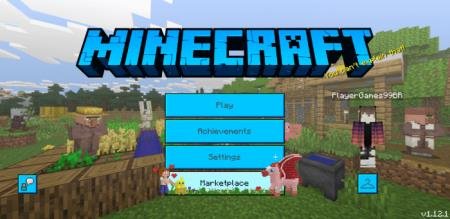
With Colors for Minecraft textures, the main menu in Minecraft Bedrock is painted in new, bright colors. Two colors available - blue and pink. Changes…
⬇ Download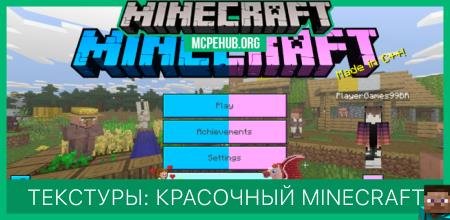
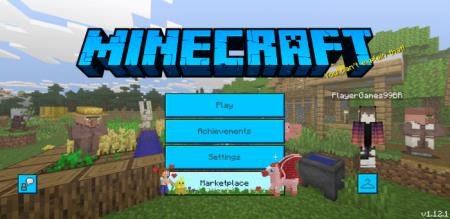
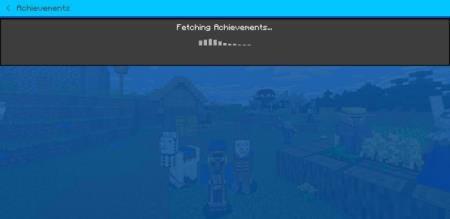
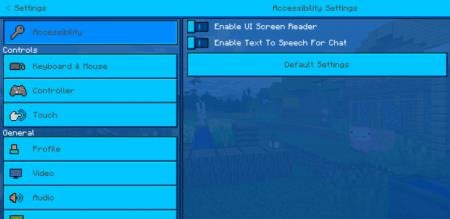
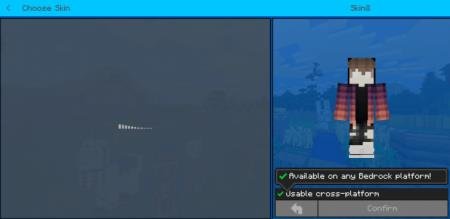
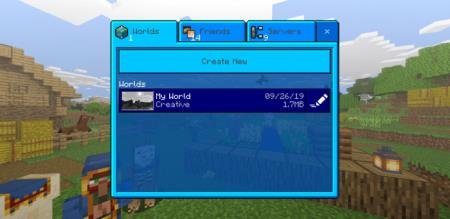
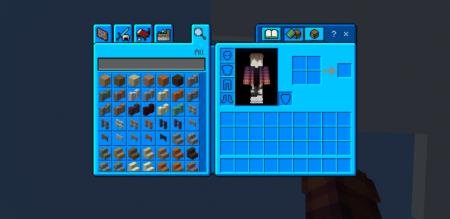
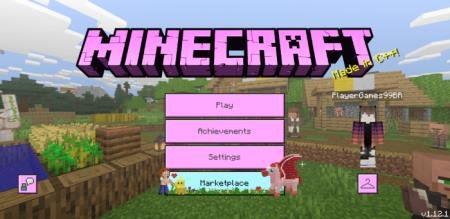
С текстурами Colors for Minecraft главное меню в Minecraft Bedrock окрасится в новые, яркие цвета. На выбор доступно два цвета - голубой и розовый. Изменениям подвергнутся: стартовый экран, экран достижений, экран настроек, экран скинов, экран воспроизведения, экран инвентаря и другие. Такое изменение наполнит игру атмосферой и позитивным настроением.
Скриншоты дополнения:
Голубой цветРозовый цвет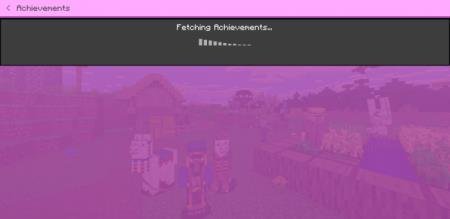
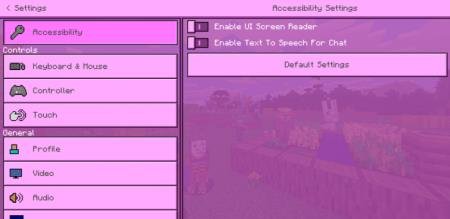
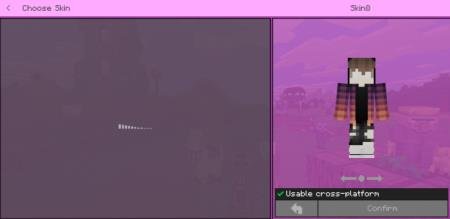
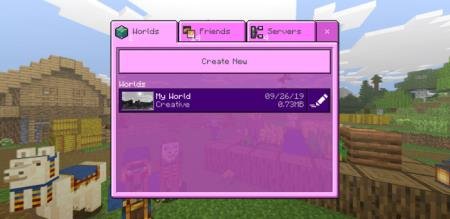
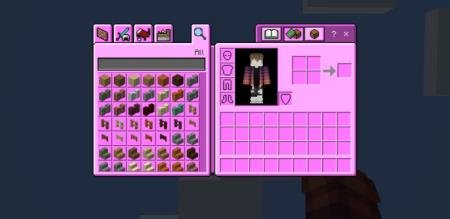
Скриншоты дополнения:
Голубой цвет
Quick facts
- Edition: Minecraft Bedrock
- File type: .mcpack
- How to install: Download the .mcpack. → Open it — Minecraft imports it under Resource Packs. → Activate it in Global Resources, or for one world under Resource Packs → Available.
- Where to get it: In MCModsHub, or directly above on this page.
Install steps are the general flow for this file type — How to install Minecraft Bedrock texture packs walks through it step by step.
File checked by MCModsHub
- Pack type: .mcpack — a single pack
- Complete pack — everything it depends on is inside the file
- Download size: 203 KB
- Download link checked 6 Jul 2026 — working
- Mirrored on our own servers — the download does not depend on the original host
These come from our own check of the pack file, not from the source page.