Texture packsBedrock
Panorama Selector Textures
Bedrock texture pack listed for Minecraft 1.2. File opened and checked on 21 Sep 2026; installs from the MC Bedrock Mods app on Android.
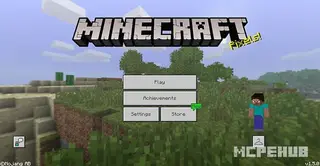
The Panorama Selector texture pack for Minecraft will add a new setting that will give you the ability to change the panorama. Reminder: a panorama is the…
⬇ Download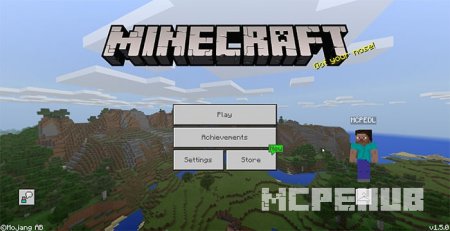
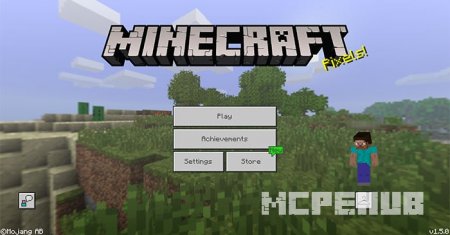
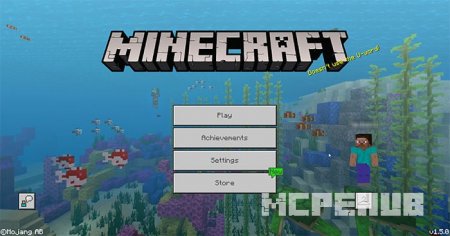

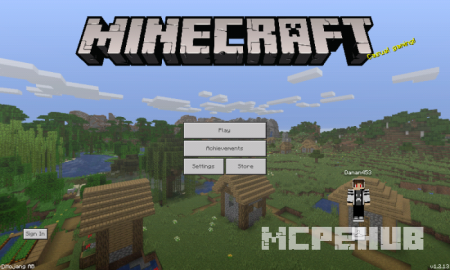
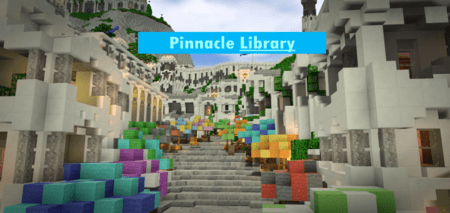
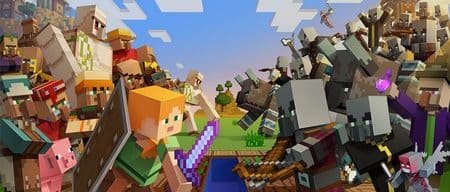
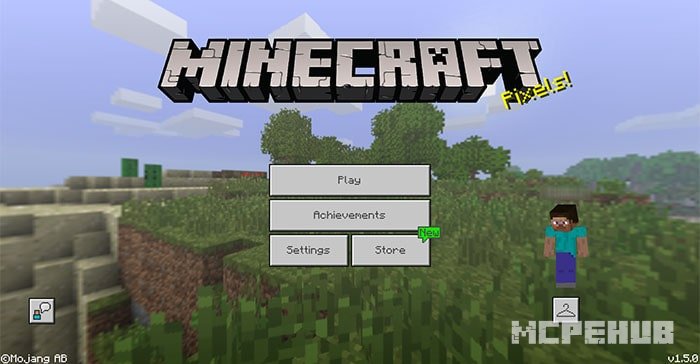
Пакет текстур Panorama Selector для Minecraft добавит вам новую настройку, с помощью которой у вас появится возможность смены панорамы. Напомним, что панорама - это изображение, которое вы видите на стартовой странице игры Майнкрафт. Всего вам будет доступно три вида панорам, каждая из которых относится к определенному обновлению. Далее мы рассмотрим внешний вид каждого из них.
Ностальгия (версия 1.1):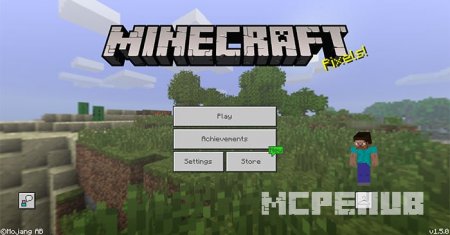 Обновление "Вместе всегда лучше" (1.2):
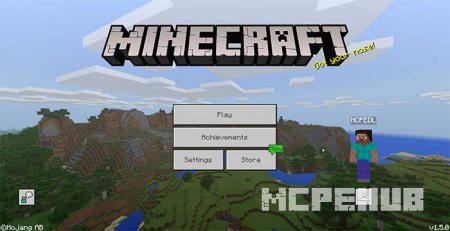 Водное обновление (1.5):
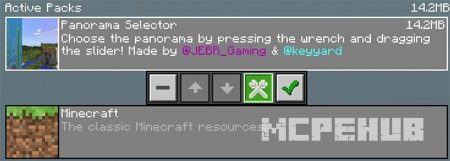
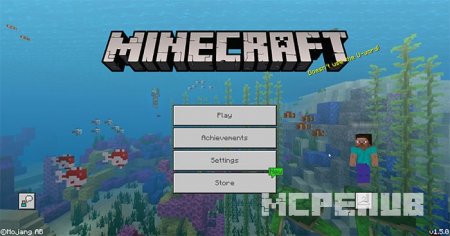 Для использования одной из панорам вам необходимо открыть Panorama Selector, который находится в глобальных ресурсах.
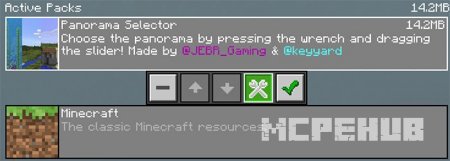 Для переключения между пакетами нужно использовать ползунок. Если изменения не вступили в силу, то вам необходимо перезапустить игру.
Ностальгия (версия 1.1):
Quick facts
- Edition: Minecraft Bedrock
- File type: .mcpack
- How to install: Download the .mcpack. → Open it — Minecraft imports it under Resource Packs. → Activate it in Global Resources, or for one world under Resource Packs → Available.
- Where to get it: In MCModsHub, or directly above on this page.
Install steps are the general flow for this file type — How to install Minecraft Bedrock texture packs walks through it step by step.
File checked by MCModsHub
- Pack type: .mcpack — a single pack
- Manifest requires Minecraft 1.2.6 or newer
- Complete pack — everything it depends on is inside the file
- Download size: 18.1 MB
- Download link checked 6 Jul 2026 — working
- Mirrored on our own servers — the download does not depend on the original host
These come from our own check of the pack file, not from the source page.