ShadersBedrock
Agni Shaders
Bedrock shader pack for the Vibrant Visuals mode listed for Minecraft 1.21. File opened and checked on 26 Sep 2026; installs from the MC Bedrock Mods app on Android.
Graphics can look better without strong load on the device. If you want to improve the world's appearance without losing performance, you should pay…
⬇ Download
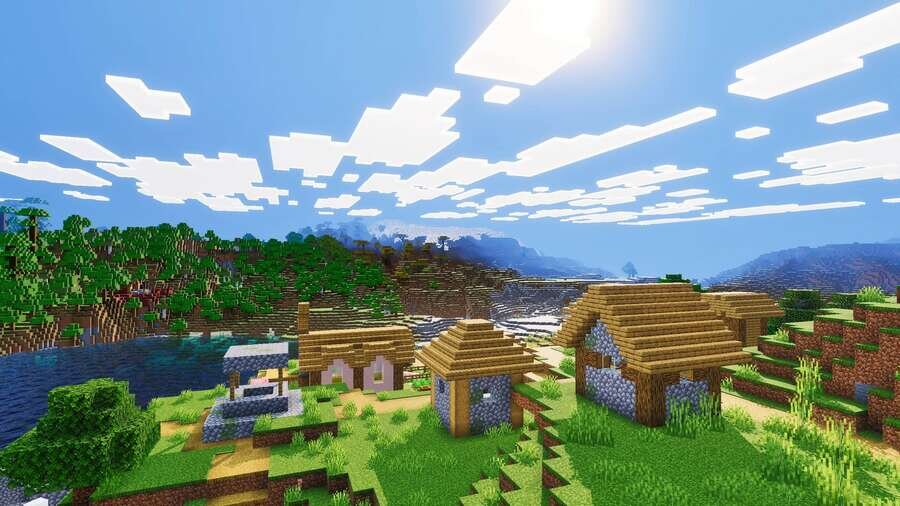
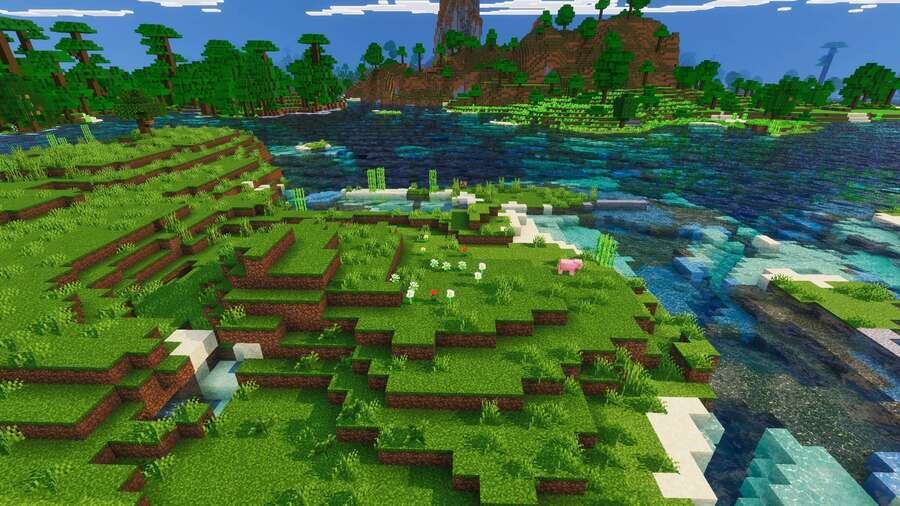
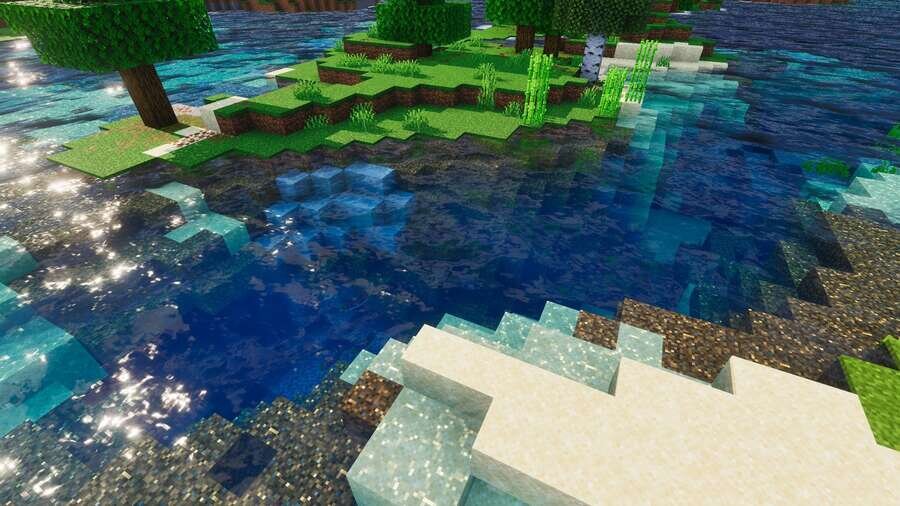
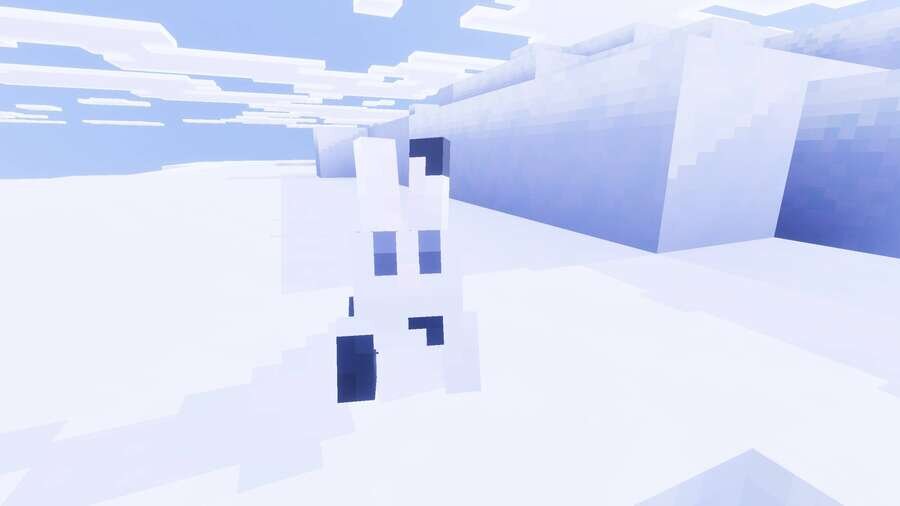
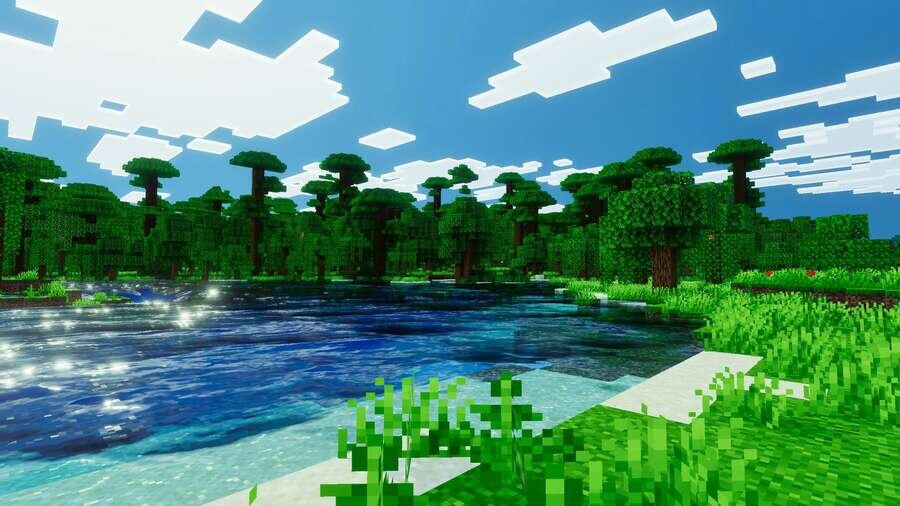
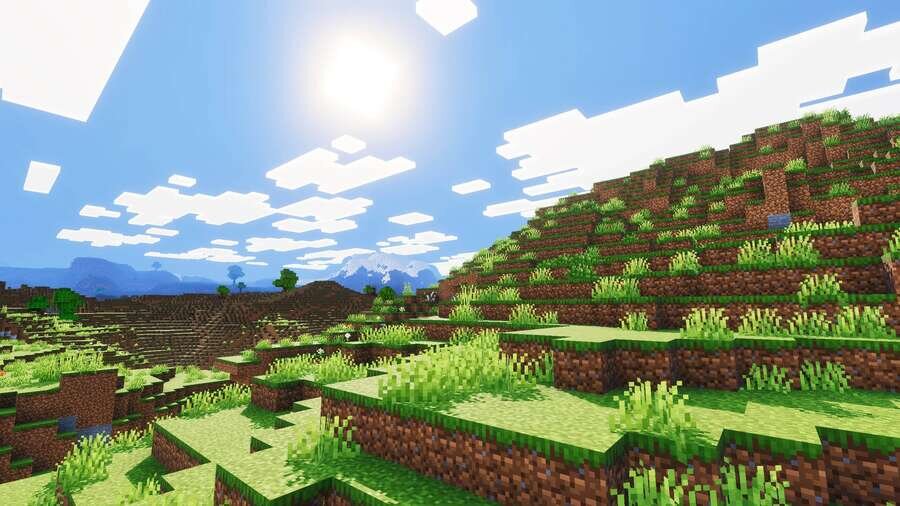
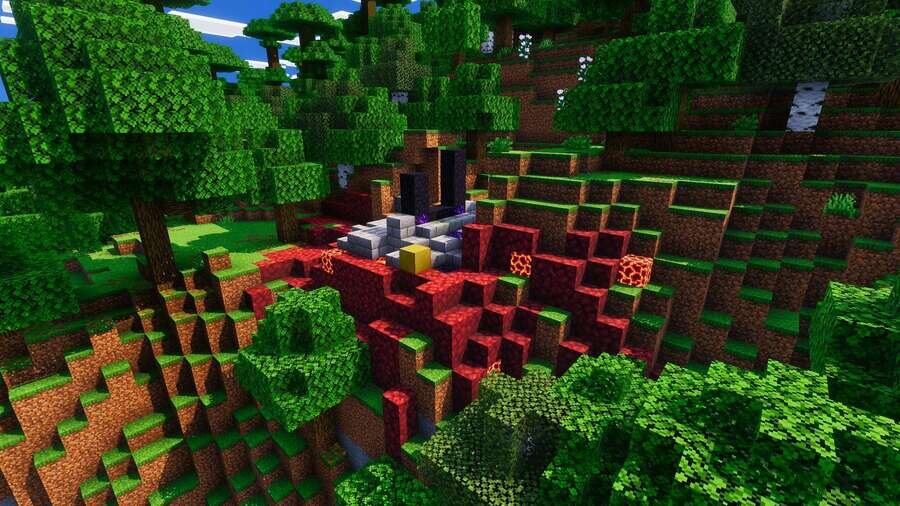
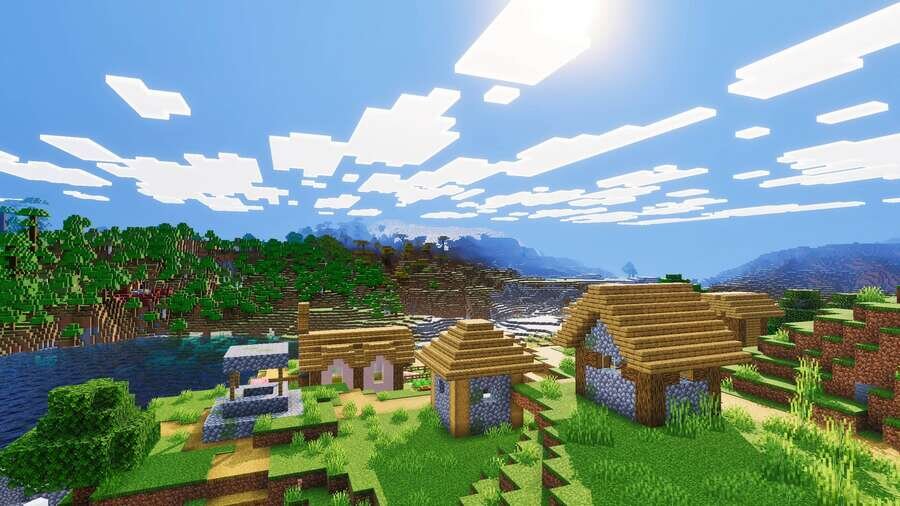
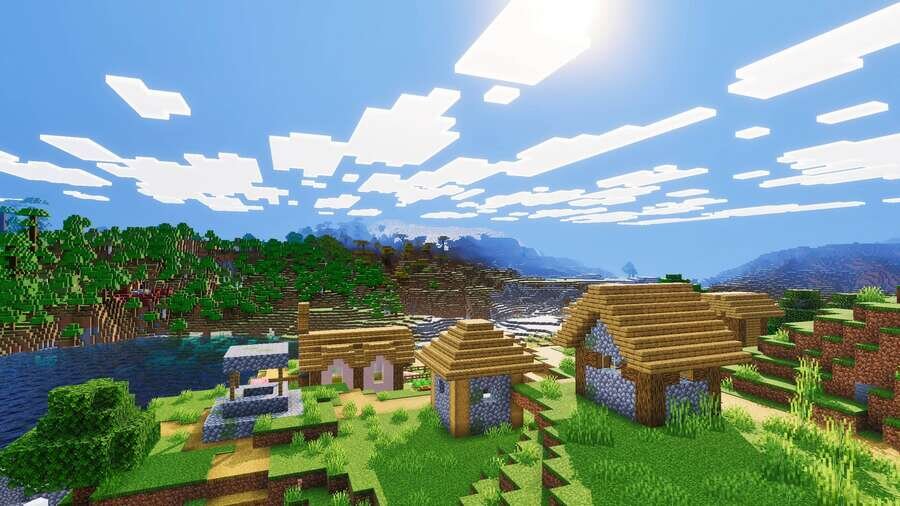
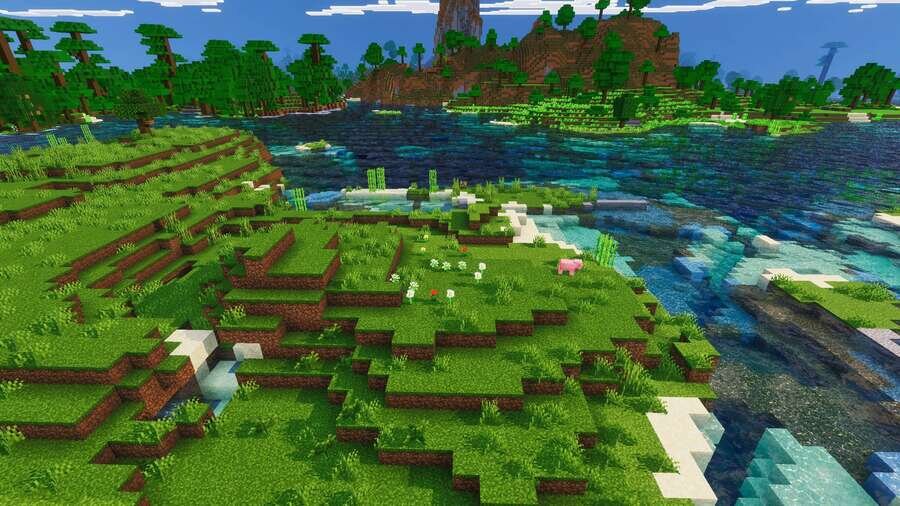
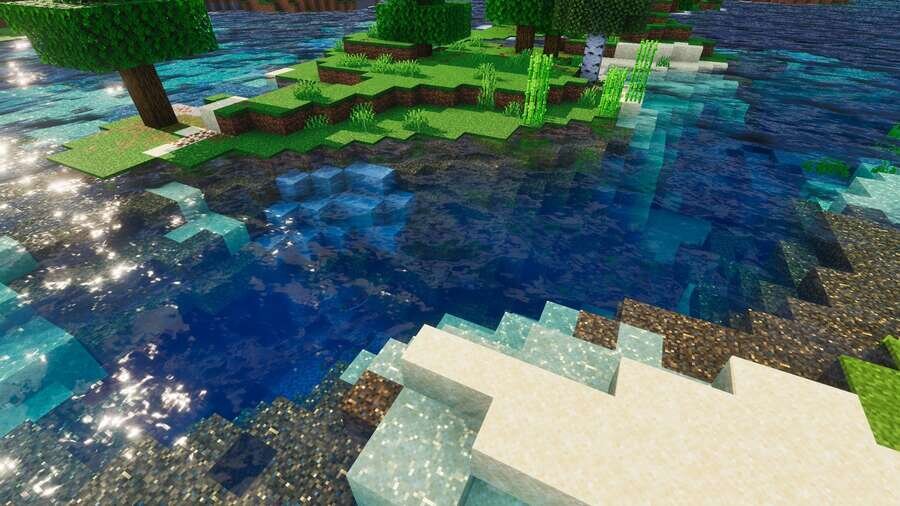
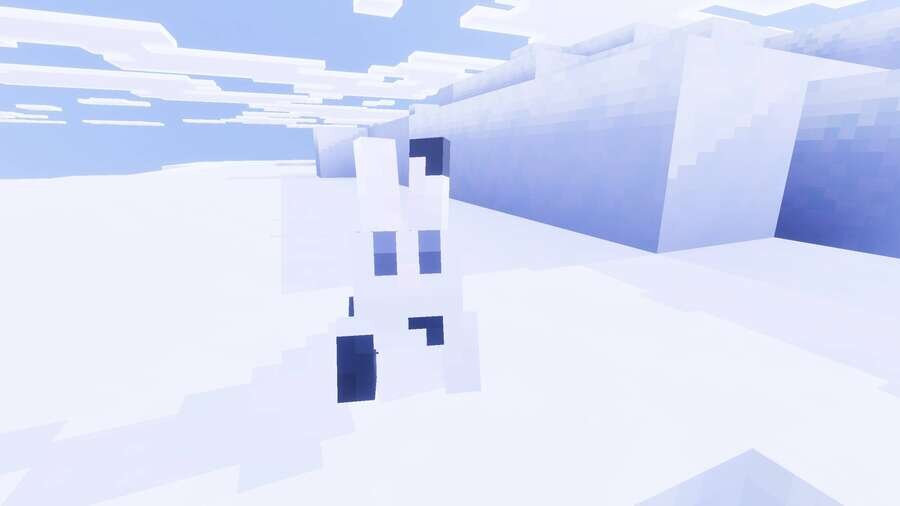
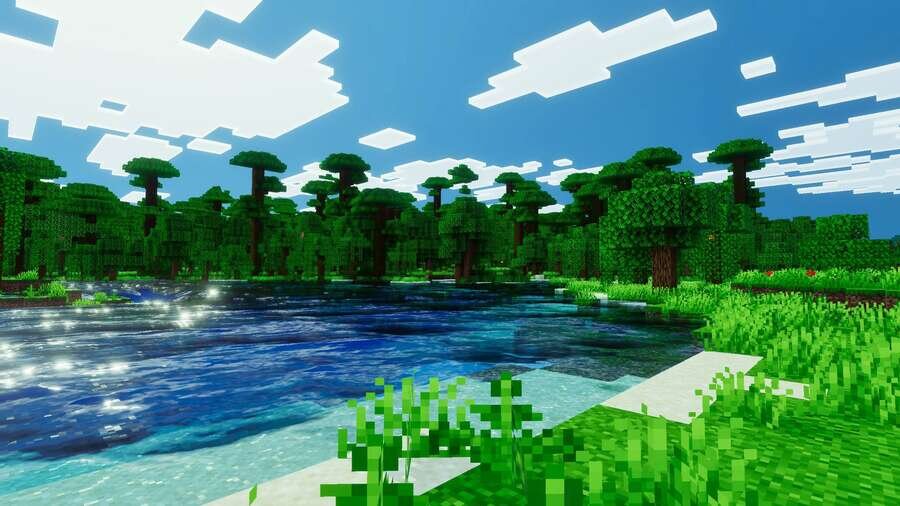
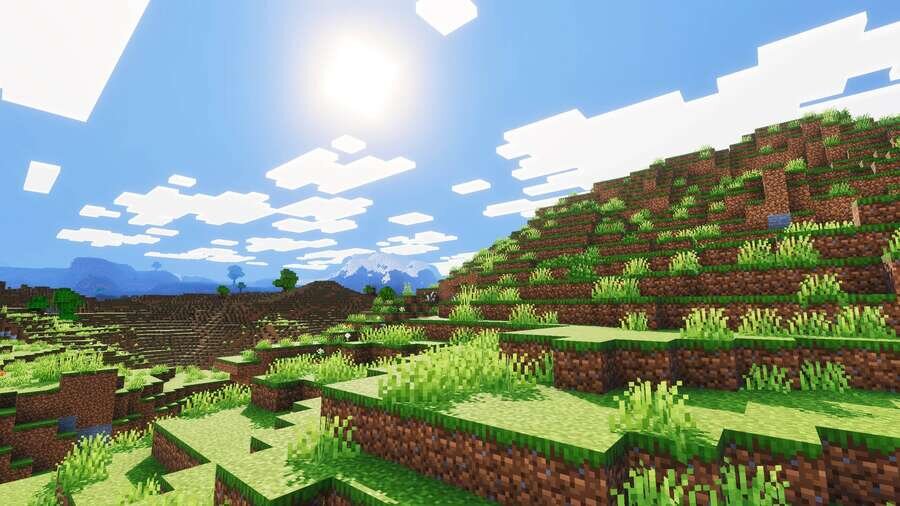
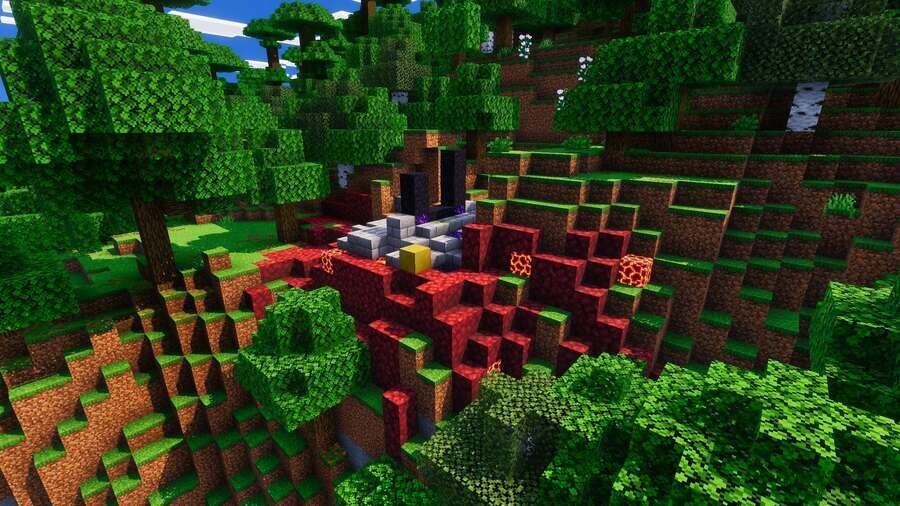
Графика может выглядеть лучше без сильной нагрузки на устройство. Если хочется улучшить внешний вид мира без потери производительности, стоит обратить внимание на шейдеры Agni. В Minecraft дополнение вводит динамическое освещение, мягкие тени и реалистичные отражения, делая картинку глубже и приятнее. При этом он оптимизирован для слабых устройств, что позволяет сохранить стабильную работу. Цвета становятся насыщеннее, а атмосфера выглядит более живой и естественной.
Сборка предлагает сбалансированный внешний вид, одновременно реалистичный и мистический.
Сборка предлагает сбалансированный внешний вид, одновременно реалистичный и мистический.
Quick facts
- Edition: Minecraft Bedrock
- File type: .mcpack
- Minecraft versions listed: 1.21, 1.21.80, 1.21.60
- How to install: Download the .mcpack. → Open it — Minecraft imports it under Resource Packs. → Activate it in Global Resources, or for one world under Resource Packs → Available.
- Where to get it: In MCModsHub, or directly above on this page.
Install steps are the general flow for this file type — How to install Minecraft Bedrock texture packs walks through it step by step.
File checked by MCModsHub
- Pack type: .mcpack — a single pack
- Manifest requires Minecraft 1.21.0 or newer
- Complete pack — everything it depends on is inside the file
- Download size: 1.6 MB
- Download link checked 10 Jul 2026 — working
- Mirrored on our own servers — the download does not depend on the original host
These come from our own check of the pack file, not from the source page.