ShadersBedrock
G-Lime Shaders
Even modest changes can noticeably enliven the environment and you don't need to change everything to feel the difference. G-Lime shaders give Minecraft a…
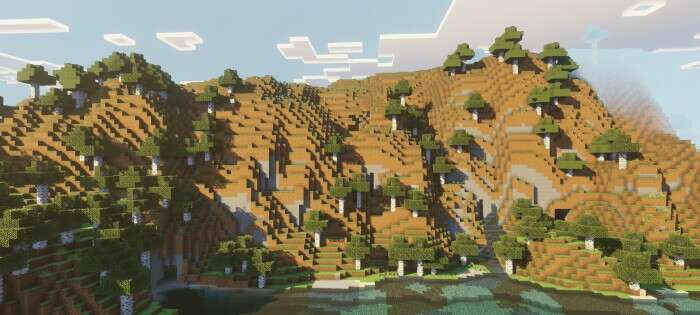
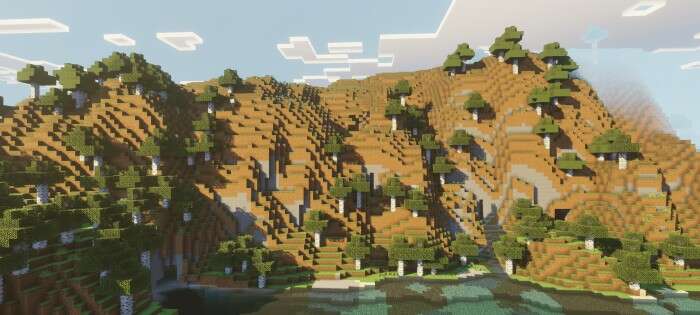
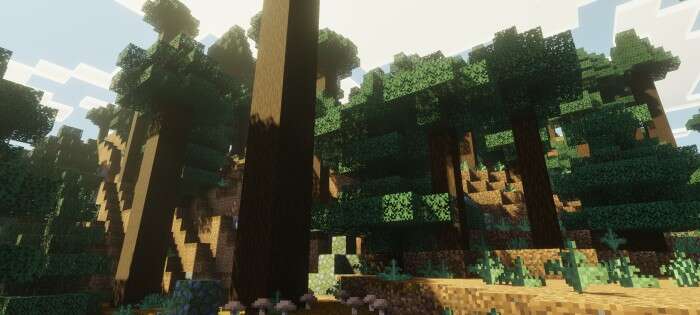
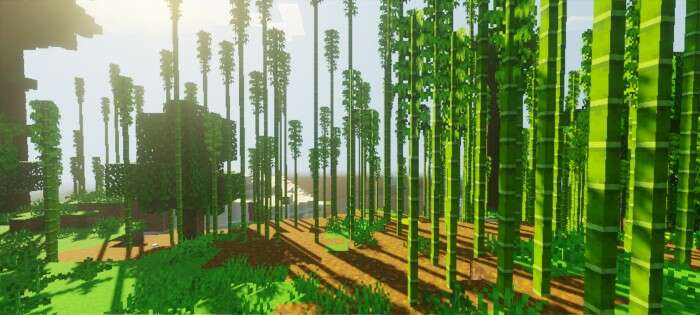
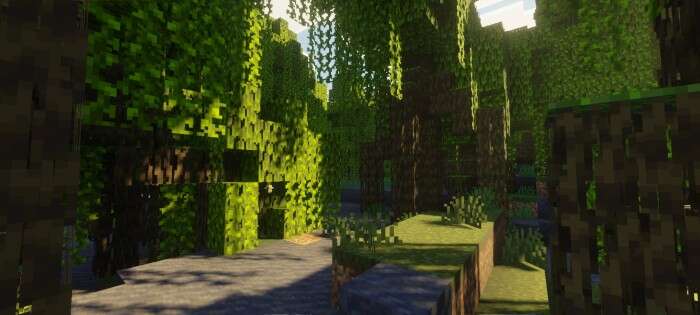
⬇ DownloadOpen in MCModsHubGet it on Google Play →Даже скромные изменения могут заметно оживить окружение и необязательно менять всё, чтобы почувствовать разницу. Шейдеры G-Lime придают Майнкрафт мягкий лаймово-зелёный оттенок, который делает атмосферу в мире спокойной и тёплой. Дополнение сохраняет ванильный стиль, но в то же время добавляет лёгкий визуальный шарм, подчёркивая каждую деталь.
Несмотря на то, что сборка выглядит простой, цвета делают кубический мир особенным и более живым.
 Изменения в новой версии
Несмотря на то, что сборка выглядит простой, цвета делают кубический мир особенным и более живым.
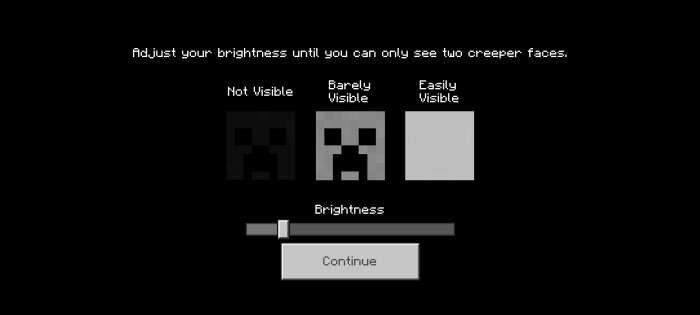
Рекомендуем установить следующие настройки:
- Улучшили глобальное освещение
- Обновили туман
- Изменили палитру оттенков
- Улучшили эффекты
Verified by MCModsHub
- Pack type: .mcpack — a single pack
- Manifest requires Minecraft 1.21.80 or newer
- Complete pack — everything it depends on is inside the file
- Download size: 55 KB
- Download link checked 6 Jul 2026 — working
- Mirrored on our own servers — the download does not depend on the original host
These come from our own check of the pack file, not from the source page.
Explore more