ShadersBedrock
Ale Shaders
Bedrock shader pack for the Vibrant Visuals mode listed for Minecraft 1.8–1.21. File opened and checked on 28 Sep 2026; installs from the MC Bedrock Mods app on Android.
More realistic and beautiful graphics with Ale shaders for Minecraft. Your gameplay should be the best, so we recommend using this addon to improve your…
⬇ Download
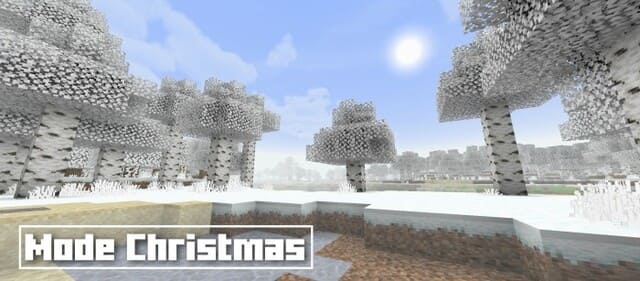
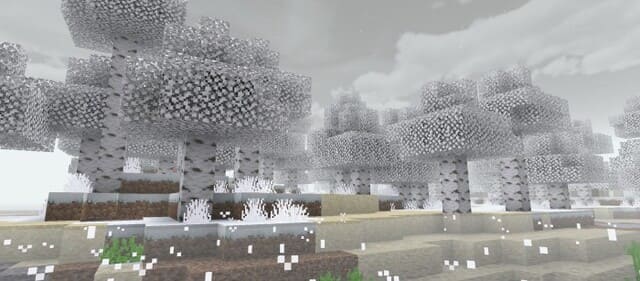
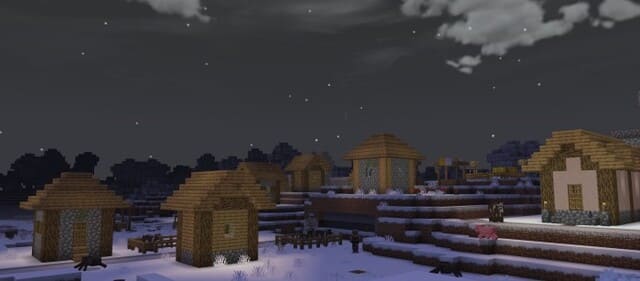
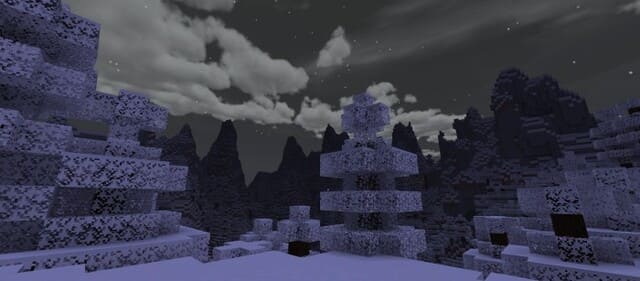
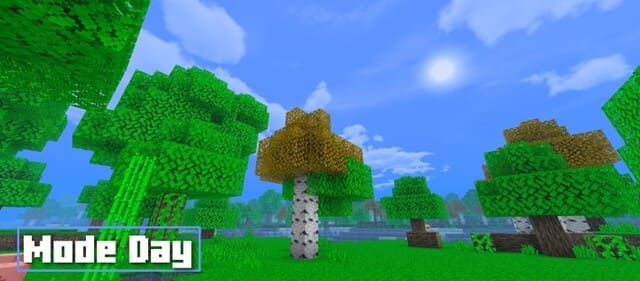
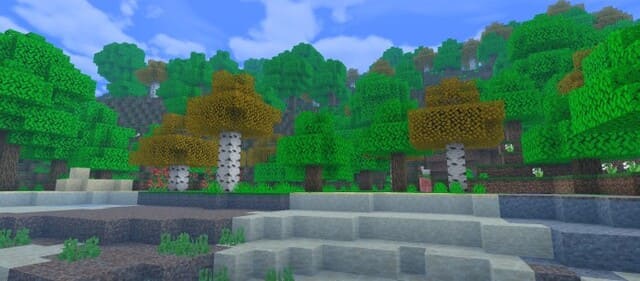
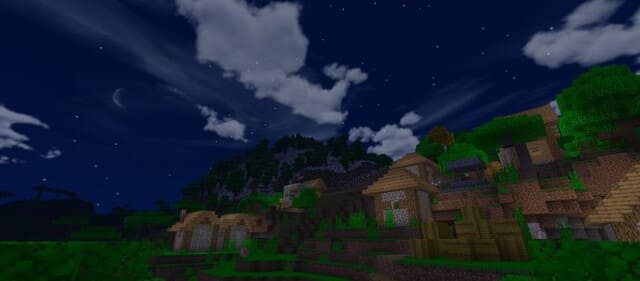
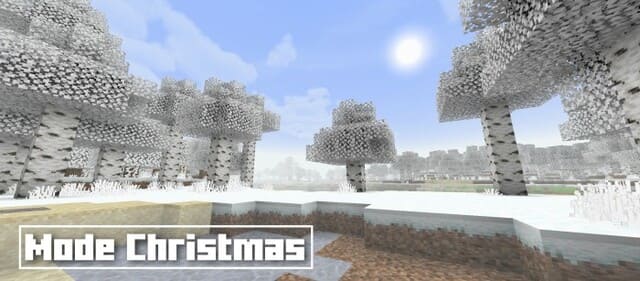
Более реалистичная и красивая графика с шейдерами Ale для Minecraft. Твой геймплей должен быть самым наилучшим, поэтому рекомендуем воспользоваться этим дополнением для улучшения игрового процесса. При этом сборка подойдет для большинства устройств, даже не обладающих высокими мощностями и производительностью.
Функции
Дневной режим
Изменения в новой версии
Функции
- Палитра мира
- Цвета освещения
- Реалистичное небо
- Красивые тени
- Шелест листвы
- Густой туман
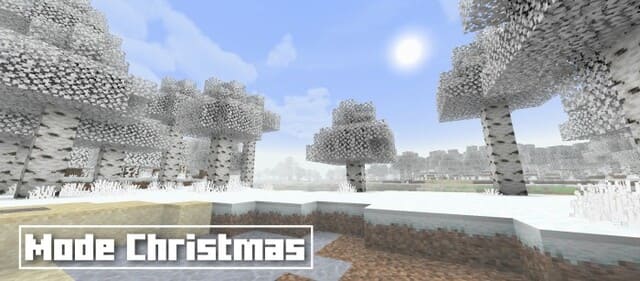
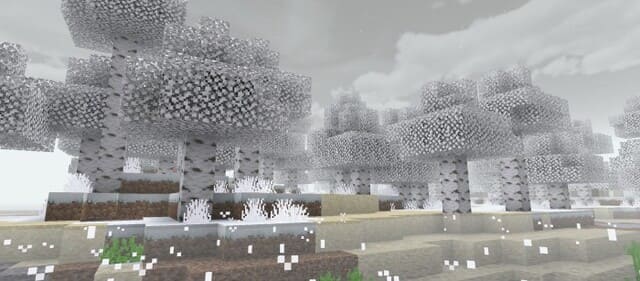
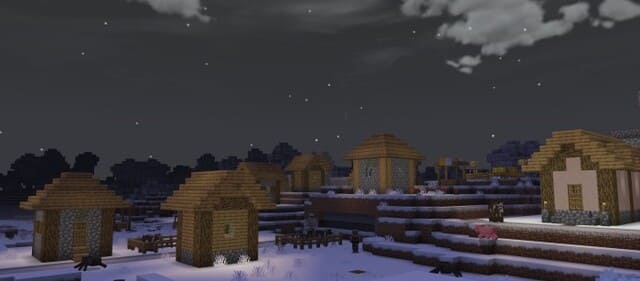
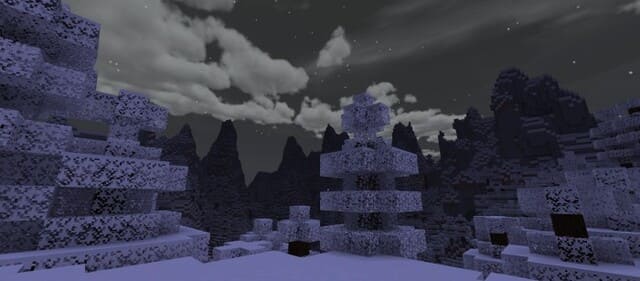
Дневной режим
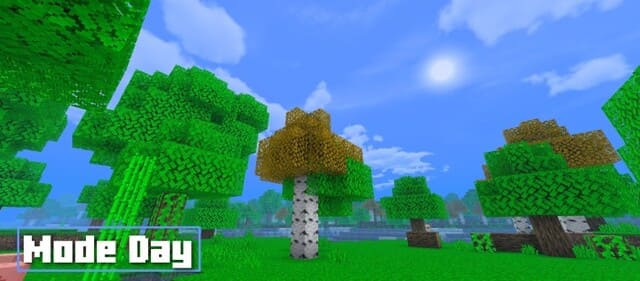
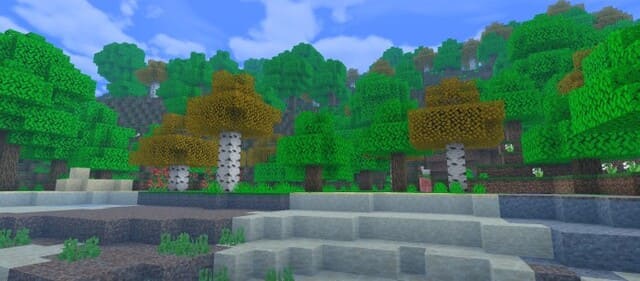
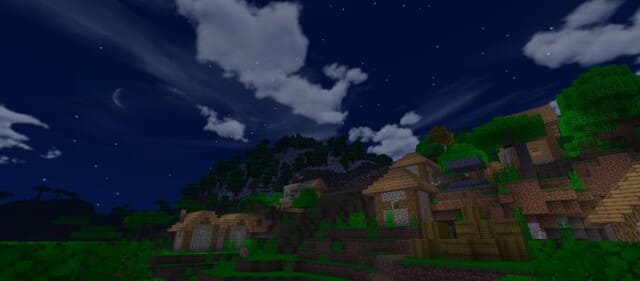
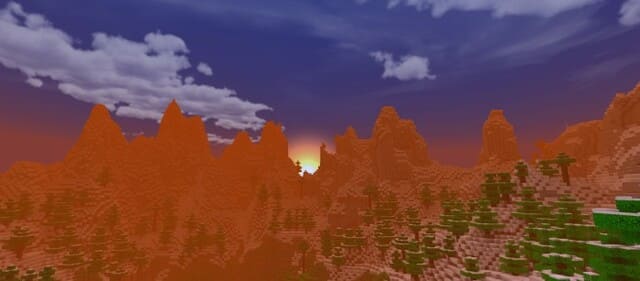
Изменения в новой версии
- Добавили Светящуюся броню
- Добавили свечение глаз мобов
- Добавили свечение руды
- Улучшили туман и воду
- Совместимость с 1.21.30
- Повысили оптимизацию
Quick facts
- Edition: Minecraft Bedrock
- File type: .mcpack
- Minecraft versions listed: 1.21.30, 1.21.20, 1.21
- How to install: Download the .mcpack. → Open it — Minecraft imports it under Resource Packs. → Activate it in Global Resources, or for one world under Resource Packs → Available.
- Where to get it: In MCModsHub, or directly above on this page.
Install steps are the general flow for this file type — How to install Minecraft Bedrock texture packs walks through it step by step.
File checked by MCModsHub
- Save it as 188633.mcaddon before opening — it downloads as .mcpack, but it is a .mcaddon pack
- Manifest requires Minecraft 1.8.0 or newer
- Complete pack — everything it depends on is inside the file
- Download size: 10.4 MB
- Download link checked 6 Jul 2026 — working
- Mirrored on our own servers — the download does not depend on the original host
These come from our own check of the pack file, not from the source page.