ShadersBedrock
BNS Shaders
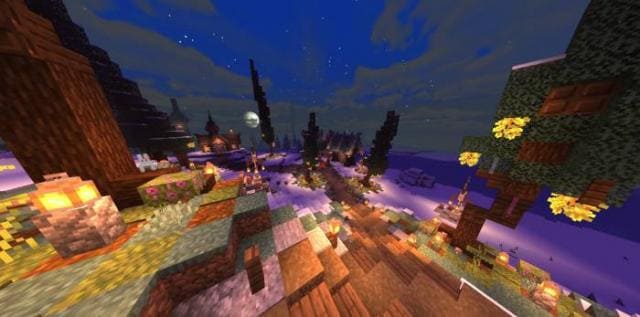
Graphics in Minecraft PE are quite good, but many players sometimes want to change the tired design, replacing it with a fresh new look. For example, with…
⬇ DownloadOpen in MCModsHubGet it on Google Play →Графика в Майнкрафт ПЕ довольно неплохая, но многие игроки порой хотят сменить надоевший дизайн, уступив место новенькому внешнему виду. Например, при помощи шейдеров BNS.Функции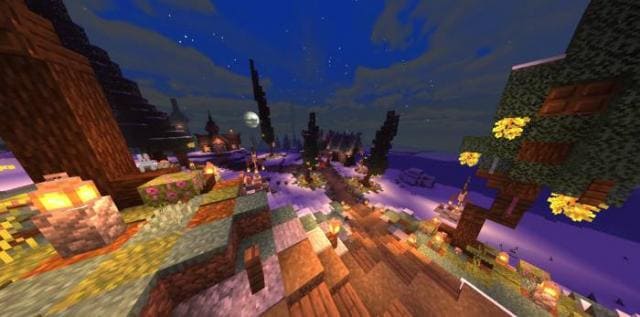
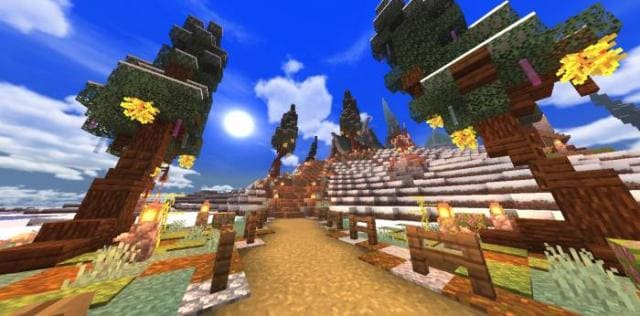 Изменения в новой версии
- Тени
- Пользовательские кубические карты
- Яркая атмосфера
- Естественное динамическое освещение
- Монохроматический эффект погоды
- Оптимальное затемнение для темных областей
- Анимация волн на листьях, воде
- Обновили функции
- Удалили файл с РендерДрагон
Verified by MCModsHub
- Save it as 188657.mcaddon before opening — it downloads as .mcpack, but it is a .mcaddon pack
- Manifest requires Minecraft 1.0.0 or newer
- Complete pack — everything it depends on is inside the file
- Download size: 4.0 MB
- Download link checked 6 Jul 2026 — working
- Mirrored on our own servers — the download does not depend on the original host
These come from our own check of the pack file, not from the source page.
Explore more