ShadersBedrock
Hyra Shaders
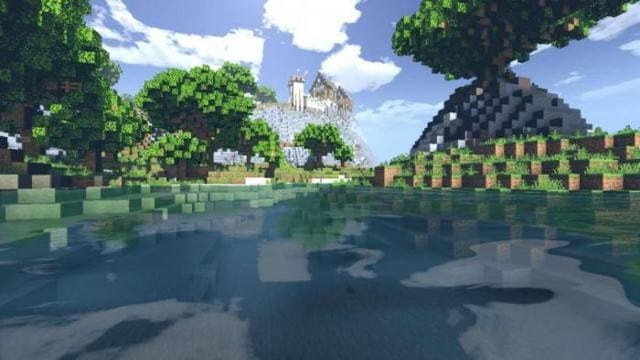
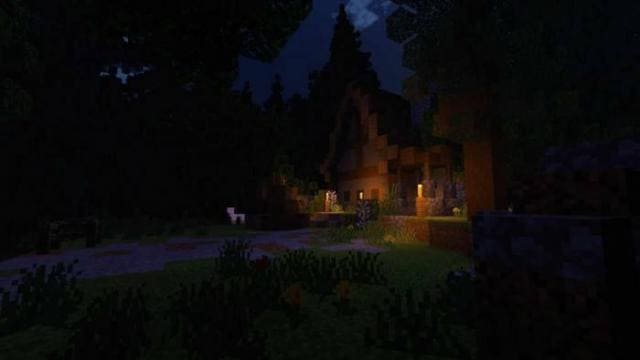
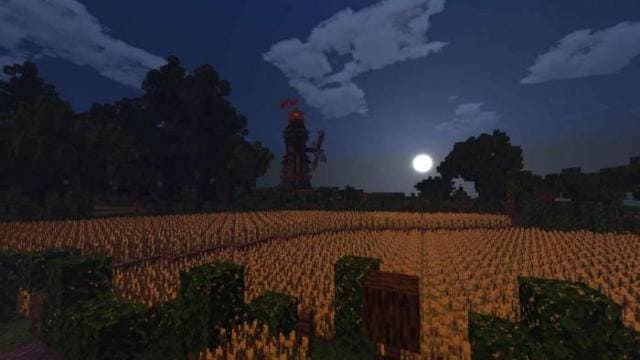
Feel realistic graphics that will please the eye with Hyra shaders. Thanks to beautiful coloring and lighting, you'll feel that the game world becomes…
⬇ Download
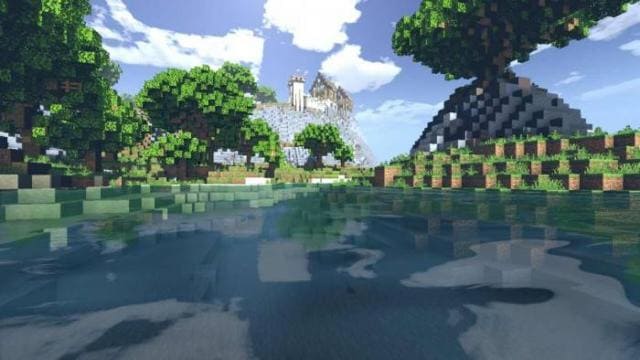
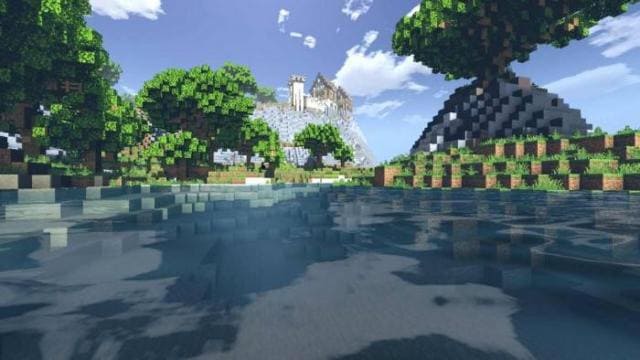
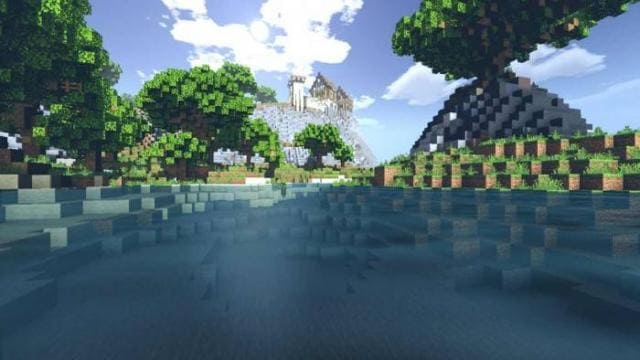
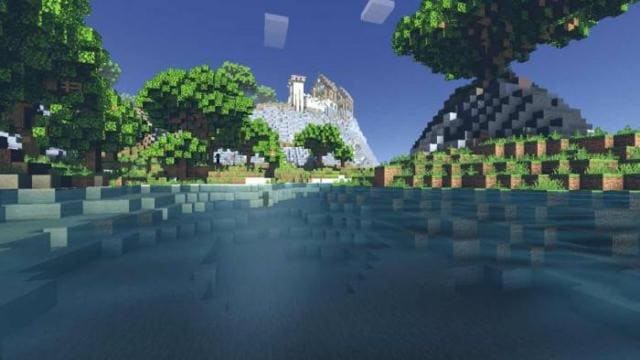
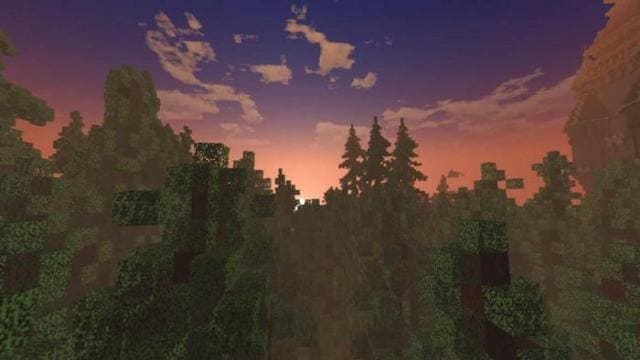
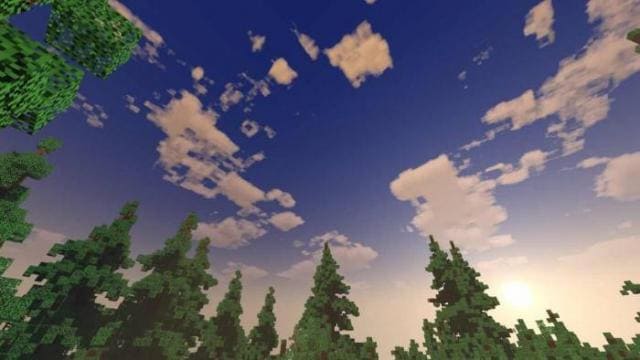
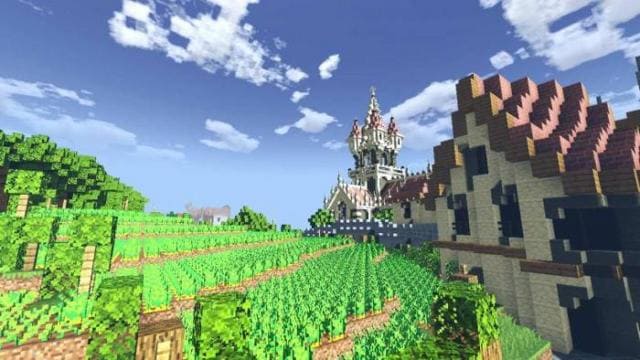
Почувствуй реалистичную графику, которая будет радовать глаз с помощью шейдеров Hyra. Благодаря красивой окраске и освещению, ты почувствуешь, что мир игры станет реальностью. Это дополнение доступно в нескольких вариантах, а именно ультра, высокий, средний и низкий. Выбери то, что тебе по душе, исходя из мощностей устройства.
Функции
Изменения в новой версии
Функции
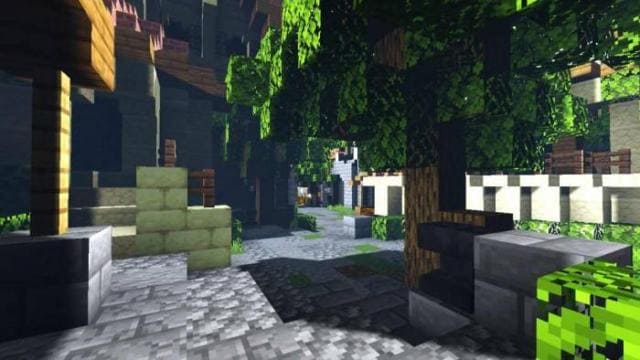
- Реалистичный цвет
- Фальшивое отражение в воде (в ультра)
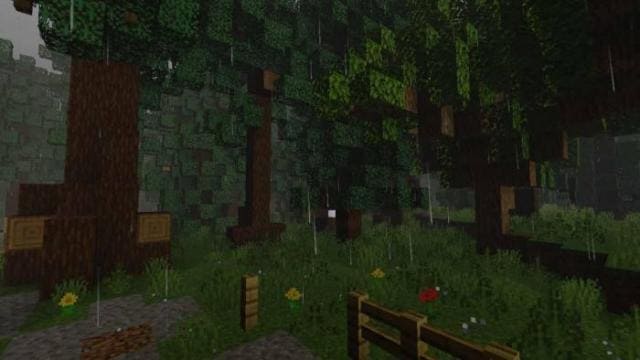
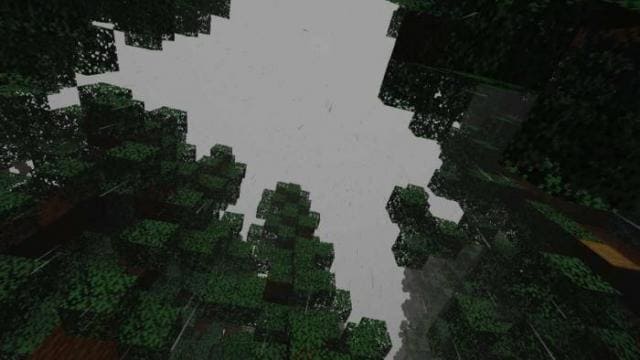
- Туманный дождь
- Красивое ночное небо и звезды
- Новый стиль облаков
- Реалистичная вода
- Движение листьев
- Солнце и луна
Изменения в новой версии
- Совместимость с RenderDragon на Windows
- Обновили небо и облака
- Улучшили дневной туман
- Удалили некоторые элементы
Quick facts
- Edition: Minecraft Bedrock
- File type: .mcpack
- How to install: Download the .mcpack. → Open it — Minecraft imports it under Resource Packs. → Activate it in Global Resources, or for one world under Resource Packs → Available.
- Where to get it: In MCModsHub, or directly above on this page.
Install steps are the general flow for this file type — How to install Minecraft Bedrock texture packs walks through it step by step.
Verified by MCModsHub
- Pack type: .mcpack — a single pack
- Complete pack — everything it depends on is inside the file
- Download size: 79 KB
- Download link checked 6 Jul 2026 — working
- Mirrored on our own servers — the download does not depend on the original host
These come from our own check of the pack file, not from the source page.