ShadersBedrock
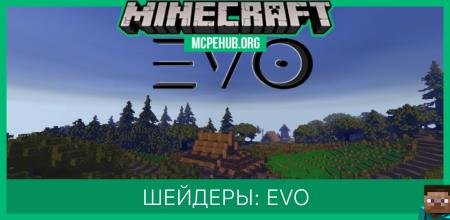
EVO Classic Shaders
Bedrock legacy GLSL shader pack listed for Minecraft 1.17–1.18. File opened and checked on 29 Sep 2026; installs from the MC Bedrock Mods app on Android.
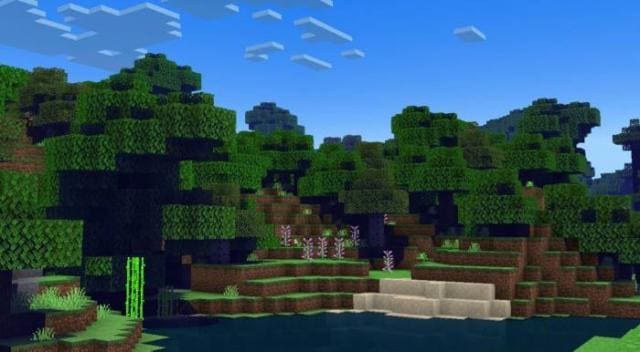
The author of EVO Classic shaders tried to recreate the old type of addons that didn't heavily burden gameplay and gave players more opportunities to…
⬇ Download
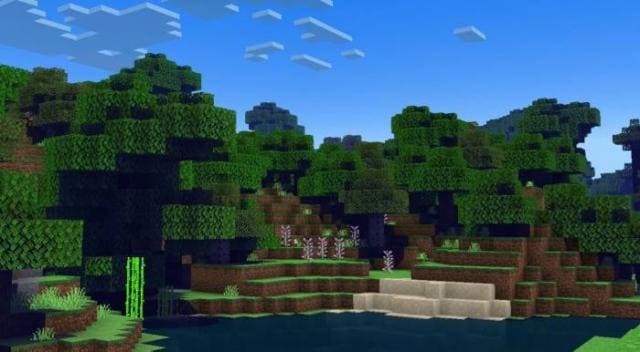
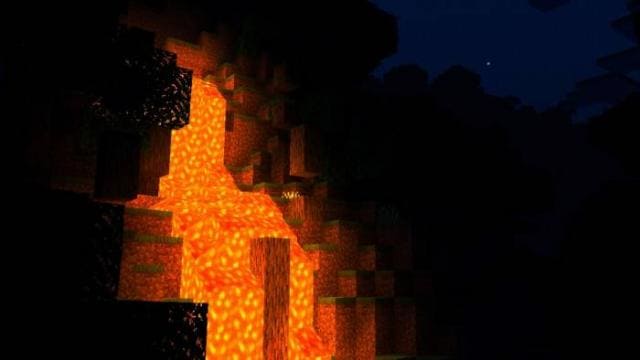
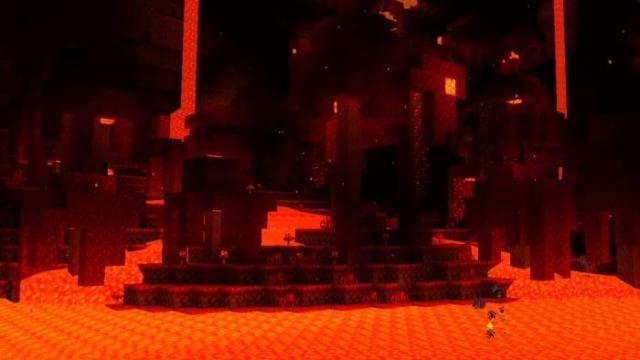

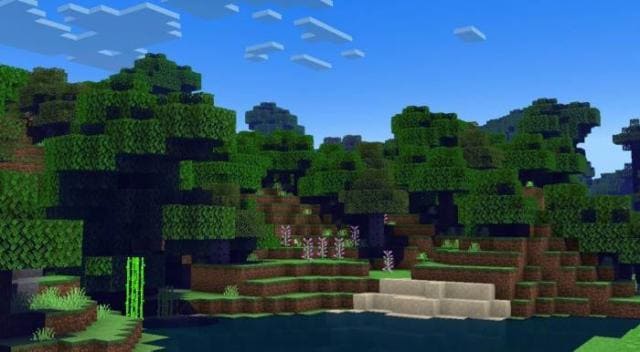
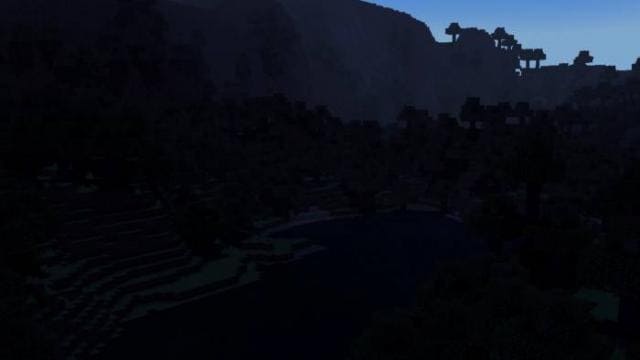
Автор шейдеров EVO Classic попытался воссоздавать старый тип дополнений, которые не сильно нагружали игровой процесс и давали игроку больше возможностей улучшить игру без вреда производительности. Именно для этого существует это дополнение: улучшение игры без снижения качества.
Функции
Функции
- Большинство возможностей из предыдущих дополнений
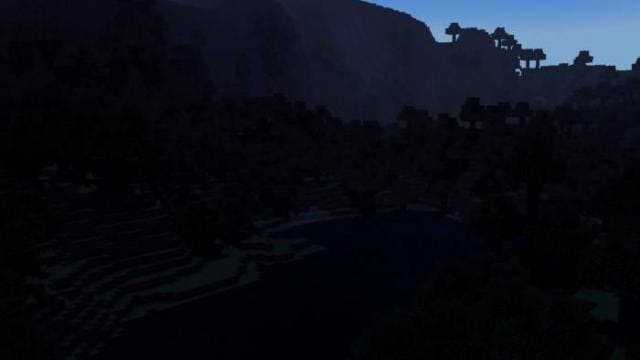
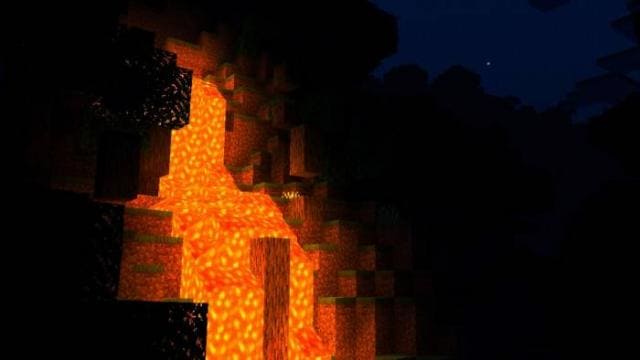
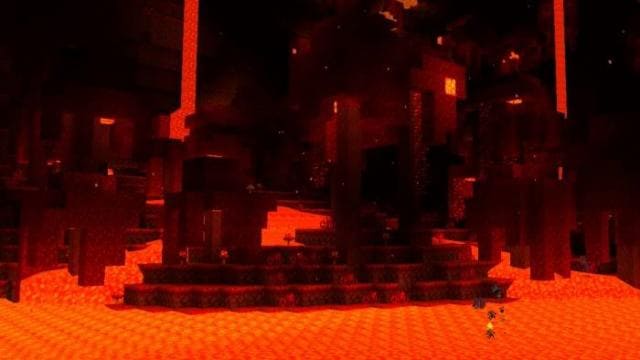
- Улучшенное освещение, тени, облака и вода
- Плотный туман
- Обновленные источники света
- Оптимизация для слабый устройств
Quick facts
- Edition: Minecraft Bedrock
- File type: .mcpack
- Minecraft versions listed: 1.18, 1.17, 1.18.20
- How to install: Download the .mcpack. → Open it — Minecraft imports it under Resource Packs. → Activate it in Global Resources, or for one world under Resource Packs → Available.
- Where to get it: In MCModsHub, or directly above on this page.
Install steps are the general flow for this file type — How to install Minecraft Bedrock texture packs walks through it step by step.
File checked by MCModsHub
- Pack type: .mcpack — a single pack
- Manifest requires Minecraft 1.17.0 or newer
- Complete pack — everything it depends on is inside the file
- Download size: 14 KB
- Download link checked 6 Jul 2026 — working
- Mirrored on our own servers — the download does not depend on the original host
These come from our own check of the pack file, not from the source page.