ShadersBedrock
OverWorld Shaders
Light OverWorld shaders are suitable even for the weakest devices with less than 1 GB of RAM. If you're unlucky with your smartphone, you can still…
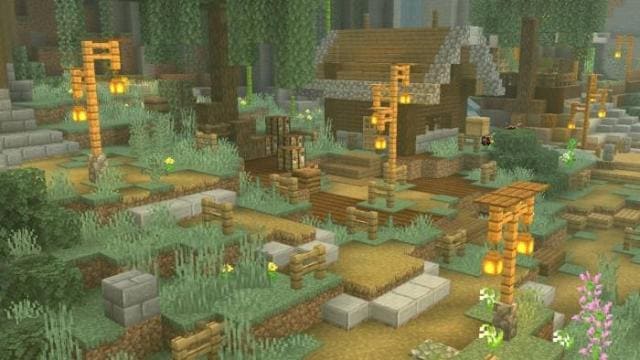
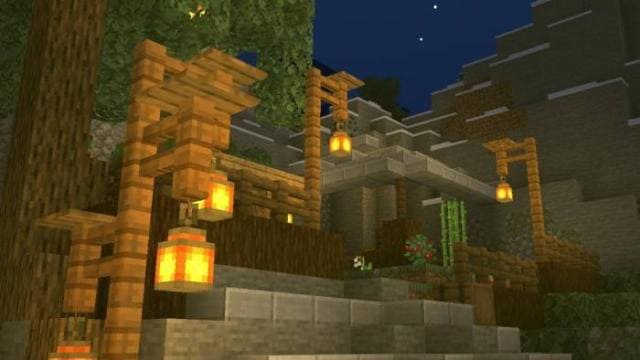
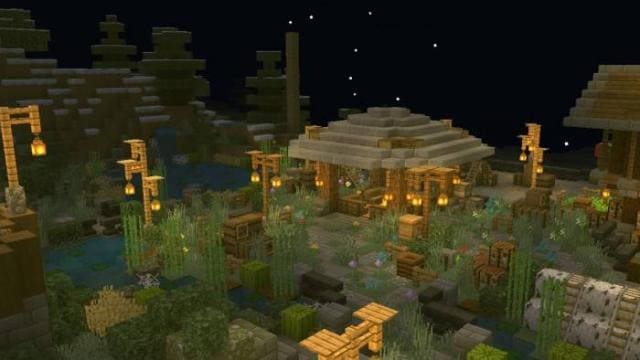
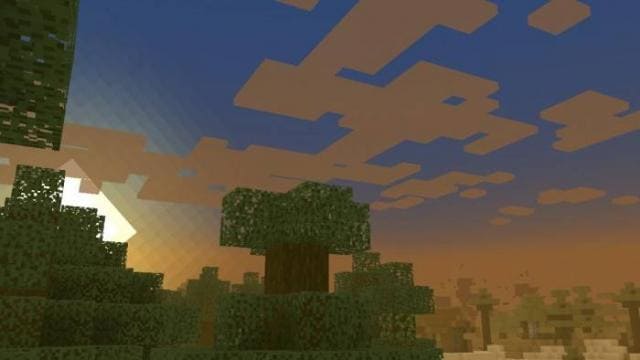
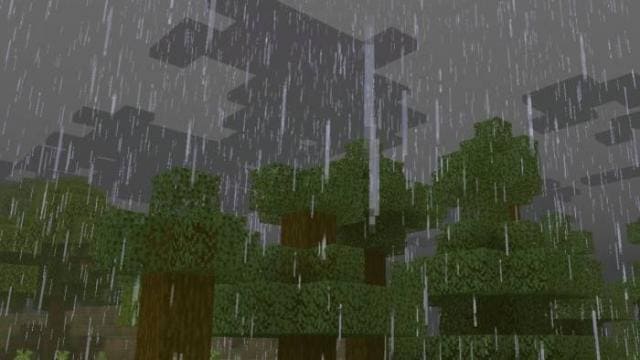
⬇ DownloadOpen in MCModsHubGet it on Google Play →Легкие шейдеры OverWorld подойдут даже для самых слабых устройств, которые имеют меньше 1 ГБ оперативной памяти. Если тебе не повезло со смартфоном, то ты все равно сможешь улучшить Minecraft PE при помощи этого дополнения. Никаких сбоев, вылетов или долгой загрузки — только красивая графика без ущерба производительности.
Функции
Функции
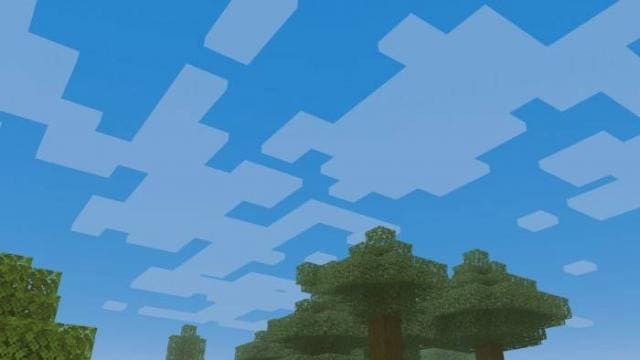
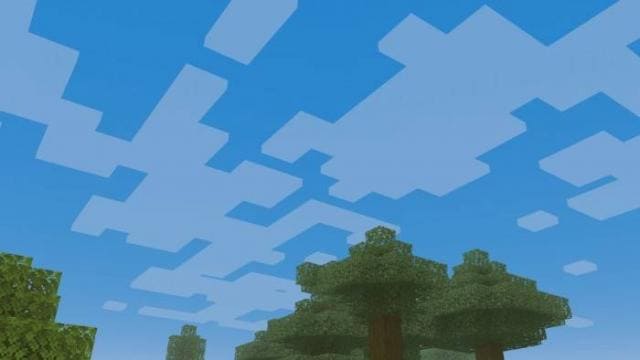
- Реалистичное небо и облака
- Глубокий туман
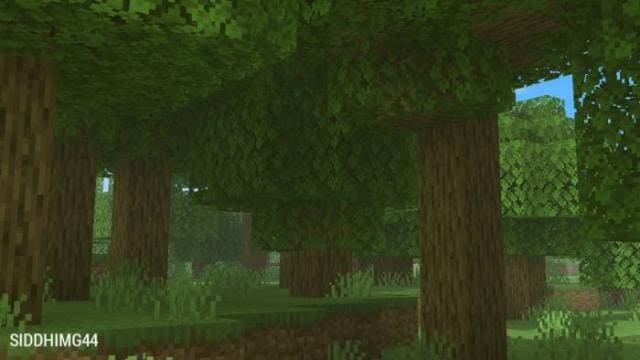
- Гладкое освещение и тени
- Естественная палитра оттенков природы
- Движение травы и листьев
Verified by MCModsHub
- Save it as 188681.mcaddon before opening — it downloads as .mcpack, but it is a .mcaddon pack
- Manifest requires Minecraft 1.8.0 or newer
- Complete pack — everything it depends on is inside the file
- Download size: 39 KB
- Download link checked 6 Jul 2026 — working
- Mirrored on our own servers — the download does not depend on the original host
These come from our own check of the pack file, not from the source page.
Explore more