Low Fire (clean)
Bedrock texture pack listed for Minecraft 1.20–26.x. Download on the author's site.
⬇ Download on CurseForge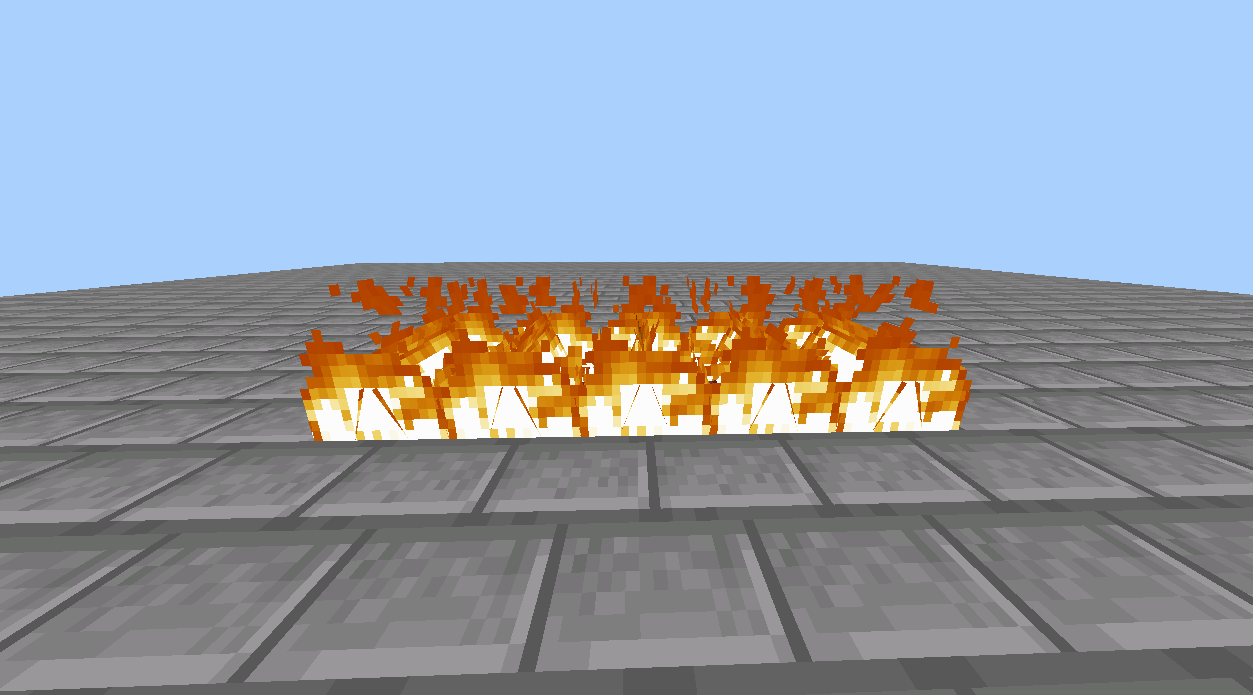
Low Fire for Bedrock
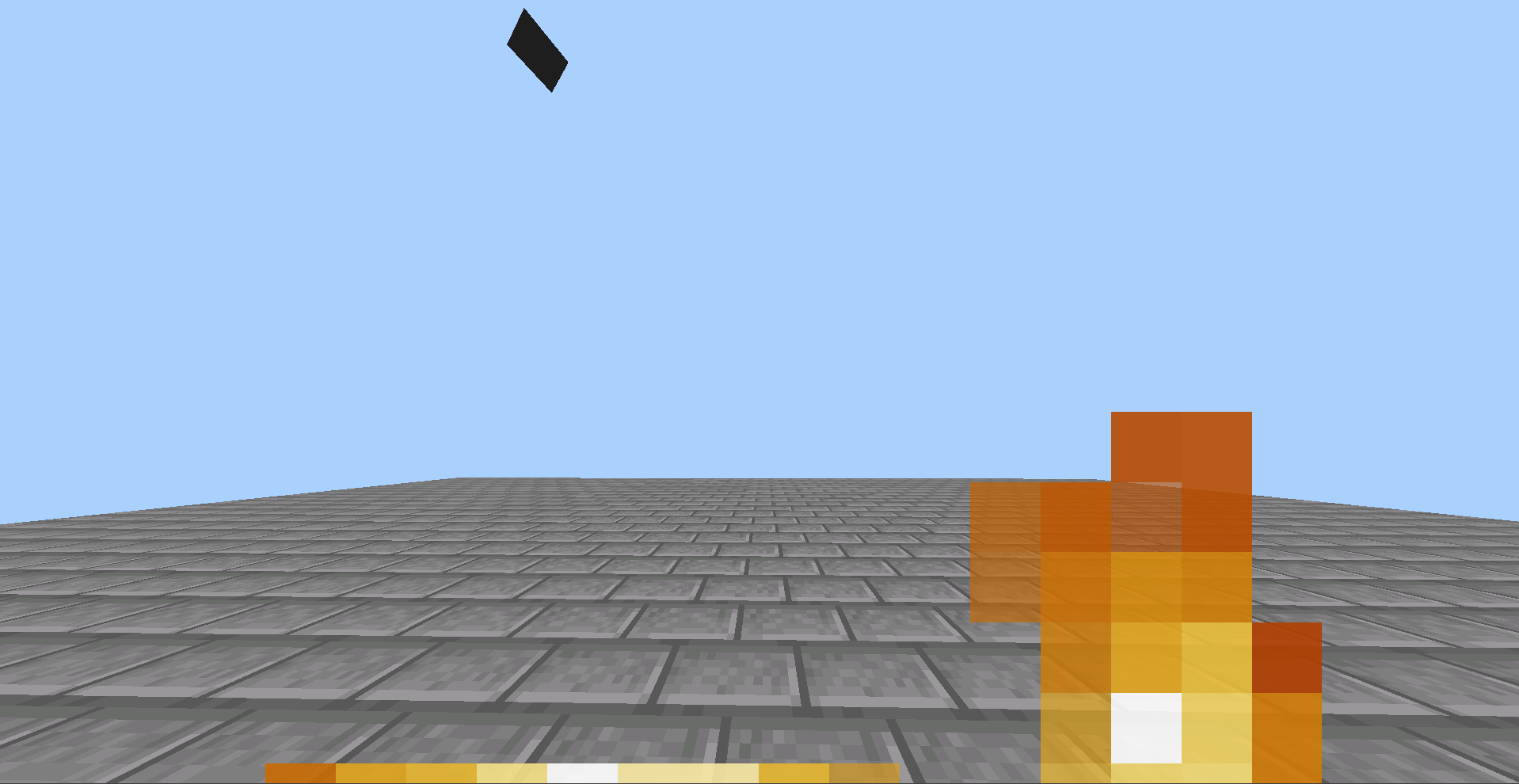
Standard Minecraft fire takes up way too much space on the screen, making it impossible to see during PvP fights or when exploring the Nether. This lightweight resource pack fixes that issue by reducing the height of the fire animation, keeping your view clear without ruining the gameplay experience.
Features
-
Reduced Fire Height: The flame texture is shrunk down so it stays at the bottom of your screen and out of your field of view.
-
No Animation Glitches: The animation frames are properly aligned, meaning the texture stays stable and will not flicker or disappear.
- Edition: Minecraft Bedrock
- File type: .mcpack
- Minecraft versions listed: 1.20.40, 1.21.30, 1.21.50
- How to install: Download the .mcpack. → Open it — Minecraft imports it under Resource Packs. → Activate it in Global Resources, or for one world under Resource Packs → Available.
- Where to get it: Opens on CurseForge — not every file is mirrored on our own servers.
Install steps are the general flow for this file type — How to install Minecraft Bedrock texture packs walks through it step by step.
Low Fire (clean) is a free Minecraft Bedrock texture pack. Compatible with Minecraft 1.20.40, 1.21.30, 1.21.50, 1.21.81 and newer. Downloaded 140 times (via CurseForge). Download it and open it directly in the game.