Animated Menu: Cherry Blossom Grove Minecraft Spring
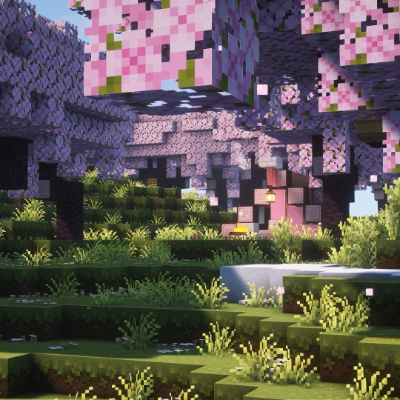
A handcrafted cherry blossom garden takes over your Minecraft menu — pink blooms, lush green terraces, and a warm glowing lantern. Smooth animated loop…
⬇ Download on CurseForge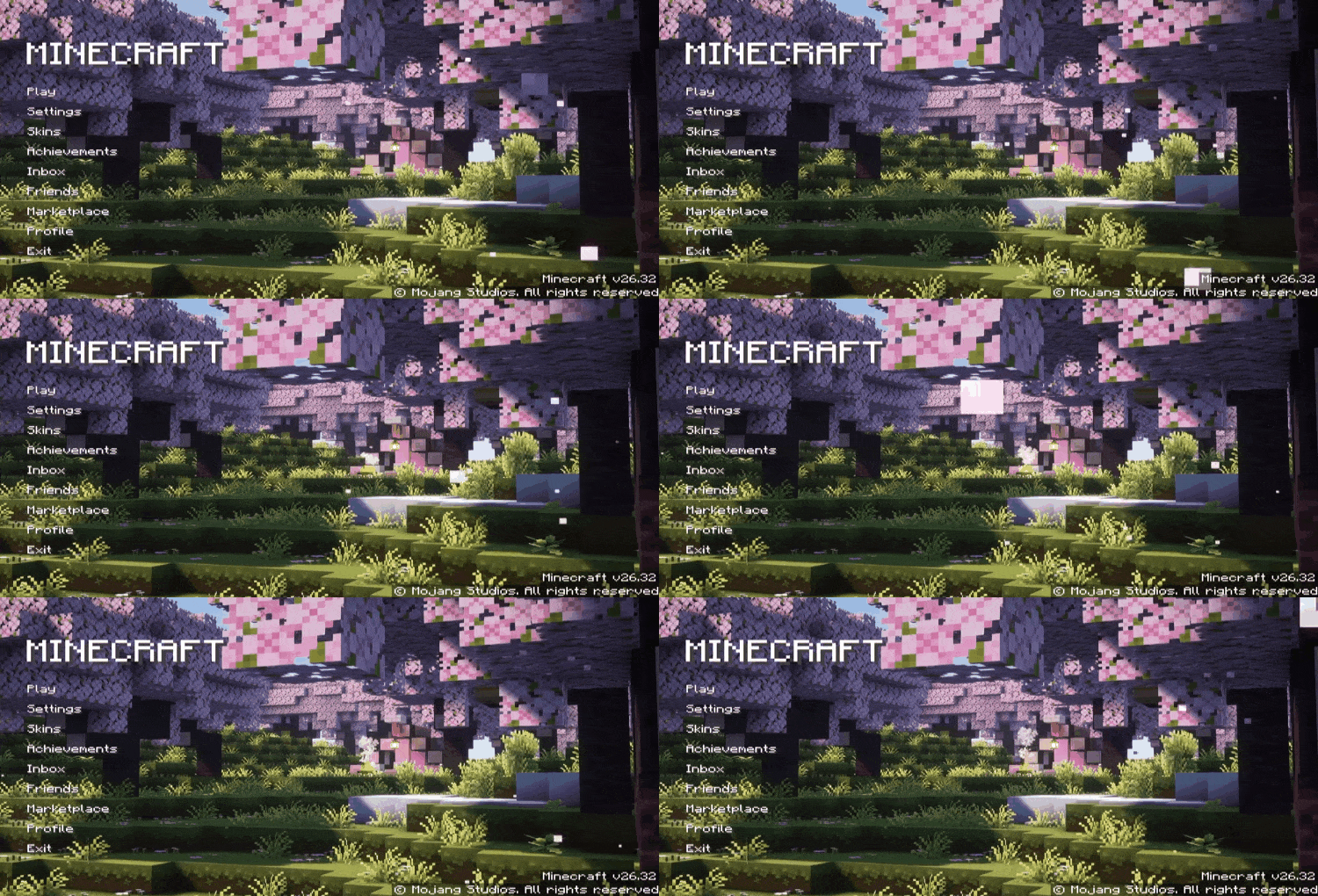
A stunning cherry blossom garden surrounds your Minecraft menu — pink blooms covering every tree, lush green terraces below, and a warm lantern glowing softly in the center. A peaceful, handcrafted build scene looping smoothly behind your start screen.
What It Changes
- Animated cherry blossom garden background — replaces the default menu scene entirely
- Dense pink cherry blossom trees filling the entire scene
- Lush layered grass terraces with wildflowers and ground detail
- Warm lantern light glowing softly in the center of the build
- Smooth seamless loop — no stutter, no harsh cuts
The Vibe
Soft, dreamy, and full of detail. The pastel pink blossoms and warm lighting give the menu a calm springtime feel — perfect for players who love builder aesthetics and want a beautiful, nature-inspired main screen.
Pure Aesthetic, Zero Gameplay Impact
This is a UI-only pack. No gameplay changes, no performance hit. Just a cherry blossom garden waiting for you every time you launch.
Launch the game. Stop and smell the blossoms.
- Edition: Minecraft Bedrock
- File type: .mcpack
- Minecraft version listed: 26.30
- How to install: Download the .mcpack. → Open it — Minecraft imports it under Resource Packs. → Activate it in Global Resources, or for one world under Resource Packs → Available.
- Where to get it: Opens on CurseForge — not every file is mirrored on our own servers.
Install steps are the general flow for this file type — How to install Minecraft Bedrock texture packs walks through it step by step.
- Pack type: .mcpack — a single pack
- Manifest requires Minecraft 1.21.0 or newer
- Complete pack — everything it depends on is inside the file
- Download size: 37.8 MB
- Download link checked 29 Aug 2026 — working
These come from our own check of the pack file, not from the source page.