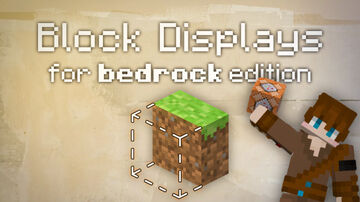
Block Displays in BEDROCK EDITION?! These are a game changer...
This time, I'm sharing with you guys how to use Block displays in Vanilla Minecraft, Bedrock edition. These commands are a clever workaround the commands-community discovered that allows us to create custom block entity displays through the use of foxes and /playanimation. I learned a lot of new commands making this video and had tons of fund messing around with these displays.
Check out the links below to try it yourself and remember to subscribe!
See More of my Content 🎥
YT: @TheCommandsMan
TikTok: tiktok.com/@thecommandsman
X: x.com/TheCommandsMan
Discord: discord.gg/xbJhAuUMGJ
This time, I'm sharing with you guys how to use Block displays in Vanilla Minecraft, Bedrock edition. These commands are a clever workaround the commands-community discovered that allows us to create custom block entity displays through the use of foxes and /playanimation. I learned a lot of new commands making this video and had tons of fund messing around with these displays.
Check out the links below to try it yourself and remember to subscribe!
See More of my Content 🎥
YT: @TheCommandsMan
TikTok: tiktok.com/@thecommandsman
X: x.com/TheCommandsMan
Discord: discord.gg/xbJhAuUMGJ
Quick facts
- Edition: Minecraft Bedrock
- File type: .mcworld
- How to install: Download the .mcworld file. → Open it — Minecraft imports it as a new world. → Find it in your Worlds list and play.
- Where to get it: In MCModsHub, or directly above on this page.
Install steps are the general flow for this file type — How to install Minecraft Bedrock maps walks through it step by step.
Verified by MCModsHub
- Pack type: .mcworld — a ready-made world
- Download size: 1.8 MB
- Download link checked 19 Aug 2026 — working
- Mirrored on our own servers — the download does not depend on the original host
These come from our own check of the pack file, not from the source page.