YSZ Crosshair Indicator
Bedrock texture pack listed for Minecraft 1.21–26.x. File opened and checked on 24 Sep 2026; installs from the MC Bedrock Mods app on Android.
I don't know my version
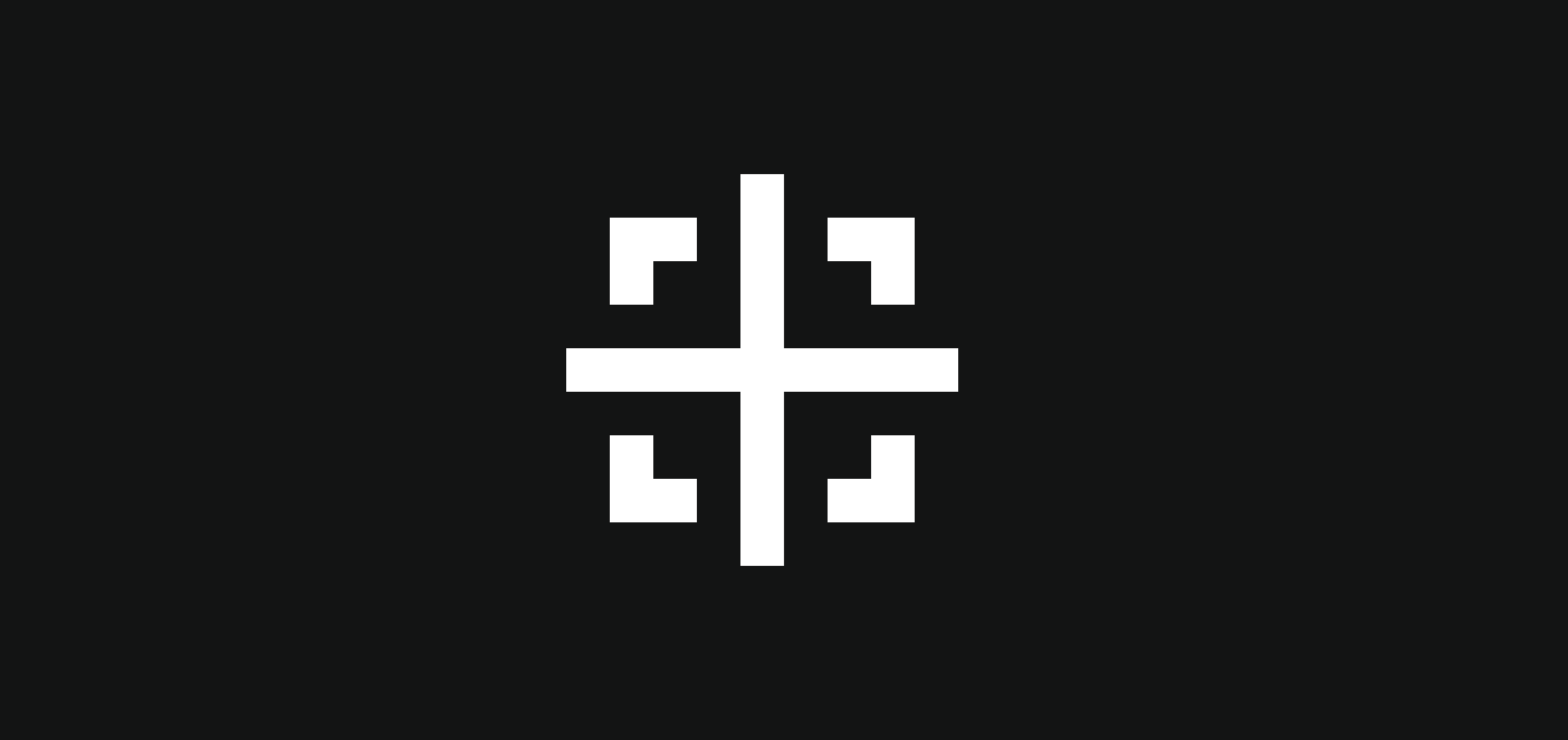
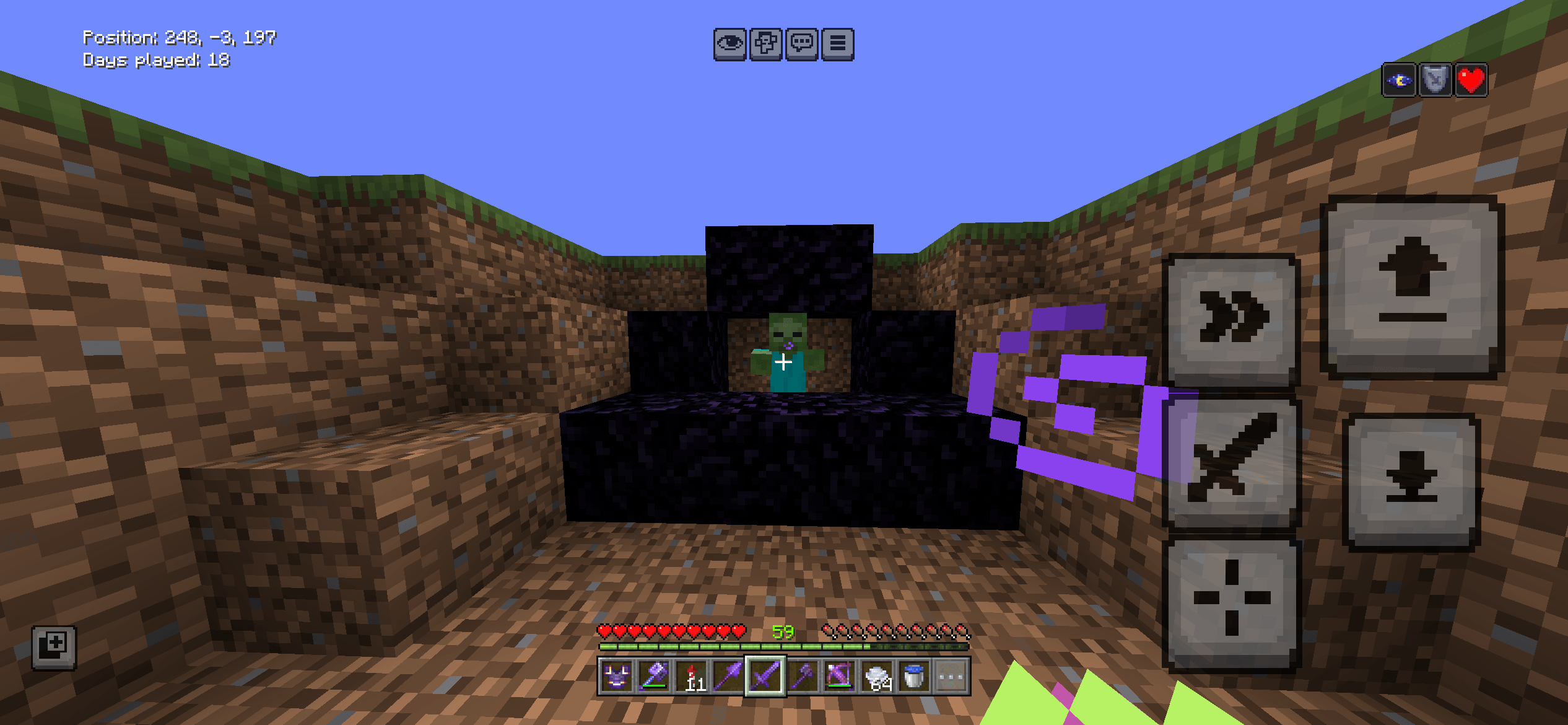
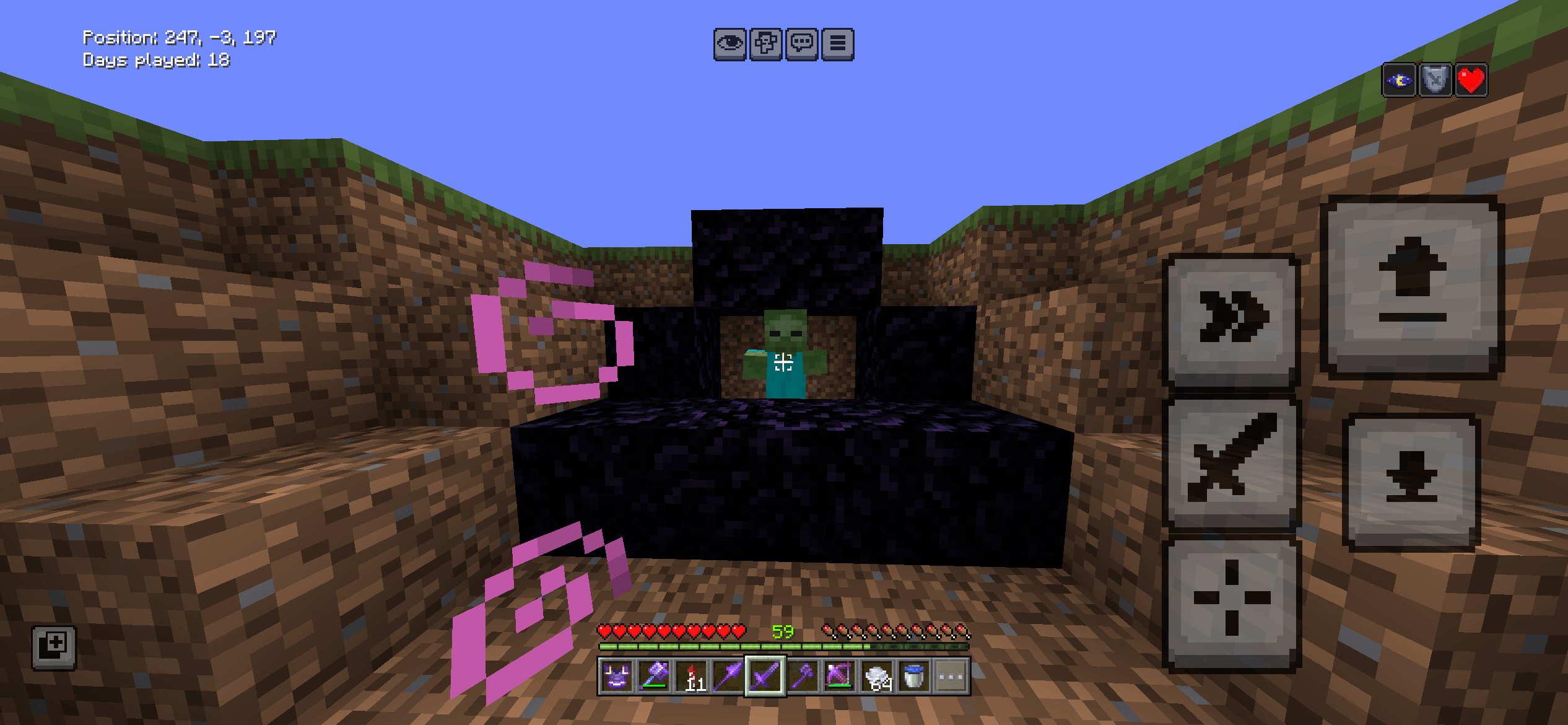
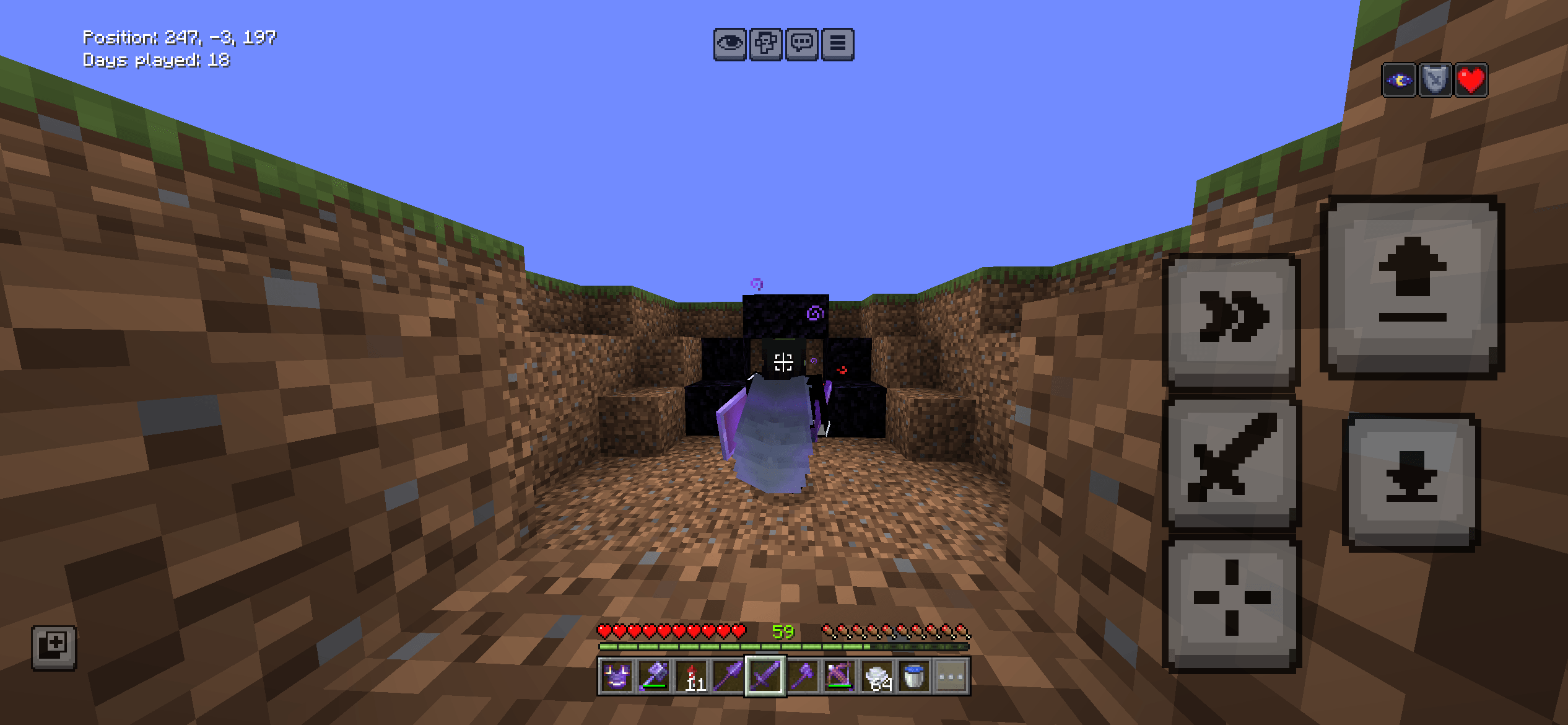
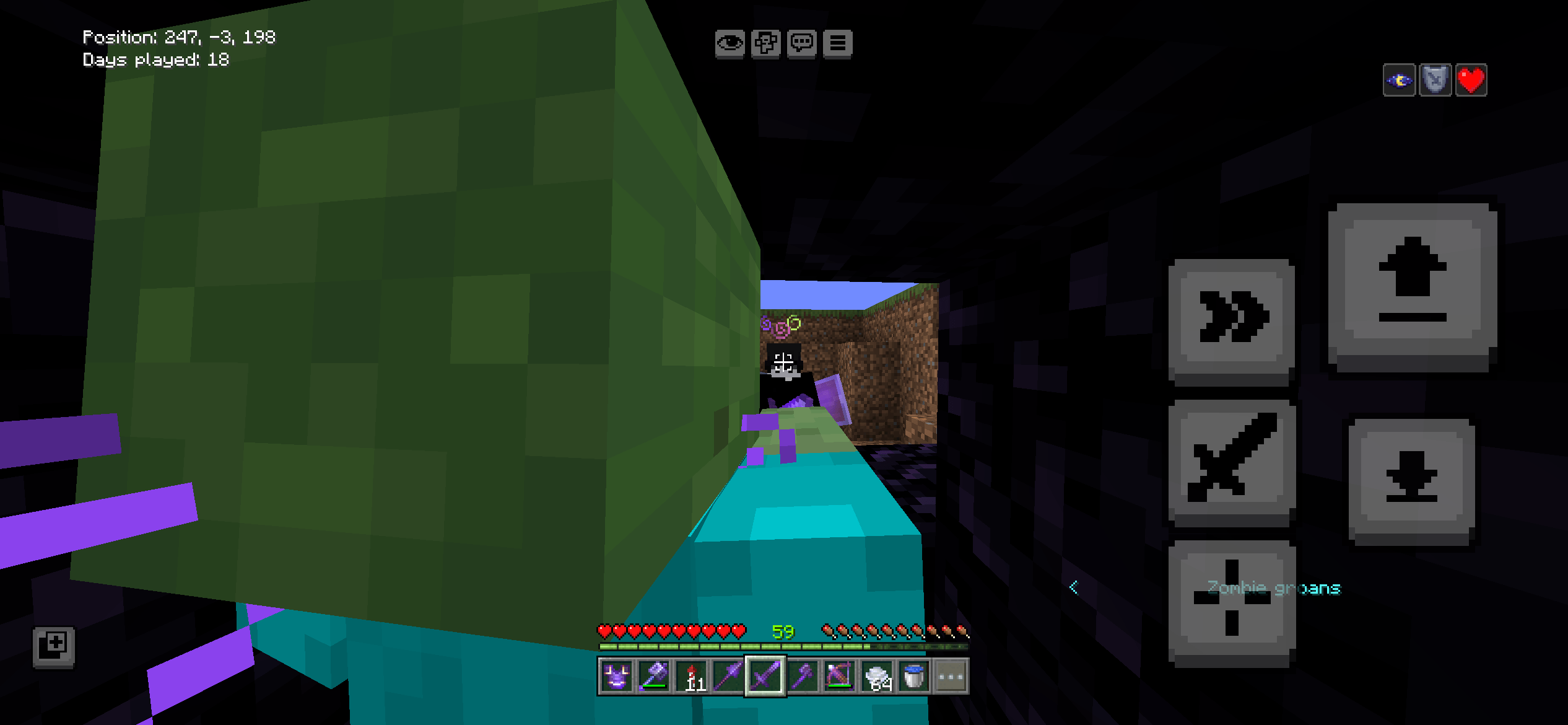
This mod makes your crosshair display different when an entity is in reach like players, zombie, sheep etc, this is useful in PvP and servers.
Credits: Codes are made by Yannnim so I do not claim full ownership of this mod.
Warning: Do not use the first file that you see, that could be a mistake or maybe not I maybe added the wrong one so kindly check if the first file use the same pack icon as given on CurseForge and MCPEDL and check if the file contains a .md file called "credits.md"
- Edition: Minecraft Bedrock
- File type: .mcpack
- Minecraft versions listed: 26.0.02, 26.0, 26.3
- How to install: Download the .mcpack. → Open it — Minecraft imports it under Resource Packs. → Activate it in Global Resources, or for one world under Resource Packs → Available.
- Where to get it: Opens on CurseForge — not every file is mirrored on our own servers.
Install steps are the general flow for this file type — How to install Minecraft Bedrock texture packs walks through it step by step.
- Pack type: .mcpack — a single pack
- Manifest requires Minecraft 1.21.30 or newer
- Complete pack — everything it depends on is inside the file
- Download size: 9 KB
- Download link checked 10 Oct 2026 — working
These come from our own check of the pack file, not from the source page.