Find the Button: Nether Update
Minecraft's latest Nether has been released, this is the best time to play the Find the Button game. Find the Button: Nether Update consists of 5…
⬇ Download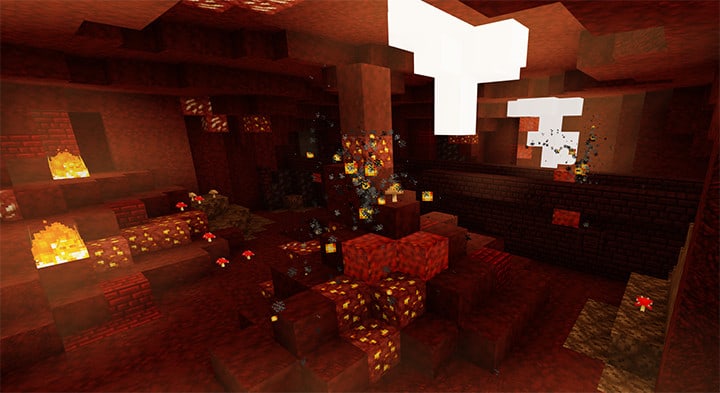
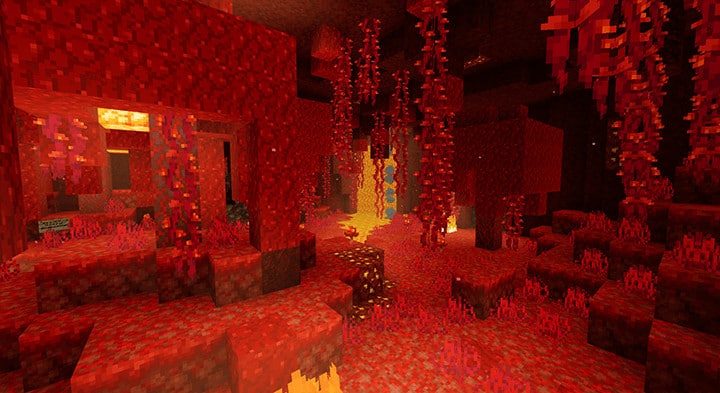
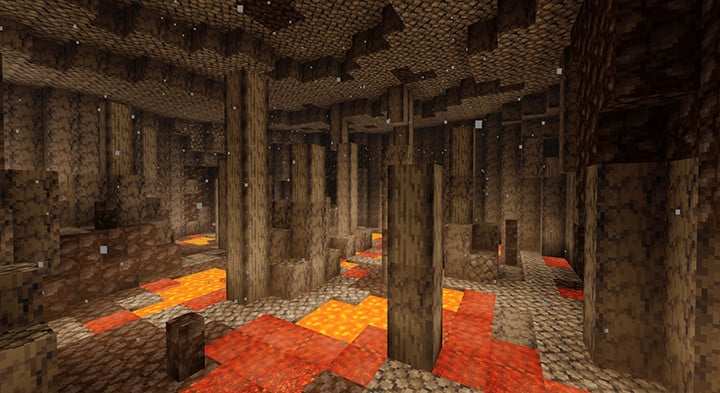
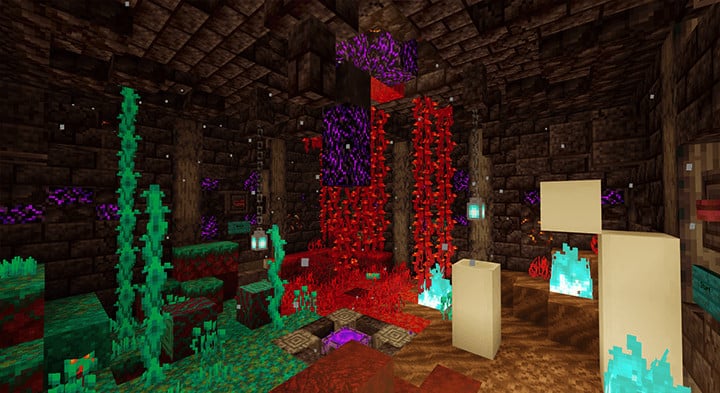

Minecraft’s latest Nether has been released, this is the best time to play the Find the Button game. Find the Button: Nether Update consists of 5 different levels, representing 5 biomes of Nether.
Creator: Endercraft Studio
Find the Button: Nether Update
5 Unique Levels for the 5 different Nether biomes. This map is multiplayer compatible!
DOWNLOAD
👉 If you like this map, you can also check our DisneyPark | Minecraft PE Maps, -94440: High-Rise Building in a Village
- Edition: Minecraft Bedrock
- File type: .mcworld
- How to install: Download the .mcworld file. → Open it — Minecraft imports it as a new world. → Find it in your Worlds list and play.
- Where to get it: In MCModsHub, or directly above on this page.
Install steps are the general flow for this file type — How to install Minecraft Bedrock maps walks through it step by step.
- Pack type: .mcworld — a ready-made world
- Download link checked 17 Jun 2026 — working
- Mirrored on our own servers — the download does not depend on the original host
These come from our own check of the pack file, not from the source page.