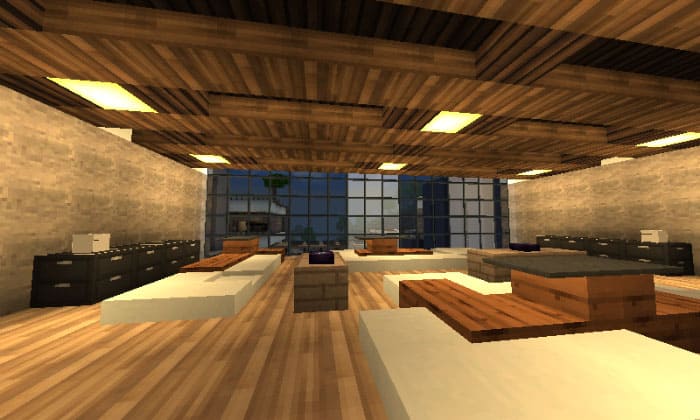

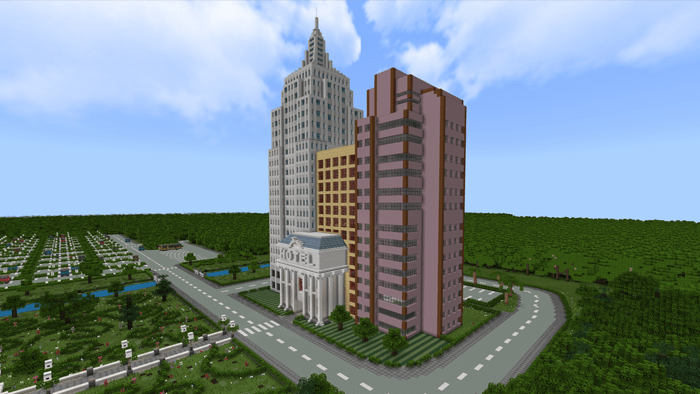
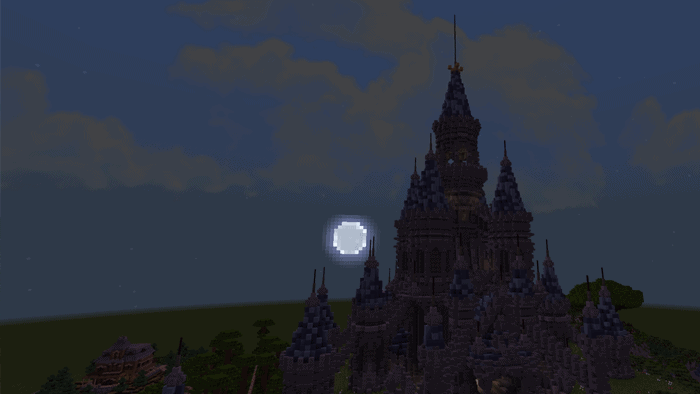
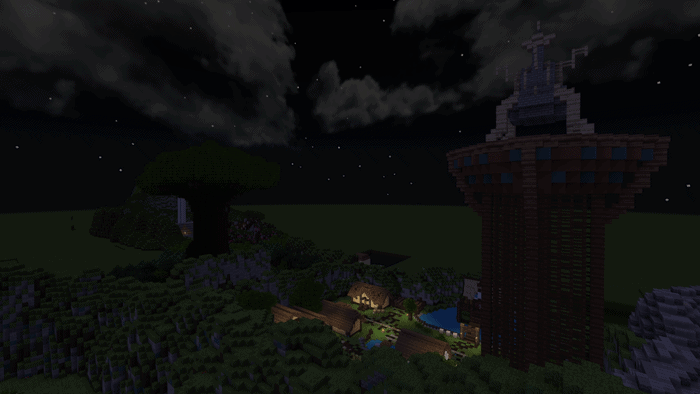

This pack focuses on adding more modern and realistic textures to Minecraft games. If you like the default texture but you would like it added a modern look, for example, modified natural world terrain: grass blocks, liquid blocks, or sky, … this pack will be a good choice for you.
Cre: M7MoGameR, Twitter
Aero Star Modern
Changelog
| Added: – New paintings, font – A lot of new textures – Custom heads – New logo – Shaders Fixed: – The grasses path random rotation problem – The draken watercolor Compatible with the 1.4 update Brighter water textures And more! |
Downloads
You can get. ZIP file here: Aero Star Modern Texture Pack
👉 If you like our this texture pack, you can also check our ModernHD PE [64×64] created MrChuyito15YT; Fancy Beds Texture Pack [16×16] created by JY GamingMC
Quick facts
- Edition: Minecraft Bedrock
- File type: .mcpack
- How to install: Download the .mcpack. → Open it — Minecraft imports it under Resource Packs. → Activate it in Global Resources, or for one world under Resource Packs → Available.
- Where to get it: In MCModsHub, or directly above on this page.
Install steps are the general flow for this file type — How to install Minecraft Bedrock texture packs walks through it step by step.
Verified by MCModsHub
- Pack type: .mcpack — a single pack
- Complete pack — everything it depends on is inside the file
- Download link checked 17 Jun 2026 — working
- Mirrored on our own servers — the download does not depend on the original host
These come from our own check of the pack file, not from the source page.