Texture packsBedrock
Circular Hotbar | Minecraft Texture Packs
Minecraft Bedrock texture pack. Download on the author's site.
⬇ Download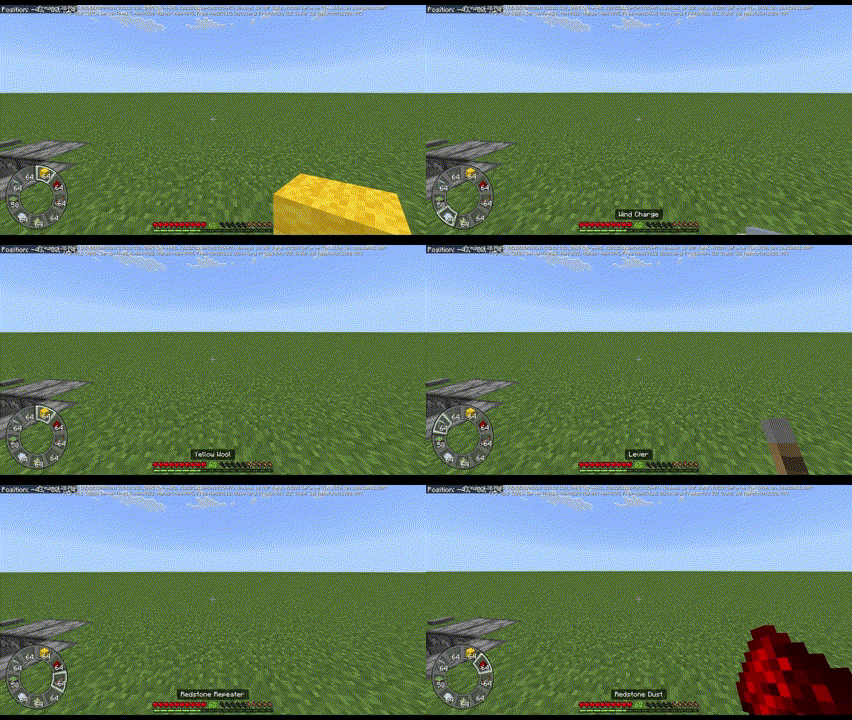
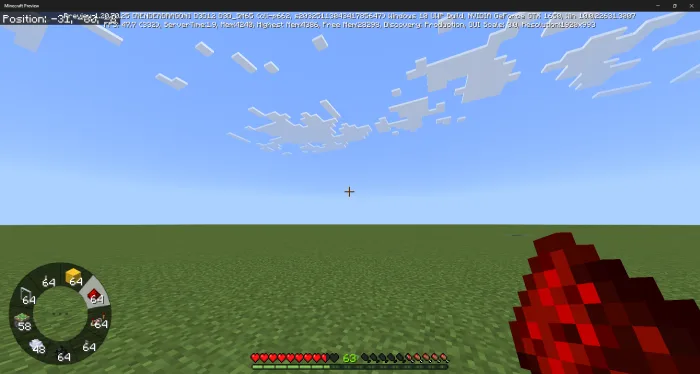
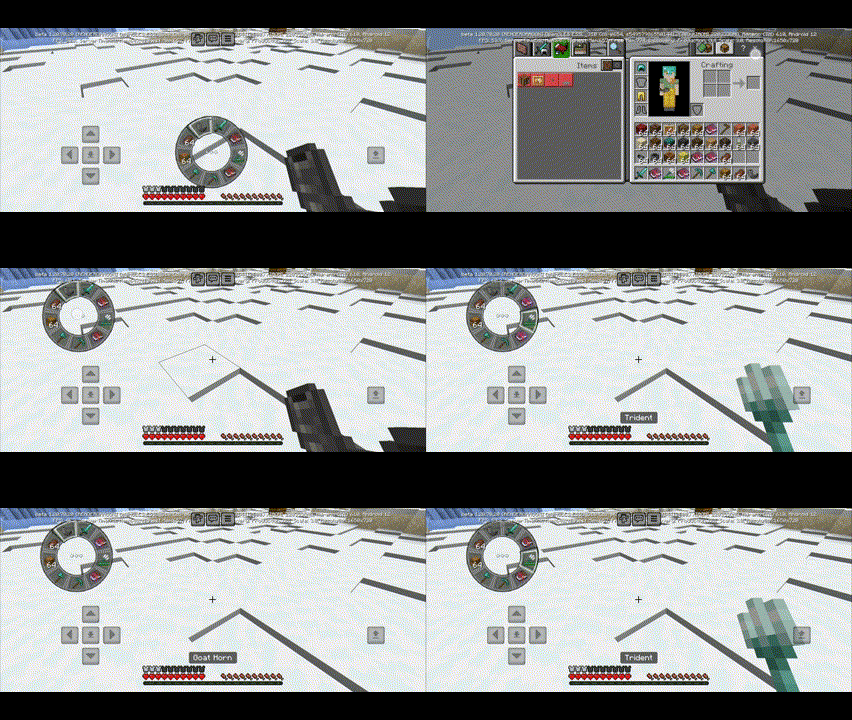
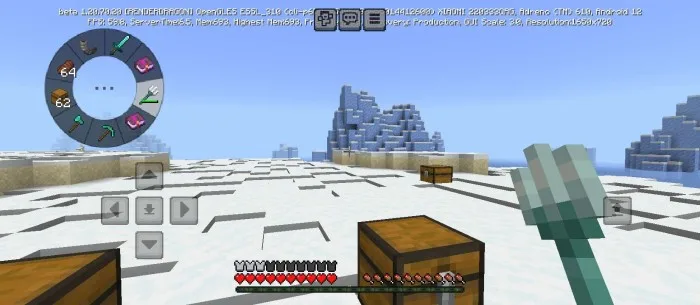

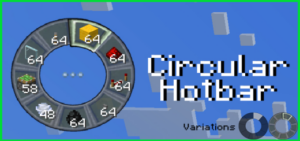
Creating a new gaming experience with a circular Hotbar, similar to in battle games. There are two variations available, and it can be easily moved to a different position without touching any code at all.
Creator: The Andromedarius
Circular Hotbar
On PC:
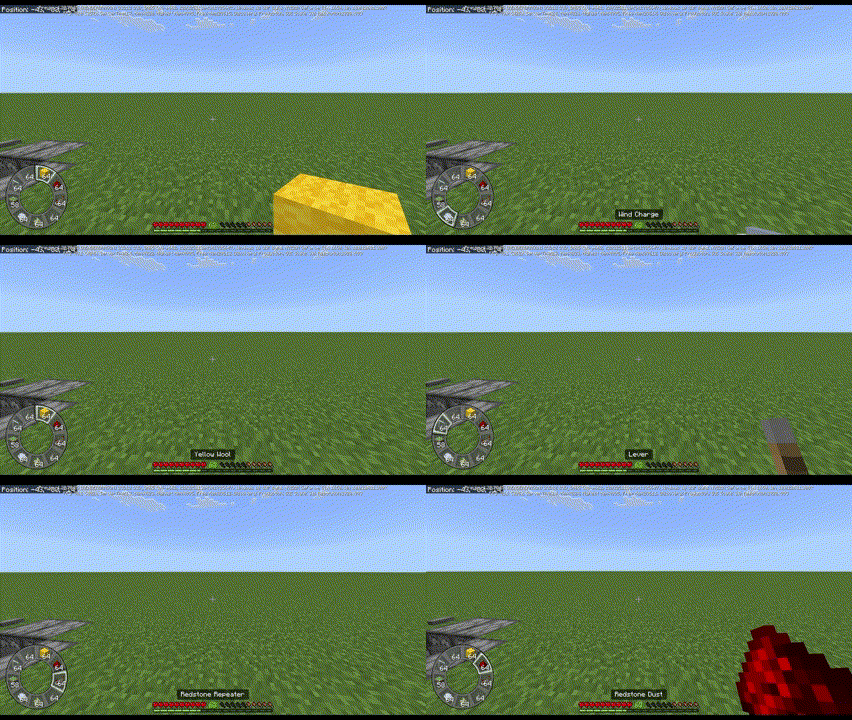
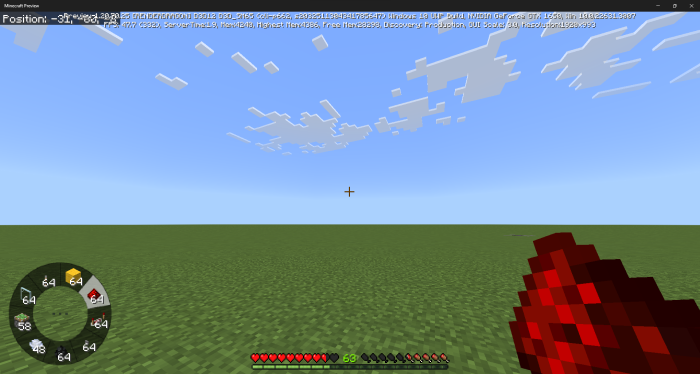
On mobile:
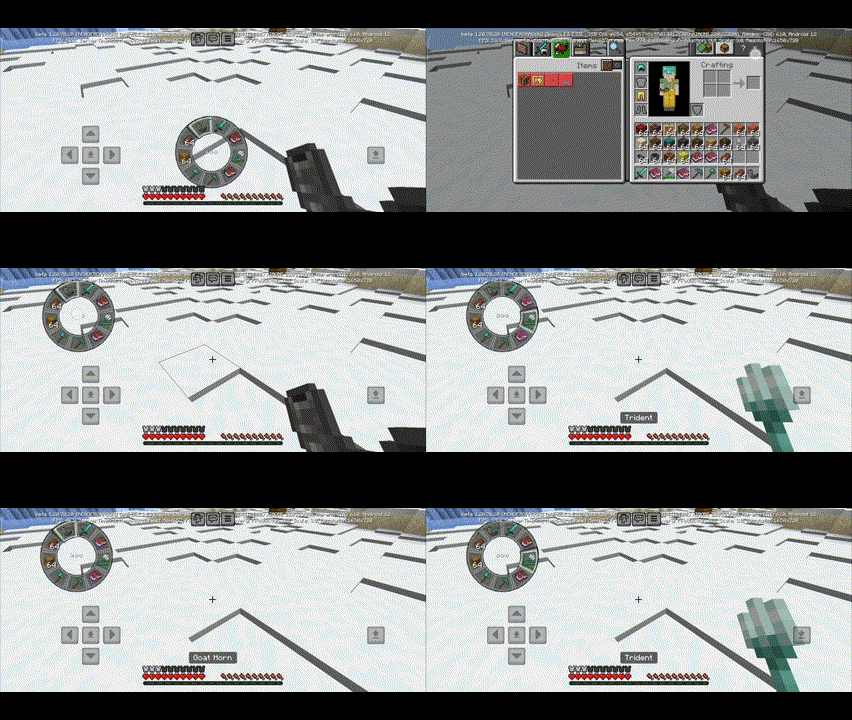
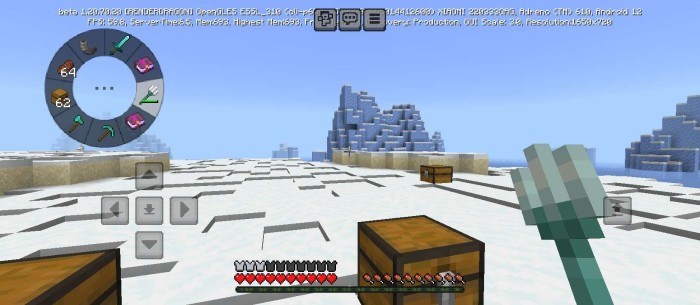
How to use:
- Double-click the middle button to access the Inventory.
- Hold and drag the middle button to move items.
- If unable to click, point the cursor to the ground and click several times on any slot.
Installation

↳Download Circular Hotbar Texture Pack (Loot Labs)
Supported Minecraft versions
1.20.60 1.20.50 1.20.40 1.20.30 1.20.12 1.20.10 1.20.1 1.20.0
Quick facts
- Edition: Minecraft Bedrock
- File type: .mcpack
- How to install: Download the .mcpack. → Open it — Minecraft imports it under Resource Packs. → Activate it in Global Resources, or for one world under Resource Packs → Available.
- Where to get it: Opens on the file's original source — not every file is mirrored on our own servers.
Install steps are the general flow for this file type — How to install Minecraft Bedrock texture packs walks through it step by step.
Circular Hotbar | Minecraft Texture Packs is a free Minecraft Bedrock texture pack. Download it and open it directly in the game.