
Stripped Fences v1.2
Bedrock texture pack listed for Minecraft 1.16–1.21. File opened and checked on 9 Oct 2026; installs from the MC Bedrock Mods app on Android.
⬇ Download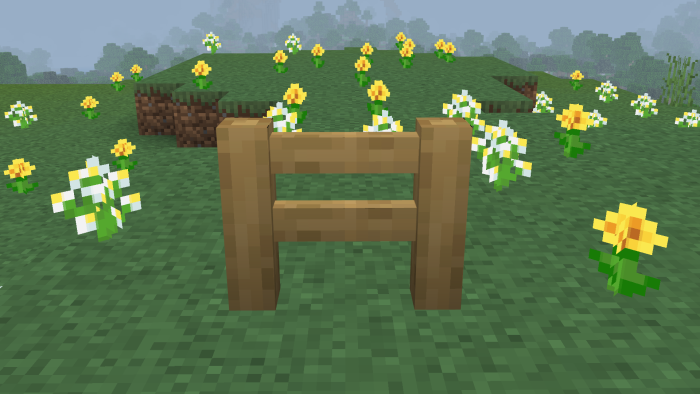
Have you ever thought that the fence textures were out of place? Well look no further! These custom textures have been designed with the aim of looking as if the fences were made of posts of stripped logs. All wood types in the game as of 1.20 have been given handmade textures that keep faith to what stripped logs look like, without making them hard to recognise.
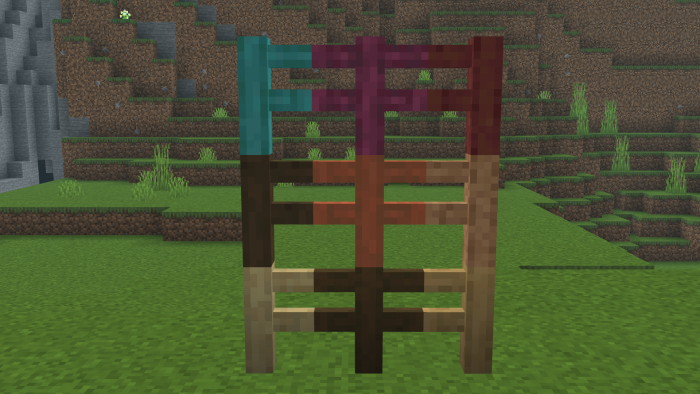
These textures work with all block states of fences - whether they are by themselves, or connected to other blocks or fences.
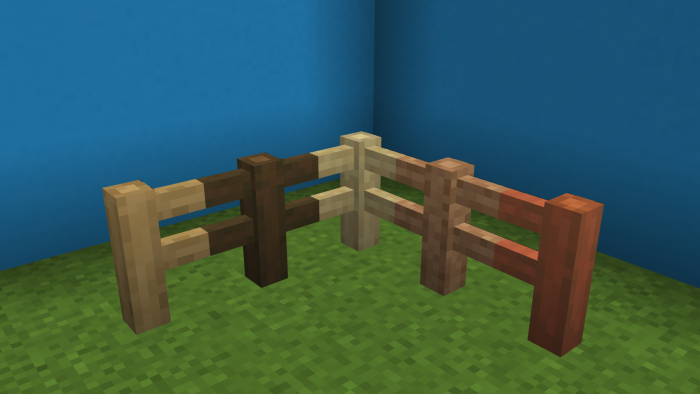
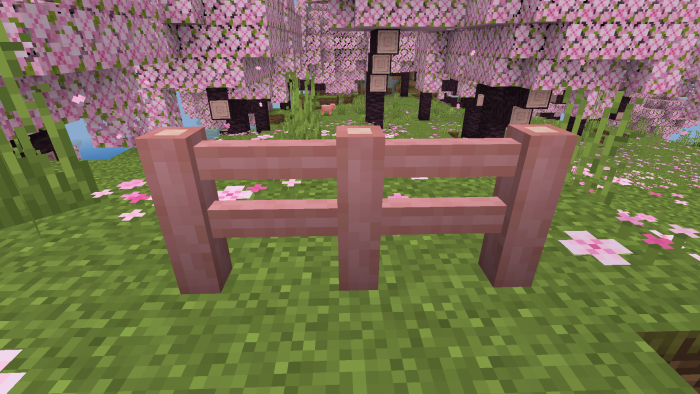
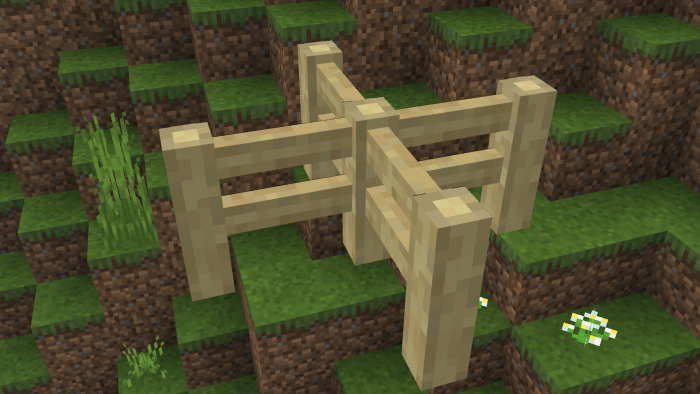
There is also another subpack option for using the default stripped logs textures, for those who may find the custom textures too intrusive. However, it is recommended that you try the custom textures first to get a feel of it! (Not pictured)
- Edition: Minecraft Bedrock
- File type: .mcpack
- Minecraft versions listed: 1.19, 1.18, 1.20.0
- How to install: Download the .mcpack. → Open it — Minecraft imports it under Resource Packs. → Activate it in Global Resources, or for one world under Resource Packs → Available.
- Where to get it: In MCModsHub, or directly above on this page.
Install steps are the general flow for this file type — How to install Minecraft Bedrock texture packs walks through it step by step.
- Pack type: .mcpack — a single pack
- Manifest requires Minecraft 1.16.2 or newer
- Complete pack — everything it depends on is inside the file
- Download size: 83 KB
- Download link checked 3 Aug 2026 — working
- Mirrored on our own servers — the download does not depend on the original host
These come from our own check of the pack file, not from the source page.