
Voting:
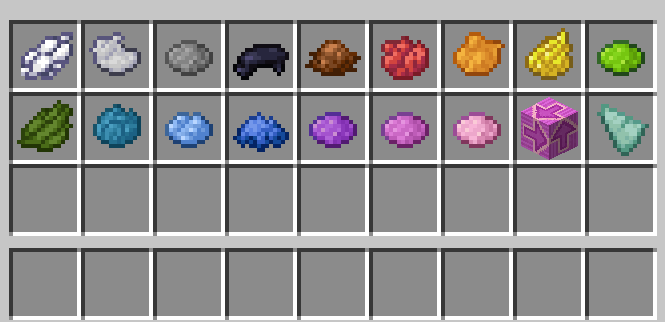
Use The Inventory To Vote. You Must Wait Till Discussion Time Is Over Before You Can Vote
To Vote Someone, Click On Their Color. It Will Appear Above Them During Meetings
Also, You Can Skip By Clicking The Terracotta And Abstain By Clicking The Shard
Abstaining Does Not Contribute To Anyone's Votes At All Skipping Does
When Someone Is Voted You Will See Them Fly Into Space Here:
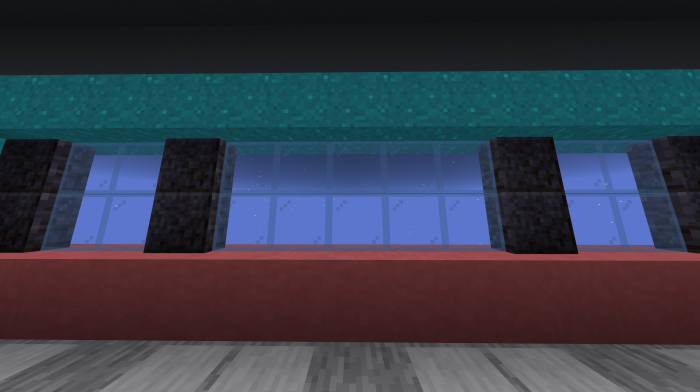
O2 Has Not Been Fully Added Yet So Someone Just Needs To Be Stand In Admin And Another Person In O2
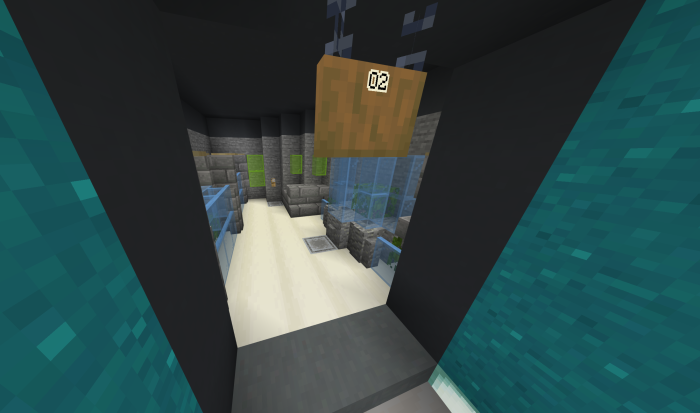
Reactor Works The Same Way But With The Hand Panel Things.
Hotbar:
The First And Second Slots Are Useless Because There Aren't Role Abilities Yet
Use The 3rd Slot To Interact With Objects(Cameras, Admin Table, Meetings, Vents)
The 4th Slot Is The Report Or Switch Vents/Cameras
The 5th Slot Is To Kill
The 6th And 7th Slot Is To Sabotage
And The 9th Slot Is To View Your Tasks, Role, And Imposter Team(If Your Imposter)
- Edition: Minecraft Bedrock
- File type: .mcworld
- Minecraft versions listed: 1.21.70, 1.21.50, 1.21.41
- How to install: Download the .mcworld file. → Open it — Minecraft imports it as a new world. → Find it in your Worlds list and play.
- Where to get it: In MCModsHub, or directly above on this page.
Install steps are the general flow for this file type — How to install Minecraft Bedrock maps walks through it step by step.
- Pack type: .mcworld — a ready-made world
- Download size: 699 KB
- Download link checked 3 Aug 2026 — working
- Mirrored on our own servers — the download does not depend on the original host
These come from our own check of the pack file, not from the source page.