Home›Bedrock›Texture packs›Minecraft Java Beta Launcher (Minecraft: Java Version selector for Bedrock Edition)

Texture packsBedrock
Minecraft Java Beta Launcher (Minecraft: Java Version selector for Bedrock Edition)
Note:
AgentMindStorm the creator of Java Aspects has gave me permission to release this texture pack
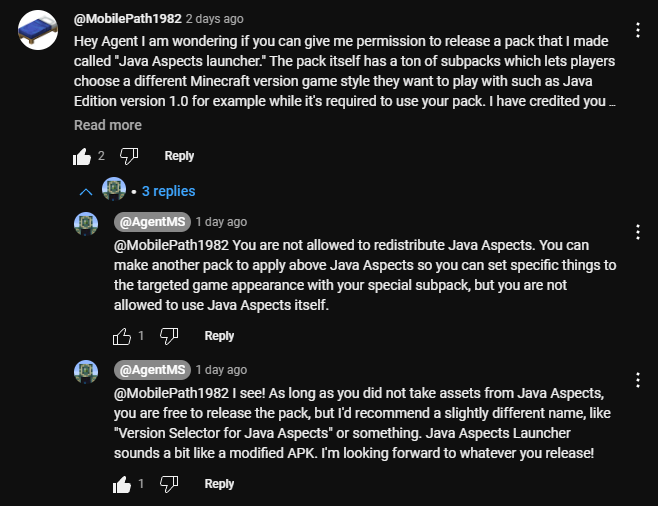
There are a lot of subpacks to choose from
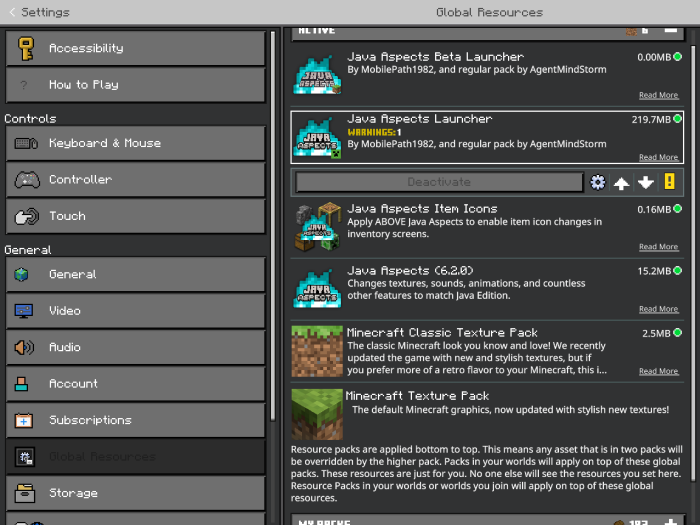
This is the order you need to put the packs in for it to work properly. Minecraft Classic texture pack is required to download which is free on the marketplace.
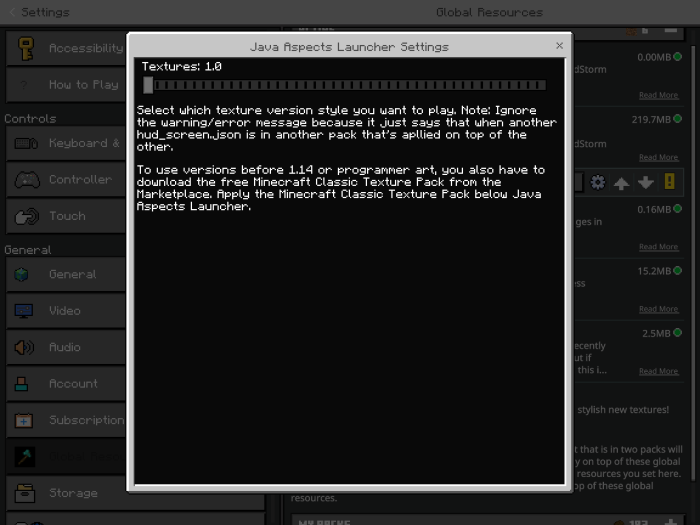
You then need to set the main pack subpack setting to 1.0.
Then your good to go!
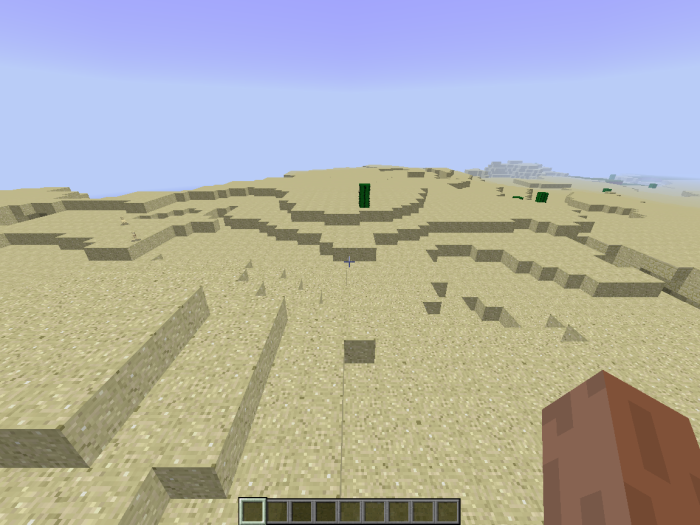
Screenshots:
To hide the xp bar and hunger bar like in the old days use the hud command:
/hud @a hide hunger
/hud @a hide progress_bar
Quick facts
- Edition: Minecraft Bedrock
- File type: .mcpack
- Minecraft version listed: 1.21.50
- How to install: Download the .mcpack. → Open it — Minecraft imports it under Resource Packs. → Activate it in Global Resources, or for one world under Resource Packs → Available.
- Where to get it: In MCModsHub, or directly above on this page.
Install steps are the general flow for this file type — How to install Minecraft Bedrock texture packs walks through it step by step.
Verified by MCModsHub
- Save it as 24894.mcaddon before opening — it downloads as .mcpack, but it is a .mcaddon pack
- Manifest requires Minecraft 1.21.70 or newer
- Complete pack — everything it depends on is inside the file
- Download size: 36.4 MB
- Download link checked 2 Aug 2026 — working
- Mirrored on our own servers — the download does not depend on the original host
These come from our own check of the pack file, not from the source page.