Creadits: Shin Grey
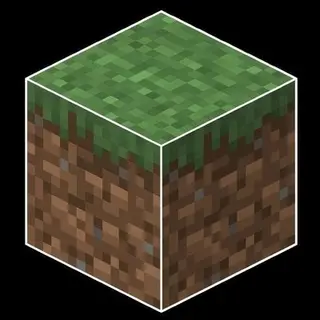
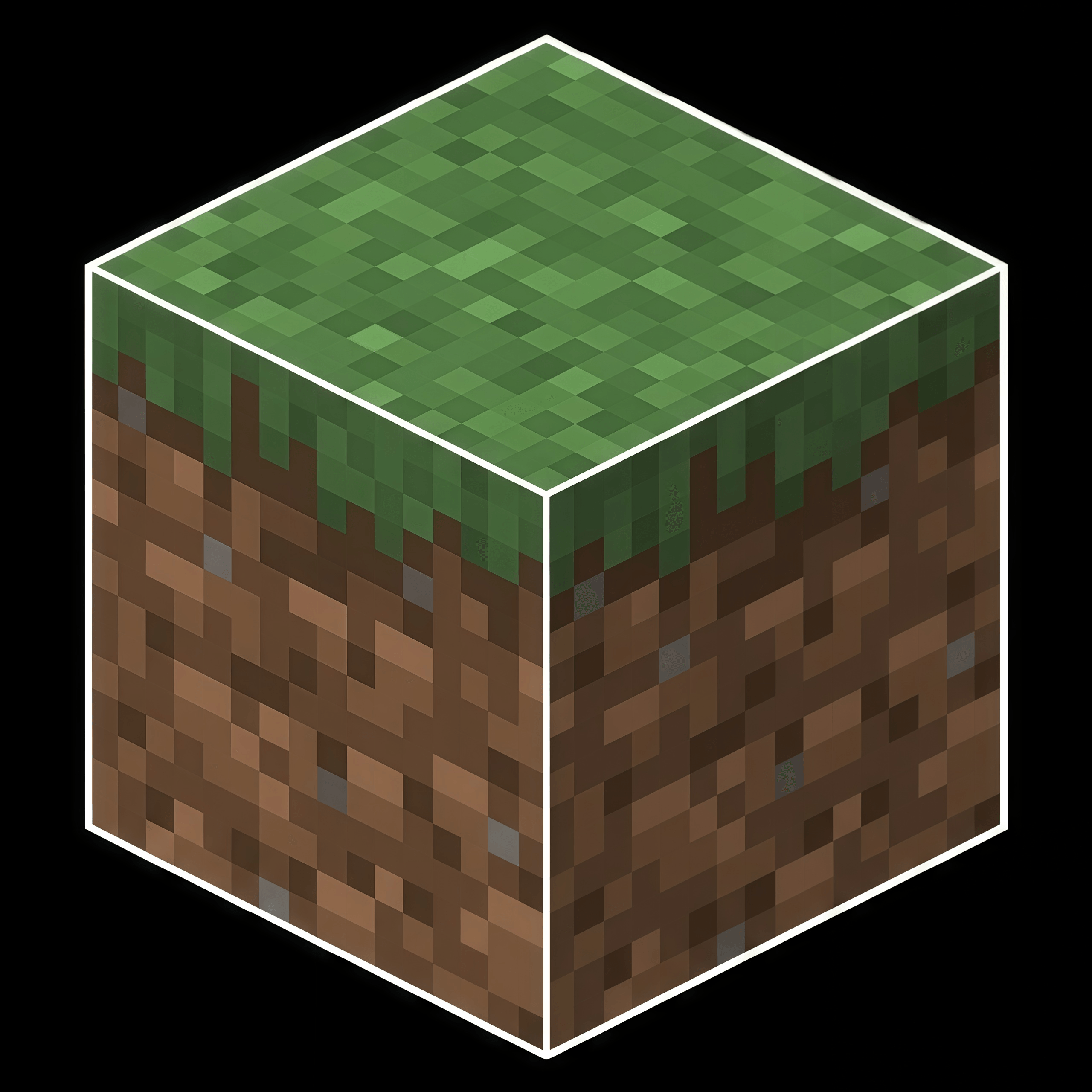
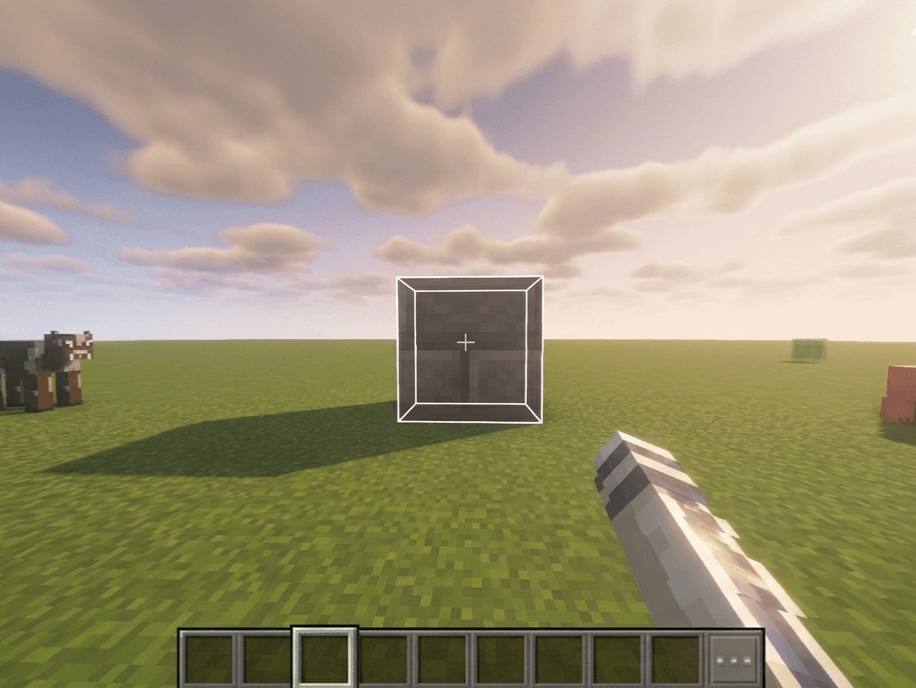
😶🌫️ A lightweight overlay that adds crisp white outlines to every block edge, enhancing visual clarity and giving your Minecraft world a cleaner, more polished look while preserving the vanilla style.
🔥The white outlines make block edges easier to distinguish, helping you target and select blocks more accurately while building, mining, or exploring.
If there are any bugs or problems, please comment so we can improve them.
Don't forget to follow our channel for further updates.
Quick facts
- Edition: Minecraft Bedrock
- File type: .mcpack
- Minecraft versions listed: 26.20, 26.30
- How to install: Download the .mcpack. → Open it — Minecraft imports it under Resource Packs. → Activate it in Global Resources, or for one world under Resource Packs → Available.
- Where to get it: Opens on CurseForge — not every file is mirrored on our own servers.
Install steps are the general flow for this file type — How to install Minecraft Bedrock texture packs walks through it step by step.
Verified by MCModsHub
- Pack type: .mcpack — a single pack
- Manifest requires Minecraft 1.16.0 or newer
- Complete pack — everything it depends on is inside the file
- Download size: 1003 KB
- Download link checked 8 Sept 2026 — working
These come from our own check of the pack file, not from the source page.